Find your streaming device
Pick the hardware that opens your player. A television, a streaming stick and a set-top box can have three different app stores.
What is actually connected to your television?
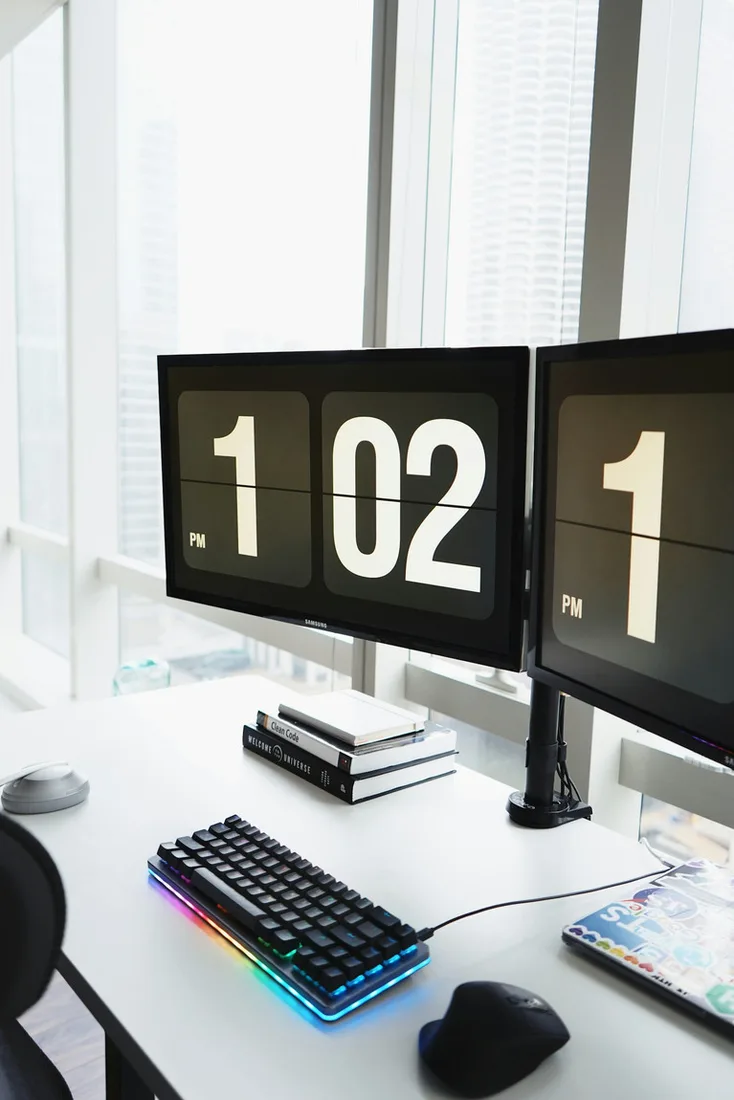
A living-room setup often has more than one device capable of opening a player. A television may have its own store, a stick may be left in HDMI 1 and a games console may occupy another input. Press Home on the remote you normally use for viewing. Identify the device that draws that screen before looking up its player.
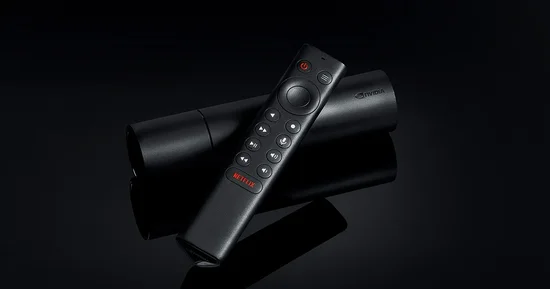
Model and generation are especially important when a manufacturer keeps the same retail family across different operating systems. A photograph helps with the first identification. The software information screen, the model on the receiver or the original product label usually supplies the detail needed for an installation decision.
Fire OS on Fire TV
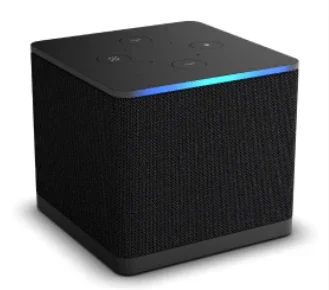
Amazon distinguishes Fire TV devices by generation and build model. The code is particularly useful when the retail names are almost the same. The Android API level used by Fire OS helps a publisher decide whether a package can even be considered. A family sometimes replaces the television while keeping the old Fire stick behind it. The panel model changes, but the installation decision still belongs to the device plugged into HDMI. The 2025 Plus is an Android-based Fire OS 8 product. The 2025 Select sits in the Vega OS family, despite the similar retail names. The manufacturer identifies the product by build AFTMA08C15 and lists Fire OS 8. These two details can settle a store question that the release year alone leaves open.
Find the device guideApple TV and tvOS
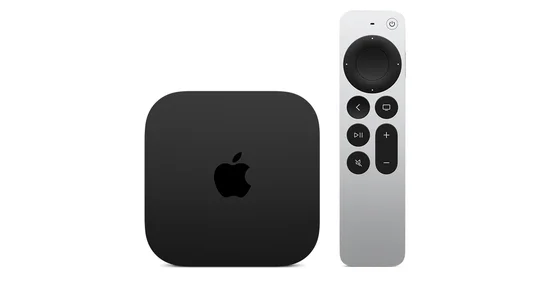
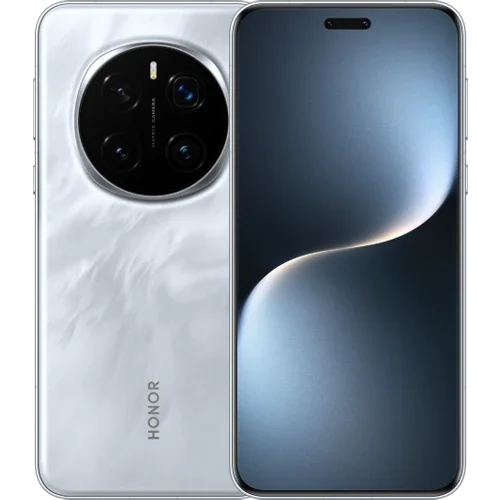
Read the model number on the Apple TV box or its About screen. Apple lists A2843 as the third-generation 4K model with Wi-Fi and Ethernet; A2737 is the Wi-Fi model. The Apple TV app on a smart television can show similar branding without giving you a tvOS App Store. A television in the living room and another in a bedroom might both offer Apple TV+. Only a separate compatible box or another eligible Apple device can use the tvOS installation route described here. The iPhone product photograph identifies a family of phones. The App Store evaluates the installed iOS version and device compatibility instead of the model’s appearance. An iPhone purchase or screenshot can be a useful lead, but the tablet and TV editions have their own compatibility details.
Find the device guideGoogle TV
Google TV describes the interface. The company and model on the television or streaming box still determine which releases it can run. A built-in television can be set up in basic mode, which leaves the tuner and inputs usable while limiting app installation. A household may have a Google TV television and a second Google TV box attached to it. Install on the one whose remote and HDMI input the viewer will use tomorrow morning. Xiaomi’s UK specifications identify the third-generation TV Box S with Google TV, 2 GB of RAM and 32 GB of storage. Its HDMI 2.1 and USB 2.0 connections help distinguish this unit from earlier black boxes with similar names. Use the 32 GB third-generation specification and Google TV interface to distinguish this box from the original 8 GB Mi Box S.
Find the device guideInfomir MAG
Compare the full MAG model and its software family with Infomir’s documentation. MAG544 and MAG544w3 are documented Linux receivers. Infomir also sells products with other operating systems, so the word MAG on a case is only the first part of the identification. A home might also have a mobile Android app that resembles a MAG portal. The native receiver and an emulator can require different provisioning even when their menus look familiar. Infomir’s MAG544 and MAG544w3 belong to its Linux set-top-box range and support HEVC. A guide teaching Android installation on a different MAG family does not identify the setup for these models. Formuler’s MYTVOnline connection choices can look familiar to MAG owners, but the applicable model and provisioned identifier must match the actual player.
Find the device guideWindows
Use Windows System information to identify the edition, installed release, processor and system type. A Surface device may have an ARM-based configuration. A familiar desktop icon or model photo provides little evidence that a particular installer targets the processor in use. A work computer can restrict installation through its own management policy. On a managed PC, an allowed store app or the authorized administrator can answer that question without changing a household viewing plan. The MacBook Air supplies its own screen, keyboard and speakers. Its built-in display gives a useful point of comparison when a television is reached through an adapter or wireless receiver. A family name covers more than one processor generation. About This Mac provides the information the desktop publisher needs.
Find the device guideAndroid phones and tablets
The device’s retail name and its installed Android release are separate pieces of information. A maker’s interface or software version can also be displayed in About. Write down Android version itself, especially after restoring a phone or inheriting an older tablet. An app can cast successfully from one family member’s phone while another phone has trouble opening the same station locally. Test the second phone without casting first. The television cannot diagnose a failed handset login. Xiaomi identifies this handset as Xiaomi 15. A similarly branded Xiaomi TV Box uses a television interface and remote even though both products can run Android-related software. The box and phone each need the player edition intended for their own input method.
Find the device guideAll guides in this collection






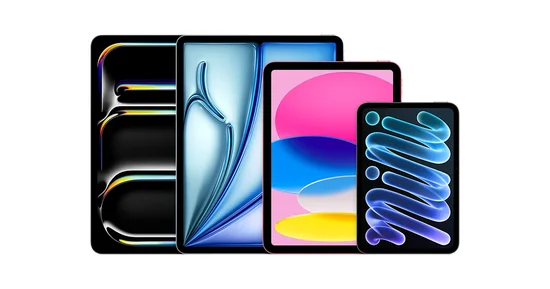
Identify your equipment
Compare product photographs, operating-system logos and remote controls before choosing the appropriate setup guide.
Browse the device photograph directoryIllustrated guides