Name the box that opens the app
A Sony panel can display a player running on an Amazon stick, an NVIDIA box or the television itself. The brand on the front of the set identifies the display in all three cases. To identify the player host, press Home on the remote used to start the app and check the device information there. Then use the model guide that describes that equipment.
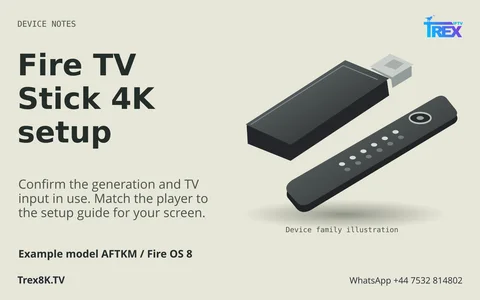
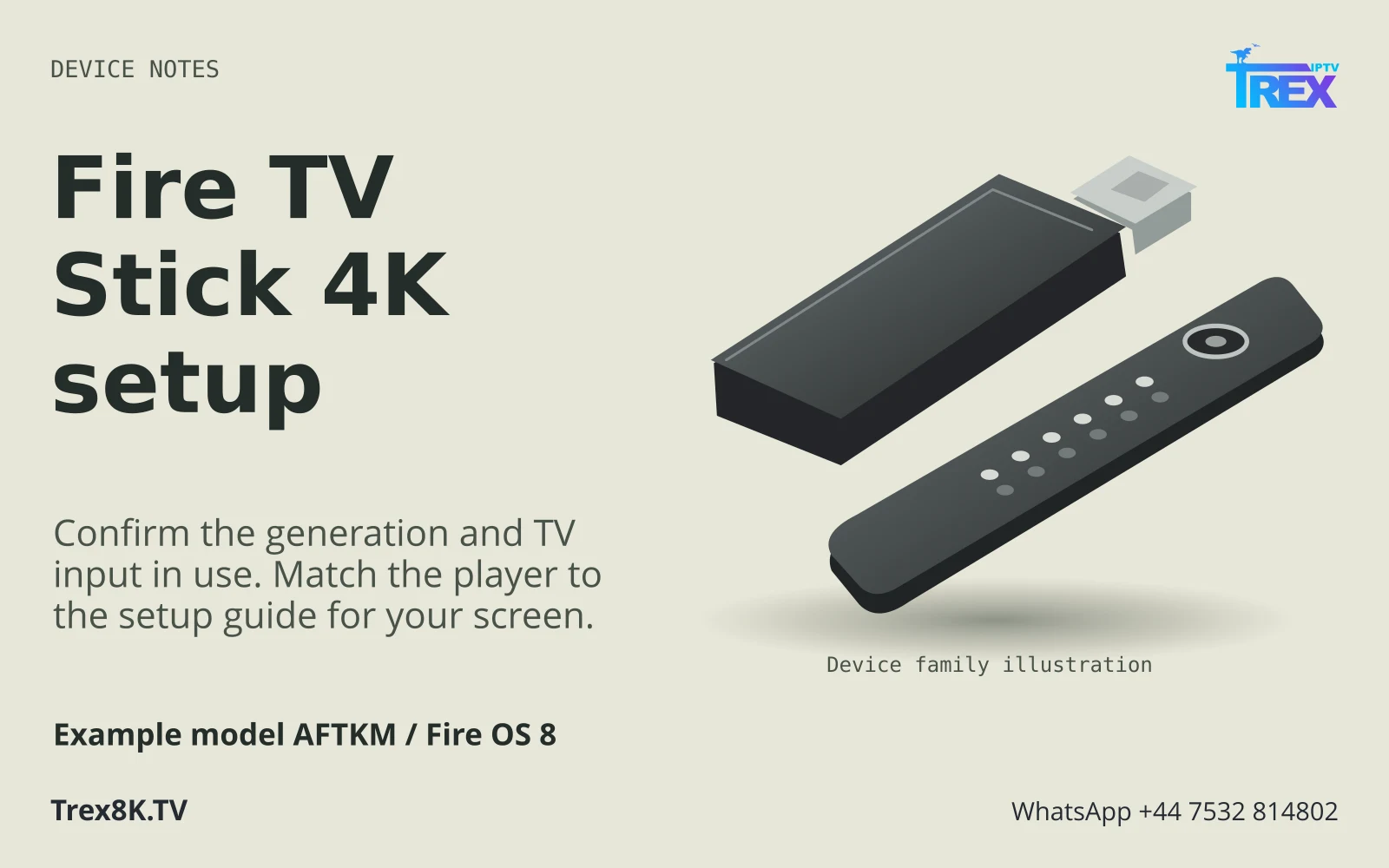
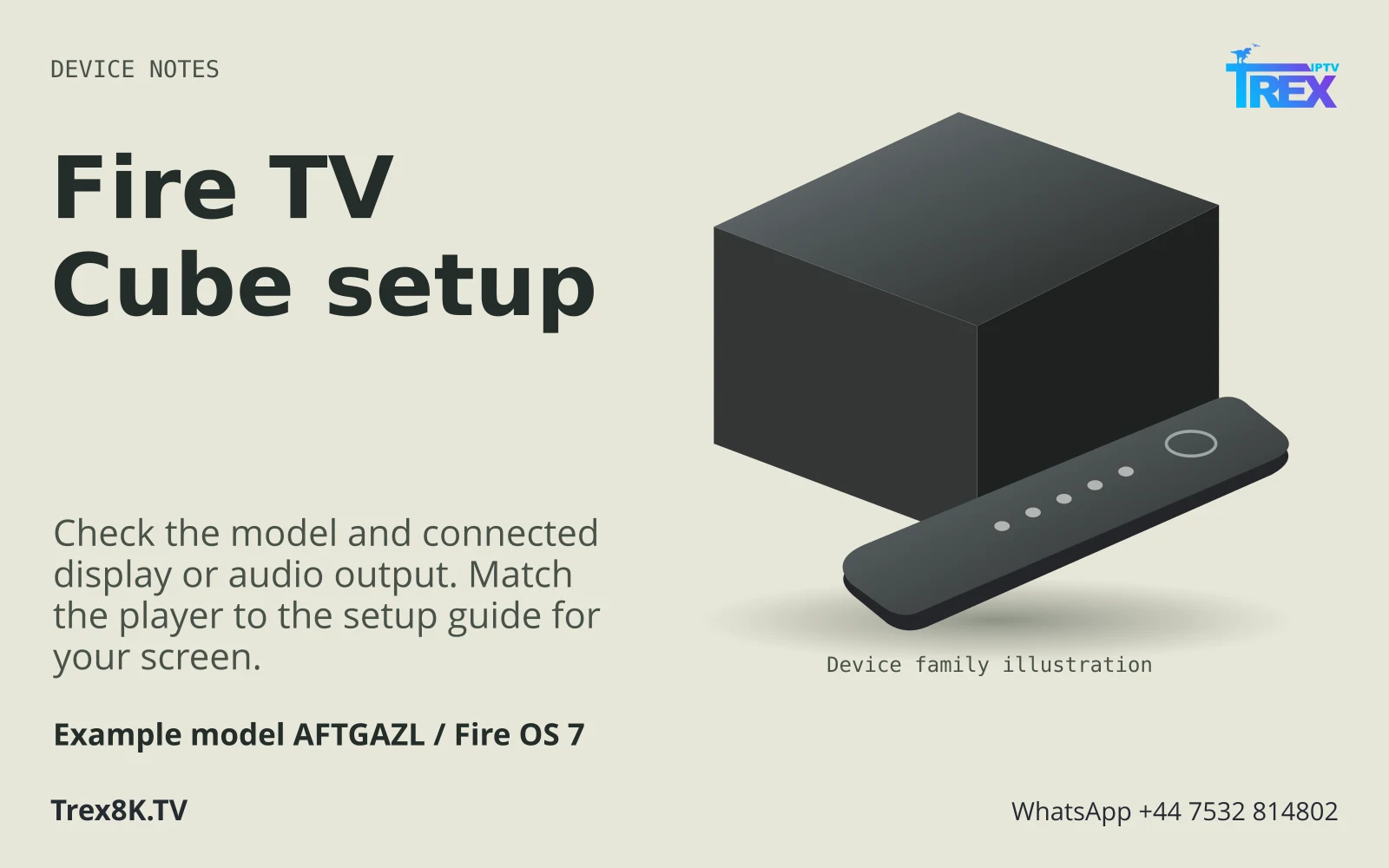
The two Amazon launch examples carry specific model codes. AFTKM and AFTGAZL identify different hardware in their linked model records. Use the code the actual device reports and compare it with the correct generation. A similar shell or an identical television input does not determine the installed system. That matters before discussing a particular installer or interpreting a picture of somebody else’s setup.
A Windows computer connected to a television by HDMI introduces another useful comparison. If the computer runs the player, its operating system and output format belong in the enquiry. If the built-in Samsung or LG app runs the player, start with that television’s app store instead. Identify which remote, keyboard or mouse changes the player menu before assuming the brand on the display supplies the software.
A MAG set-top box and an Android phone can both display live television, yet the route to opening a service may look completely different. Read the controls on the actual device, including whether it expects an address, a player login or an app from its own store. A photograph of an unfamiliar account form is more helpful when the sender names the equipment and keeps all entered data covered.
On an iPad, opening a player is normally a touch task. On an Apple TV, the regular remote must be able to reach the same viewing functions. Before recommending a living-room setup on the strength of a phone test, try the navigation that matters to the household. Reach a favourite station, open programme information and return to the home view without using a touch keyboard. If one step fails, record exactly which control took focus.
A family with several screens can keep a simple list by room. For each room, note the display brand, the device that runs the app and the remote used for the guide. If the list says “LG television, Fire TV Stick, Fire remote”, the next person already knows where an installation question belongs. The list also helps distinguish a display-input change from a missing player after a restart.