Trex8K.TV
Visual guide

Devices and screens · visual guides 3

Open the artwork for a closer look. The linked titles lead to the subject guides.

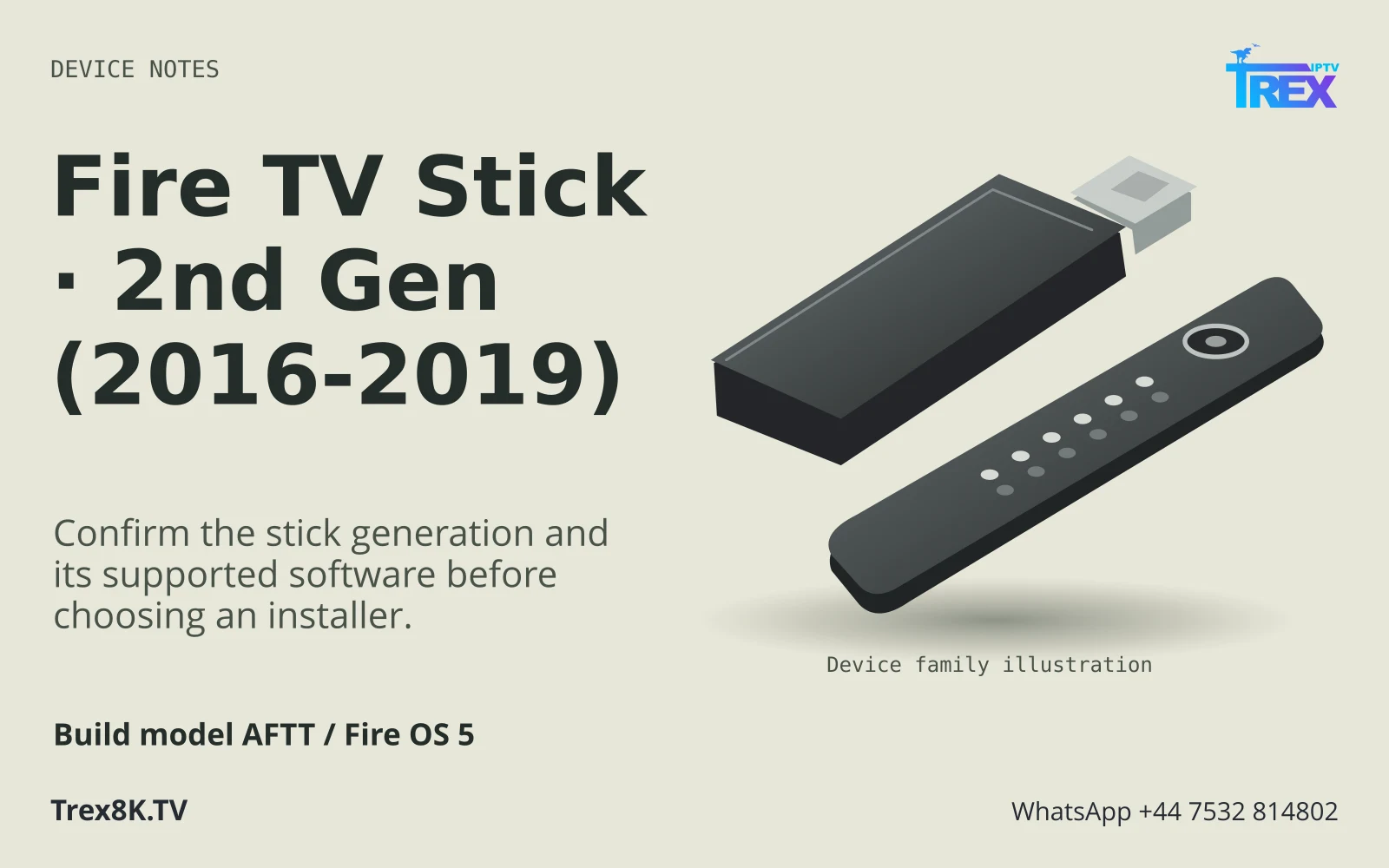
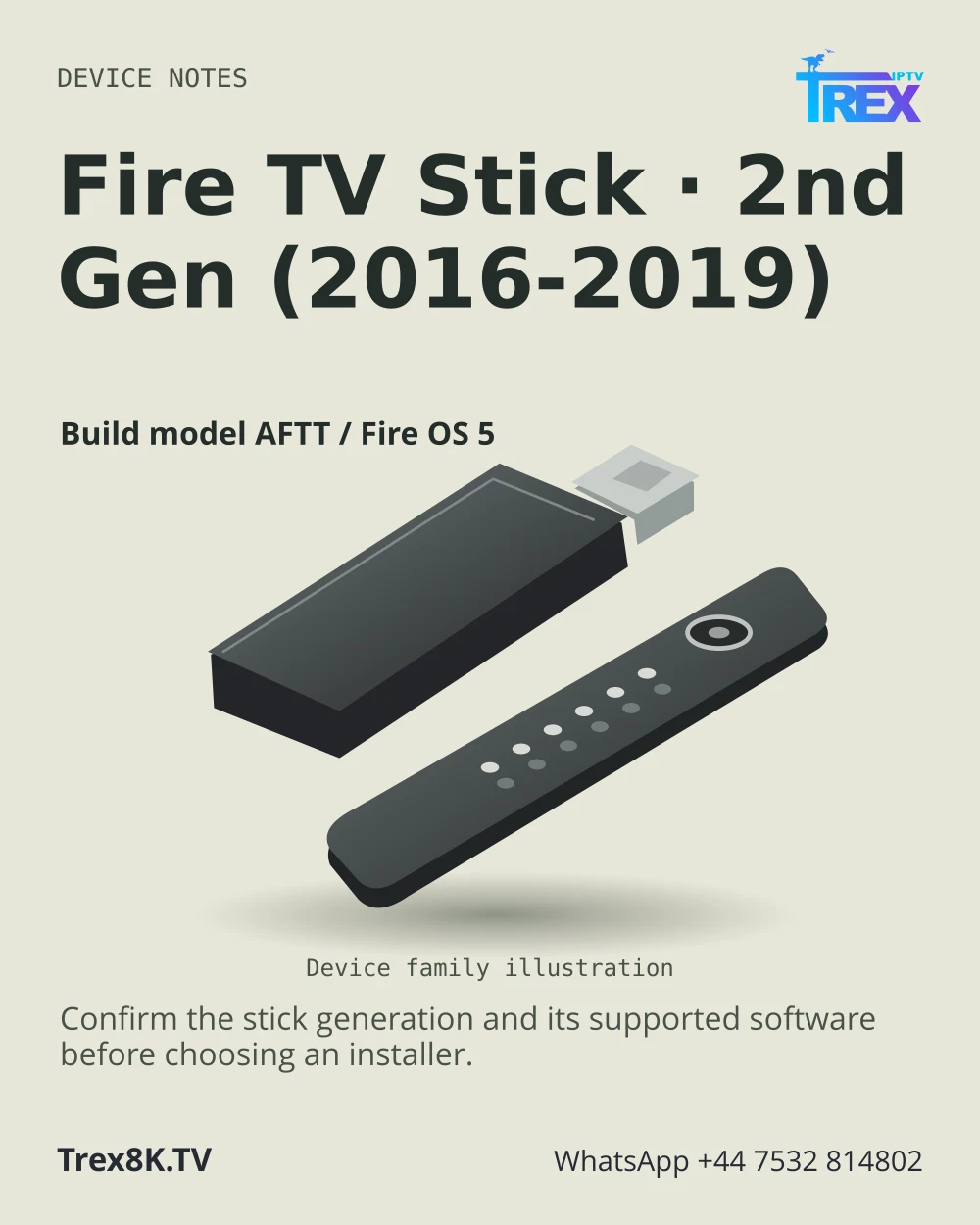
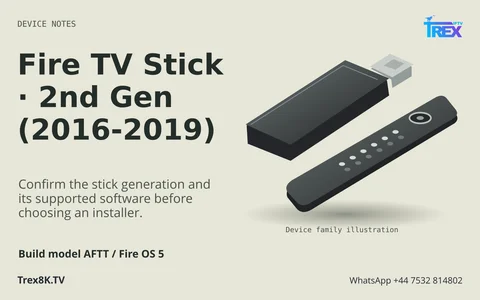
Fire TV Stick · 2nd Gen (2016-2019). An original streaming stick illustration. Confirm the stick generation and its supported software before choosing an installer.
Fire TV Stick · 2nd Gen (2016-2019)Confirm the stick generation and its supported software before choosing an installer. The source lists build model AFTT and Fire OS 5.Open portrait
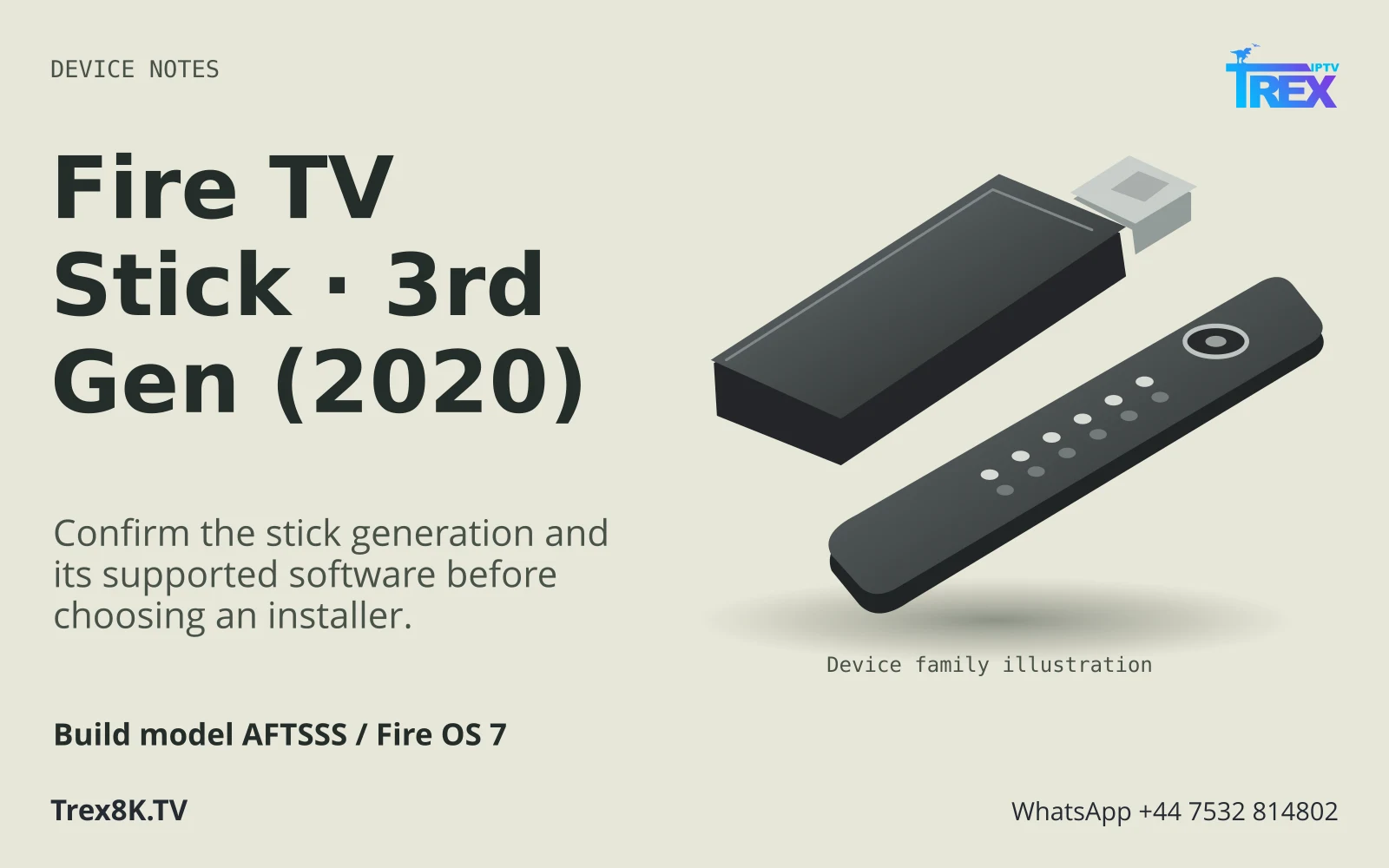
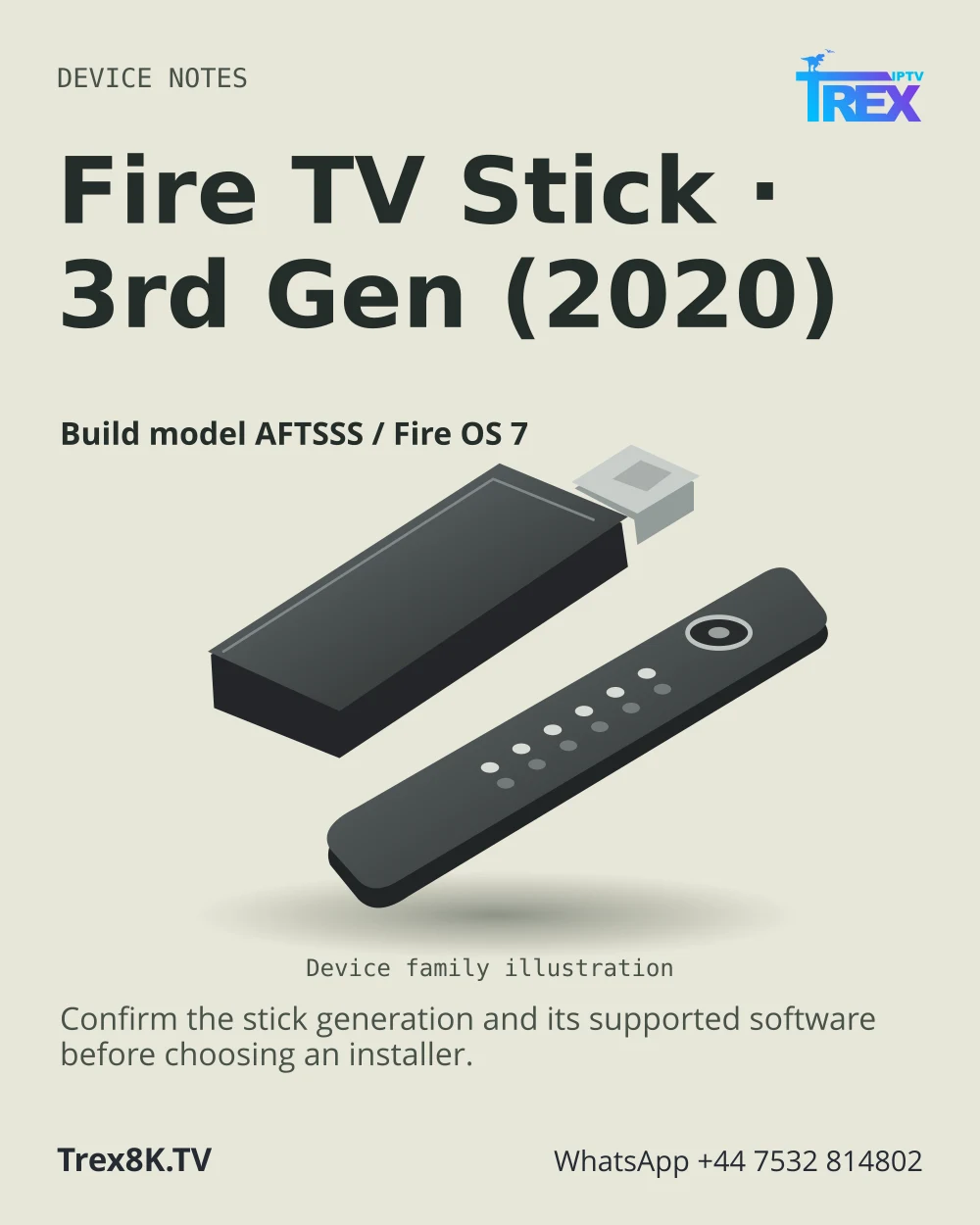
Fire TV Stick · 3rd Gen (2020). An original streaming stick illustration. Confirm the stick generation and its supported software before choosing an installer.
Fire TV Stick · 3rd Gen (2020)Confirm the stick generation and its supported software before choosing an installer. The source lists build model AFTSSS and Fire OS 7.Open portrait
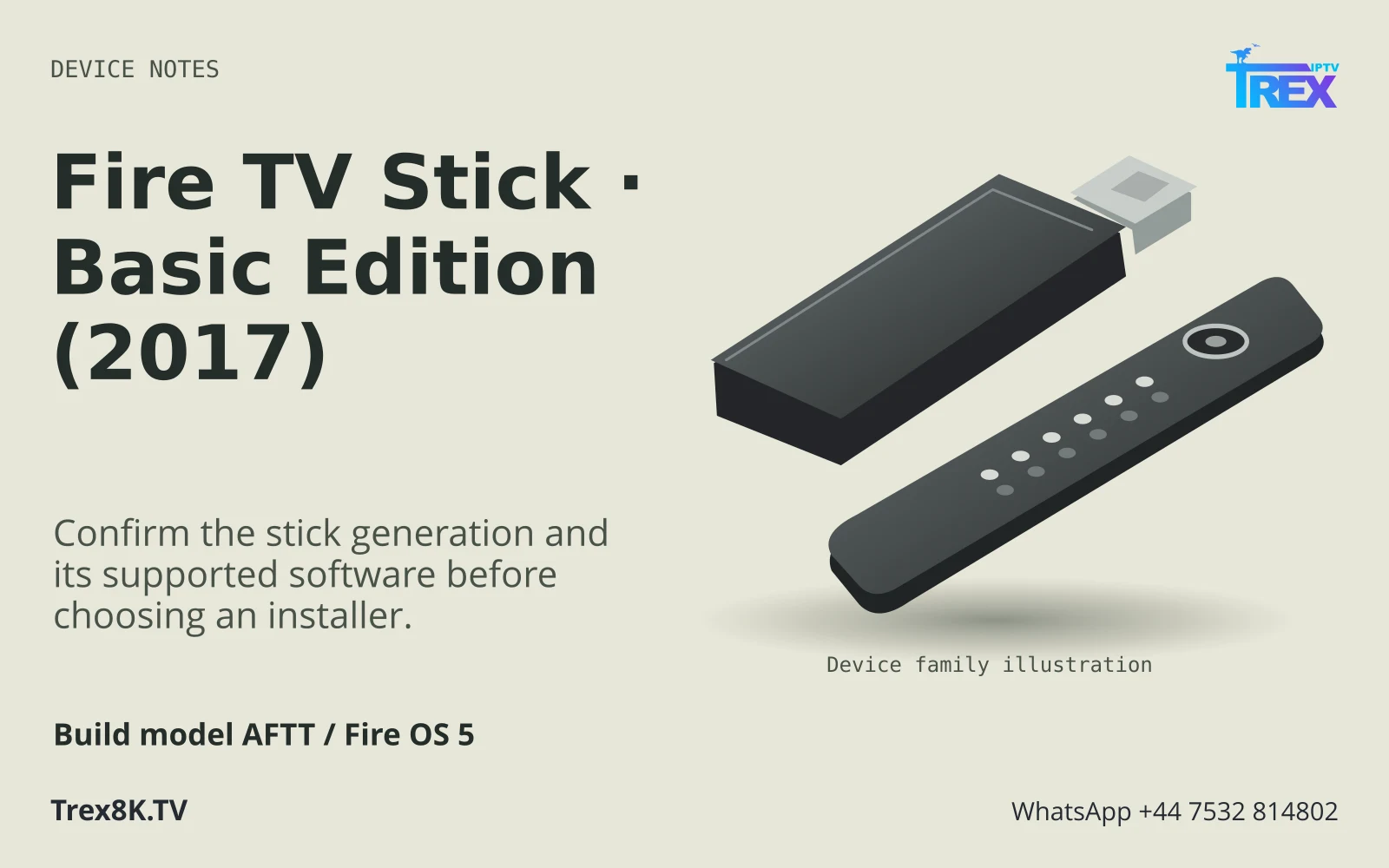
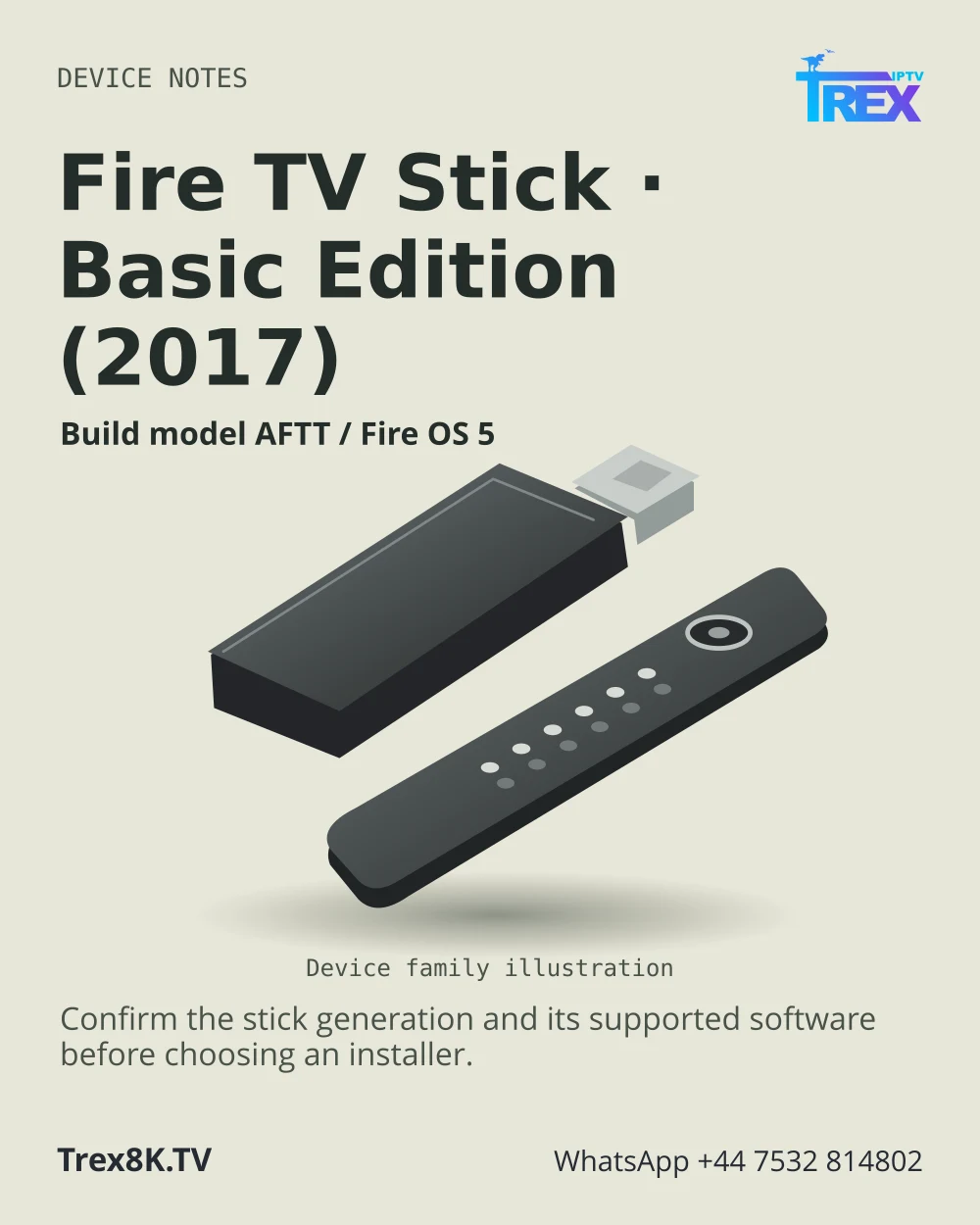
Fire TV Stick · Basic Edition (2017). An original streaming stick illustration. Confirm the stick generation and its supported software before choosing an installer.
Fire TV Stick · Basic Edition (2017)Confirm the stick generation and its supported software before choosing an installer. The source lists build model AFTT and Fire OS 5.Open portrait
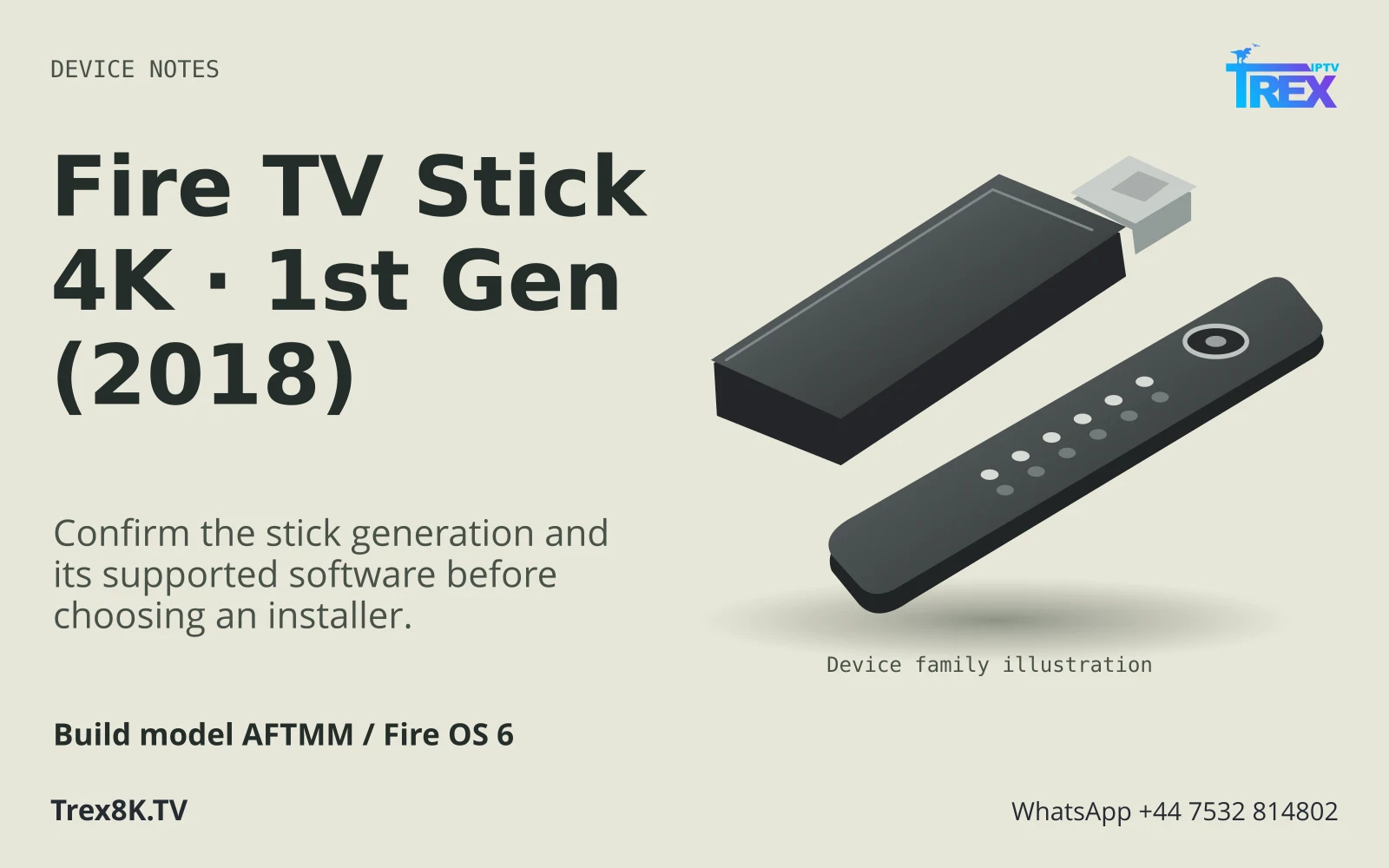
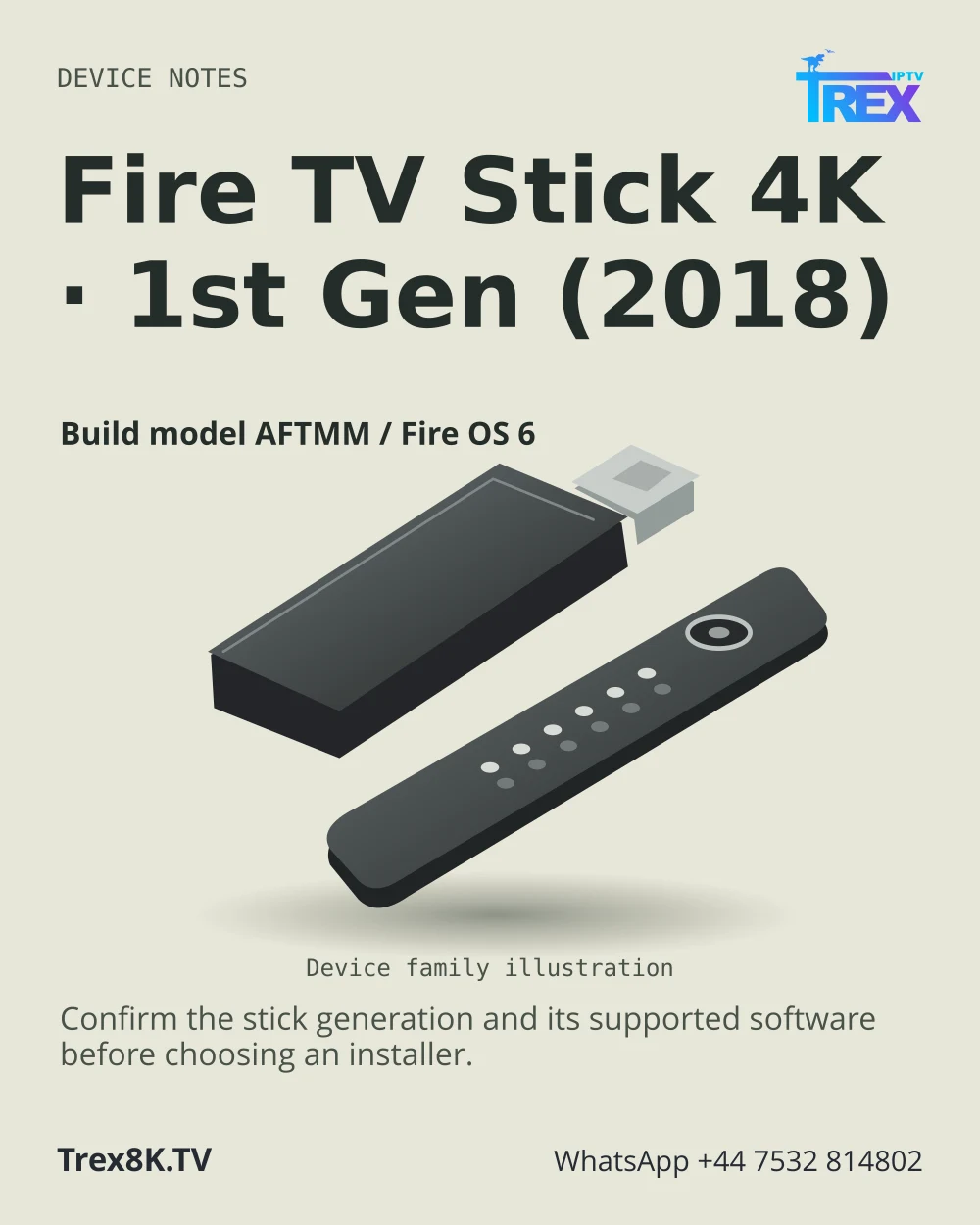
Fire TV Stick 4K · 1st Gen (2018). An original streaming stick illustration. Confirm the stick generation and its supported software before choosing an installer.
Fire TV Stick 4K · 1st Gen (2018)Confirm the stick generation and its supported software before choosing an installer. The source lists build model AFTMM and Fire OS 6.Open portrait
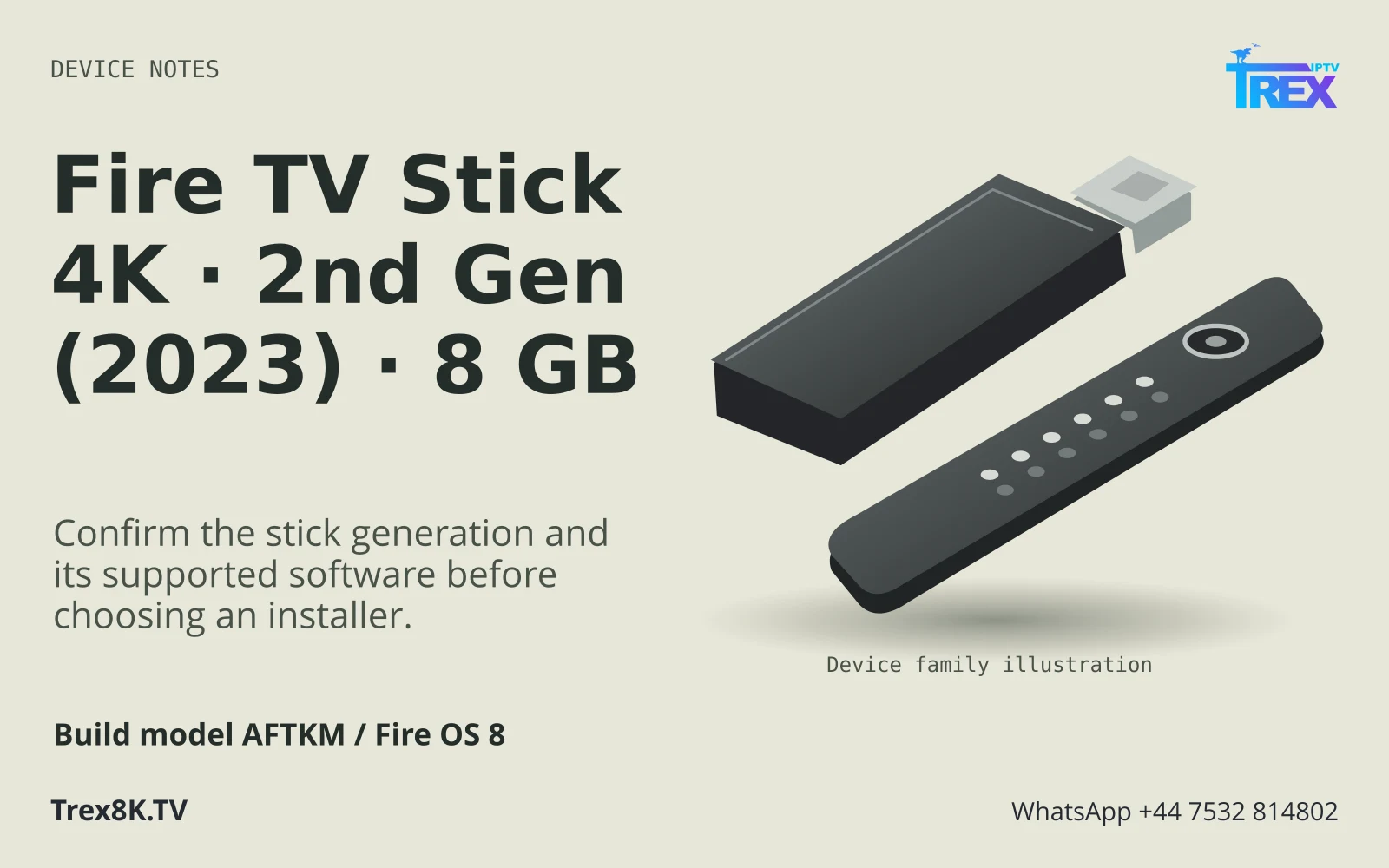
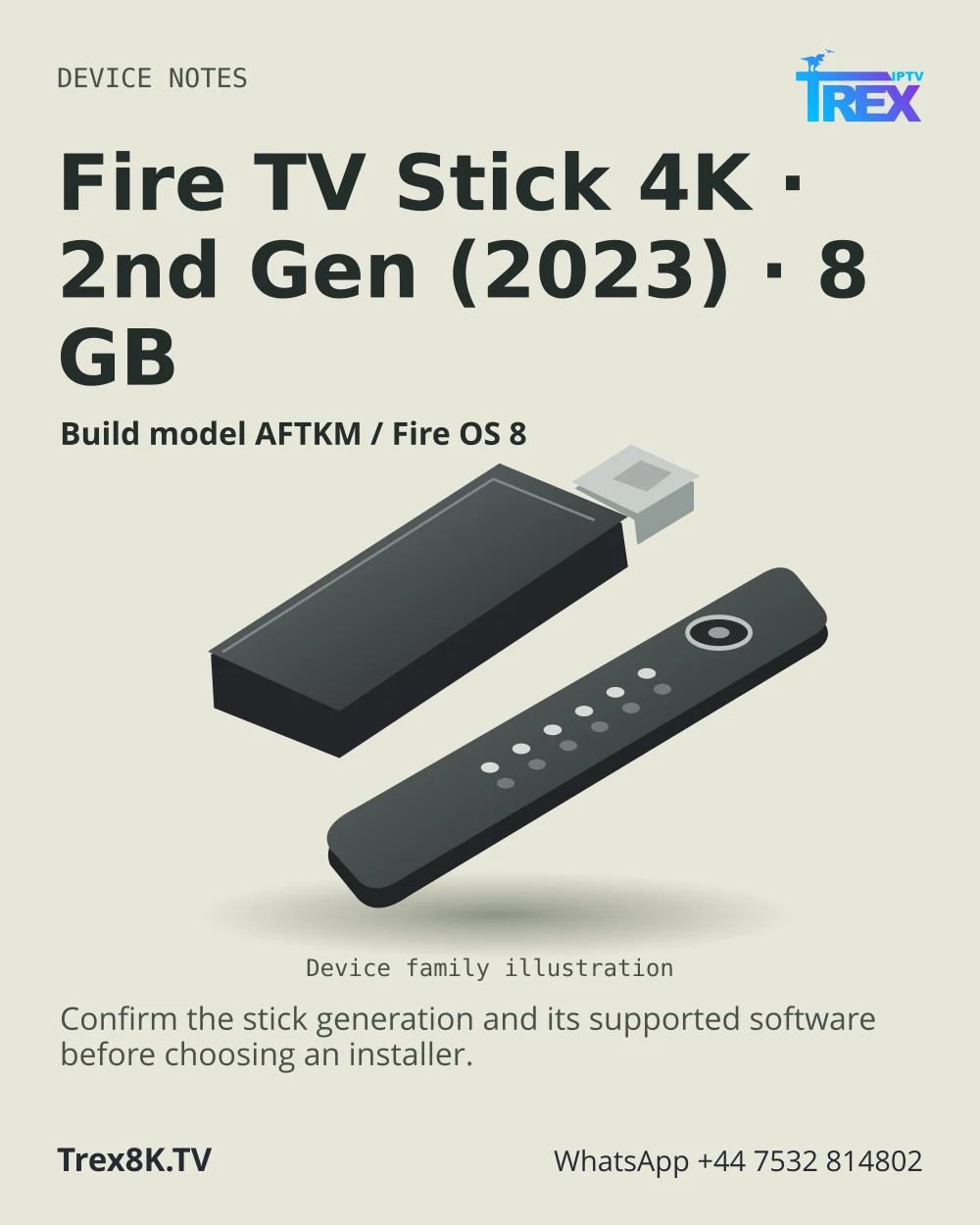
Fire TV Stick 4K · 2nd Gen (2023) · 8 GB. An original streaming stick illustration. Confirm the stick generation and its supported software before choosing an installer.
Fire TV Stick 4K · 2nd Gen (2023) · 8 GBConfirm the stick generation and its supported software before choosing an installer. The source lists build model AFTKM and Fire OS 8.Open portrait
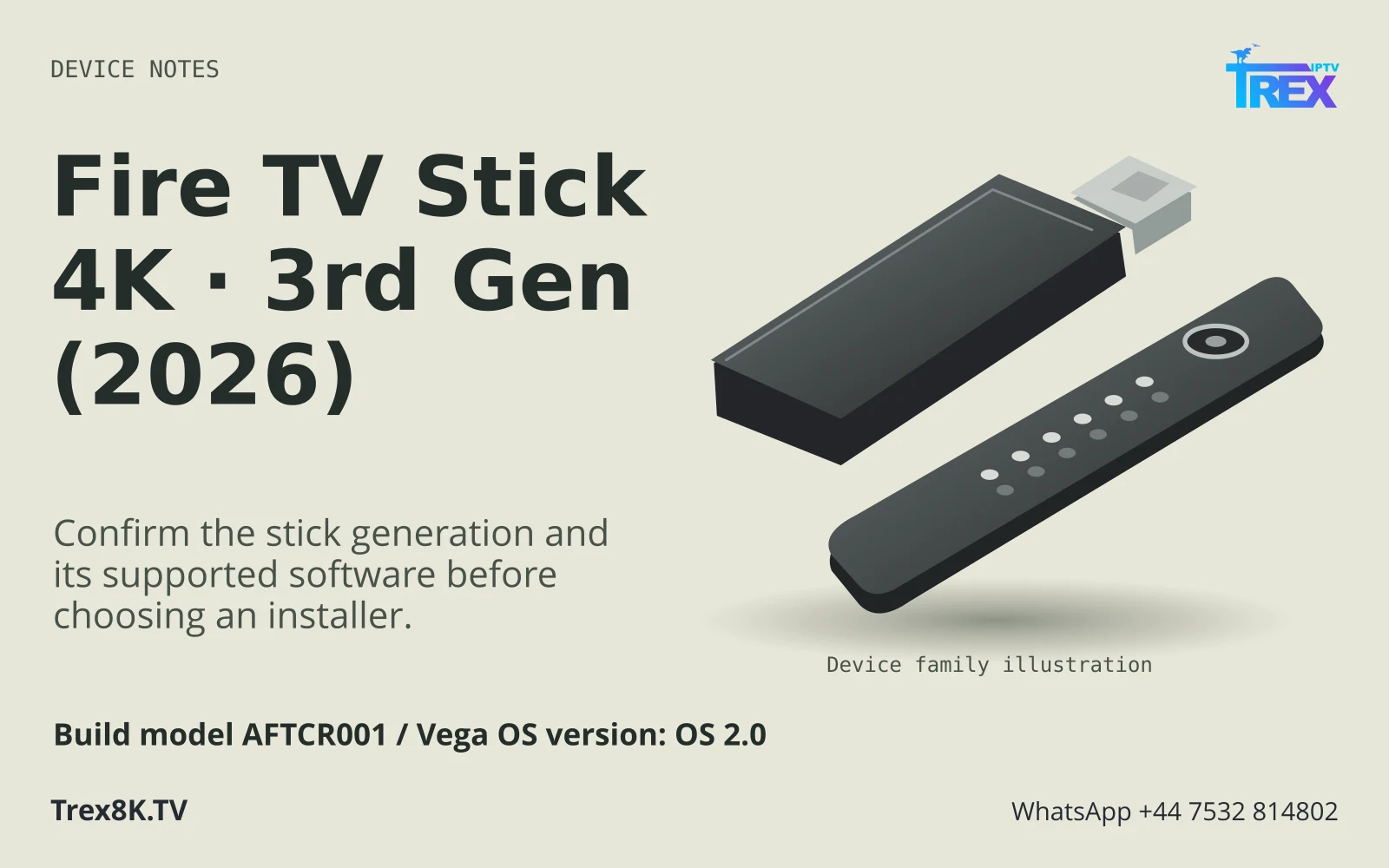
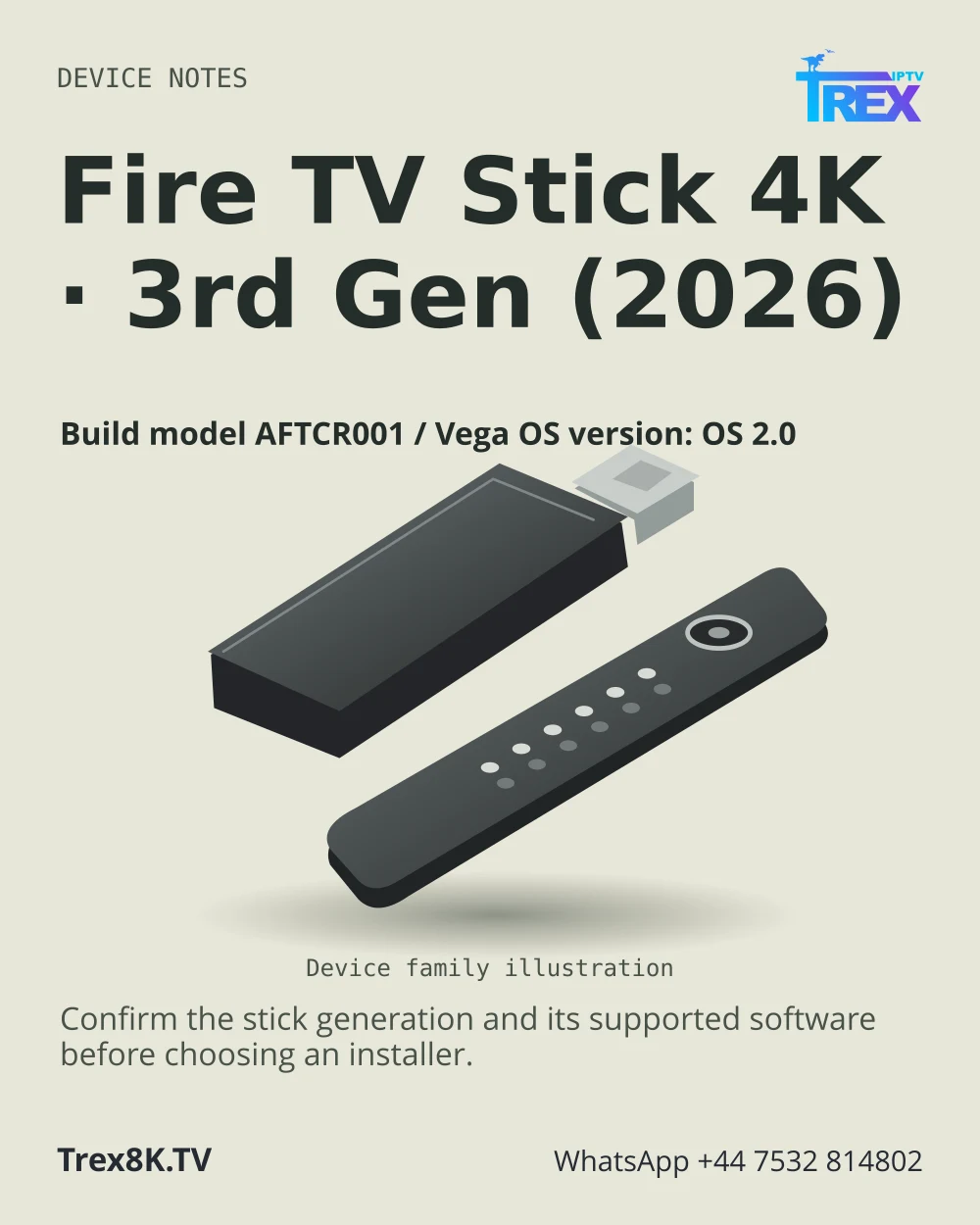
Fire TV Stick 4K · 3rd Gen (2026). An original streaming stick illustration. Confirm the stick generation and its supported software before choosing an installer.
Fire TV Stick 4K · 3rd Gen (2026)Confirm the stick generation and its supported software before choosing an installer. The source lists build model AFTCR001 and Vega OS version: OS 2.0.Open portrait
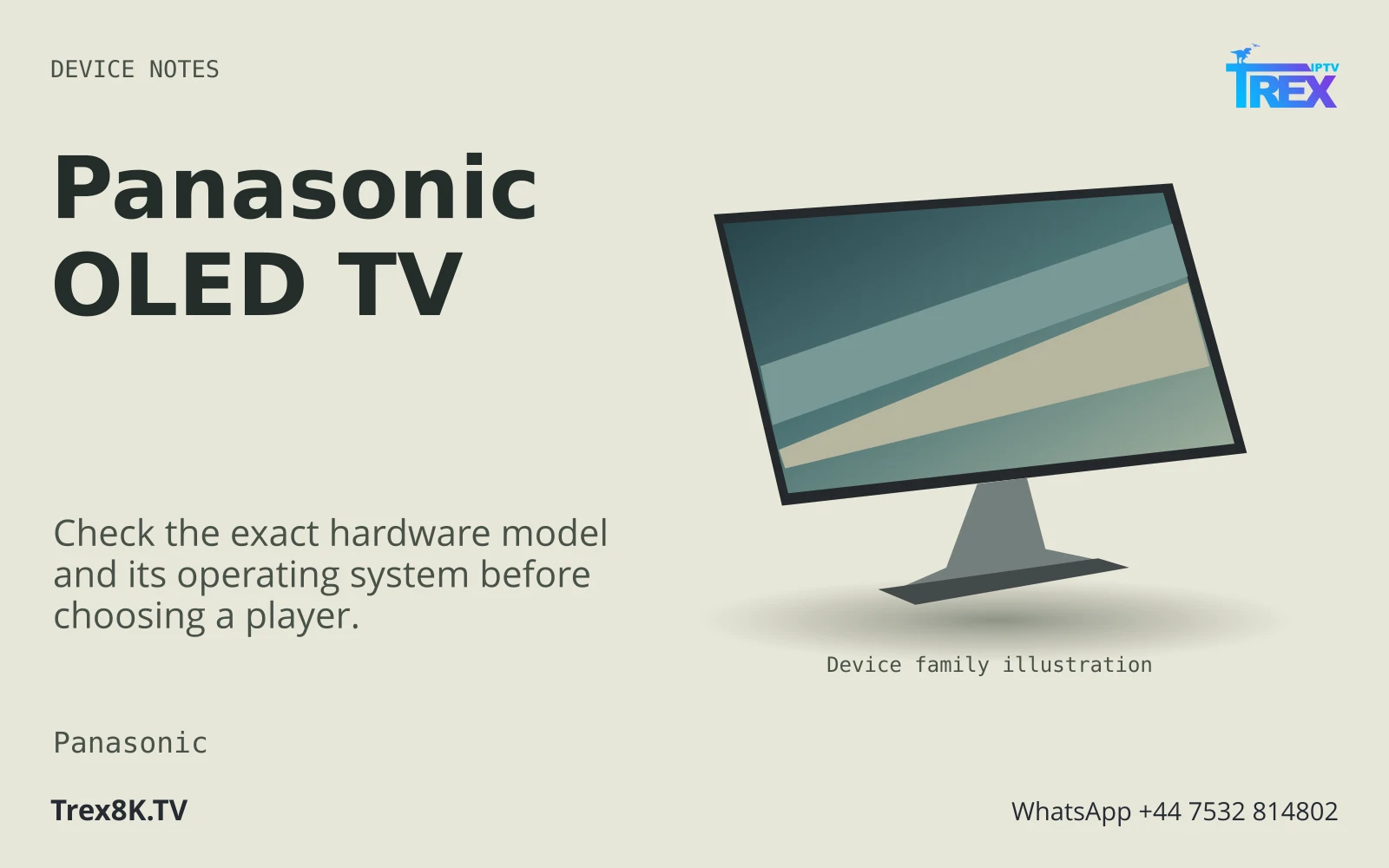
Panasonic OLED TV. An original television illustration. Check the exact hardware model and its operating system before choosing a player.
Panasonic OLED TVCheck the exact hardware model and its operating system before choosing a player.Open portrait
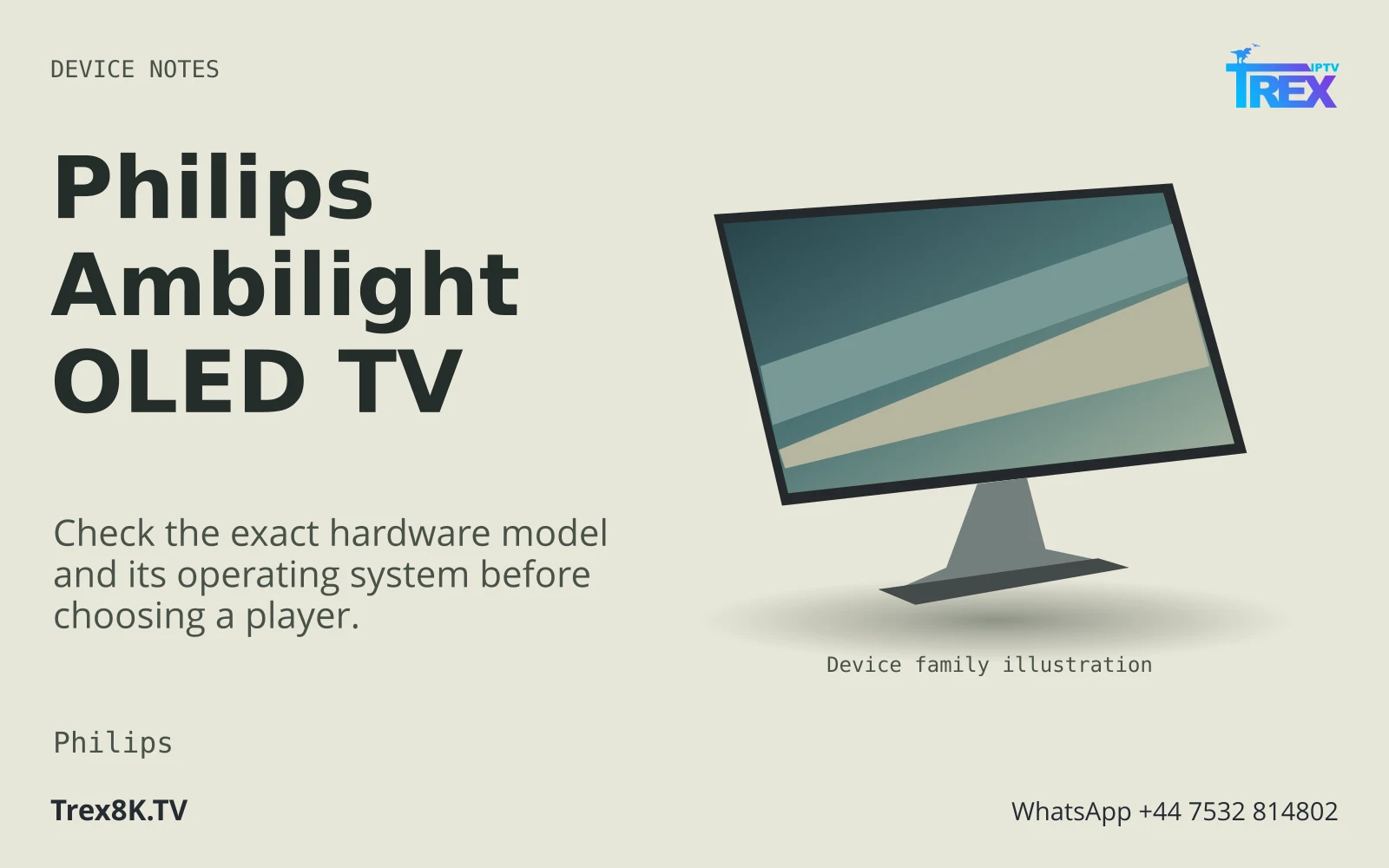
Philips Ambilight OLED TV. An original television illustration. Check the exact hardware model and its operating system before choosing a player.
Philips Ambilight OLED TVCheck the exact hardware model and its operating system before choosing a player.Open portrait
Sony BRAVIA 8 K-65XR80. An original television illustration. Check the exact hardware model and its operating system before choosing a player.
Sony BRAVIA 8 K-65XR80Check the exact hardware model and its operating system before choosing a player.Open portrait
LG OLED TV. An original television illustration. Check the exact hardware model and its operating system before choosing a player.
LG OLED TVCheck the exact hardware model and its operating system before choosing a player.Open portrait
Chromebook. An original platform illustration. Check the Chromebook model and installed operating system before following a player guide.
ChromebookCheck the Chromebook model and installed operating system before following a player guide.Open portrait
Fire HD 10 (2023, 13th Gen). An original tablet illustration. Check the exact hardware model and its operating system before choosing a player.
Fire HD 10 (2023, 13th Gen)Check the exact hardware model and its operating system before choosing a player.Open portrait
Fire HD 8 (2022, 12th Gen). An original tablet illustration. Check the exact hardware model and its operating system before choosing a player.
Fire HD 8 (2022, 12th Gen)Check the exact hardware model and its operating system before choosing a player.Open portrait
Fire HD 8 (2024, 12th Gen). An original tablet illustration. Check the exact hardware model and its operating system before choosing a player.
Fire HD 8 (2024, 12th Gen)Check the exact hardware model and its operating system before choosing a player.Open portrait
Fire Max 11 (2023, 13th Gen). An original tablet illustration. Check the exact hardware model and its operating system before choosing a player.
Fire Max 11 (2023, 13th Gen)Check the exact hardware model and its operating system before choosing a player.Open portrait
Google Pixel phone family. An original phone illustration. Check the exact hardware model and its operating system before choosing a player.
Google Pixel phone familyCheck the exact hardware model and its operating system before choosing a player.Open portrait
HONOR Magic7 Pro. An original phone illustration. Check the exact hardware model and its operating system before choosing a player.
HONOR Magic7 ProCheck the exact hardware model and its operating system before choosing a player.Open portrait
Apple Mac family lineup. An original laptop illustration. Check your system version and the player publisher’s requirements for this hardware.
Apple Mac family lineupCheck your system version and the player publisher’s requirements for this hardware.Open portrait

Notes on the illustrations

Fire TV Stick - 2nd Gen (2016-2019)

The illustration titled “Fire TV Stick - 2nd Gen (2016-2019)” identifies Fire TV Stick - 2nd Gen (2016-2019). The attached reference describes it this way: Confirm the stick generation and its supported software before choosing an installer.

Following the subject link takes you to Fire TV Stick - 2nd Gen (2016-2019) viewing setup. Its opening point is worth keeping with this image: Fire TV Stick - 2nd Gen (2016-2019) identifies itself as AFTT in Amazon’s device table. A mark, poster or model photograph is most useful when its precise edition is written next to it.

Fire TV Stick - Basic Edition (2017)

The illustration titled “Fire TV Stick - Basic Edition (2017)” identifies Fire TV Stick - Basic Edition (2017). The attached reference describes it this way: Confirm the stick generation and its supported software before choosing an installer.

Following the subject link takes you to Fire TV Stick - Basic Edition (2017) viewing setup. Its opening point is worth keeping with this image: Fire TV Stick - Basic Edition (2017) identifies itself as AFTT in Amazon’s device table. A mark, poster or model photograph is most useful when its precise edition is written next to it.

Fire TV Stick 4K - 3rd Gen (2026)

The illustration titled “Fire TV Stick 4K - 3rd Gen (2026)” identifies Fire TV Stick 4K - 3rd Gen (2026). The attached reference describes it this way: Confirm the stick generation and its supported software before choosing an installer.

Following the subject link takes you to Fire TV Stick 4K - 3rd Gen (2026) viewing setup. Its opening point is worth keeping with this image: Fire TV Stick 4K - 3rd Gen (2026) identifies itself as AFTCR001 in Amazon’s device table. A mark, poster or model photograph is most useful when its precise edition is written next to it.

Philips Ambilight OLED TV promotional image

The illustration titled “Philips Ambilight OLED TV promotional image” identifies Philips Ambilight OLED TV promotional image. The attached reference describes it this way: Check the exact hardware model and its operating system before choosing a player.

Following the subject link takes you to Find your streaming device. Its opening point is worth keeping with this image: Pick the hardware that opens your player. A mark, poster or model photograph is most useful when its precise edition is written next to it.

Chromebook wordmark

The illustration titled “Chromebook wordmark” identifies Chromebook wordmark. The attached reference describes it this way: Match this artwork to the device or platform name before following a setup guide.

Following the subject link takes you to Find your streaming device. Its opening point is worth keeping with this image: Pick the hardware that opens your player. A mark, poster or model photograph is most useful when its precise edition is written next to it.

Fire HD 8 (2022, 12th Gen)

The illustration titled “Fire HD 8 (2022, 12th Gen)” identifies Fire HD 8 (2022, 12th Gen). The attached reference describes it this way: Check the exact hardware model and its operating system before choosing a player.

Following the subject link takes you to Find your streaming device. Its opening point is worth keeping with this image: Pick the hardware that opens your player. A mark, poster or model photograph is most useful when its precise edition is written next to it.

Google Pixel phone family

The illustration titled “Google Pixel phone family” identifies Google Pixel phone family. The attached reference describes it this way: Check the exact hardware model and its operating system before choosing a player.

Following the subject link takes you to Find your streaming device. Its opening point is worth keeping with this image: Pick the hardware that opens your player. A mark, poster or model photograph is most useful when its precise edition is written next to it.

Apple Mac family lineup

The illustration titled “Apple Mac family lineup” identifies Apple Mac family lineup. The attached reference describes it this way: Check your system version and the player publisher’s requirements for this hardware.

Following the subject link takes you to Find your streaming device. Its opening point is worth keeping with this image: Pick the hardware that opens your player. A mark, poster or model photograph is most useful when its precise edition is written next to it.

Use the entries above to move between Fire TV Stick - 2nd Gen (2016-2019) and Apple Mac family lineup. Each linked guide retains the full record, its source and any conditions that affect how to use it.

Pay attention to the generation inside a familiar name

Two Fire TV Stick 4K devices can belong to different generations. The entry marked second generation, 2023 and 8 GB gives three checks before a discussion reaches the installer. A nearby OLED television or Fire tablet has its own model and store. Keep their details on separate lines if both are involved in the same household setup.

The two Fire HD 8 entries show why a tablet family and generation both deserve space in a device note. A purchase year, a family name and a software version are different details. Read the model from the tablet itself before checking whether an installer was intended for that edition. A stick with a matching Amazon mark will have its own route through its television interface.

The OLED and Ambilight entries in this group are television references. A buyer may use their display capabilities without ever opening their built-in app store. If a separate stick supplies the picture, identify its model and the active HDMI input. Only investigate the television’s own store if it is the television’s software you are trying to run.

A Sony BRAVIA 8 model name contains information that a description such as “large Sony OLED” loses. Keep the printed model, including its suffix, when following a manufacturer guide. For a Philips Ambilight television or Panasonic OLED, say if you are using the internal television menu or an external HDMI source. A replacement television can retain the same external player and therefore the same account setup despite a completely different panel.

With Fire HD tablets, distinguish the model as reported by the system from a date on the original purchase receipt. A product bought in a later year can belong to an earlier hardware generation. The question to ask before installing is which edition you own and which store route is supported for it. Avoid deciding that from the size of the display or the colour of its case.
A Chromebook in the same household makes a useful reminder to identify the application as well as the device. The intended route may involve a browser or an app explicitly provided for that system. Record the screen you start from and the store or publisher attached to the result. If a title plays in the browser but the television setup fails, keep these as two separate observations.
When comparing Fire TV Stick generations, read the whole model name including “4K” or “Max” where present. A missing suffix can send you to a different model record.