Trex8K.TV
Visual guide

Devices and screens · visual guides 2

Open the artwork for a closer look. The linked titles lead to the subject guides.

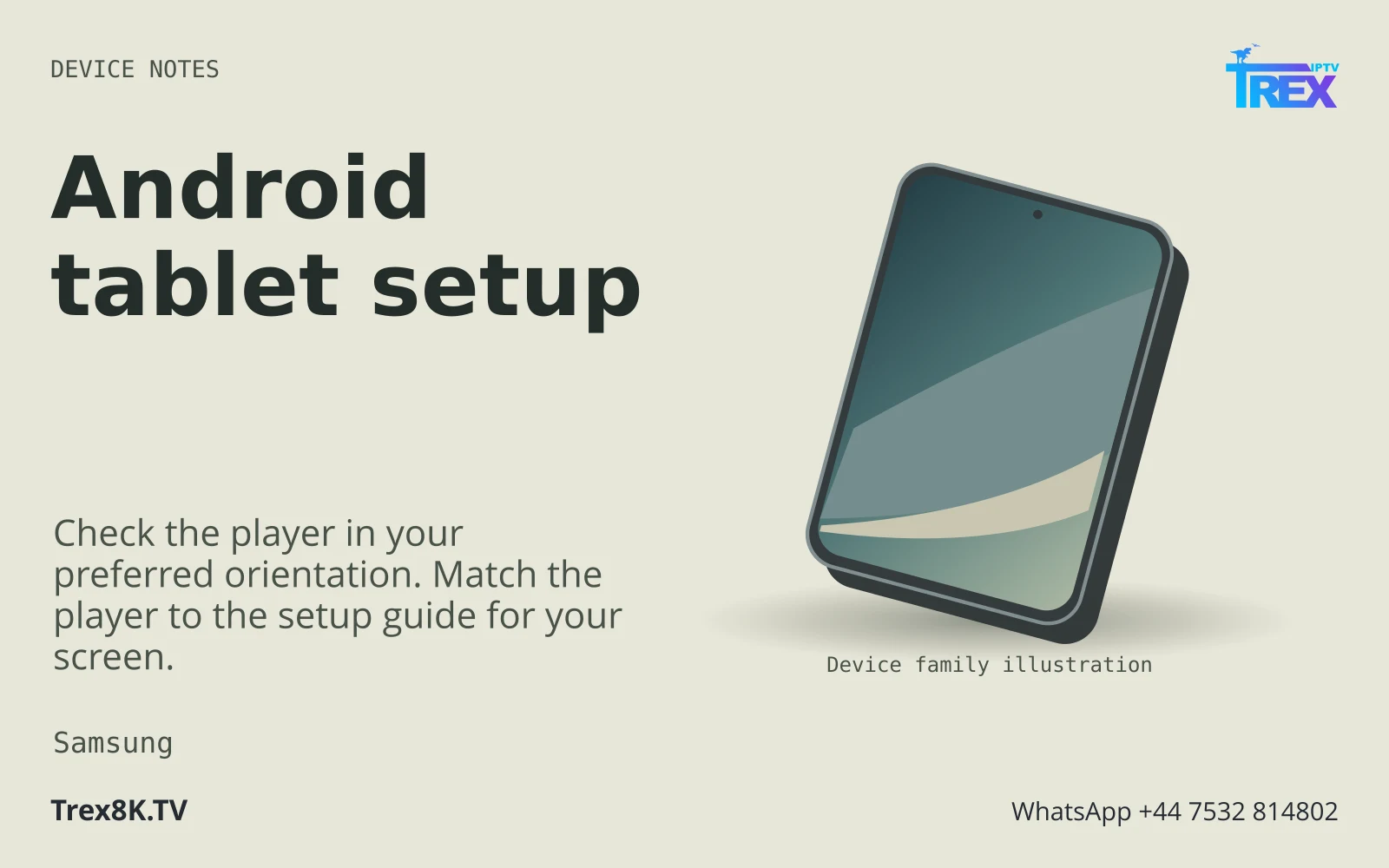
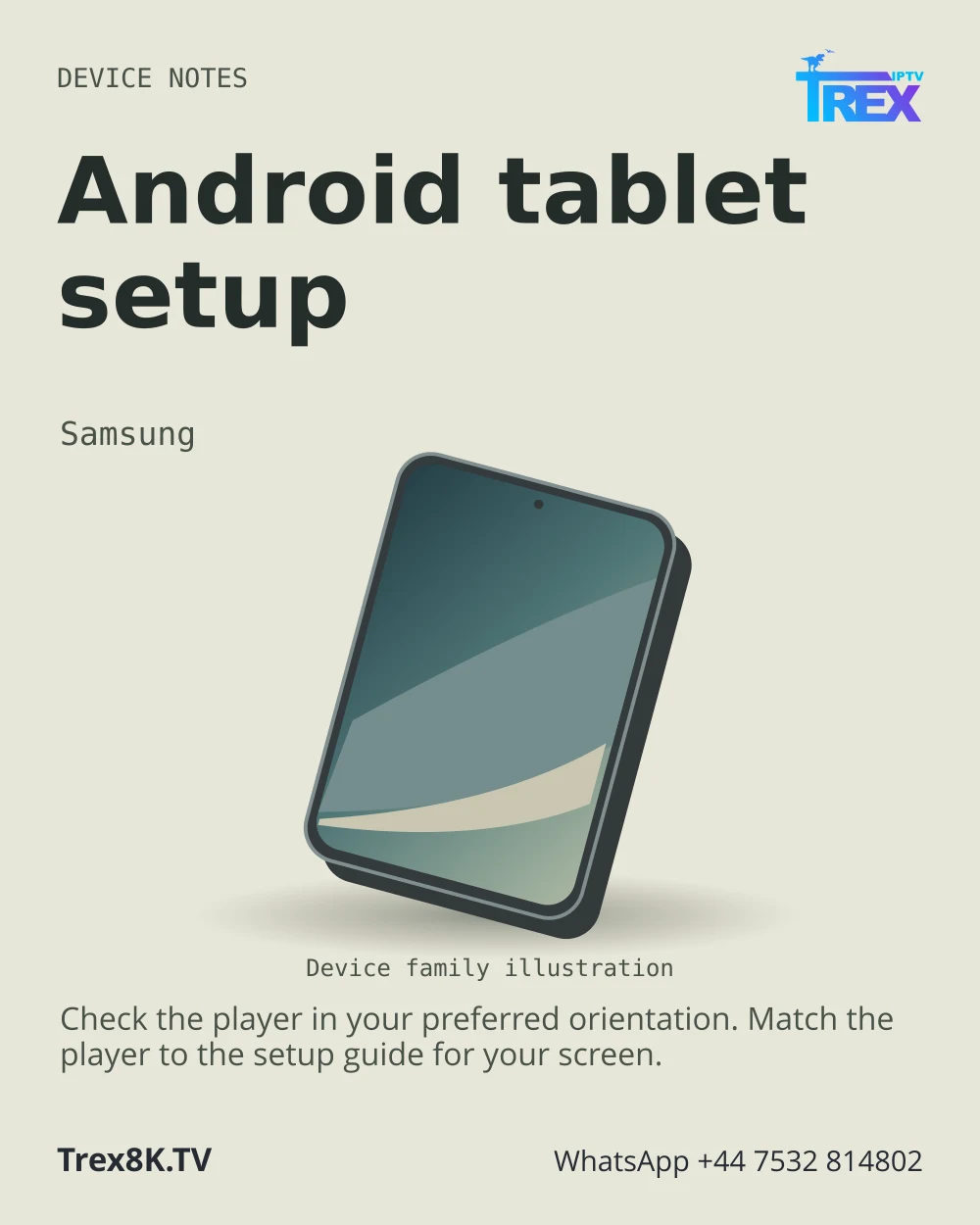
Android tablet setup. An original tablet illustration. Check the player in your preferred orientation. Match the player to the setup guide for your screen.
Android tablet setupCheck the player in your preferred orientation. Match the player to the setup guide for your screen.Open portrait
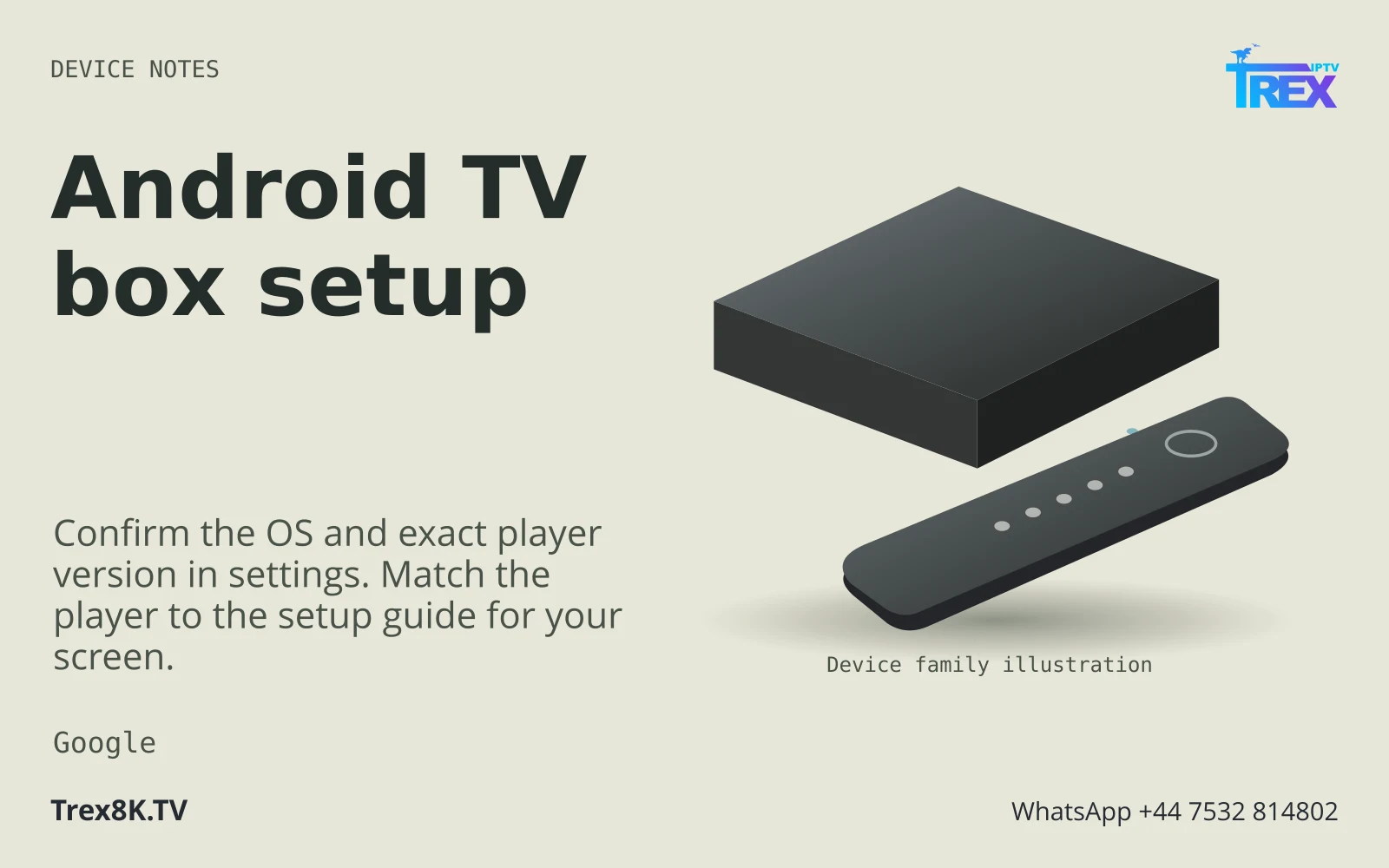
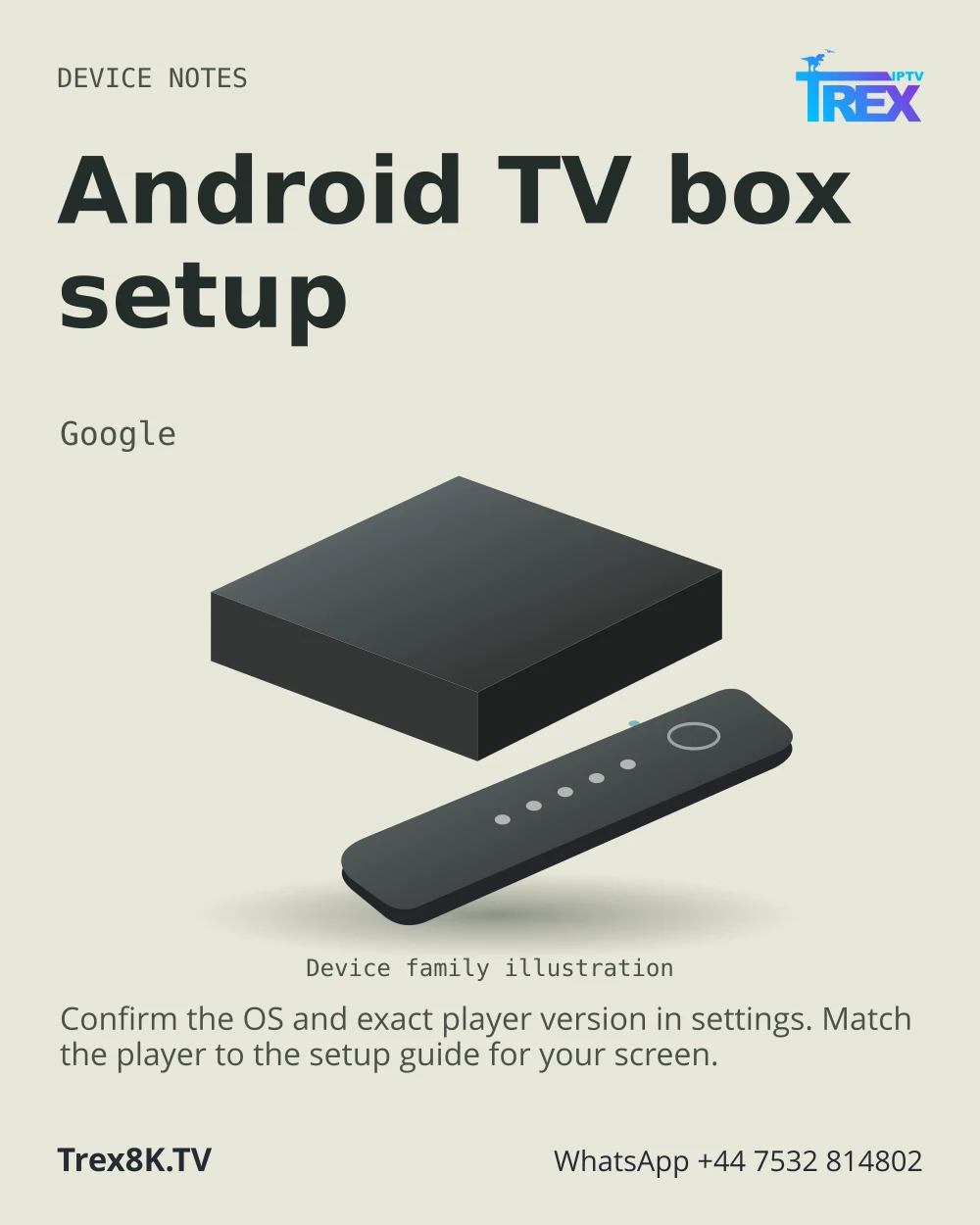
Android TV box setup. An original streaming box illustration. Confirm the OS and exact player version in settings. Match the player to the setup guide for your screen.
Android TV box setupConfirm the OS and exact player version in settings. Match the player to the setup guide for your screen.Open portrait
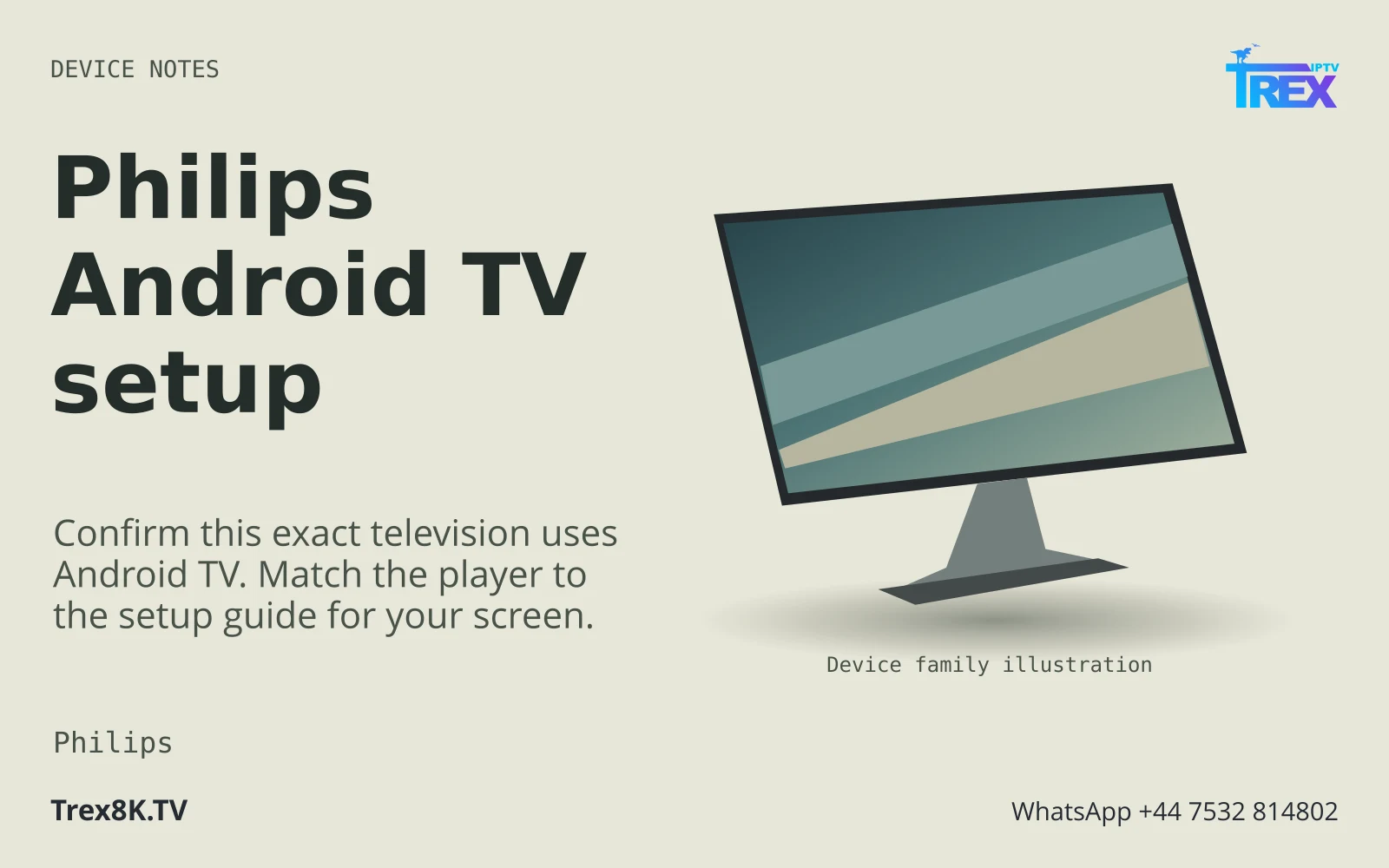
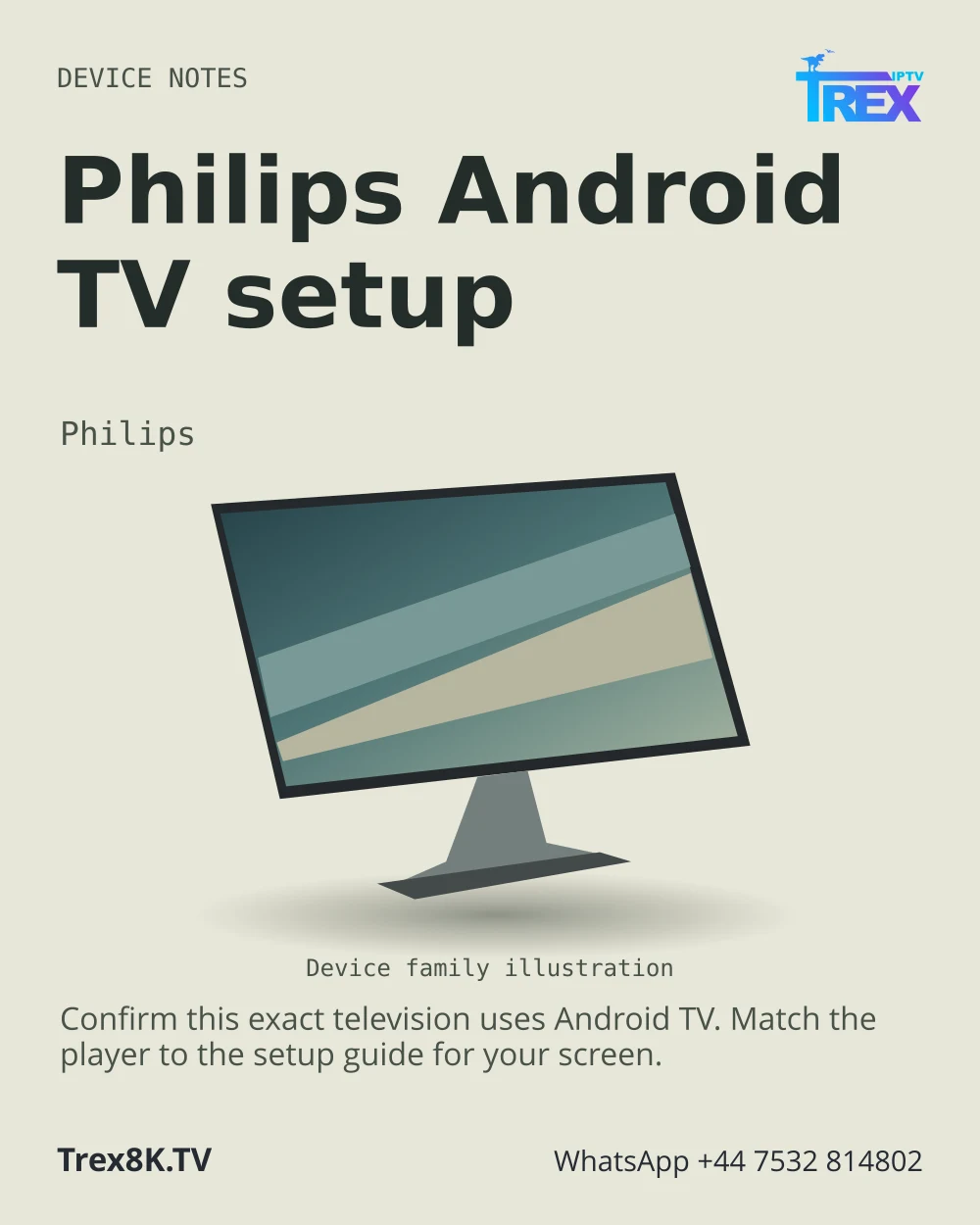
Philips Android TV setup. An original television illustration. Confirm this exact television uses Android TV. Match the player to the setup guide for your screen.
Philips Android TV setupConfirm this exact television uses Android TV. Match the player to the setup guide for your screen.Open portrait
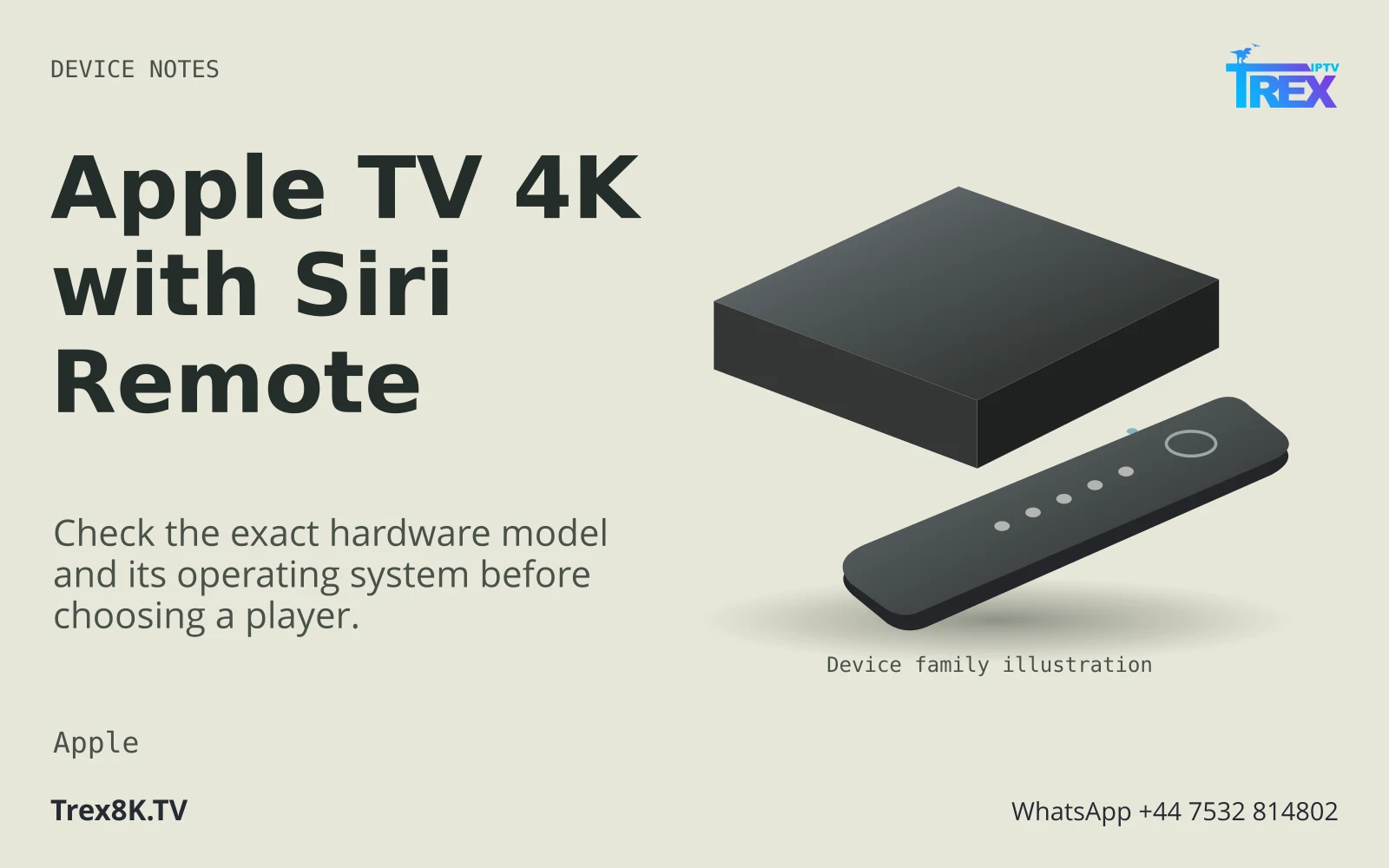
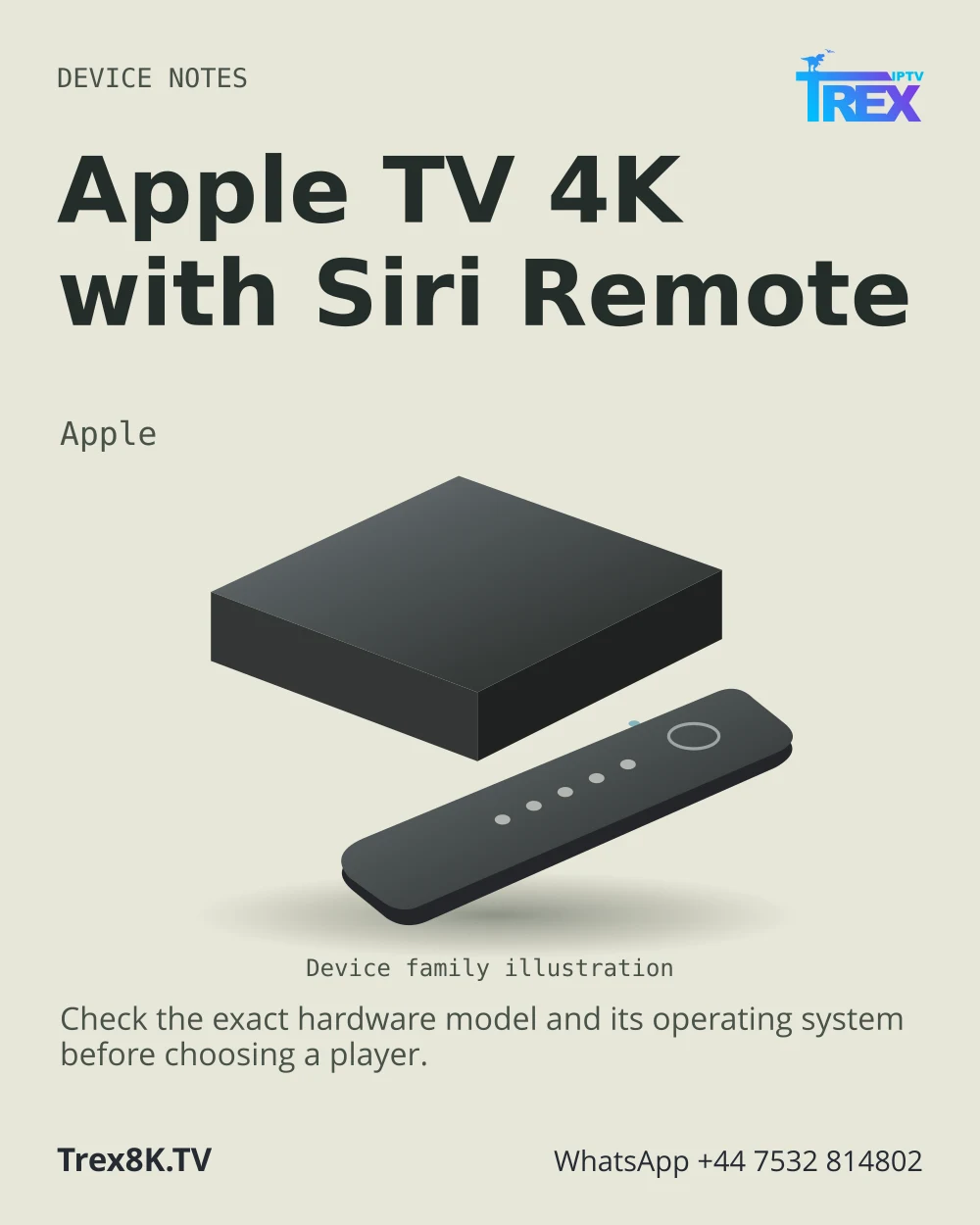
Apple TV 4K with Siri Remote. An original streaming box illustration. Check the exact hardware model and its operating system before choosing a player.
Apple TV 4K with Siri RemoteCheck the exact hardware model and its operating system before choosing a player.Open portrait
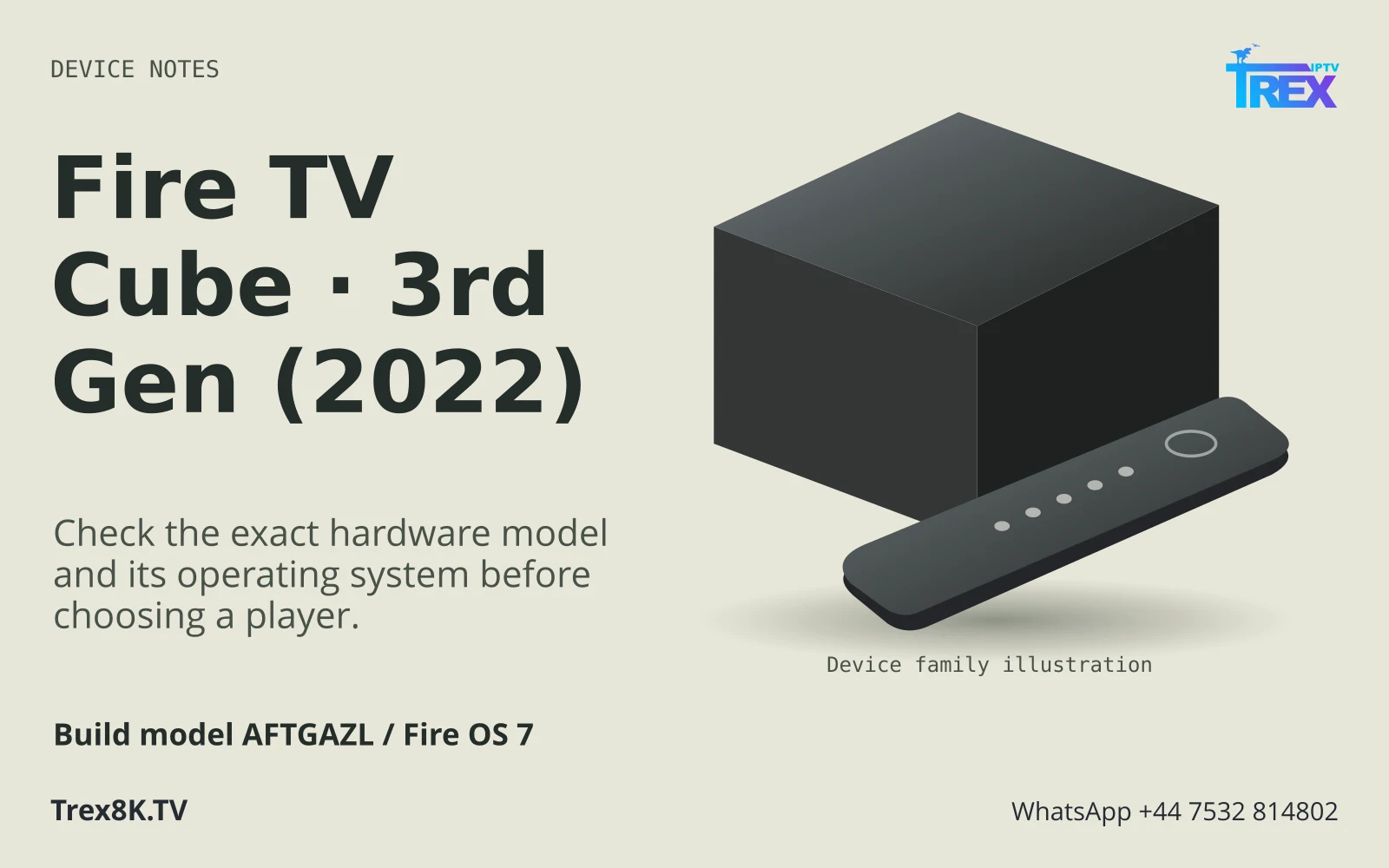
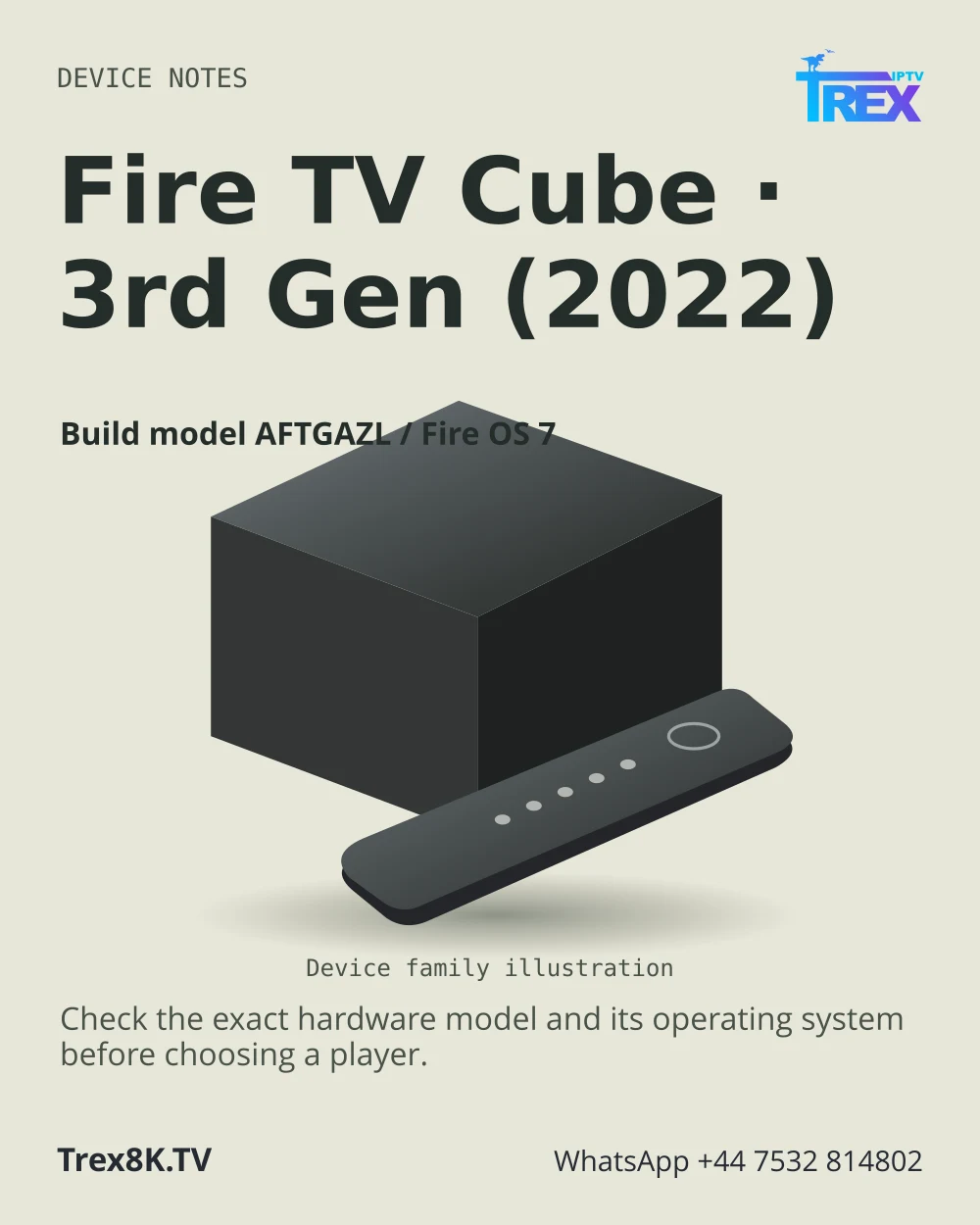
Fire TV Cube · 3rd Gen (2022). An original cube illustration. Check the exact hardware model and its operating system before choosing a player.
Fire TV Cube · 3rd Gen (2022)Check the exact hardware model and its operating system before choosing a player. The source lists build model AFTGAZL and Fire OS 7.Open portrait
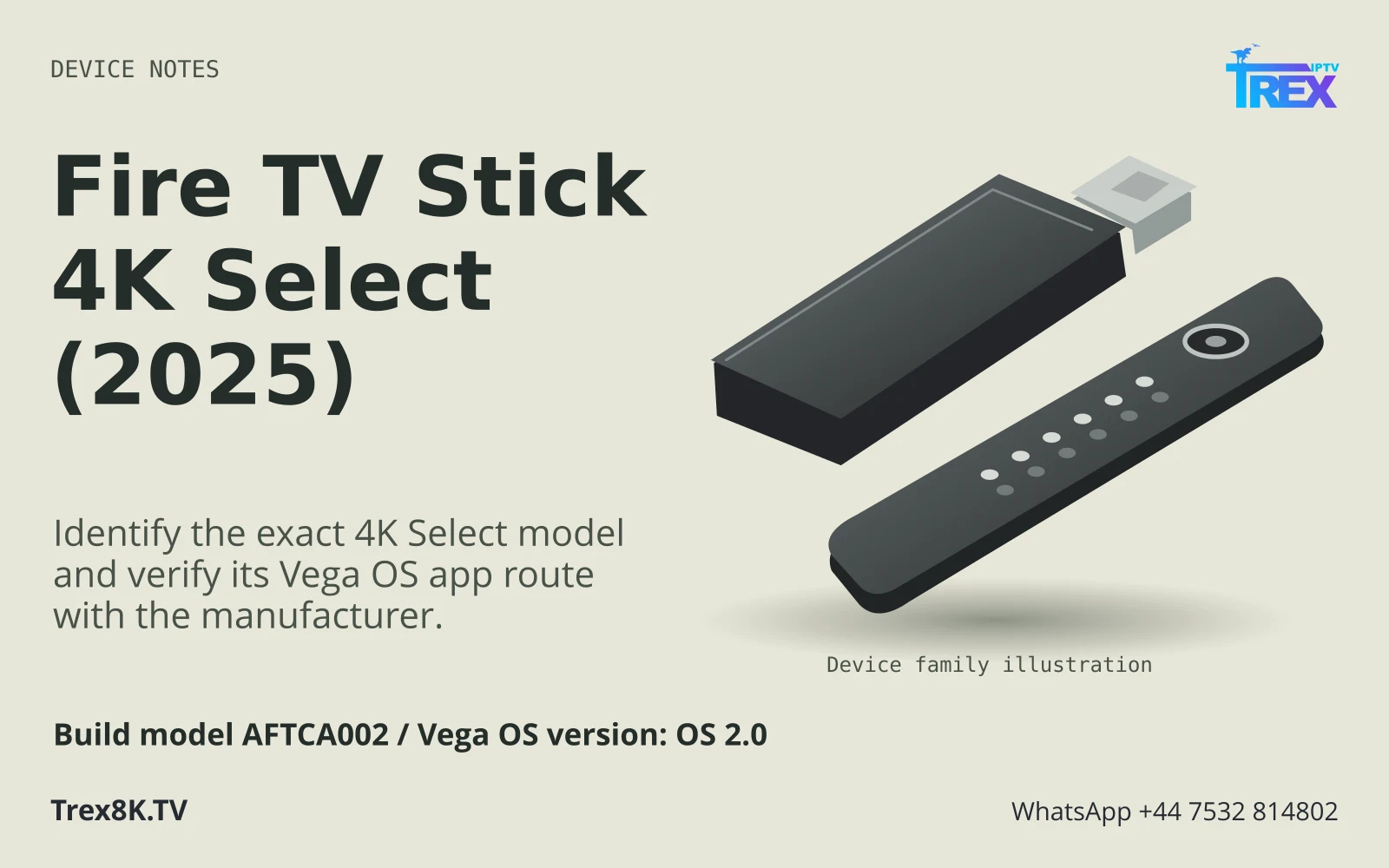
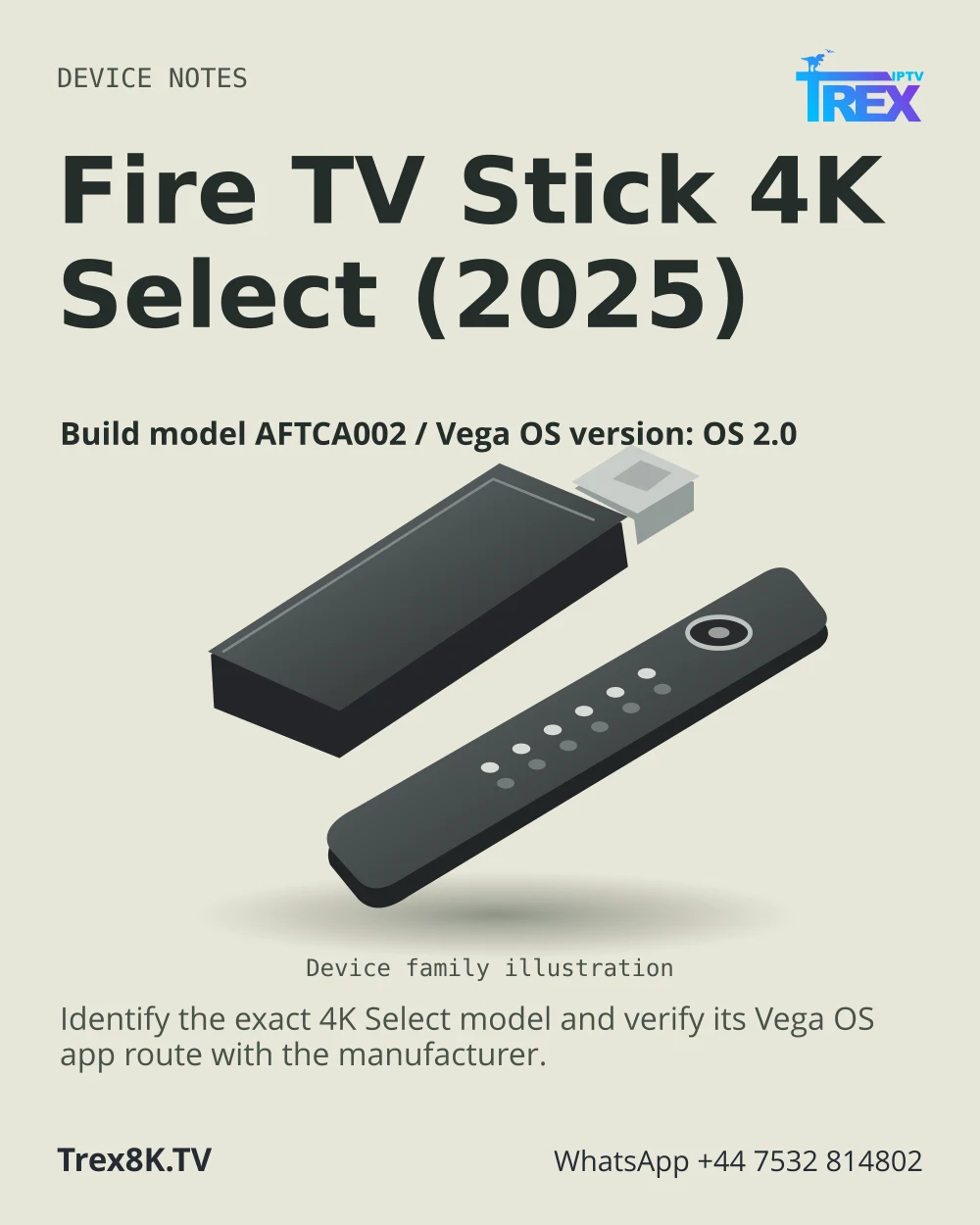
Fire TV Stick 4K Select (2025). An original streaming stick illustration. Identify the exact 4K Select model and verify its Vega OS app route with the manufacturer.
Fire TV Stick 4K Select (2025)Identify the exact 4K Select model and verify its Vega OS app route with the manufacturer. The source lists build model AFTCA002 and Vega OS version: OS 2.0.Open portrait
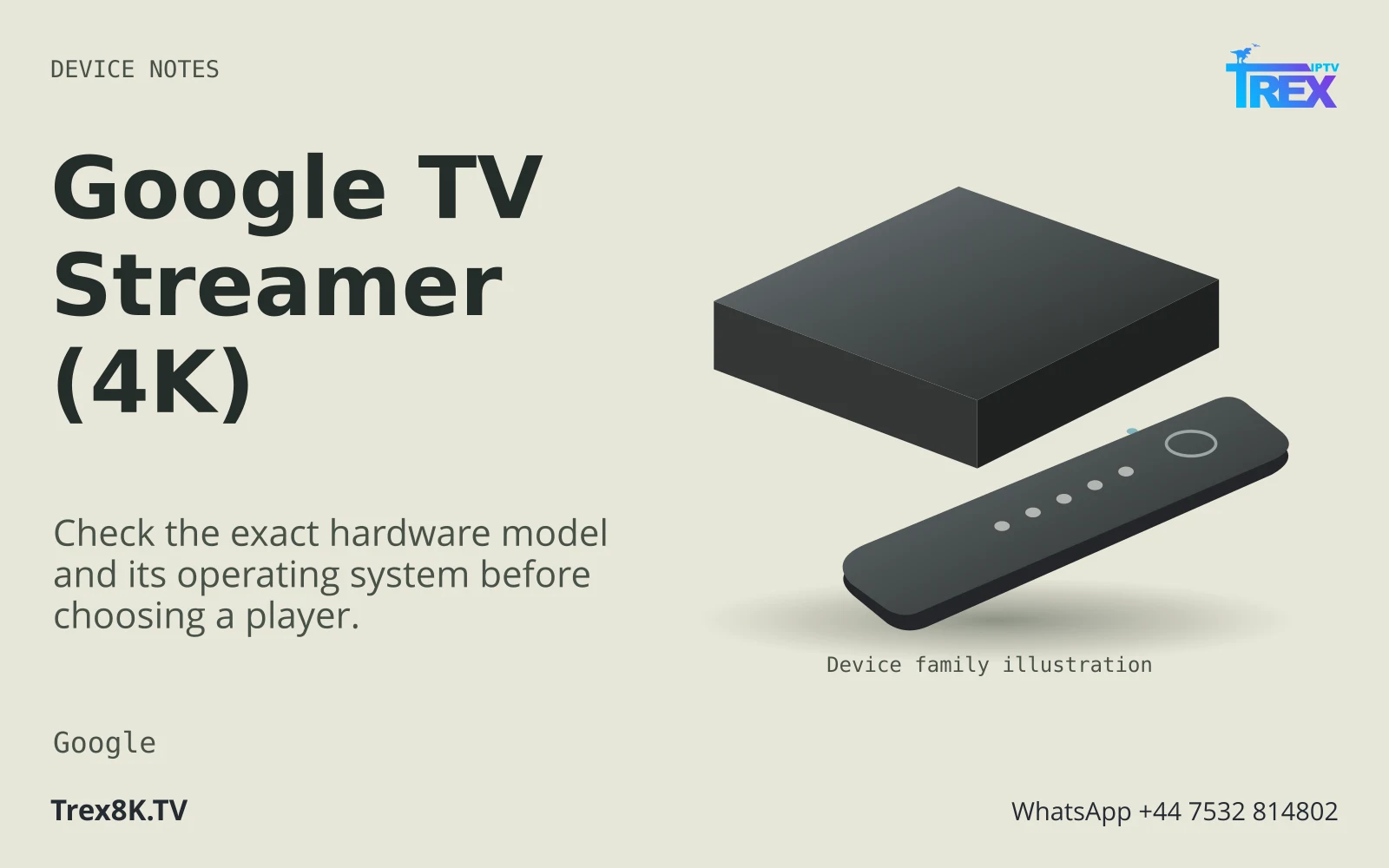
Google TV Streamer (4K). An original streaming box illustration. Check the exact hardware model and its operating system before choosing a player.
Google TV Streamer (4K)Check the exact hardware model and its operating system before choosing a player.Open portrait
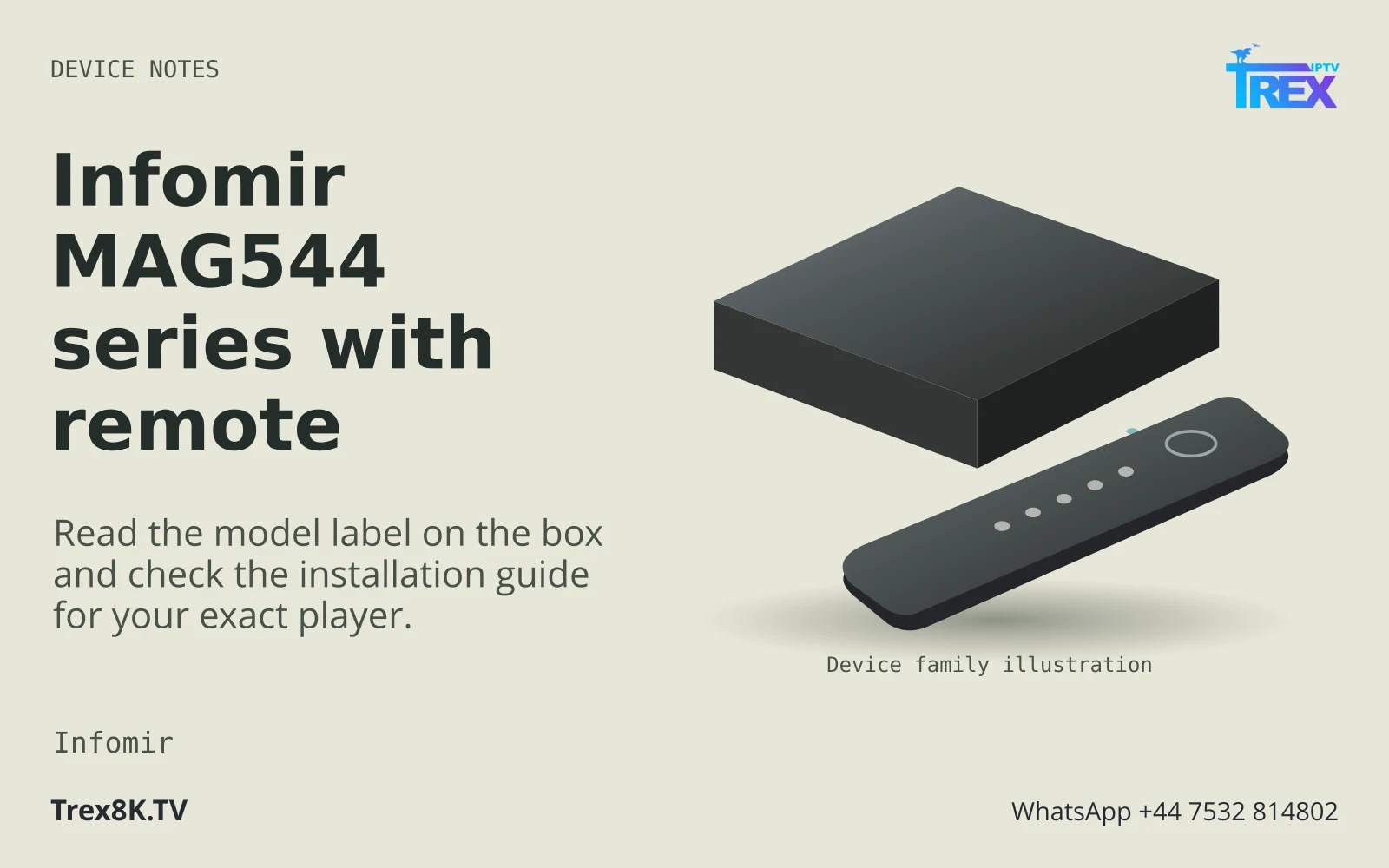
Infomir MAG544 series with remote. An original streaming box illustration. Read the model label on the box and check the installation guide for your exact player.
Infomir MAG544 series with remoteRead the model label on the box and check the installation guide for your exact player.Open portrait
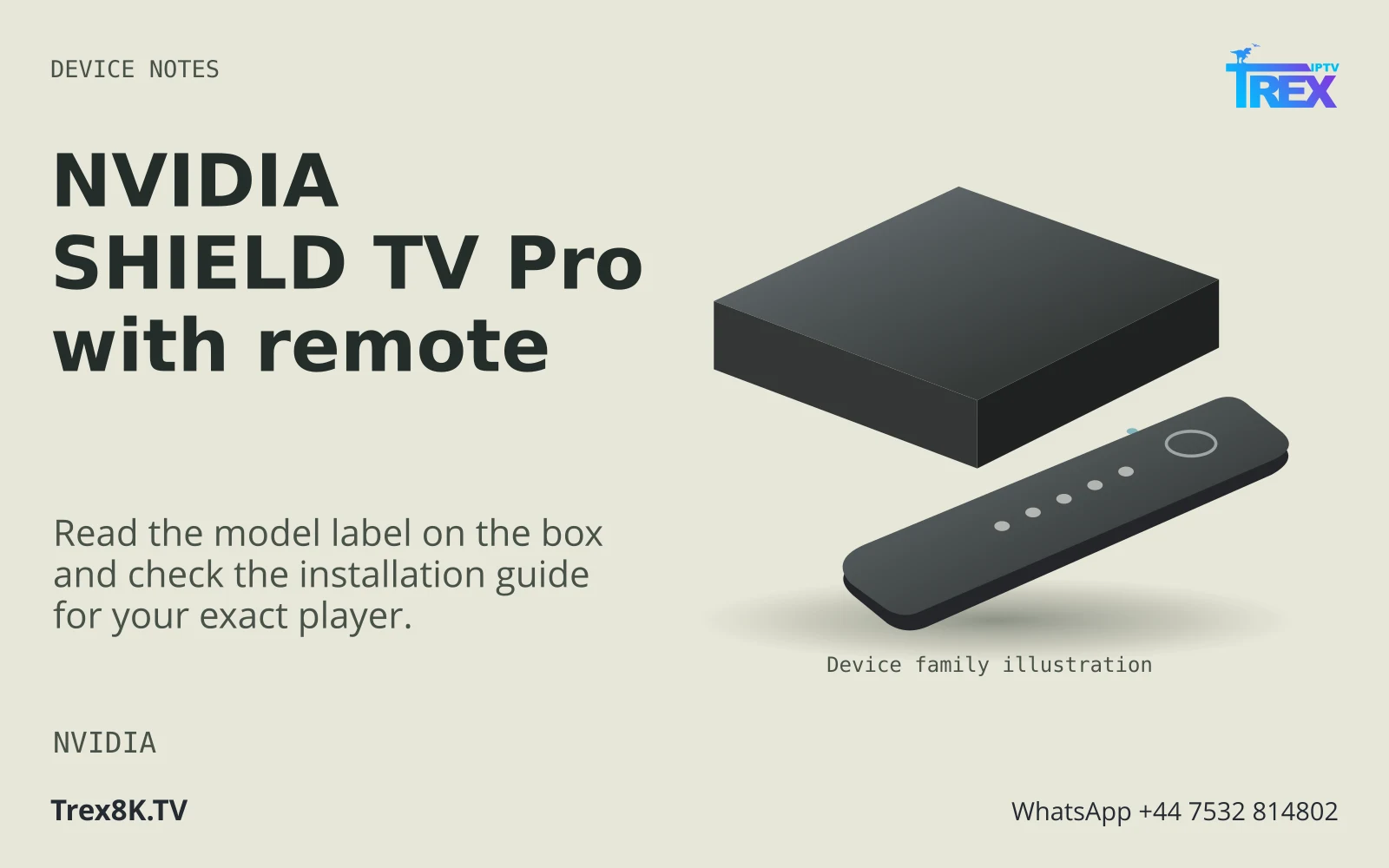
NVIDIA SHIELD TV Pro with remote. An original streaming box illustration. Read the model label on the box and check the installation guide for your exact player.
NVIDIA SHIELD TV Pro with remoteRead the model label on the box and check the installation guide for your exact player.Open portrait
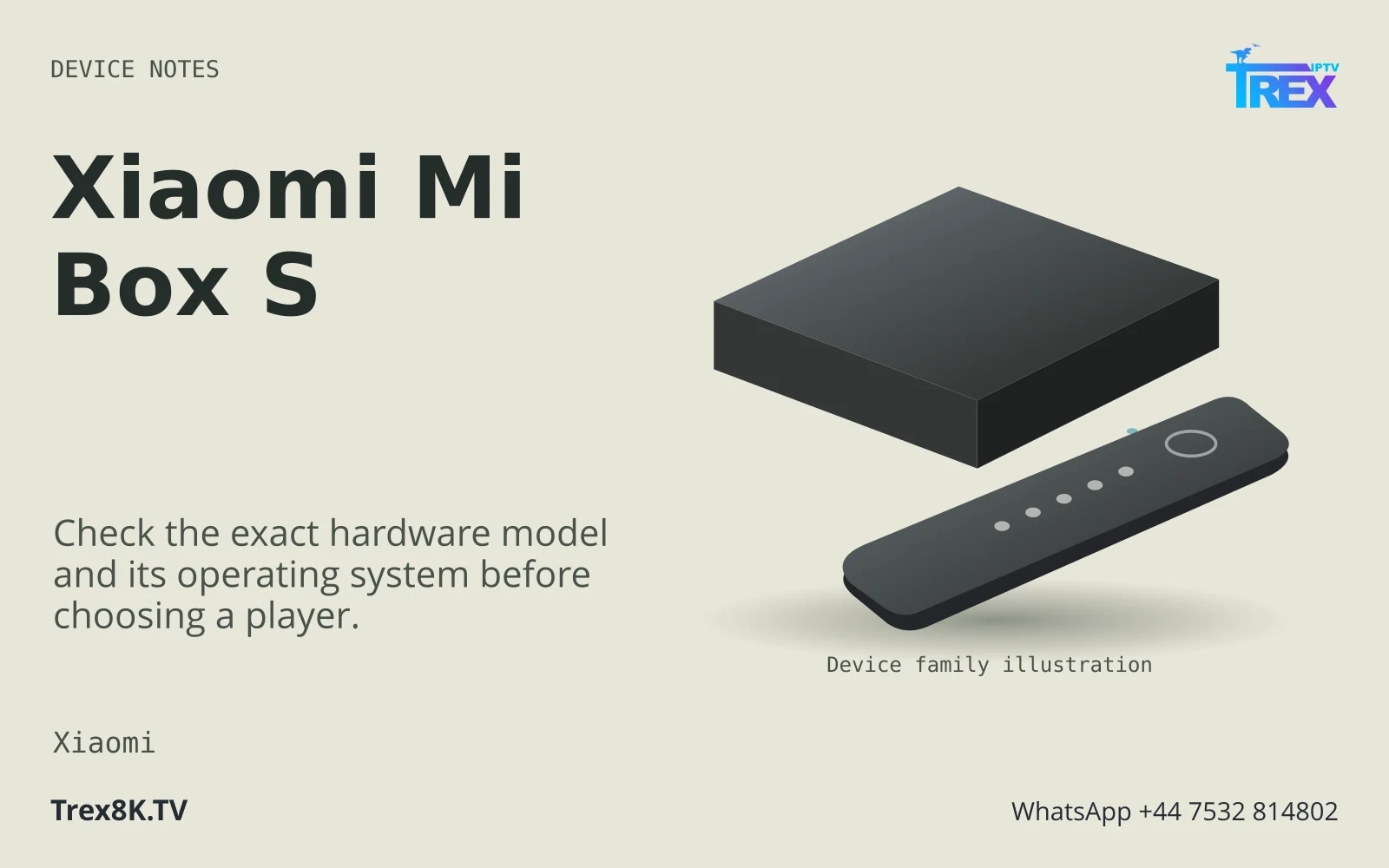
Xiaomi Mi Box S. An original streaming box illustration. Check the exact hardware model and its operating system before choosing a player.
Xiaomi Mi Box SCheck the exact hardware model and its operating system before choosing a player.Open portrait
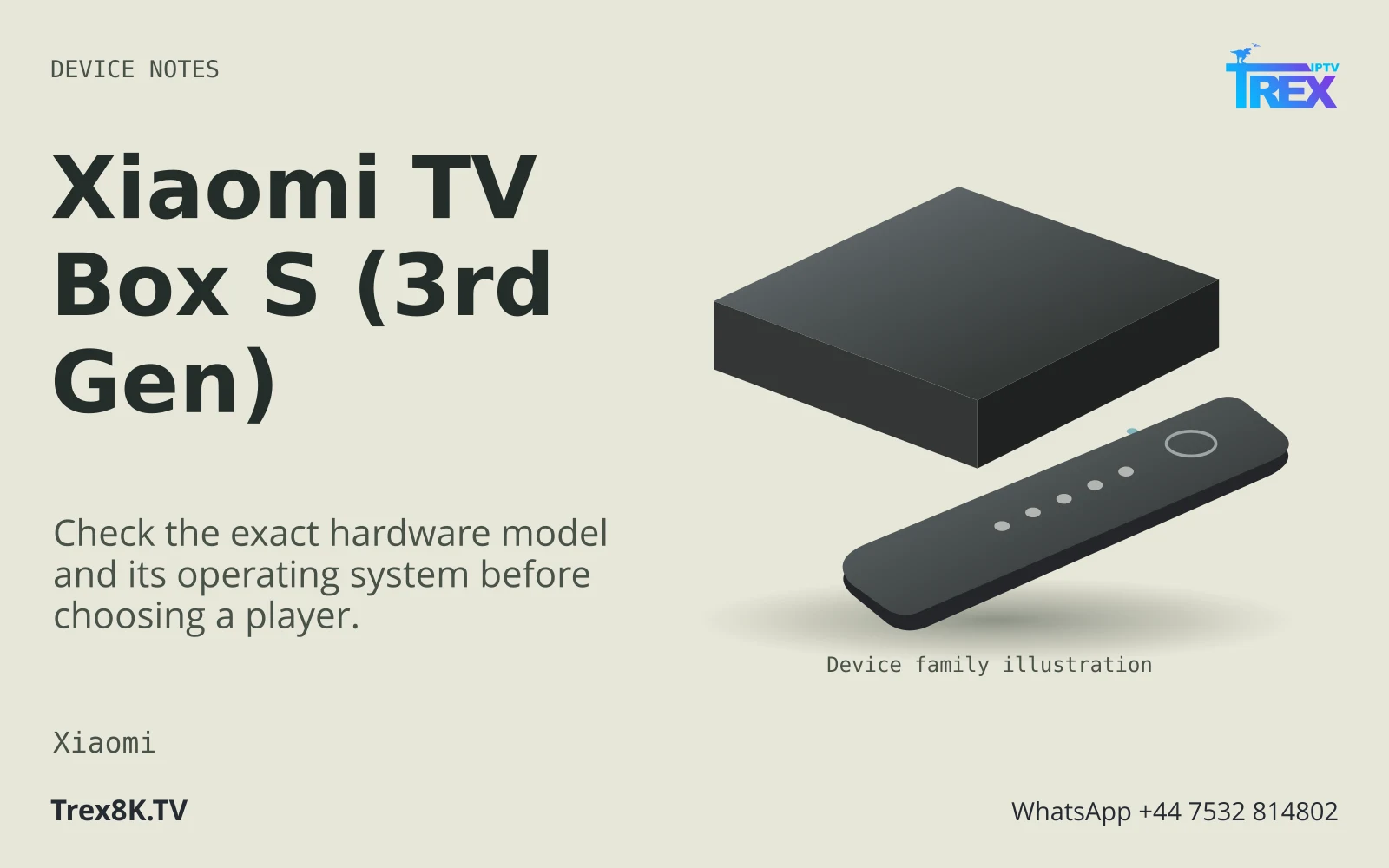
Xiaomi TV Box S (3rd Gen). An original streaming box illustration. Check the exact hardware model and its operating system before choosing a player.
Xiaomi TV Box S (3rd Gen)Check the exact hardware model and its operating system before choosing a player.Open portrait
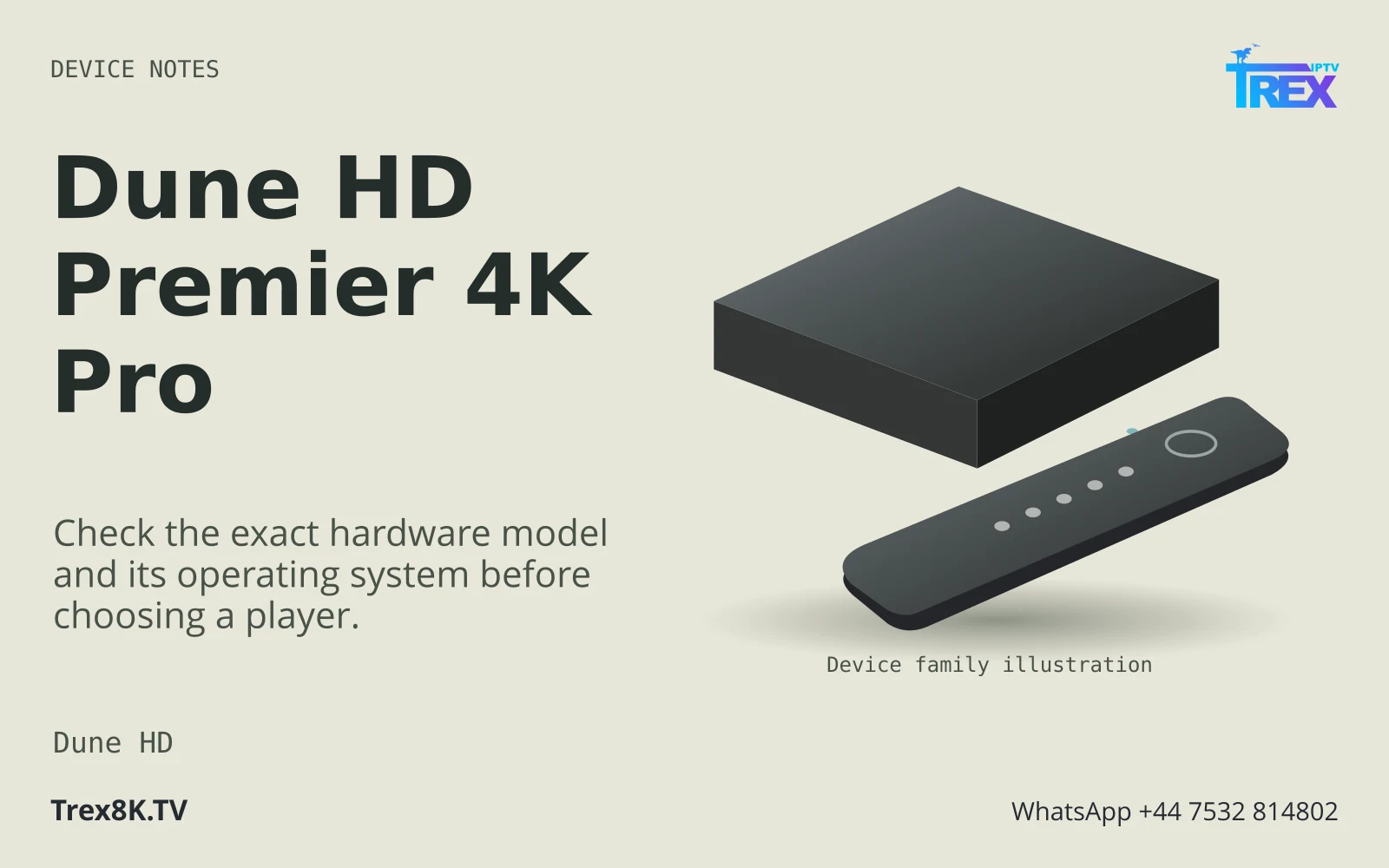
Dune HD Premier 4K Pro. An original streaming box illustration. Check the exact hardware model and its operating system before choosing a player.
Dune HD Premier 4K ProCheck the exact hardware model and its operating system before choosing a player.Open portrait
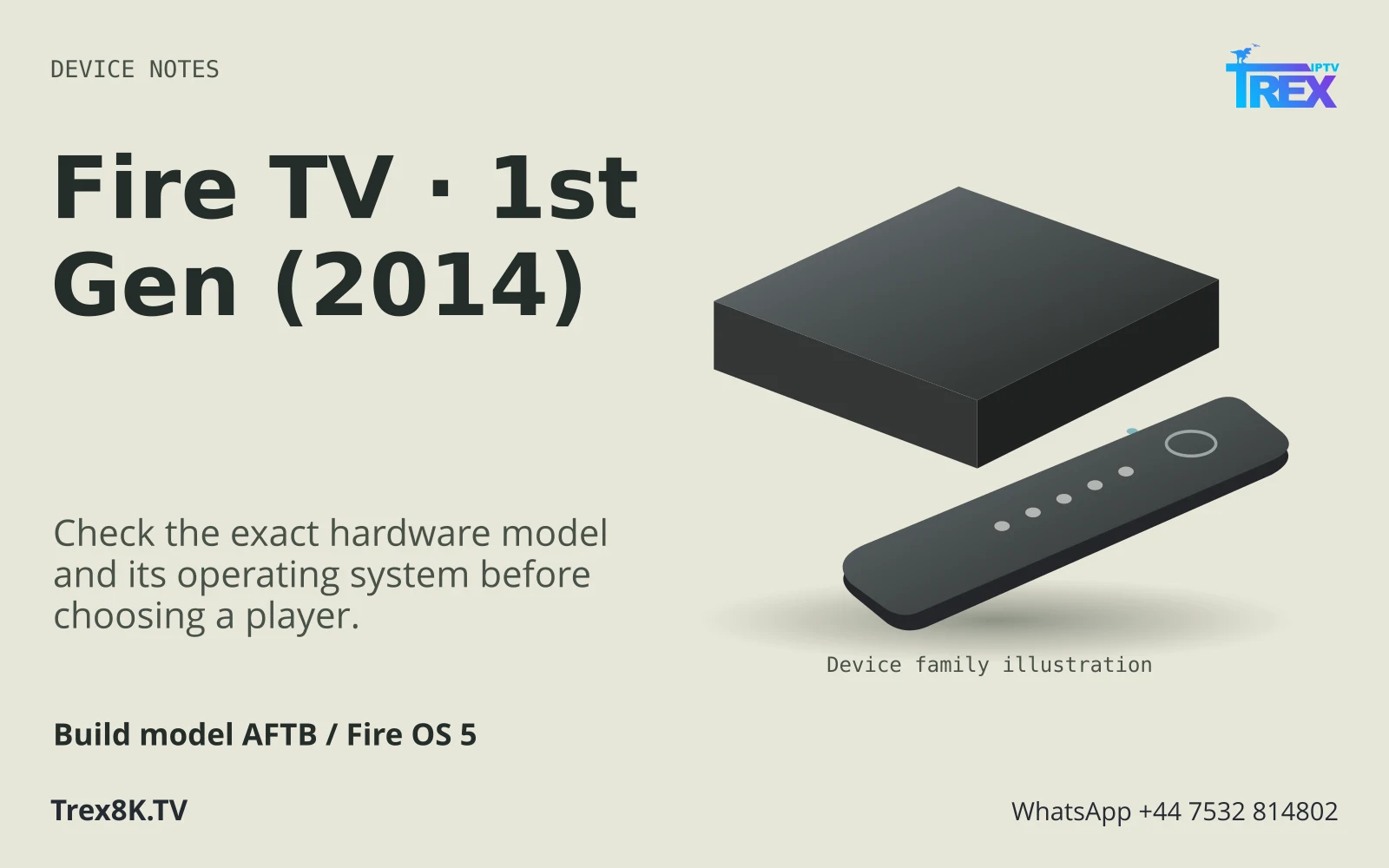
Fire TV · 1st Gen (2014). An original streaming box illustration. Check the exact hardware model and its operating system before choosing a player.
Fire TV · 1st Gen (2014)Check the exact hardware model and its operating system before choosing a player. The source lists build model AFTB and Fire OS 5.Open portrait
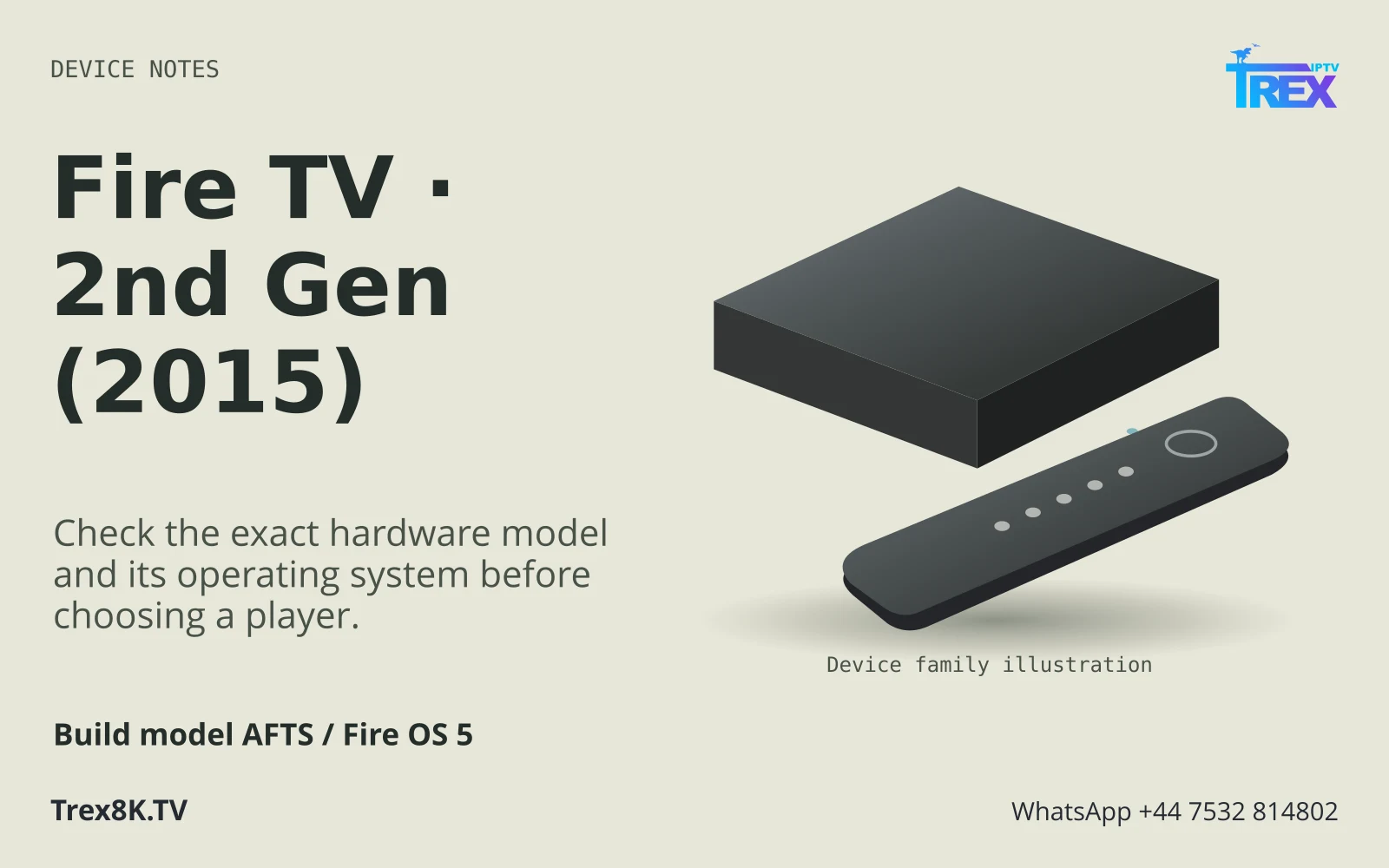
Fire TV · 2nd Gen (2015). An original streaming box illustration. Check the exact hardware model and its operating system before choosing a player.
Fire TV · 2nd Gen (2015)Check the exact hardware model and its operating system before choosing a player. The source lists build model AFTS and Fire OS 5.Open portrait
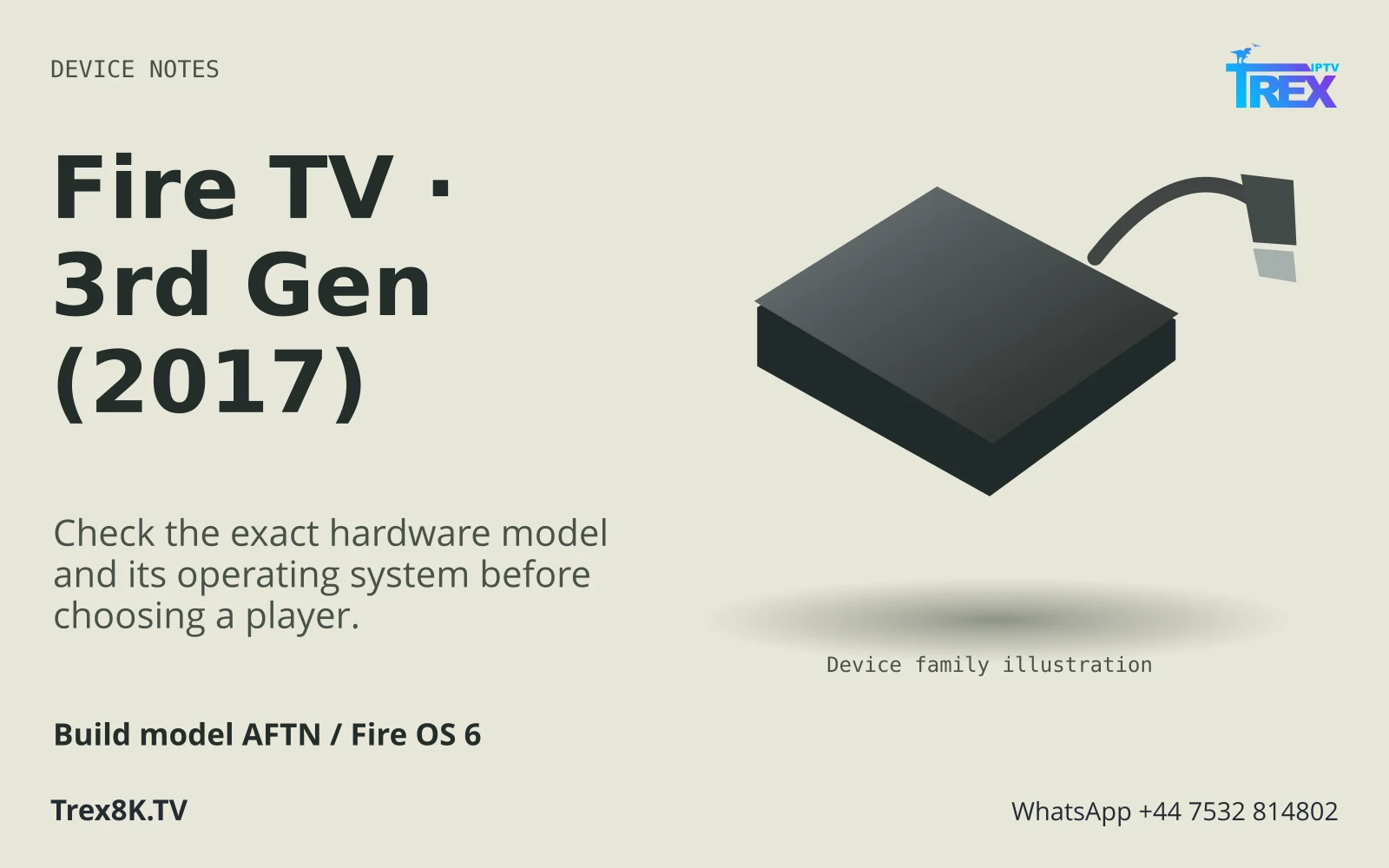
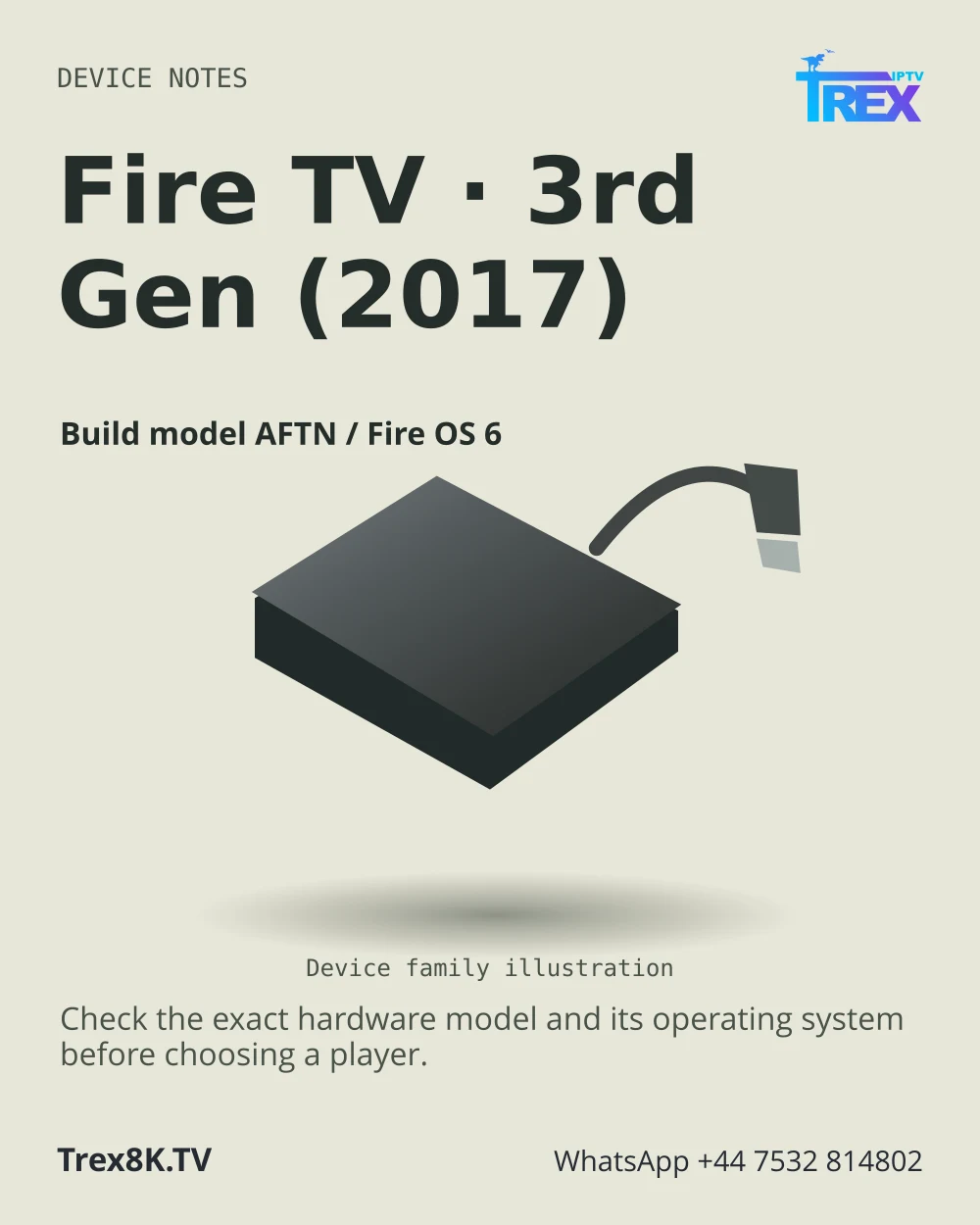
Fire TV · 3rd Gen (2017). An original pendant illustration. Check the exact hardware model and its operating system before choosing a player.
Fire TV · 3rd Gen (2017)Check the exact hardware model and its operating system before choosing a player. The source lists build model AFTN and Fire OS 6.Open portrait
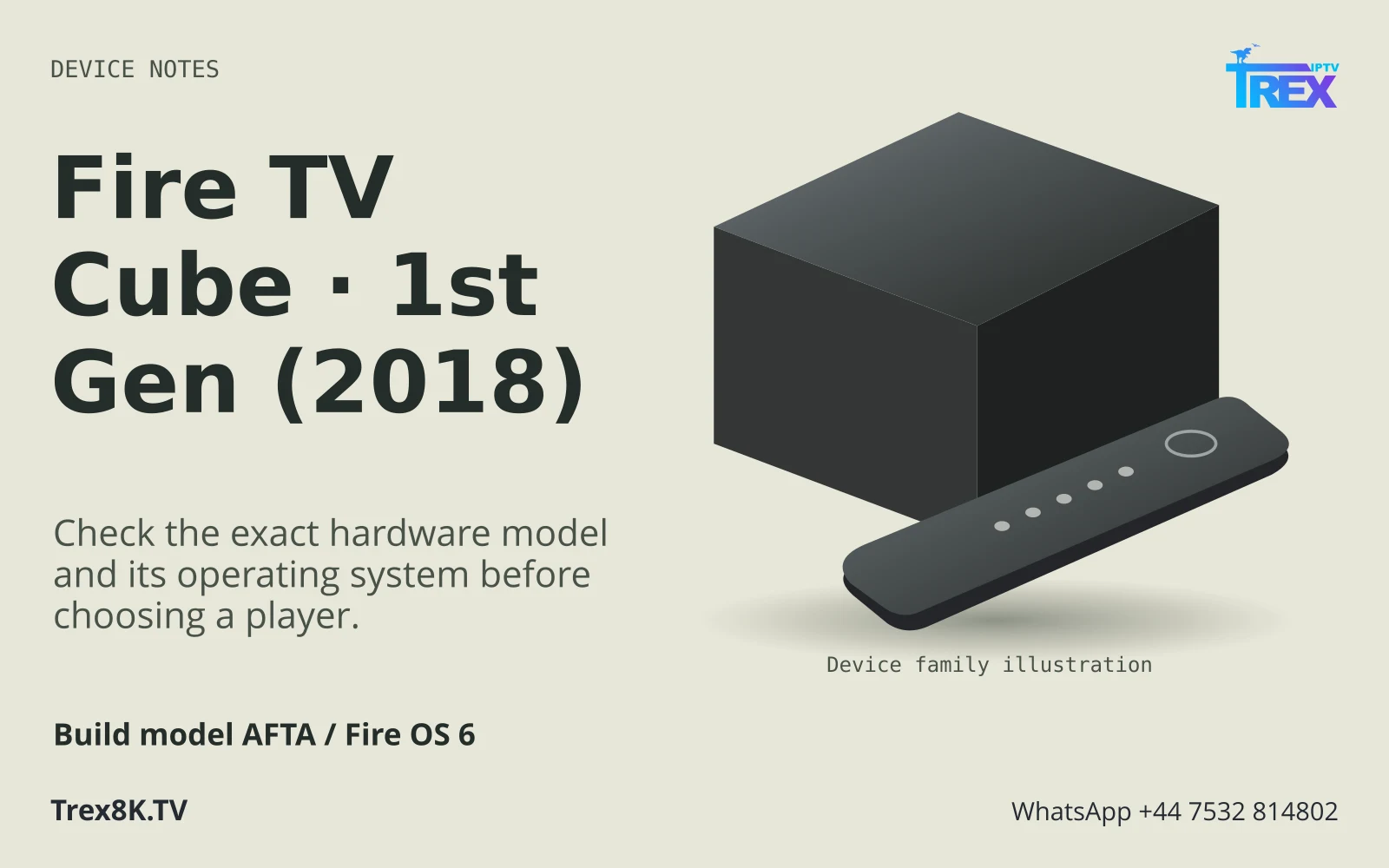
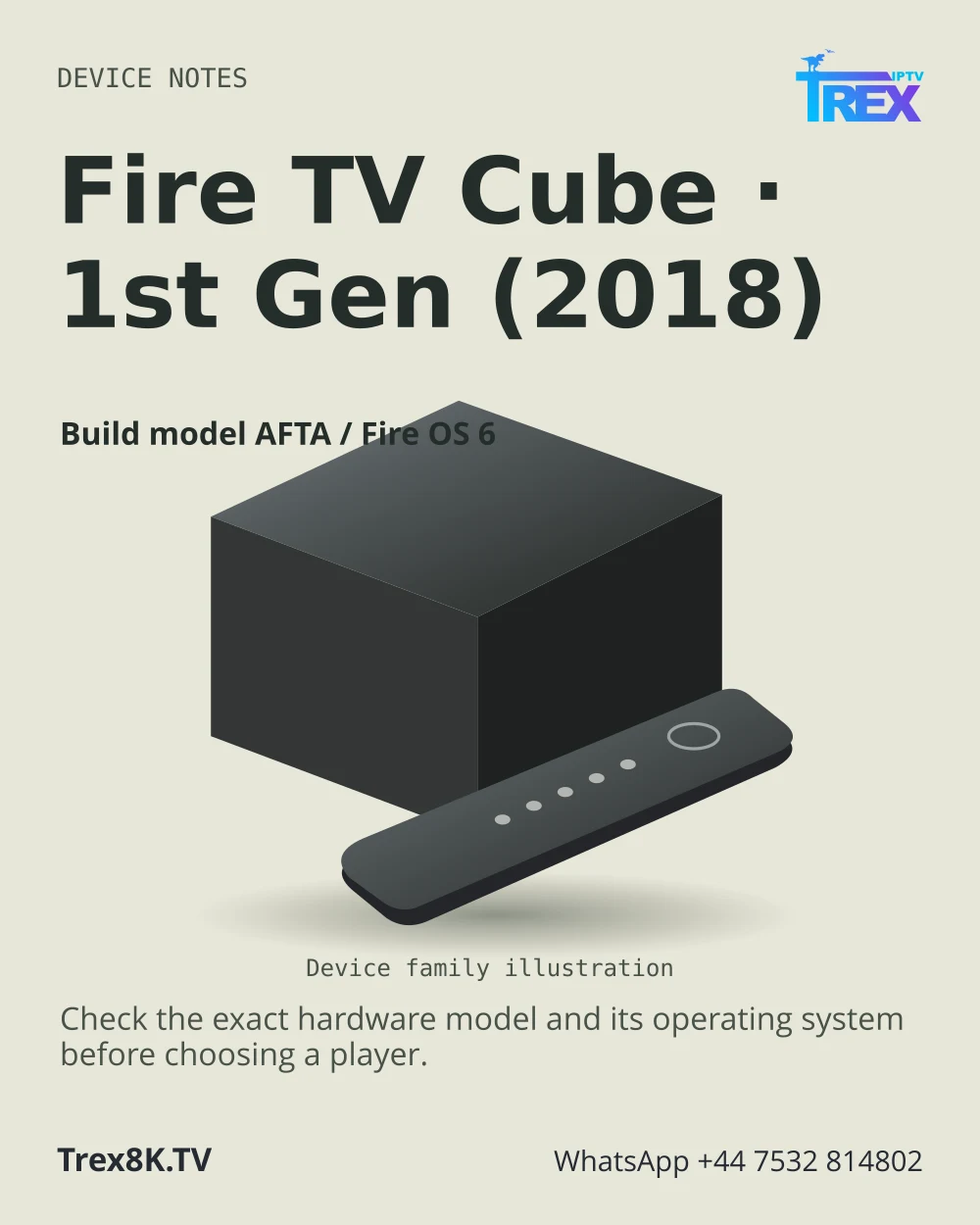
Fire TV Cube · 1st Gen (2018). An original cube illustration. Check the exact hardware model and its operating system before choosing a player.
Fire TV Cube · 1st Gen (2018)Check the exact hardware model and its operating system before choosing a player. The source lists build model AFTA and Fire OS 6.Open portrait
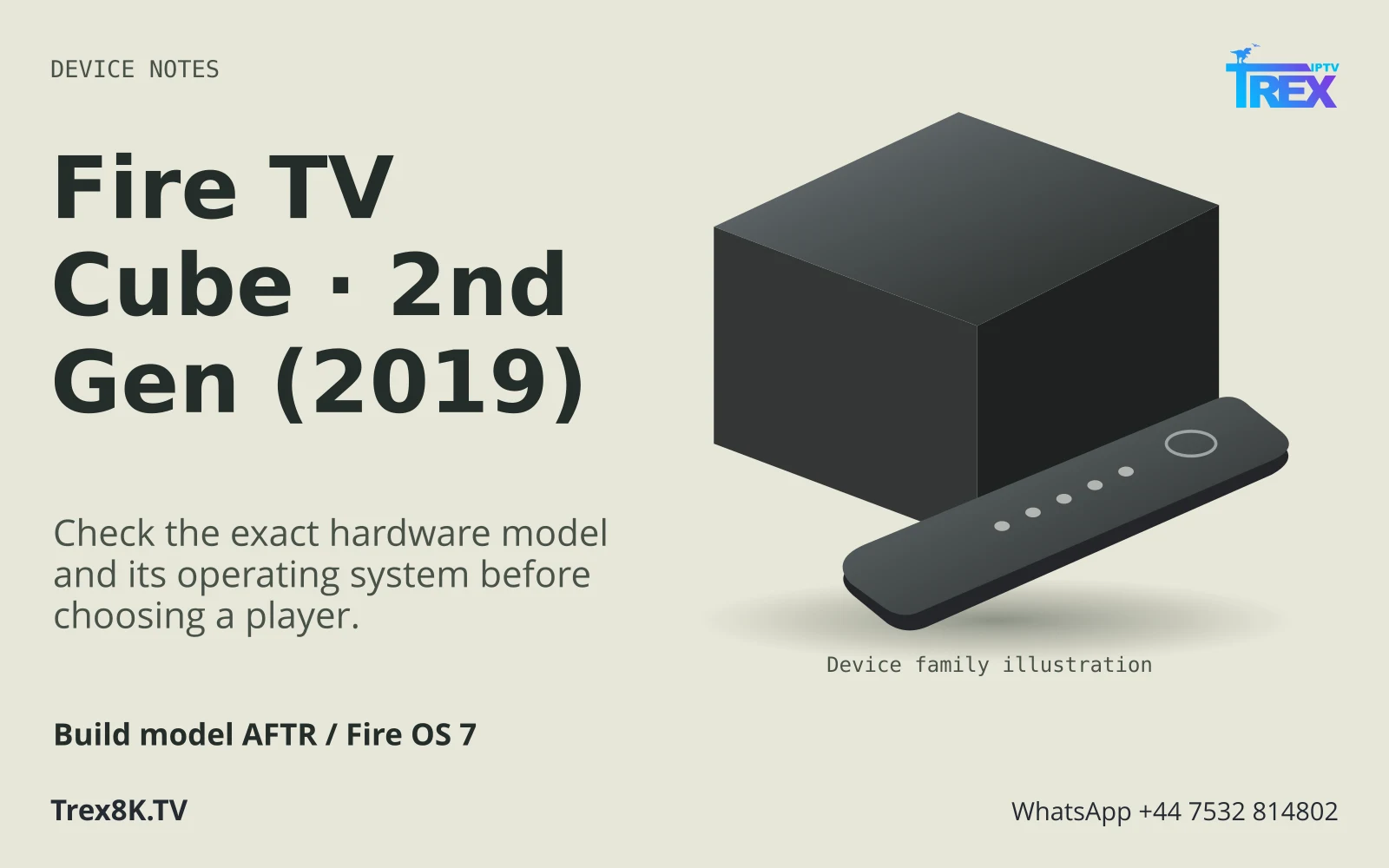
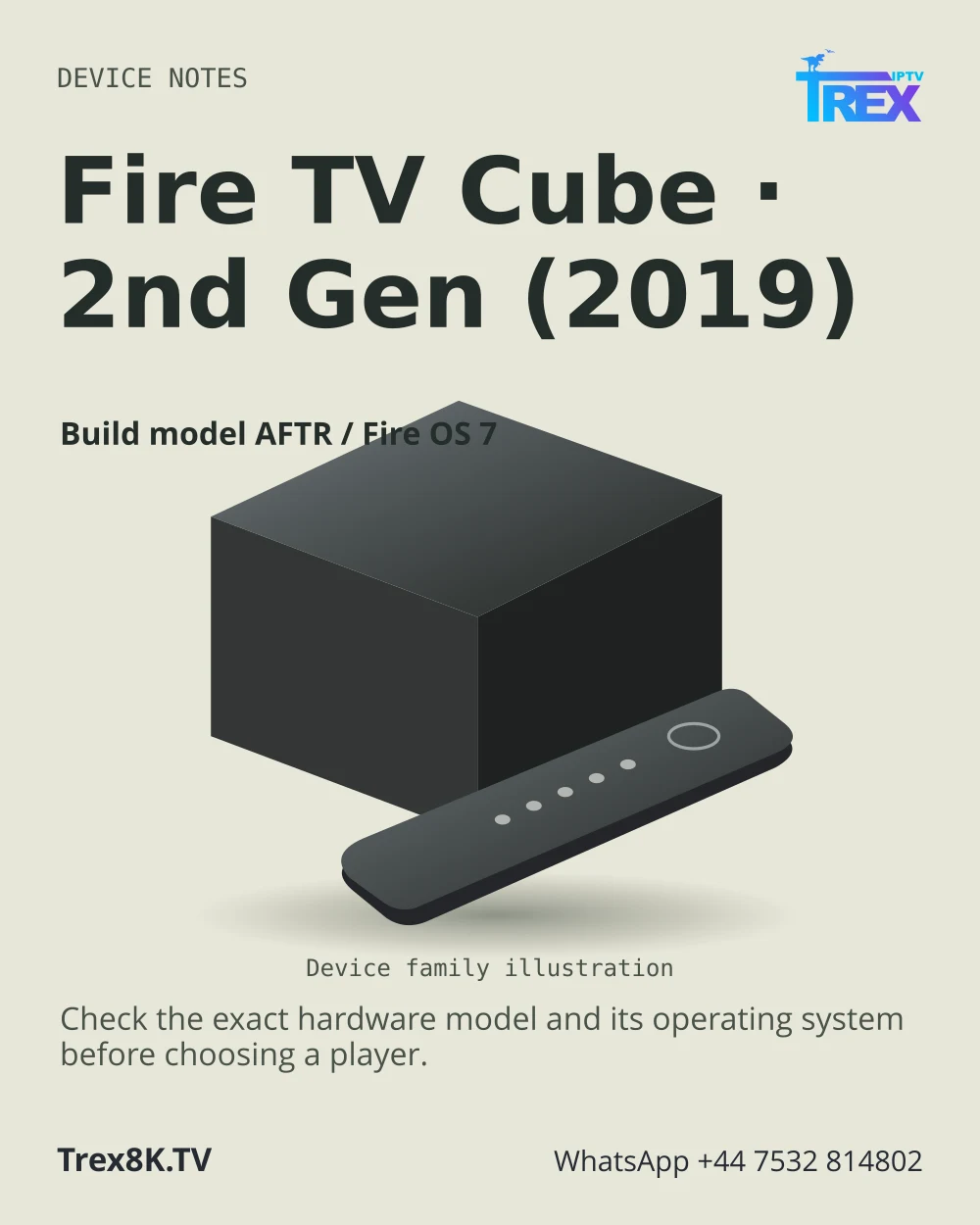
Fire TV Cube · 2nd Gen (2019). An original cube illustration. Check the exact hardware model and its operating system before choosing a player.
Fire TV Cube · 2nd Gen (2019)Check the exact hardware model and its operating system before choosing a player. The source lists build model AFTR and Fire OS 7.Open portrait
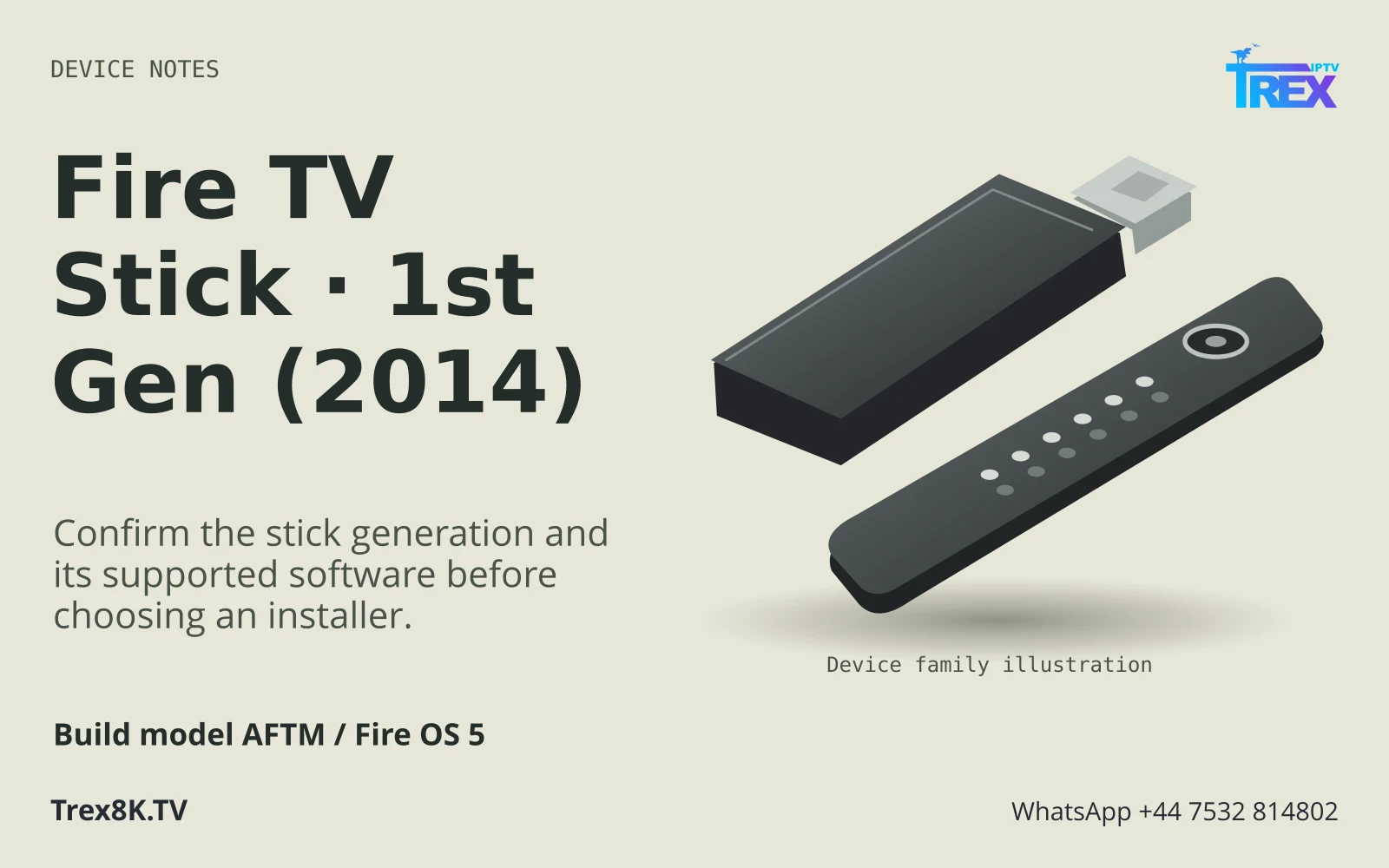
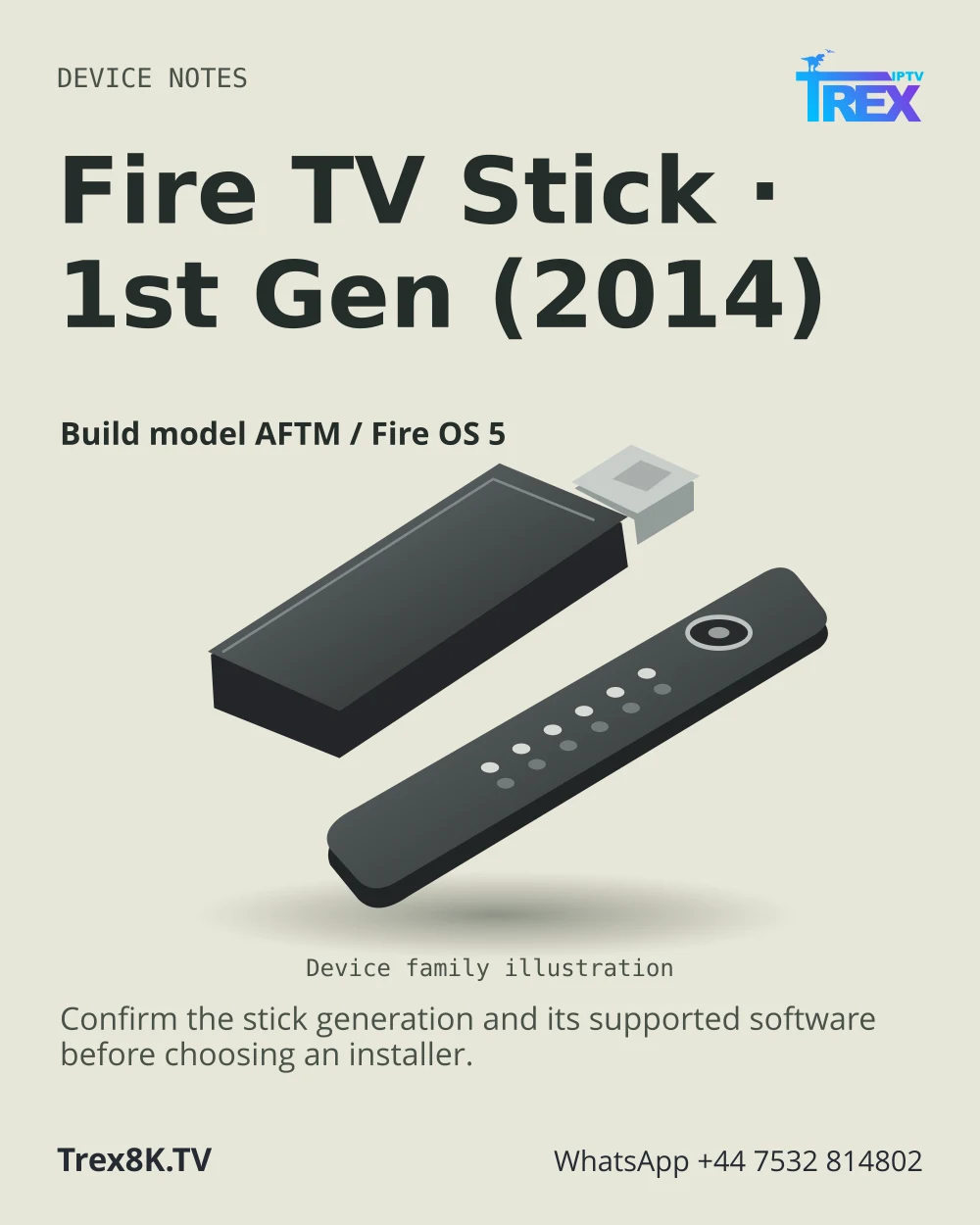
Fire TV Stick · 1st Gen (2014). An original streaming stick illustration. Confirm the stick generation and its supported software before choosing an installer.
Fire TV Stick · 1st Gen (2014)Confirm the stick generation and its supported software before choosing an installer. The source lists build model AFTM and Fire OS 5.Open portrait

Notes on the illustrations

Android tablet setup

The illustration titled “Android tablet setup” identifies Android tablet setup. The attached reference describes it this way: Check the player in your preferred orientation.

Following the subject link takes you to Find your streaming device. Its opening point is worth keeping with this image: Pick the hardware that opens your player. A mark, poster or model photograph is most useful when its precise edition is written next to it.

Philips Android TV setup

The illustration titled “Philips Android TV setup” identifies Philips Android TV setup. The attached reference describes it this way: Confirm this exact television uses Android TV.

Following the subject link takes you to Find your streaming device. Its opening point is worth keeping with this image: Pick the hardware that opens your player. A mark, poster or model photograph is most useful when its precise edition is written next to it.

Fire TV Stick 4K Select (2025)

The illustration titled “Fire TV Stick 4K Select (2025)” identifies Fire TV Stick 4K Select (2025). The attached reference describes it this way: Identify the exact 4K Select model and verify its Vega OS app route with the manufacturer.

Following the subject link takes you to Fire TV Stick 4K Select (2025) viewing setup. Its opening point is worth keeping with this image: Fire TV Stick 4K Select (2025) identifies itself as AFTCA002 in Amazon’s device table. A mark, poster or model photograph is most useful when its precise edition is written next to it.

Infomir MAG544 series with remote

The illustration titled “Infomir MAG544 series with remote” identifies Infomir MAG544 series with remote. The attached reference describes it this way: Use the manufacturer image to identify the box and remote, then check the actual player route.

Following the subject link takes you to Infomir MAG544 series with remote viewing setup. Its opening point is worth keeping with this image: The photograph identifies Infomir MAG544 series with remote. A mark, poster or model photograph is most useful when its precise edition is written next to it.

Xiaomi TV Box S (3rd Gen) product image

The illustration titled “Xiaomi TV Box S (3rd Gen) product image” identifies Xiaomi TV Box S (3rd Gen) product image. The attached reference describes it this way: Check the exact hardware model and its operating system before choosing a player.

Following the subject link takes you to Xiaomi TV Box S (3rd Gen) product image viewing setup. Its opening point is worth keeping with this image: The photograph identifies Xiaomi TV Box S (3rd Gen) product image. A mark, poster or model photograph is most useful when its precise edition is written next to it.

Fire TV - 1st Gen (2014)

The illustration titled “Fire TV - 1st Gen (2014)” identifies Fire TV - 1st Gen (2014). The attached reference describes it this way: Check the exact hardware model and its operating system before choosing a player.

Following the subject link takes you to Fire TV - 1st Gen (2014) viewing setup. Its opening point is worth keeping with this image: Fire TV - 1st Gen (2014) identifies itself as AFTB in Amazon’s device table. A mark, poster or model photograph is most useful when its precise edition is written next to it.

Fire TV Cube - 1st Gen (2018)

The illustration titled “Fire TV Cube - 1st Gen (2018)” identifies Fire TV Cube - 1st Gen (2018). The attached reference describes it this way: Check the exact hardware model and its operating system before choosing a player.

Following the subject link takes you to Fire TV Cube - 1st Gen (2018) viewing setup. Its opening point is worth keeping with this image: Fire TV Cube - 1st Gen (2018) identifies itself as AFTA in Amazon’s device table. A mark, poster or model photograph is most useful when its precise edition is written next to it.

Fire TV Stick - 1st Gen (2014)

The illustration titled “Fire TV Stick - 1st Gen (2014)” identifies Fire TV Stick - 1st Gen (2014). The attached reference describes it this way: Confirm the stick generation and its supported software before choosing an installer.

Following the subject link takes you to Fire TV Stick - 1st Gen (2014) viewing setup. Its opening point is worth keeping with this image: Fire TV Stick - 1st Gen (2014) identifies itself as AFTM in Amazon’s device table. A mark, poster or model photograph is most useful when its precise edition is written next to it.

Use the entries above to move between Android tablet setup and Fire TV Stick - 1st Gen (2014). Each linked guide retains the full record, its source and any conditions that affect how to use it.

Use the model name beyond the family logo

The Google TV Streamer, an NVIDIA SHIELD TV Pro and a Xiaomi TV Box S can sit on the same shelf with similar HDMI cables. Distinguish the full model, storage wording where shown and remote. A picture can narrow a search. The label on the hardware and the model reported on its About screen settle which guide to keep open.