Trex8K.TV
Visual guide

Devices and screens · visual guides 4

Open the artwork for a closer look. The linked titles lead to the subject guides.

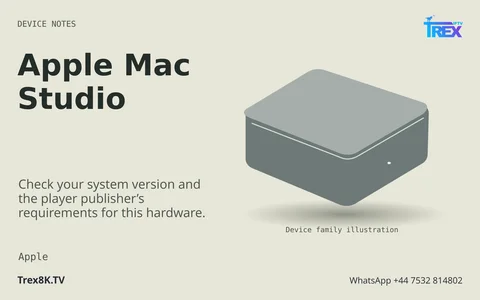
Apple Mac Studio. An original compact-computer illustration. Check your system version and the player publisher’s requirements for this hardware.
Apple Mac StudioCheck your system version and the player publisher’s requirements for this hardware.Open portrait
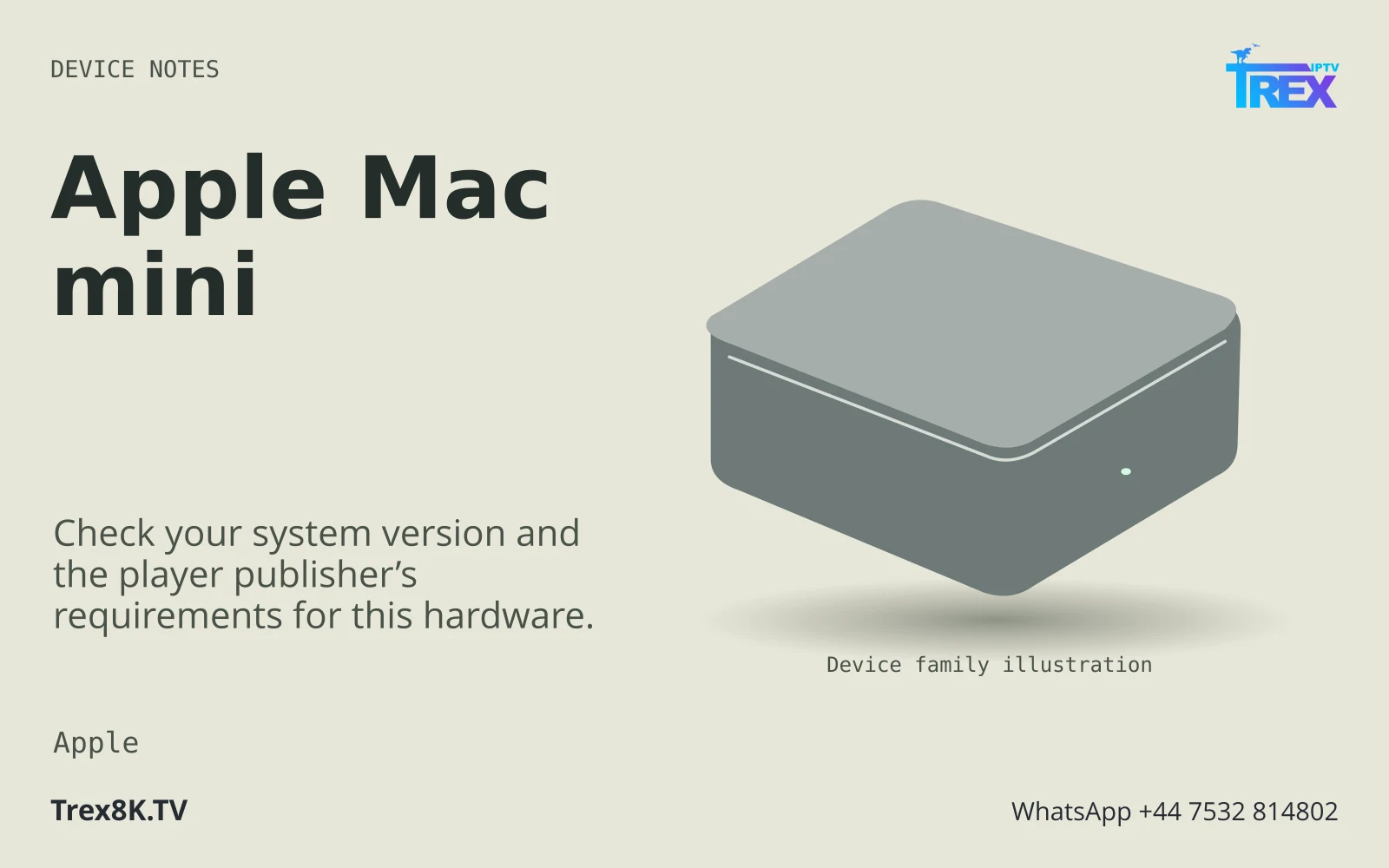
Apple Mac mini. An original compact-computer illustration. Check your system version and the player publisher’s requirements for this hardware.
Apple Mac miniCheck your system version and the player publisher’s requirements for this hardware.Open portrait
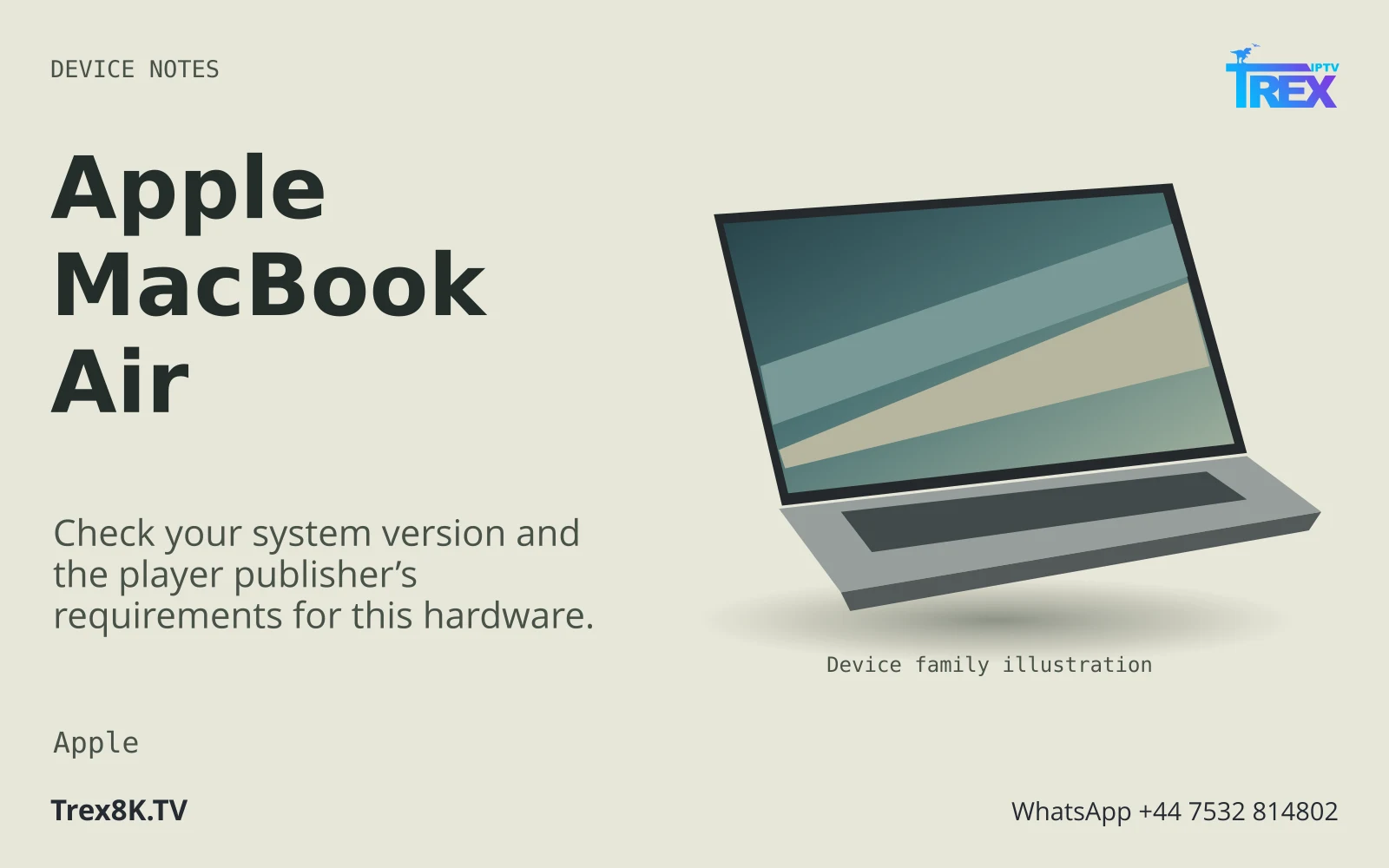
Apple MacBook Air. An original laptop illustration. Check your system version and the player publisher’s requirements for this hardware.
Apple MacBook AirCheck your system version and the player publisher’s requirements for this hardware.Open portrait
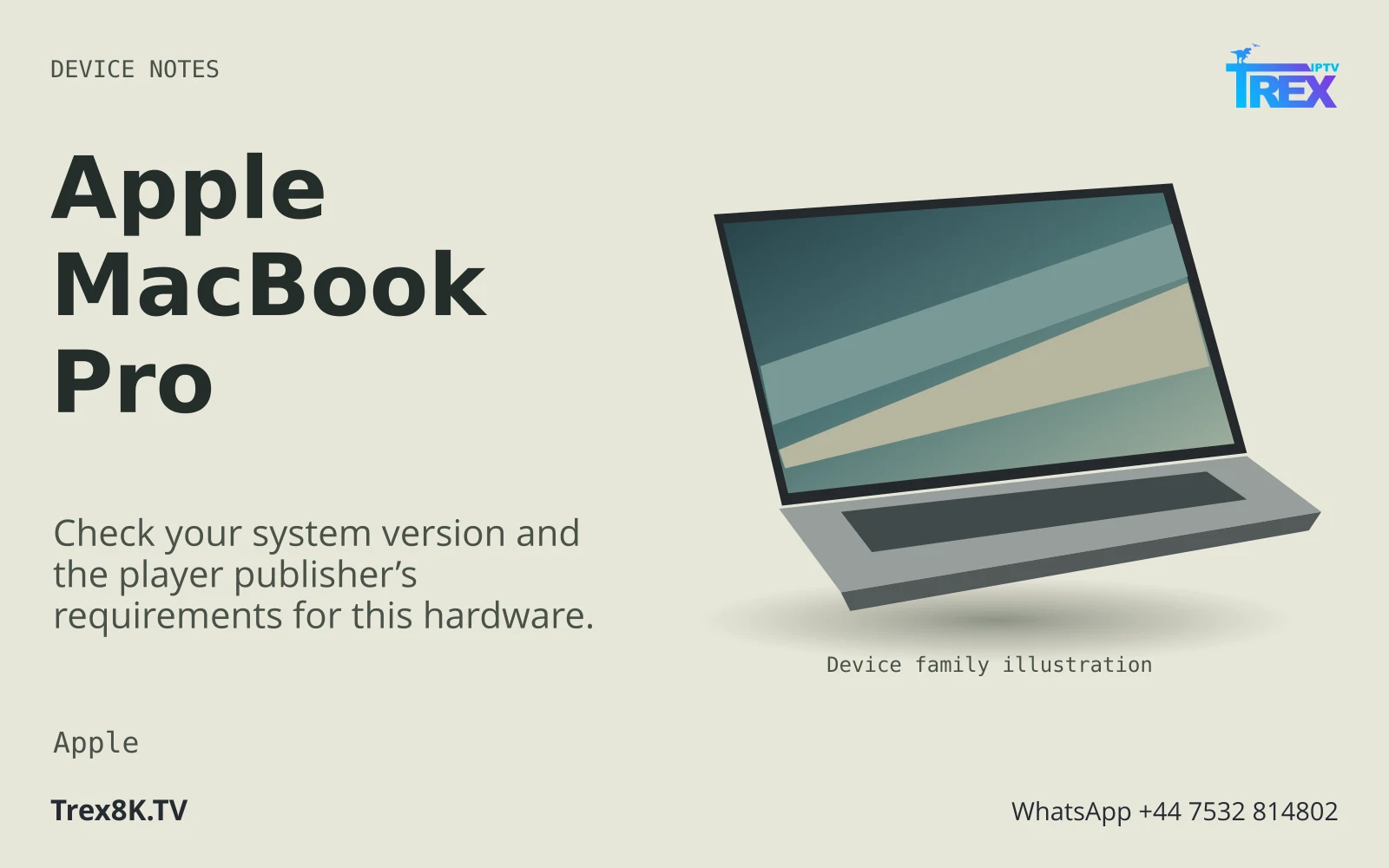
Apple MacBook Pro. An original laptop illustration. Check your system version and the player publisher’s requirements for this hardware.
Apple MacBook ProCheck your system version and the player publisher’s requirements for this hardware.Open portrait
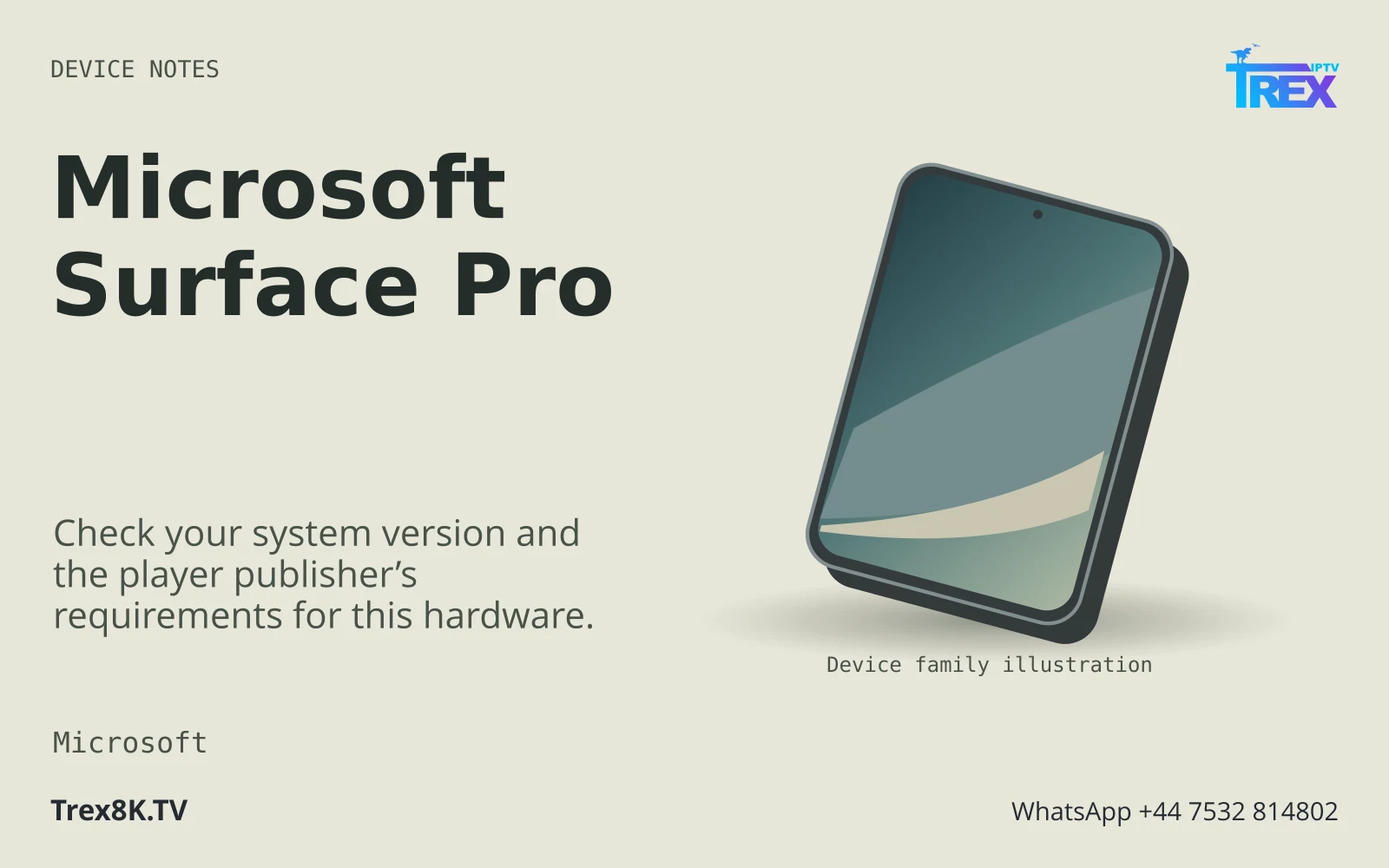
Microsoft Surface Pro. An original tablet illustration. Check your system version and the player publisher’s requirements for this hardware.
Microsoft Surface ProCheck your system version and the player publisher’s requirements for this hardware.Open portrait
Android. An original platform illustration. Use the platform’s current setup documentation and match the player to the exact device.
AndroidUse the platform’s current setup documentation and match the player to the exact device.Open portrait
Android TV. An original platform illustration. Use the platform’s current setup documentation and match the player to the exact device.
Android TVUse the platform’s current setup documentation and match the player to the exact device.Open portrait
Google TV. An original platform illustration. Use the platform’s current setup documentation and match the player to the exact device.
Google TVUse the platform’s current setup documentation and match the player to the exact device.Open portrait
Linux. An original platform illustration. Use the platform’s current setup documentation and match the player to the exact device.
LinuxUse the platform’s current setup documentation and match the player to the exact device.Open portrait
Samsung Tizen OS. An original platform illustration. Use the platform’s current setup documentation and match the player to the exact device.

Samsung Tizen OSUse the platform’s current setup documentation and match the player to the exact device.Open portrait
VIDAA. An original platform illustration. Use the platform’s current setup documentation and match the player to the exact device.
VIDAAUse the platform’s current setup documentation and match the player to the exact device.Open portrait
Windows 11. An original platform illustration. Use the platform’s current setup documentation and match the player to the exact device.

Windows 11Use the platform’s current setup documentation and match the player to the exact device.Open portrait
iOS. An original platform illustration. Use the platform’s current setup documentation and match the player to the exact device.
iOSUse the platform’s current setup documentation and match the player to the exact device.Open portrait
iPadOS. An original platform illustration. Use the platform’s current setup documentation and match the player to the exact device.
iPadOSUse the platform’s current setup documentation and match the player to the exact device.Open portrait
macOS. An original platform illustration. Use the platform’s current setup documentation and match the player to the exact device.
macOSUse the platform’s current setup documentation and match the player to the exact device.Open portrait
tvOS. An original platform illustration. Use the platform’s current setup documentation and match the player to the exact device.
tvOSUse the platform’s current setup documentation and match the player to the exact device.Open portrait
webOS TV Developer. An original platform illustration. Use the platform’s current setup documentation and match the player to the exact device.
webOS TV DeveloperUse the platform’s current setup documentation and match the player to the exact device.Open portrait
AirPlay audio. An original cast illustration. Use the platform’s current setup documentation and match the player to the exact device.
AirPlay audioUse the platform’s current setup documentation and match the player to the exact device.Open portrait

Notes on the illustrations

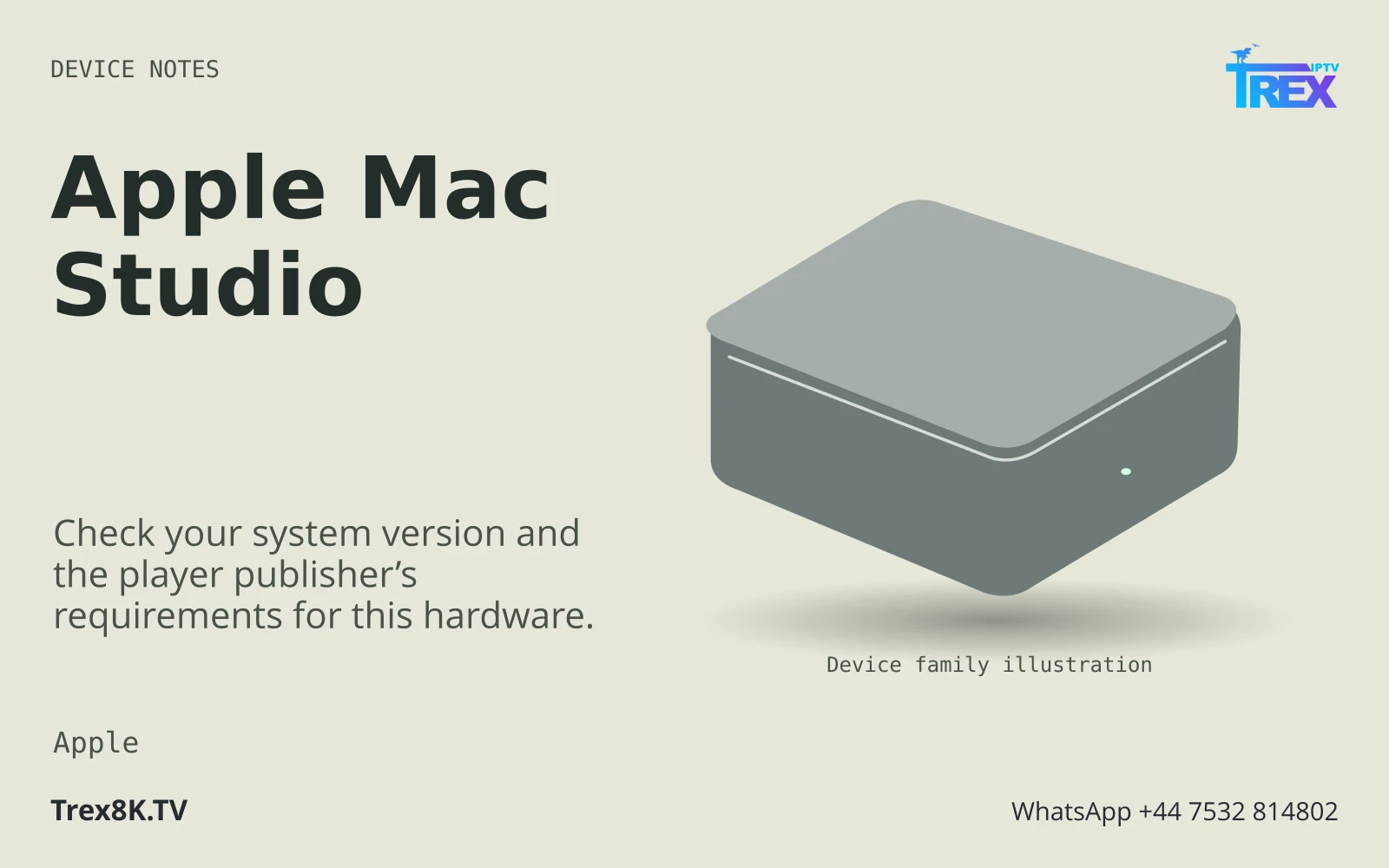
Apple Mac Studio

The illustration titled “Apple Mac Studio” identifies Apple Mac Studio. The attached reference describes it this way: Check your system version and the player publisher’s requirements for this hardware.

Following the subject link takes you to Apple Mac Studio viewing setup. Its opening point is worth keeping with this image: The photograph identifies Apple Mac Studio. A mark, poster or model photograph is most useful when its precise edition is written next to it.

Apple MacBook Air

The illustration titled “Apple MacBook Air” identifies Apple MacBook Air. The attached reference describes it this way: Check your system version and the player publisher’s requirements for this hardware.

Following the subject link takes you to Apple MacBook Air viewing setup. Its opening point is worth keeping with this image: The photograph identifies Apple MacBook Air. A mark, poster or model photograph is most useful when its precise edition is written next to it.

Android

The illustration titled “Android” identifies Android. The attached reference describes it this way: Use the platform’s current setup documentation and match the player to the exact device.

Following the subject link takes you to Find your streaming device. Its opening point is worth keeping with this image: Pick the hardware that opens your player. A mark, poster or model photograph is most useful when its precise edition is written next to it.

Google TV

The illustration titled “Google TV” identifies Google TV. The attached reference describes it this way: Use the platform’s current setup documentation and match the player to the exact device.

Following the subject link takes you to Find your streaming device. Its opening point is worth keeping with this image: Pick the hardware that opens your player. A mark, poster or model photograph is most useful when its precise edition is written next to it.

VIDAA

The illustration titled “VIDAA” identifies VIDAA. The attached reference describes it this way: Use the platform’s current setup documentation and match the player to the exact device.

Following the subject link takes you to VIDAA player compatibility. Its opening point is worth keeping with this image: Check VIDAA on the TV itself. A mark, poster or model photograph is most useful when its precise edition is written next to it.

iOS

The illustration titled “iOS” identifies iOS. The attached reference describes it this way: Use the platform’s current setup documentation and match the player to the exact device.

Following the subject link takes you to iOS player compatibility. Its opening point is worth keeping with this image: Check the iPhone listing, required iOS release and in-app charges. A mark, poster or model photograph is most useful when its precise edition is written next to it.

tvOS

The illustration titled “tvOS” identifies tvOS. The attached reference describes it this way: Use the platform’s current setup documentation and match the player to the exact device.

Following the subject link takes you to tvOS player compatibility. Its opening point is worth keeping with this image: Look for the App Store on Apple TV HD or 4K. A mark, poster or model photograph is most useful when its precise edition is written next to it.

AirPlay audio symbol

The illustration titled “AirPlay audio symbol” identifies AirPlay audio symbol. The attached reference describes it this way: Use the platform’s current setup documentation and match the player to the exact device.

Following the subject link takes you to Find your streaming device. Its opening point is worth keeping with this image: Pick the hardware that opens your player. A mark, poster or model photograph is most useful when its precise edition is written next to it.

Use the entries above to move between Apple Mac Studio and AirPlay audio symbol. Each linked guide retains the full record, its source and any conditions that affect how to use it.

Distinguish the computer from its software

Mac mini, Mac Studio and MacBook Air name computers. macOS names the operating system that runs an application on those computers. AirPlay audio describes another part of a listening setup. When asking why a player will not open, begin with the computer and installed system, then say where the sound is meant to come out.

MacBook Air and MacBook Pro can both be portable screens for a player, whereas a Mac Studio or Mac mini needs a connected display. For any of them, write down the installed macOS version and the actual player. If playback stops only when switching the screen or audio device, record the output used in each case rather than describing the computer as incompatible.

The platform terms later in the group have different scopes. iOS and iPadOS apply to separate mobile interfaces. tvOS applies to an Apple TV, even when the television attached to it is another manufacturer’s product. AirPlay audio gives you an output route to investigate. It is not the name of a television player, so pair that observation with the actual app that started playback.

A Surface Pro can be used with a keyboard, a touch screen or an external television. Tell the person helping which screen displays the player and how you enter commands. A login box that can be reached by tapping but not by a connected control raises an input question, while an application that cannot launch raises an installation question. Keeping the interaction precise saves an unnecessary search for accounts and passwords.

Android and Android TV are useful labels to distinguish here. A phone-oriented build might expect a touch interaction that a television remote cannot supply. On a television, move around the app from the sofa and check whether the highlighted control stays visible. A working installation and a comfortably usable remote interface are two separate observations worth recording together.

If somebody asks for help with “my Apple setup”, ask what is playing the programme. A MacBook sending sound to another device, an iPad opening a streaming app and an Apple TV connected by HDMI all deserve different guides. Add the operating-system name and the app shown on the relevant screen. That turns a brand name into a description precise enough for the next person to follow.

For an operating-system guide, save the exact store listing you opened and its publisher. That gives another member of the household a repeatable route on the intended device.