The illustration titled “Fire TV Stick HD (2026)” identifies Fire TV Stick HD (2026). The attached reference describes it this way: Identify this model or platform and verify the current supported player, operating system and installation method before ordering.
Following the subject link takes you to Fire TV Stick HD (2026) viewing setup. Its opening point is worth keeping with this image: Fire TV Stick HD (2026) identifies itself as AFTCL001 in Amazon’s device table. A mark, poster or model photograph is most useful when its precise edition is written next to it.
The illustration titled “Fire TV Stick HD Alexa Voice Remote (2024)” identifies Fire TV Stick HD Alexa Voice Remote (2024). The attached reference describes it this way: Identify this model or platform and verify the current supported player, operating system and installation method before ordering.
Following the subject link takes you to Fire TV Stick HD Alexa Voice Remote (2024) viewing setup. Its opening point is worth keeping with this image: Fire TV Stick HD Alexa Voice Remote (2024) identifies itself as AFTSS in Amazon’s device table. A mark, poster or model photograph is most useful when its precise edition is written next to it.
The illustration titled “Homatics Box R 4K Plus with remote” identifies Homatics Box R 4K Plus with remote. The attached reference describes it this way: Identify this model or platform and verify the current supported player, operating system and installation method before ordering.
Following the subject link takes you to Find your streaming device. Its opening point is worth keeping with this image: Pick the hardware that opens your player. A mark, poster or model photograph is most useful when its precise edition is written next to it.
The illustration titled “MECOOL KM2 PLUS Deluxe” identifies MECOOL KM2 PLUS Deluxe. The attached reference describes it this way: Identify this model or platform and verify the current supported player, operating system and installation method before ordering.
Following the subject link takes you to Find your streaming device. Its opening point is worth keeping with this image: Pick the hardware that opens your player. A mark, poster or model photograph is most useful when its precise edition is written next to it.
The illustration titled “MINIX U8K-ULTRA with remote” identifies MINIX U8K-ULTRA with remote. The attached reference describes it this way: Identify this model or platform and verify the current supported player, operating system and installation method before ordering.
Following the subject link takes you to Find your streaming device. Its opening point is worth keeping with this image: Pick the hardware that opens your player. A mark, poster or model photograph is most useful when its precise edition is written next to it.
The illustration titled “Xiaomi Mi TV Stick” identifies Xiaomi Mi TV Stick. The attached reference describes it this way: Identify this model or platform and verify the current supported player, operating system and installation method before ordering.
Following the subject link takes you to Xiaomi Mi TV Stick viewing setup. Its opening point is worth keeping with this image: The photograph identifies Xiaomi Mi TV Stick. A mark, poster or model photograph is most useful when its precise edition is written next to it.
The illustration titled “Xiaomi Mi Box 4K” identifies Xiaomi Mi Box 4K. The attached reference describes it this way: Identify this model or platform and verify the current supported player, operating system and installation method before ordering.
Following the subject link takes you to Xiaomi Mi Box 4K viewing setup. Its opening point is worth keeping with this image: The photograph identifies Xiaomi Mi Box 4K. A mark, poster or model photograph is most useful when its precise edition is written next to it.
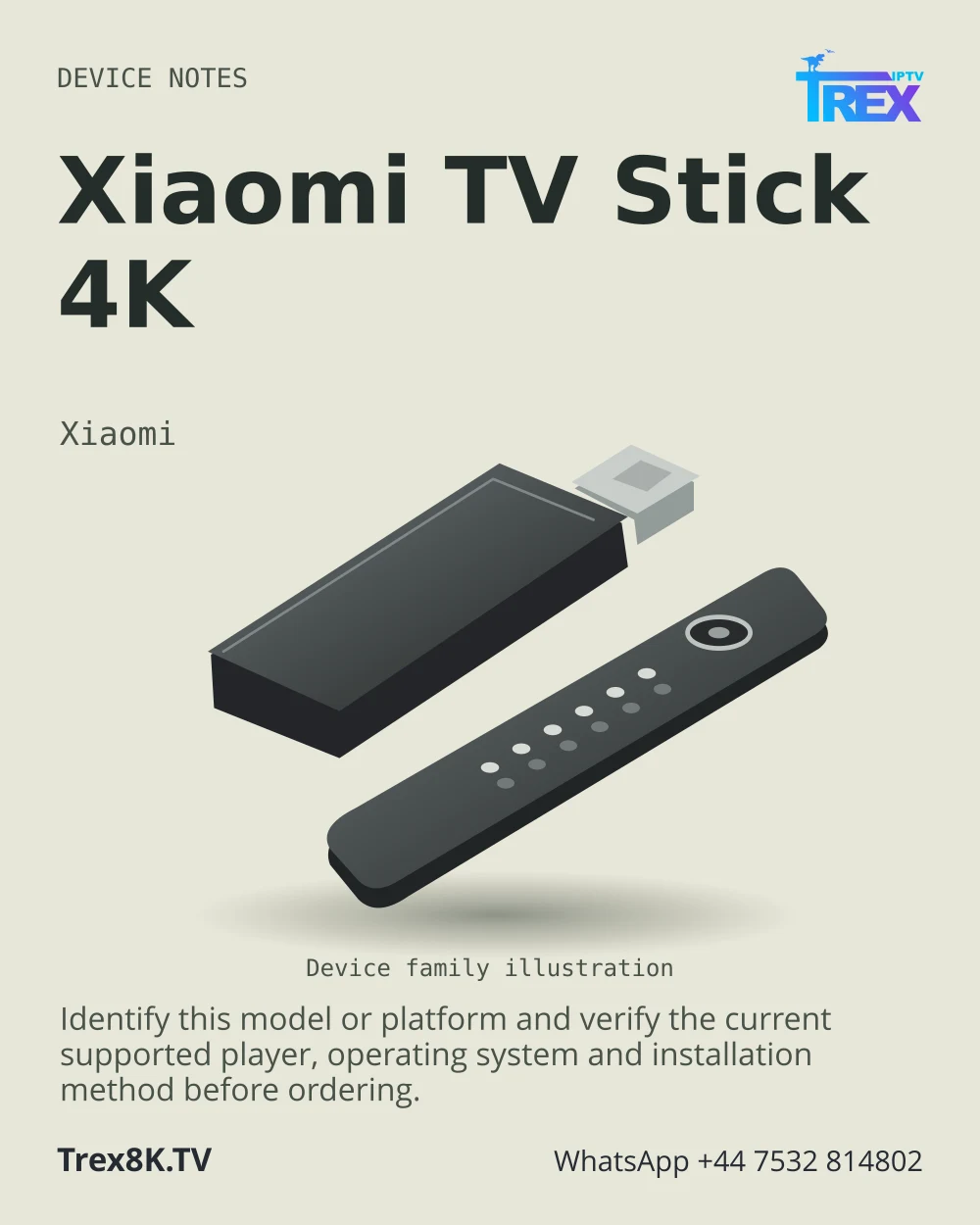
The illustration titled “Xiaomi TV Stick 4K” identifies Xiaomi TV Stick 4K. The attached reference describes it this way: Identify this model or platform and verify the current supported player, operating system and installation method before ordering.
Following the subject link takes you to Xiaomi TV Stick 4K viewing setup. Its opening point is worth keeping with this image: The photograph identifies Xiaomi TV Stick 4K. A mark, poster or model photograph is most useful when its precise edition is written next to it.
Use the entries above to move between Fire TV Stick HD (2026) and Xiaomi TV Stick 4K. Each linked guide retains the full record, its source and any conditions that affect how to use it.