The illustration titled “Trex IBO · player troubleshooting” identifies Trex IBO · player troubleshooting. The attached reference describes it this way: Share a redacted screenshot and the device model.
Following the subject link takes you to Trex IBO player guide. Its opening point is worth keeping with this image: The supplied IBO photographs show two useful landmarks. A mark, poster or model photograph is most useful when its precise edition is written next to it.
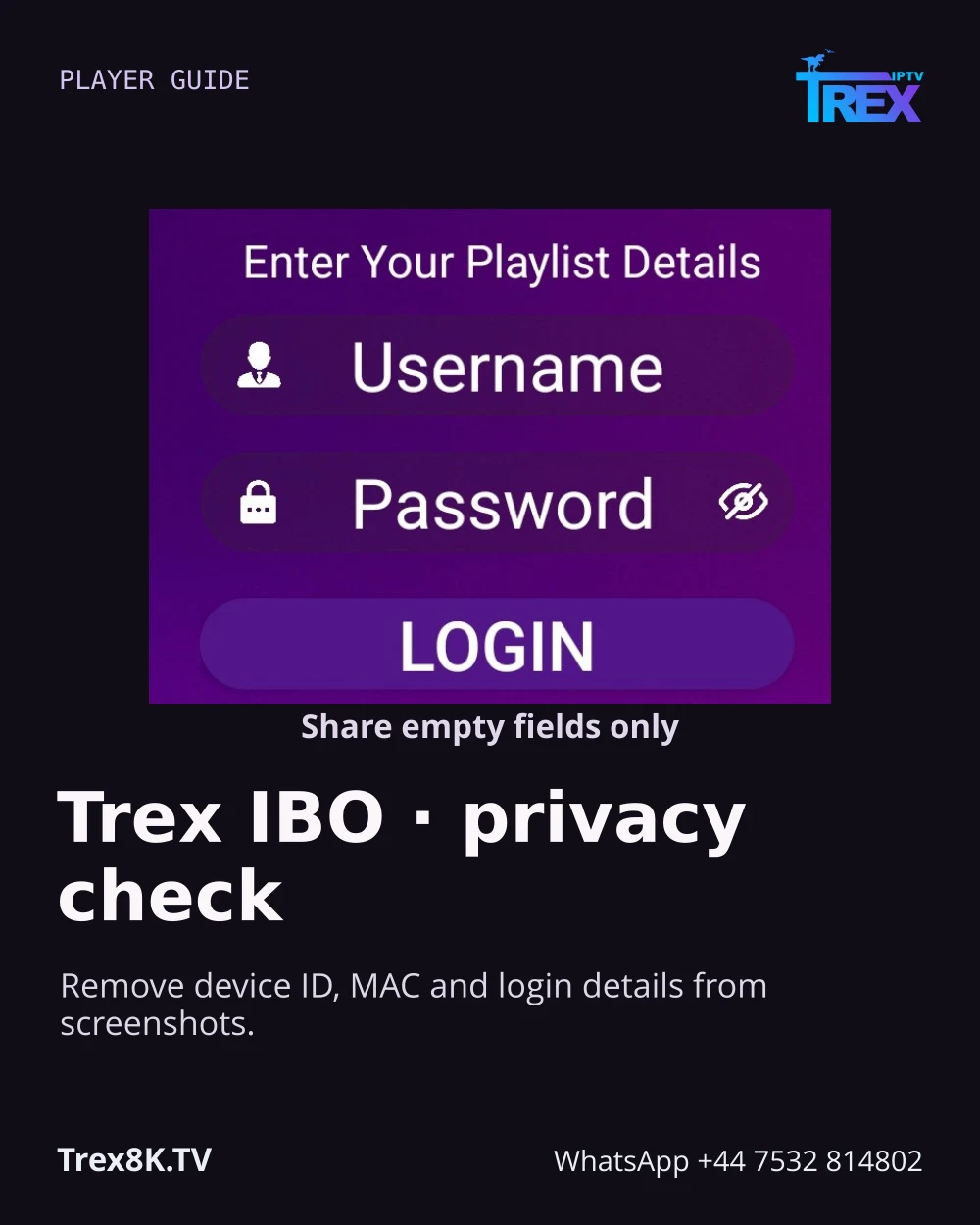
The illustration titled “Trex IBO · privacy check” identifies Trex IBO · privacy check. The attached reference describes it this way: Remove device ID, MAC and login details from screenshots.
Following the subject link takes you to Trex IBO player guide. Its opening point is worth keeping with this image: The supplied IBO photographs show two useful landmarks. A mark, poster or model photograph is most useful when its precise edition is written next to it.
An activation code is issued for a particular registration process. The section “Which edition is this?” deals with the first decision in Trex Activecode.
Under “What can be confirmed about this file?”, you can follow the same question further. Keep the first test of Trex Activecode small enough to repeat. The adjoining example gives the context for this part of Trex Activecode.
The Firestick listing is an Android package reference for a compatible Fire OS installation. The section “Which edition is this?” deals with the first decision in Trex Firestick.
Under “What can be confirmed about this file?”, you can follow the same question further. Keep the first test of Trex Firestick small enough to repeat. The adjoining example gives the context for this part of Trex Firestick.
The word Mobile in the source matters. The section “Which edition is this?” deals with the first decision in Trex Mobile OTT 7.1.
Under “What can be confirmed about this file?”, you can follow the same question further. Keep the first test of Trex Mobile OTT 7.1 small enough to repeat. The adjoining example gives the context for this part of Trex Mobile OTT 7.1.
Flix Movies is the title in the Android directory. The section “Which edition is this?” deals with the first decision in Trex Flix Movies.
Under “What can be confirmed about this file?”, you can follow the same question further. Keep the first test of Trex Flix Movies small enough to repeat. The adjoining example gives the context for this part of Trex Flix Movies.
The reference named MacBook App contains 1.2.0 in both its title and disk-image filename. The section “Which edition is this?” deals with the first decision in Trex MacBook App 1.2.0.
Under “What can be confirmed about this file?”, you can follow the same question further. Keep the first test of Trex MacBook App 1.2.0 small enough to repeat. The adjoining example gives the context for this part of Trex MacBook App 1.2.0.
Windows App 1.2.0 and Player for Windows 0.2.0 have distinct titles in the supplied directory. The section “Which edition is this?” deals with the first decision in Trex Windows App 1.2.0.
Under “What can be confirmed about this file?”, you can follow the same question further. Keep the first test of Trex Windows App 1.2.0 small enough to repeat. The adjoining example gives the context for this part of Trex Windows App 1.2.0.
TREXMAG.apk is the filename recorded for this Android player. The section “Which edition is this?” deals with the first decision in Trex STBEmu.
Under “What can be confirmed about this file?”, you can follow the same question further. Keep the first test of Trex STBEmu small enough to repeat. The adjoining example gives the context for this part of Trex STBEmu.
The catalogue gives IBO Pro the separate filename X-IBO-PRO.apk. The section “Which edition is this?” deals with the first decision in Trex IBO Pro.
Under “What can be confirmed about this file?”, you can follow the same question further. Keep the first test of Trex IBO Pro small enough to repeat. The adjoining example gives the context for this part of Trex IBO Pro.
Use the entries above to move between Trex IBO · player troubleshooting and Related reading · Trex IBO Pro. Each linked guide retains the full record, its source and any conditions that affect how to use it.