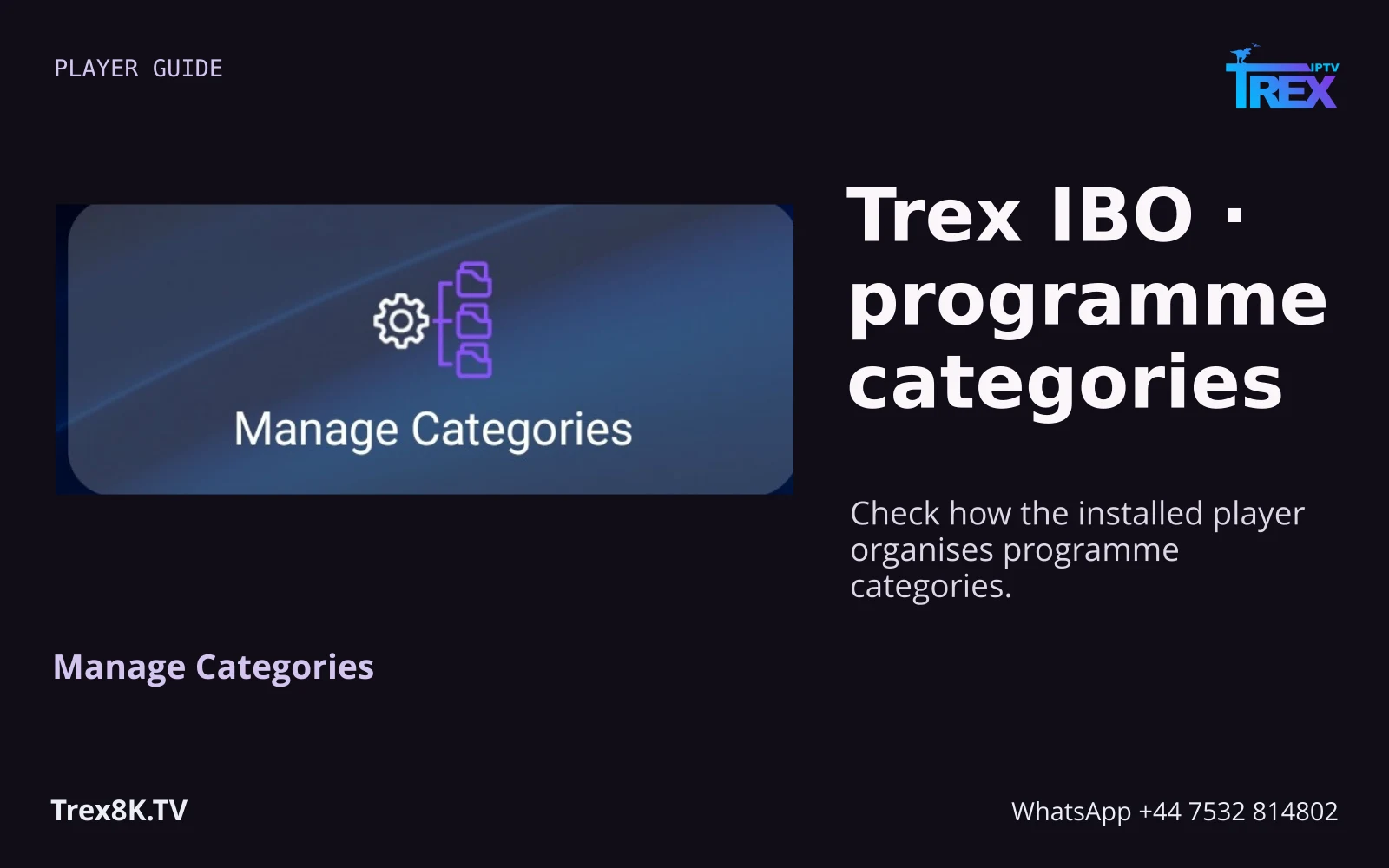
Compare the visible stages of the two TREX players
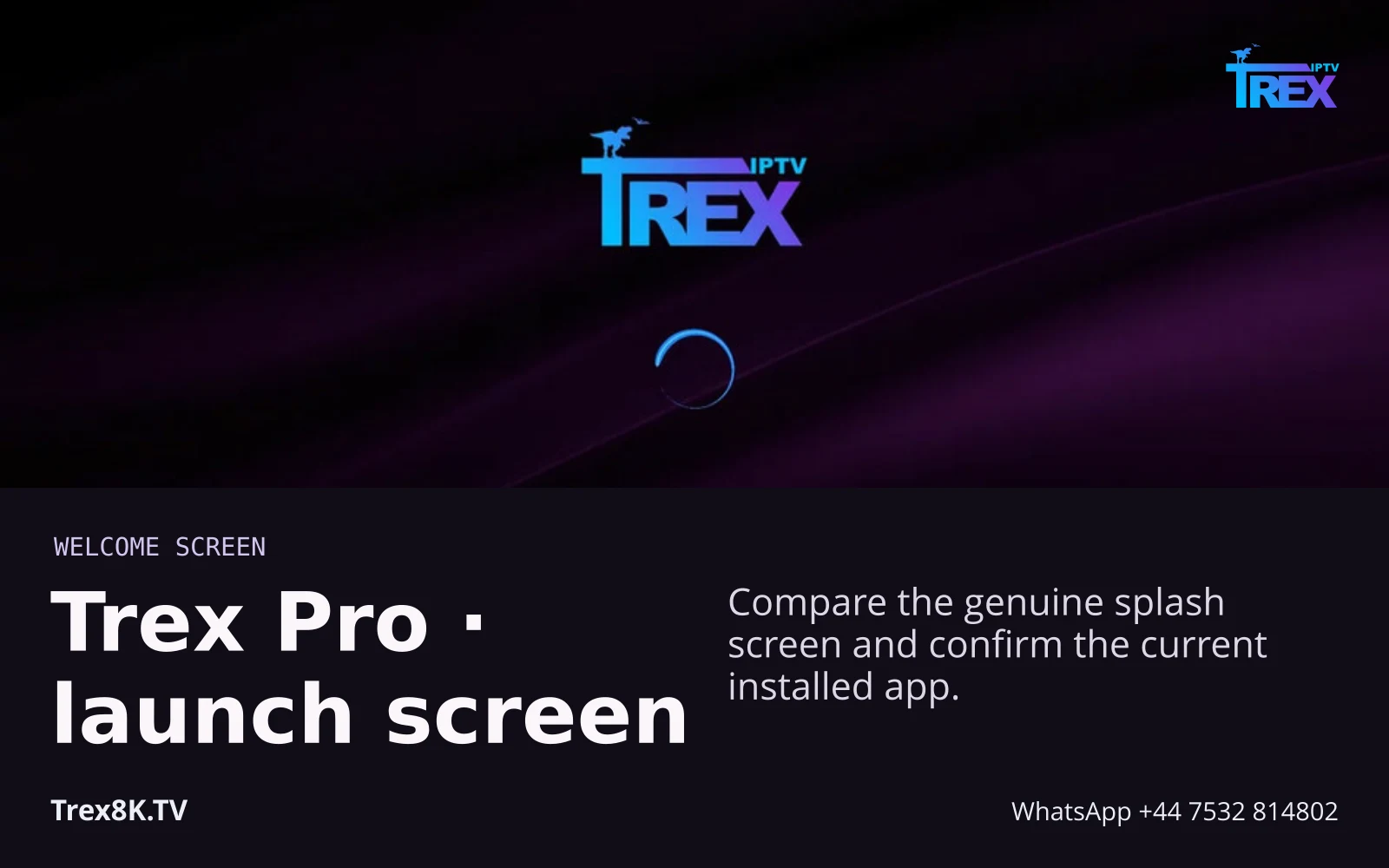
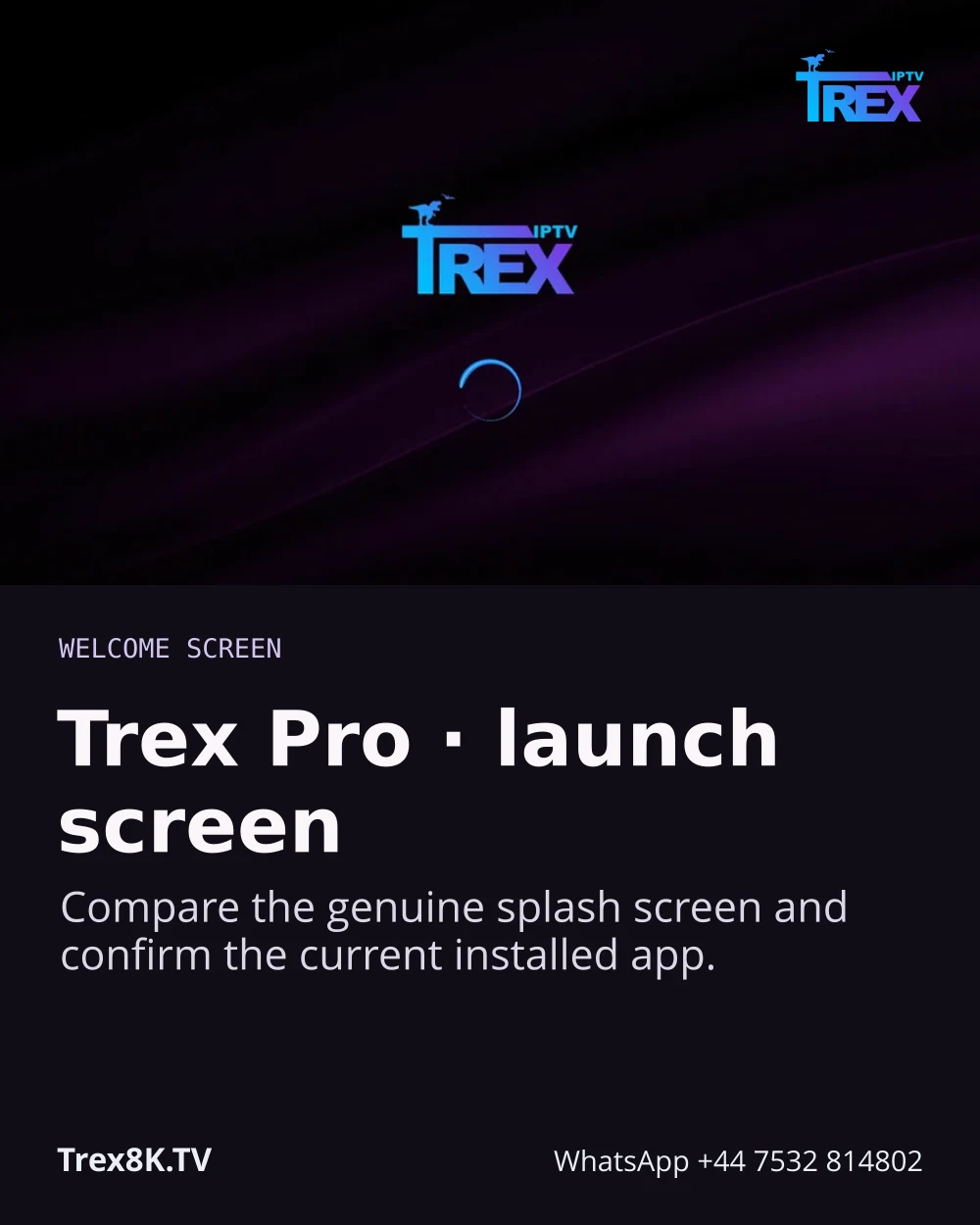
The Pro launch image gives you a recognisable starting point. In IBO, the login, category and settings images show later stages of a session. A support request about getting stuck at launch needs different detail from one about a missing category after signing in. Select the picture closest to your own last successful action and record what happened next.
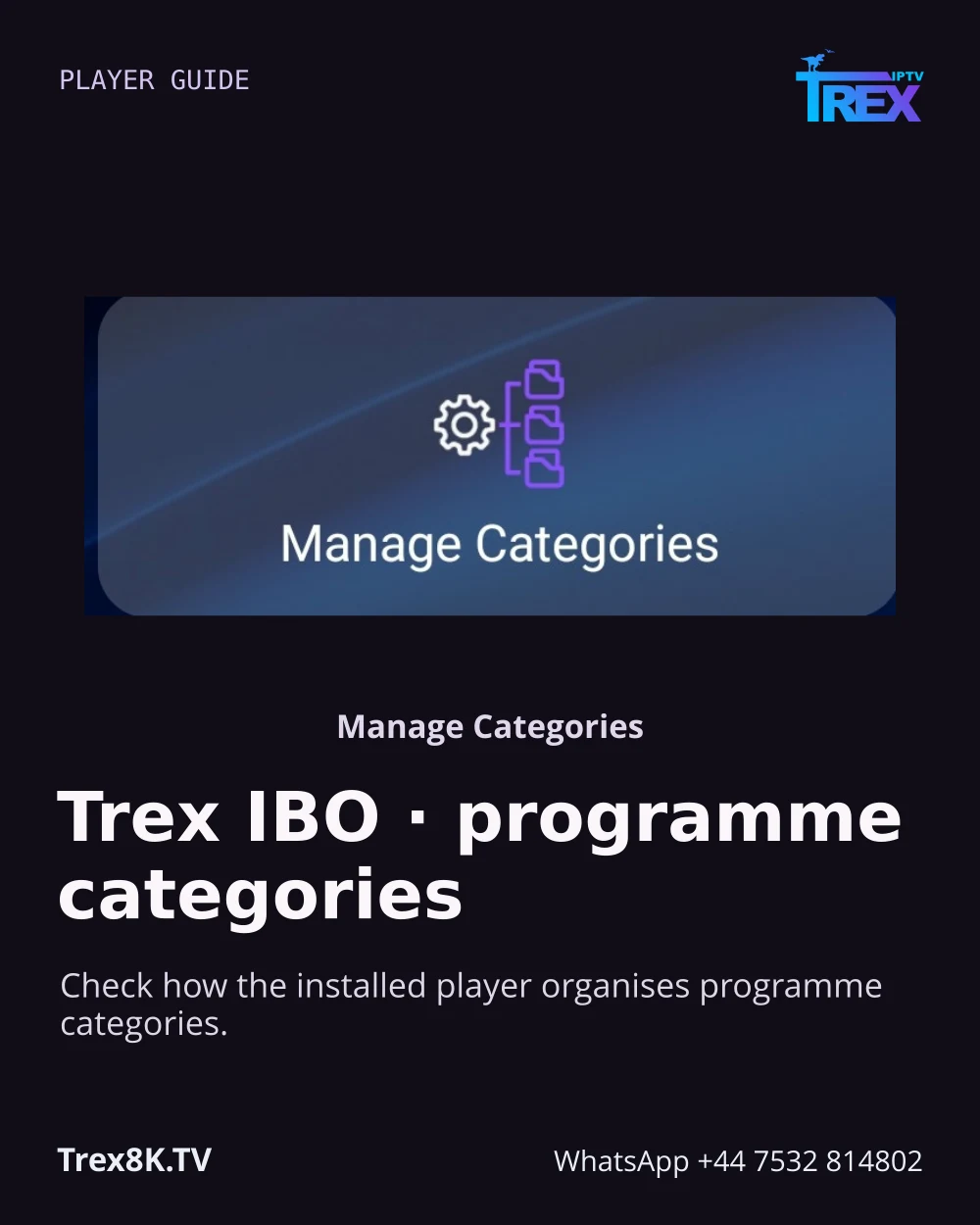
Suppose Trex Pro opens as far as the welcome image, closes and returns to the device home screen. Include that complete sequence in the report. Now imagine IBO opens its category list but there is no group for the station you need. That case has already passed launch and sign-in. The Manage Categories tile provides a more useful reference than a photograph of the television’s input menu.
To identify the installed app without exposing the account, select an information or version screen when the app provides one. If you need to illustrate the type of credentials requested, use an empty form. Avoid sending a screenshot taken after a password manager has filled it. A readable build number and a clearly named empty field are often enough to move the conversation forward.
The Navigation Test in the Pro sequence comes before judging whether a problem affects the actual stream. Can the remote enter the programme list and select a tile? Does the video open, show an on-screen message or return to the previous menu? These observations distinguish the point of failure while leaving the credentials out of the discussion. The first playback card is most useful once the player has reached a selectable item.
TREX IBO’s programme categories and audio options also answer different questions. A hidden or disabled category may interfere with finding a station. A missing commentary track is something to inspect after the channel or title has opened. If the same match appears in more than one edition, keep the full feed name with the selected track. Otherwise the person helping may investigate the wrong source.
An update review is worth keeping even after viewing resumes. Make a short entry for the device, player version where visible and last successful action. Reopen the guide with the ordinary remote, then choose the same programme used before the update. If the display options or category list have changed, record what still works and what has moved. The next support message can then begin with an observed difference.
Keep the app version from each dated check. That makes it possible to distinguish a changed menu from a memory of its earlier layout.