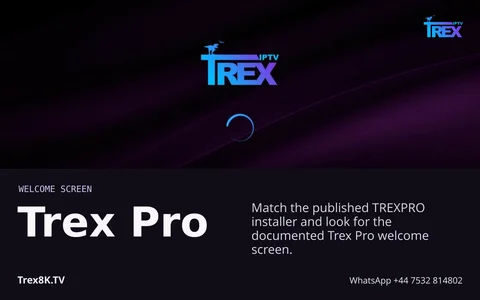
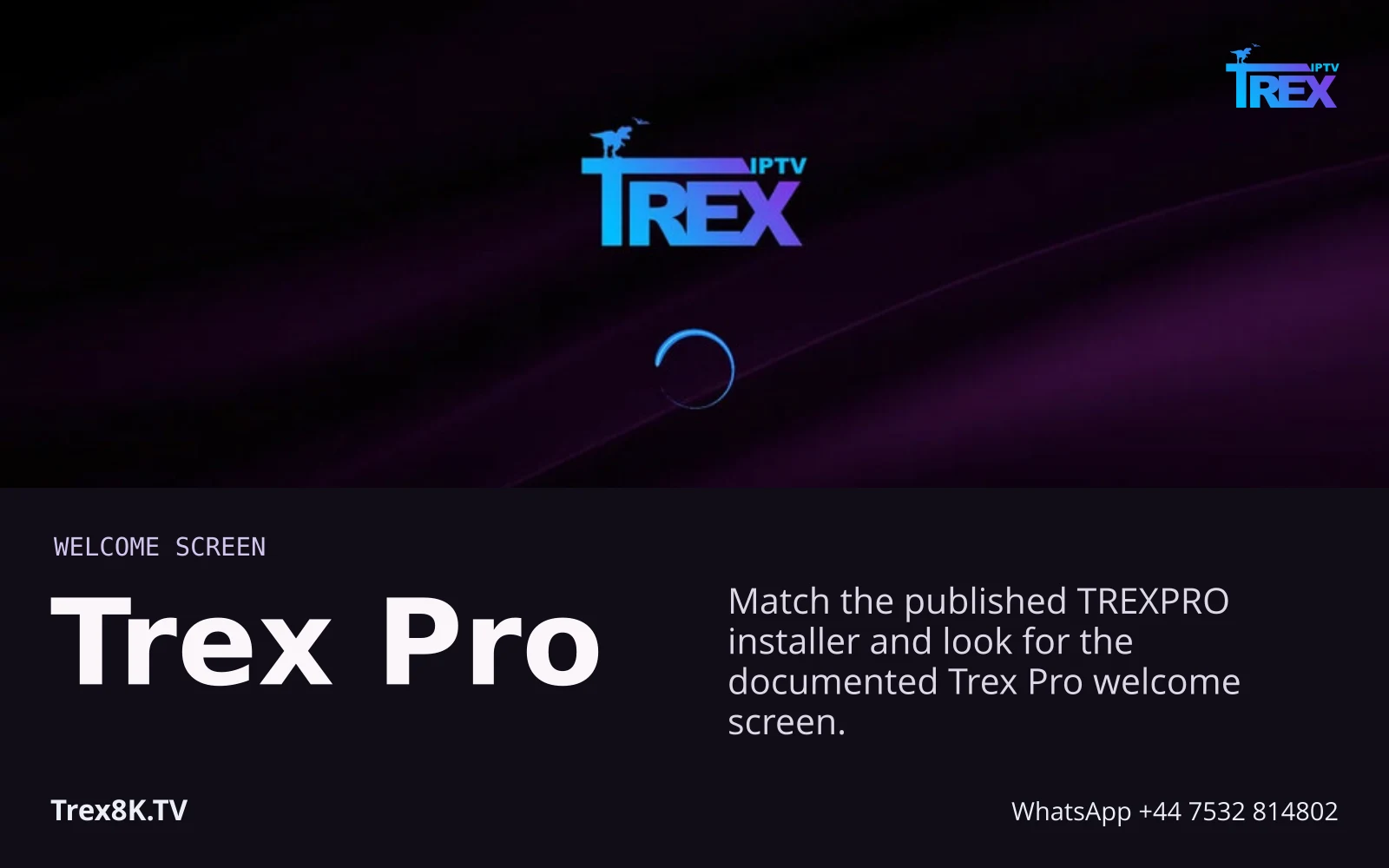
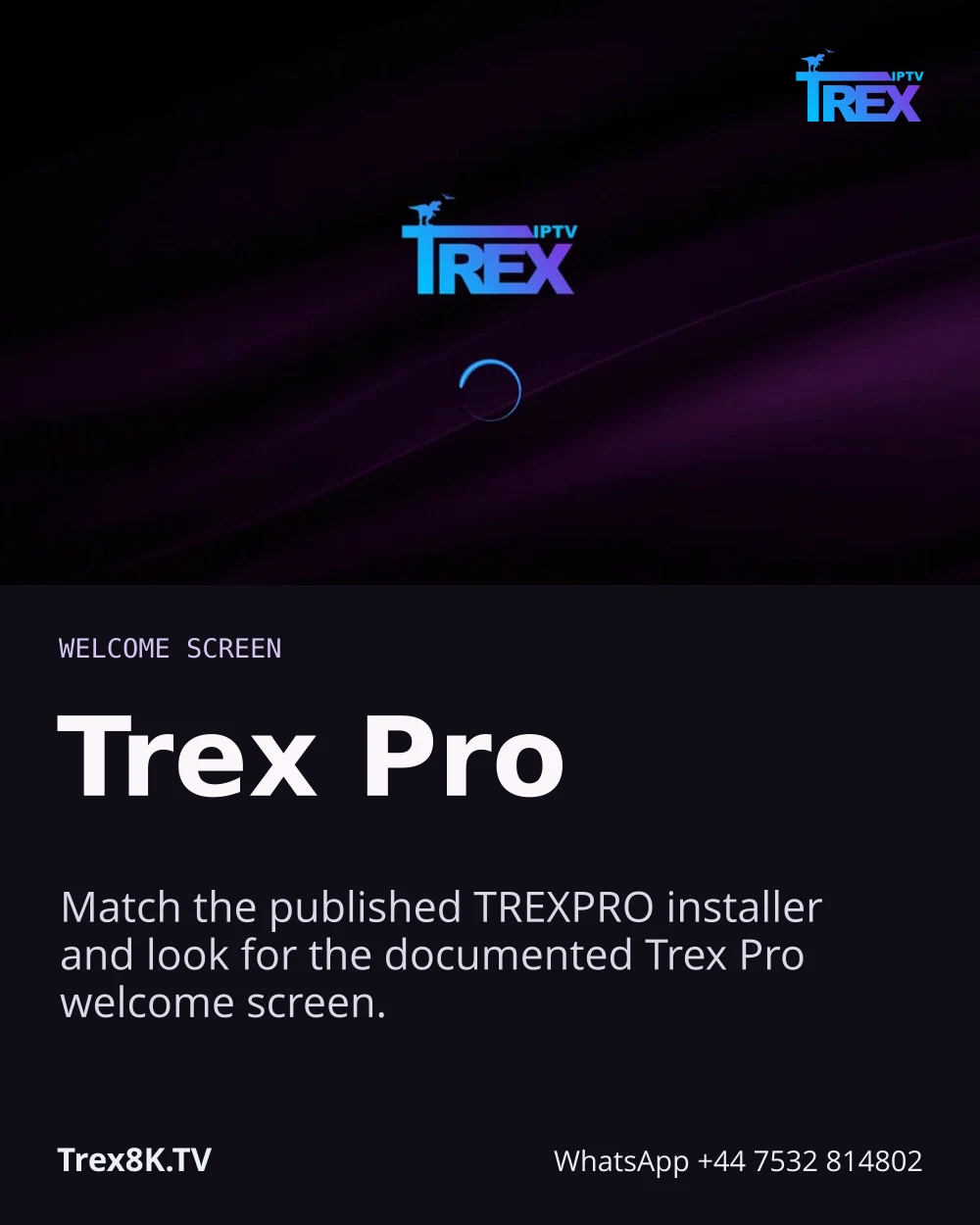
The illustration titled “Trex Pro” identifies Trex Pro. The attached reference describes it this way: Match the published TREXPRO installer and look for the documented Trex Pro welcome screen.
Following the subject link takes you to Trex Pro player guide. Its opening point is worth keeping with this image: The supplied photograph shows the TREX Pro splash screen. A mark, poster or model photograph is most useful when its precise edition is written next to it.
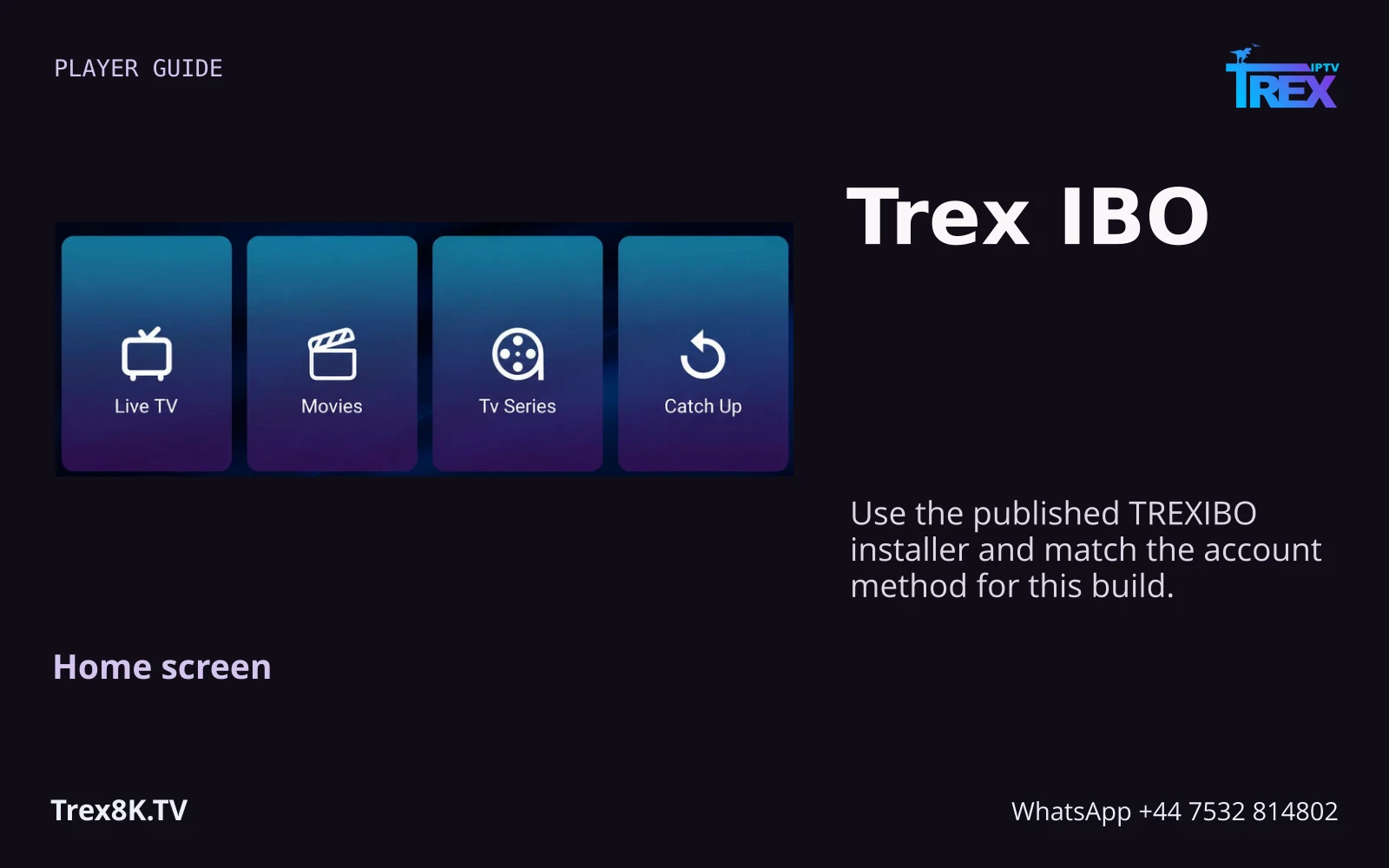
The illustration titled “Trex IBO Pro” identifies Trex IBO Pro. The attached reference describes it this way: Verify the exact IBO Pro entry and the account method before using the similarly named IBO player.
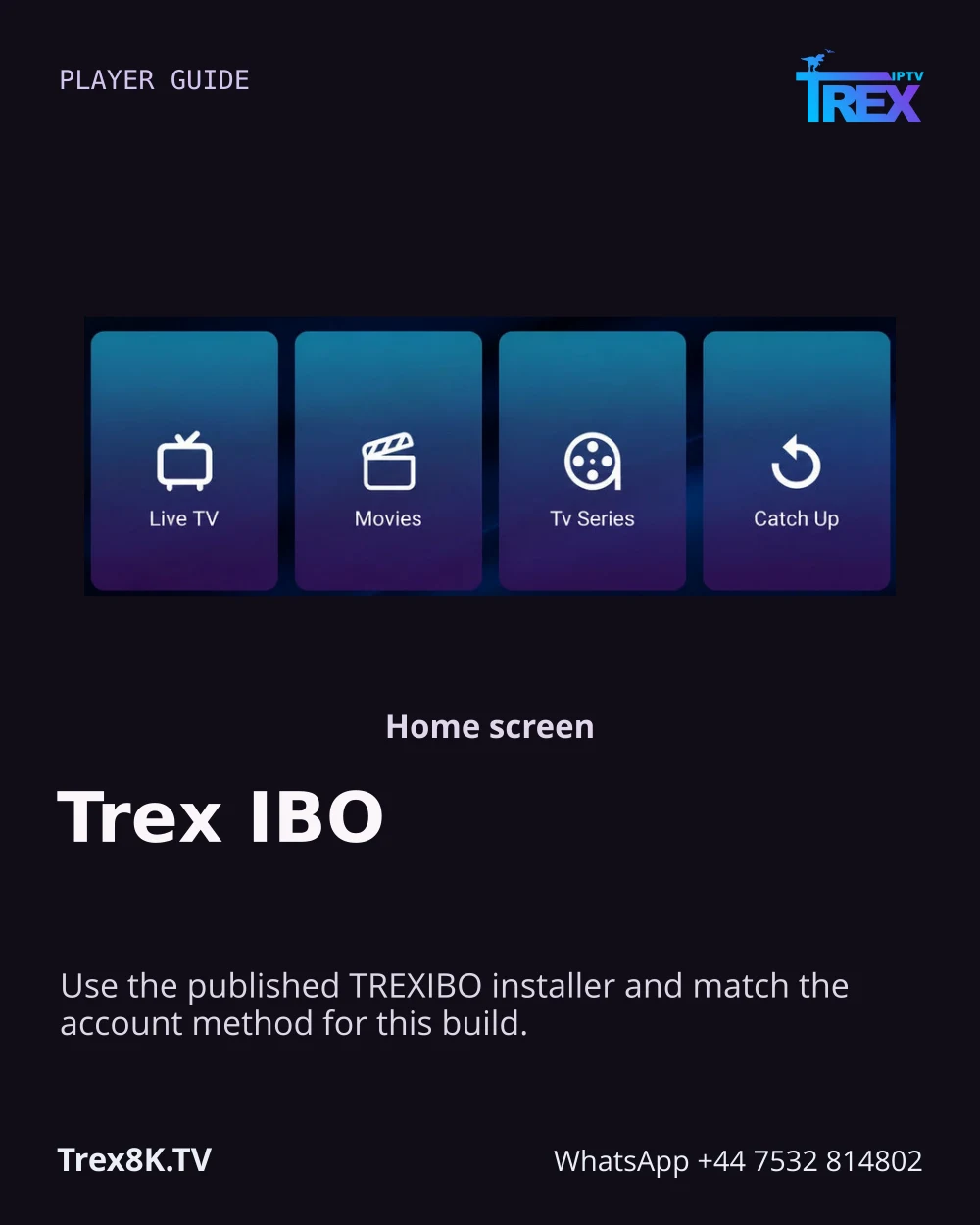
Following the subject link takes you to Trex IBO player guide. Its opening point is worth keeping with this image: The supplied IBO photographs show two useful landmarks. A mark, poster or model photograph is most useful when its precise edition is written next to it.
The illustration titled “Trex Flix Movies” identifies Trex Flix Movies. The attached reference describes it this way: Confirm the exact package, platform and sign-in method before testing a title.
Following the subject link takes you to Choose your TREX IPTV player. Its opening point is worth keeping with this image: Trex Pro and Trex IBO have different starting screens. A mark, poster or model photograph is most useful when its precise edition is written next to it.
The illustration titled “Trex Mobile OTT 7.1” identifies Trex Mobile OTT 7.1. The attached reference describes it this way: Match the 7.1 entry and check the installer and account method for your phone.
Following the subject link takes you to Choose your TREX IPTV player. Its opening point is worth keeping with this image: Trex Pro and Trex IBO have different starting screens. A mark, poster or model photograph is most useful when its precise edition is written next to it.
The illustration titled “Trex Player for Windows” identifies Trex Player for Windows. The attached reference describes it this way: Compare the Windows player guide with the exact installer and your system architecture.
Following the subject link takes you to Choose your TREX IPTV player. Its opening point is worth keeping with this image: Trex Pro and Trex IBO have different starting screens. A mark, poster or model photograph is most useful when its precise edition is written next to it.
The illustration titled “Trex VIP” identifies Trex VIP. The attached reference describes it this way: Verify the published VIP installer and match the login method for your issued account.
Following the subject link takes you to Trex VIP player guide. Its opening point is worth keeping with this image: VIP appears in the publisher catalogue as an Android app with the filename TREXVIP.apk. A mark, poster or model photograph is most useful when its precise edition is written next to it.
The illustration titled “XOTT TV App” identifies XOTT TV App. The attached reference describes it this way: Confirm the television platform and the documented XOTT TV package before using account details.
Following the subject link takes you to Choose your TREX IPTV player. Its opening point is worth keeping with this image: Trex Pro and Trex IBO have different starting screens. A mark, poster or model photograph is most useful when its precise edition is written next to it.
The illustration titled “First sign-in on Android phone” identifies First sign-in on Android phone. The attached reference describes it this way: Match the issued account method to the fields shown on your player.
Following the subject link takes you to Choose your TREX IPTV player. Its opening point is worth keeping with this image: Trex Pro and Trex IBO have different starting screens. A mark, poster or model photograph is most useful when its precise edition is written next to it.
Use the entries above to move between Trex Pro and First sign-in on Android phone. Each linked guide retains the full record, its source and any conditions that affect how to use it.