
Streaming devices / set-top boxes photograph and symbol index
Compare the 36 identified images in the streaming devices / set-top boxes group. Open the manufacturer or cataloguing reference beside each image to check its precise scope.
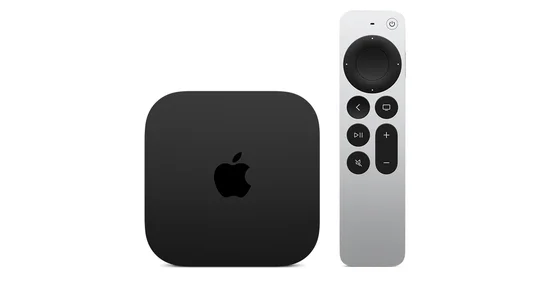
Compare the box and the generation on its label
Fire TV generations, Apple TV, Xiaomi boxes and sticks, SHIELD models and Infomir receiver imagery appear together here because they all connect to a screen. Their software distribution and account models differ substantially. A small box on an HDMI shelf can host a television store, a provider portal or a maker-specific receiver environment.
The Stick 4K Select and Stick 4K Plus both carry 2025 names. Amazon places Select in the Vega family and Plus in the Fire OS family. Their similar product descriptions lead to different app checks. Use the exact generation in an enquiry even when the two devices sit beside one another in the same household.
A Xiaomi Mi Box S and a later TV Box S can look similar enough for a picture to narrow the search without settling it. Read the full generation in Settings or on the product label. For SHIELD, retain the Pro designation when present. Hardware shape, operating system and support for a particular player are three separate observations.
A Plus and a Select in the same household
On this page the practical question is “Does the label end in Plus, Select or Max, and what software does Amazon list beside its model?” Fire TV Stick 4K Plus and Fire TV Stick 4K Select both appeared in 2025. The former is filed under Fire OS 8 and the latter under Vega OS. A recommendation based solely on the year and the words Fire TV 4K loses that distinction. Read the complete model name and compare it against Amazon’s table. If someone offers the TREX Pro Android package, verify which unit they mean. The archived Android version describes no Vega distribution.
Read the full setup guideThe phone offers Install while the television does not
A single household Google account may have several devices associated with it. Looking at a player from a phone can make the Install button seem universal. The television still has to be an eligible destination. A phone edition can depend on touch controls or carry a different eligibility list. A failed TV search alone cannot determine which feature is responsible. A publisher can use the TV model and app listing to verify coverage. Use the TV remote to test movement between channel groups even after an installation succeeds.
Read the full setup guideA working receiver with a second service to add
Ask its issuer what format was supplied and read the exact receiver model. Use Infomir’s embedded-portal guidance for the matching task. Keep any established portal intact while confirming how the operator wants the second source set up. Reaching the embedded menu proves the receiver can display its local interface. Reaching an external provider’s menu is a second checkpoint. Seeing actual programmes after selecting a station is a third. Record the first point that did not work. Take that result back to the comparison in compare the box and the generation on its label. A precise observation travels more reliably than a photo of an unfamiliar menu.
Read the full setup guideWhat to record beside the image
For the streaming devices set top boxes collection, start with the complete caption of the closest image. Record the manufacturer and the actual product label you can read, then note what remains unknown. A person checking the result later should be able to distinguish what the picture shows from what the software screen establishes.
If the image led you to a plus and a select in the same household, give support the device model and the result of that check. Describe the screen that opened when you tried it, along with the one action you wanted to perform next. This keeps an artwork match in its proper place while giving the publisher enough information to investigate a real installation.
official product image
Image reference for Apple TV 4K with Siri Remote
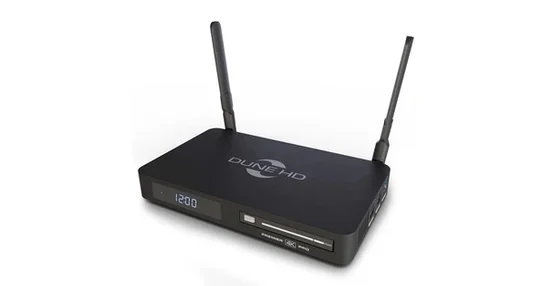
official product image
Image reference for Dune HD Premier 4K Pro
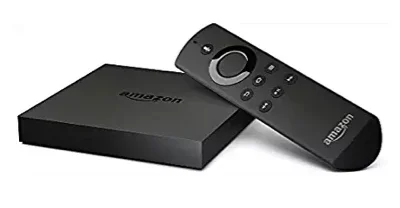
official product image
Image reference for Fire TV - 1st Gen (2014)
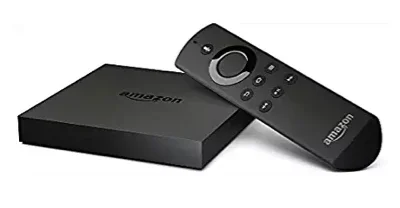
official product image
Image reference for Fire TV - 2nd Gen (2015)
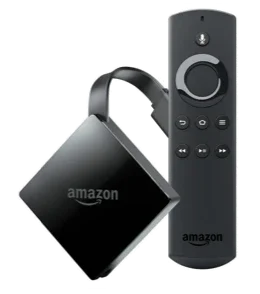
official product image
Image reference for Fire TV - 3rd Gen (2017)
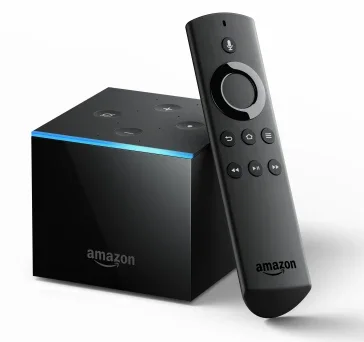
official product image
Image reference for Fire TV Cube - 1st Gen (2018)
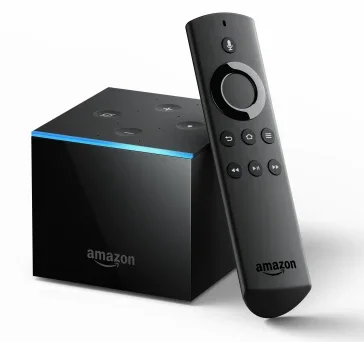
official product image
Image reference for Fire TV Cube - 2nd Gen (2019)
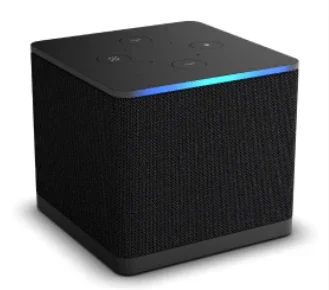
official product image
Image reference for Fire TV Cube - 3rd Gen (2022)
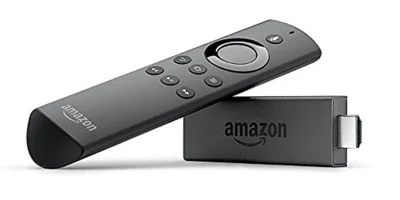
official product image
Image reference for Fire TV Stick - 1st Gen (2014)
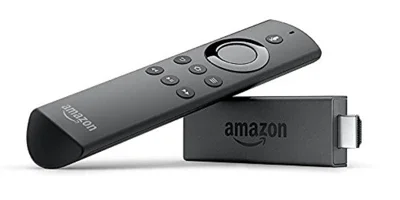
official product image
Image reference for Fire TV Stick - 2nd Gen (2016-2019)
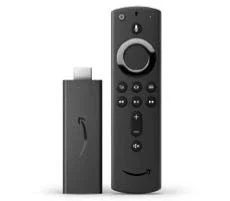
official product image
Image reference for Fire TV Stick - 3rd Gen (2020)
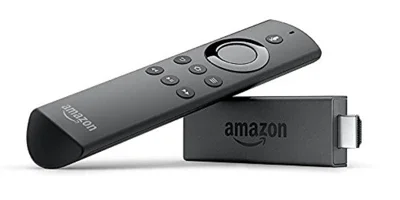
official product image
Image reference for Fire TV Stick - Basic Edition (2017)
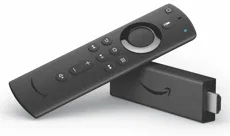
official product image
Image reference for Fire TV Stick 4K - 1st Gen (2018)
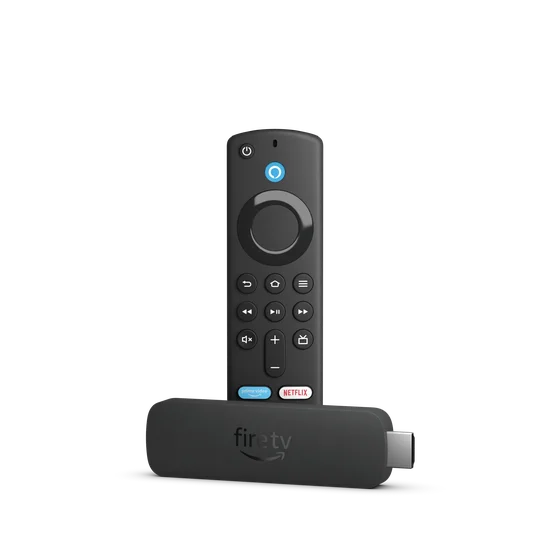
official product image
Image reference for Fire TV Stick 4K - 2nd Gen (2023) - 8 GB
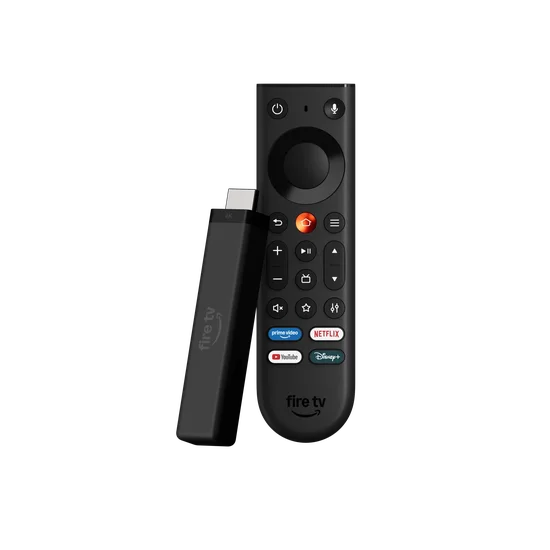
official product image
Image reference for Fire TV Stick 4K - 3rd Gen (2026)
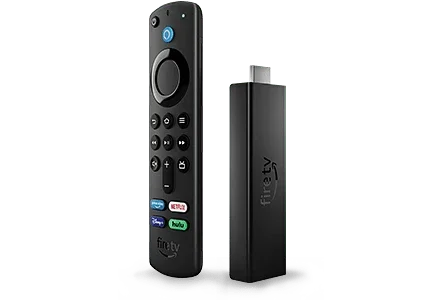
official product image
Image reference for Fire TV Stick 4K Max - 1st Gen (2021)
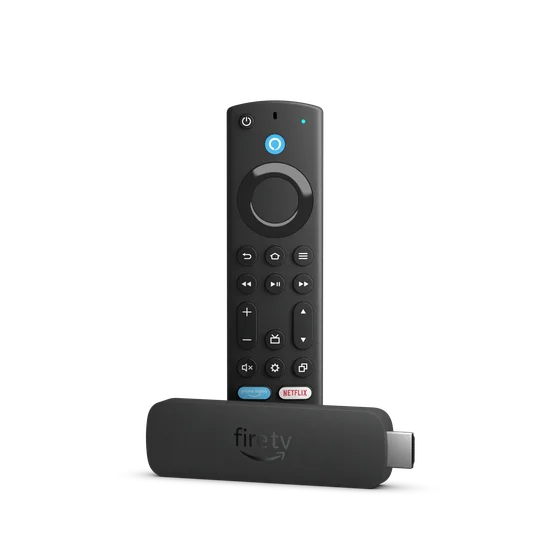
official product image
Image reference for Fire TV Stick 4K Max - 2nd Gen (2023) - 16 GB
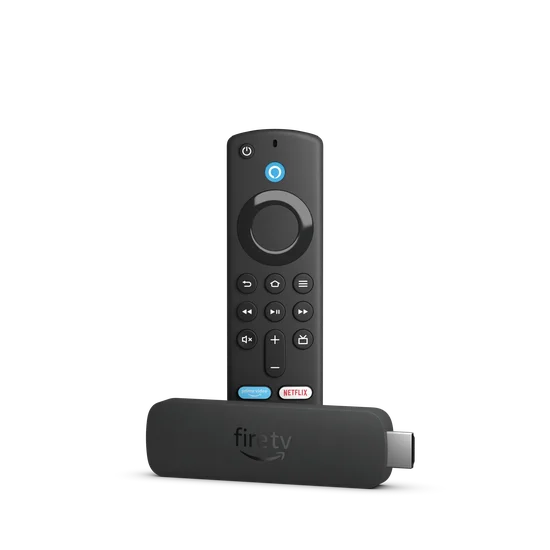
official product image
Image reference for Fire TV Stick 4K Plus (2025)
official product image
Image reference for Fire TV Stick 4K Select (2025)
official product image
Image reference for Fire TV Stick HD (2026)
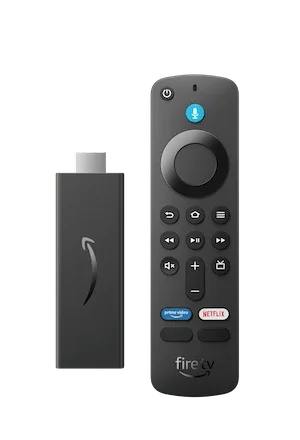
official product image
Image reference for Fire TV Stick HD Alexa Voice Remote (2024)
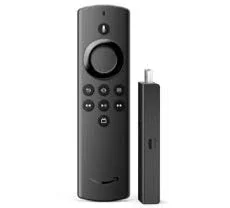
official product image
Image reference for Fire TV Stick Lite - 1st Gen (2020)
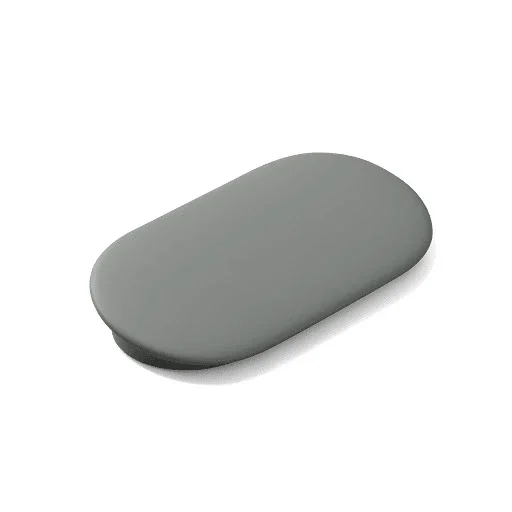
official product image
Image reference for Google TV Streamer (4K)
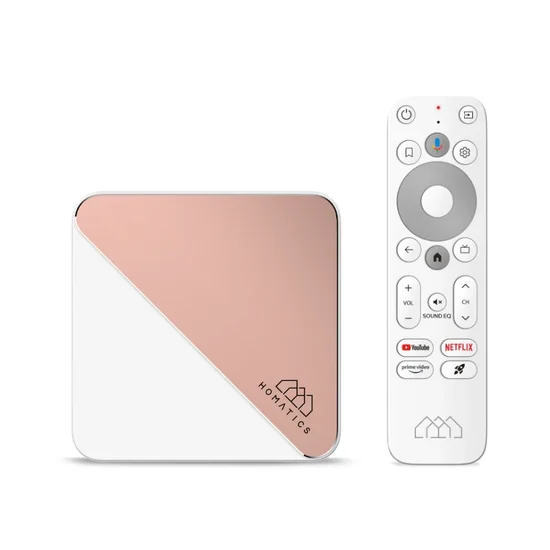
official product image
Image reference for Homatics Box R 4K Plus with remote
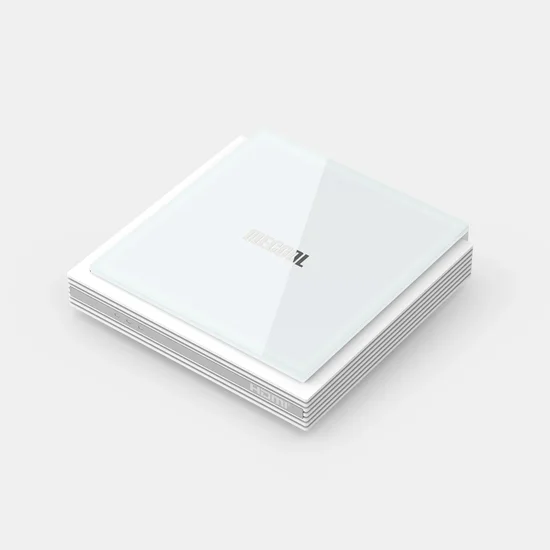
official product image
Image reference for MECOOL KM2 PLUS Deluxe
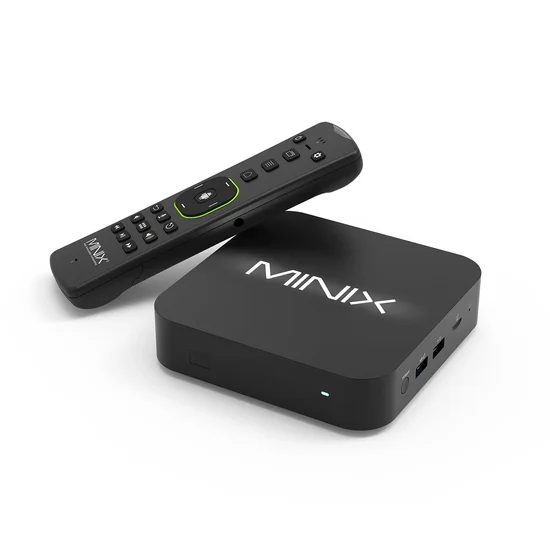
official product image
Image reference for MINIX U8K-ULTRA with remote
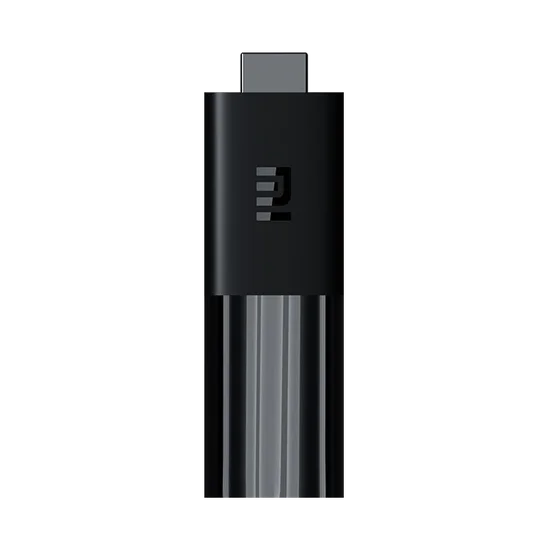
official product image
Image reference for Xiaomi Mi TV Stick
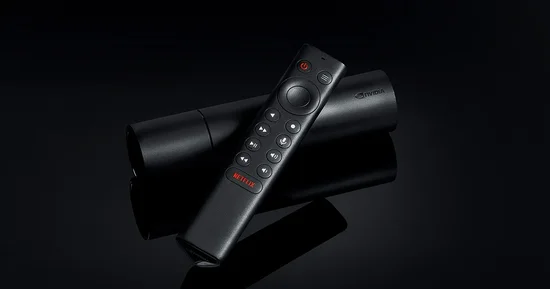
official product image
Image reference for NVIDIA SHIELD TV with remote
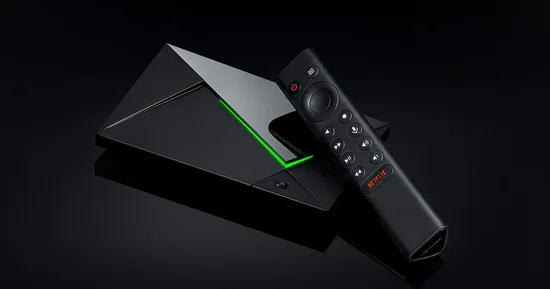
official product image
Image reference for NVIDIA SHIELD TV Pro with remote
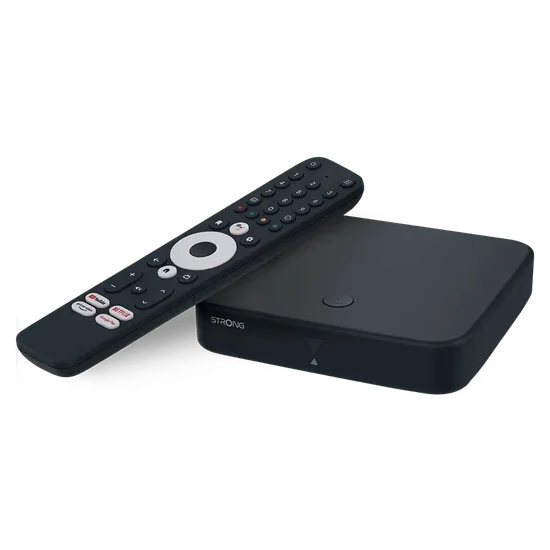
official product image
Image reference for STRONG LEAP LIVE 420 with remote
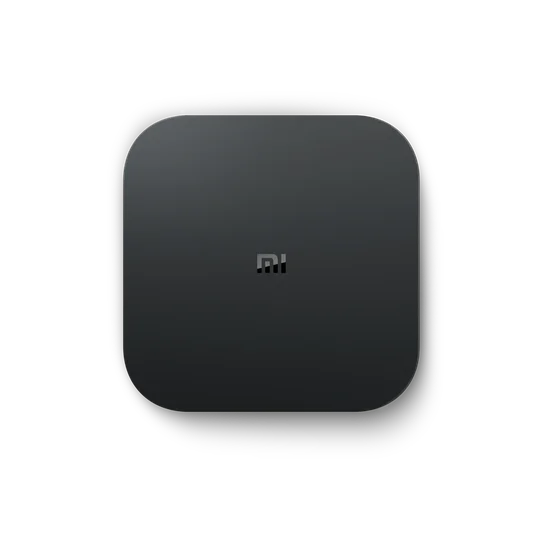
official product image
Image reference for Xiaomi Mi Box 4K
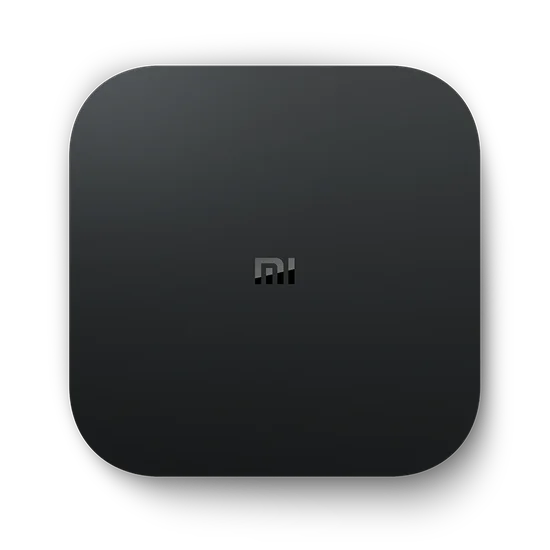
official product image
Image reference for Xiaomi Mi Box S
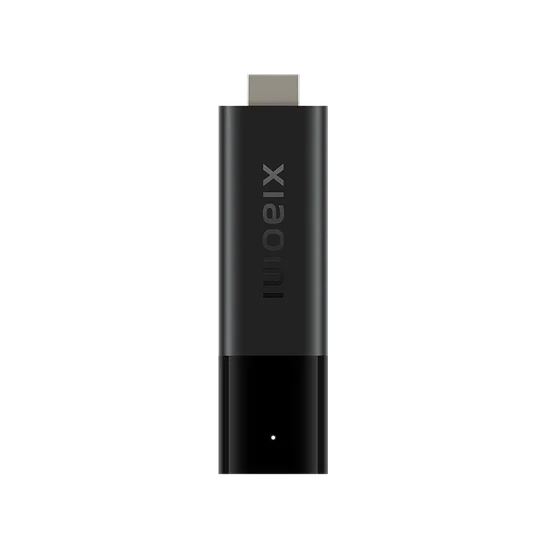
official product image
Image reference for Xiaomi TV Stick 4K
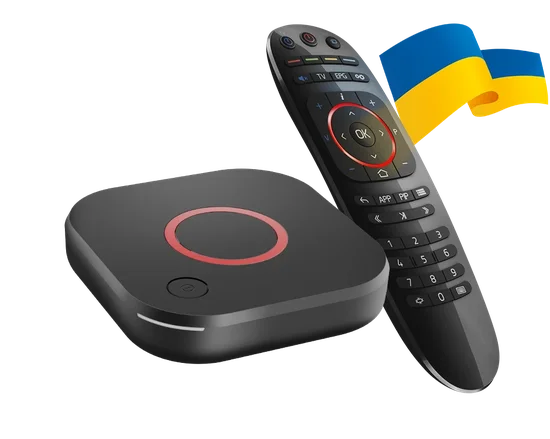
official product image
Image reference for Infomir MAG544 series with remote
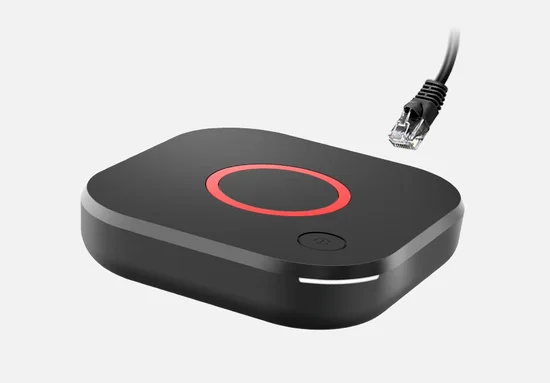
manufacturer connection illustration
Image reference for Infomir MAG544 Ethernet port illustration
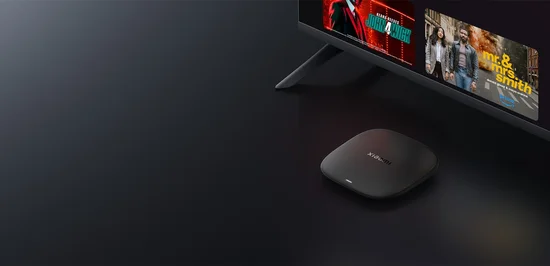
official product image
Image reference for Xiaomi TV Box S (3rd Gen) product image