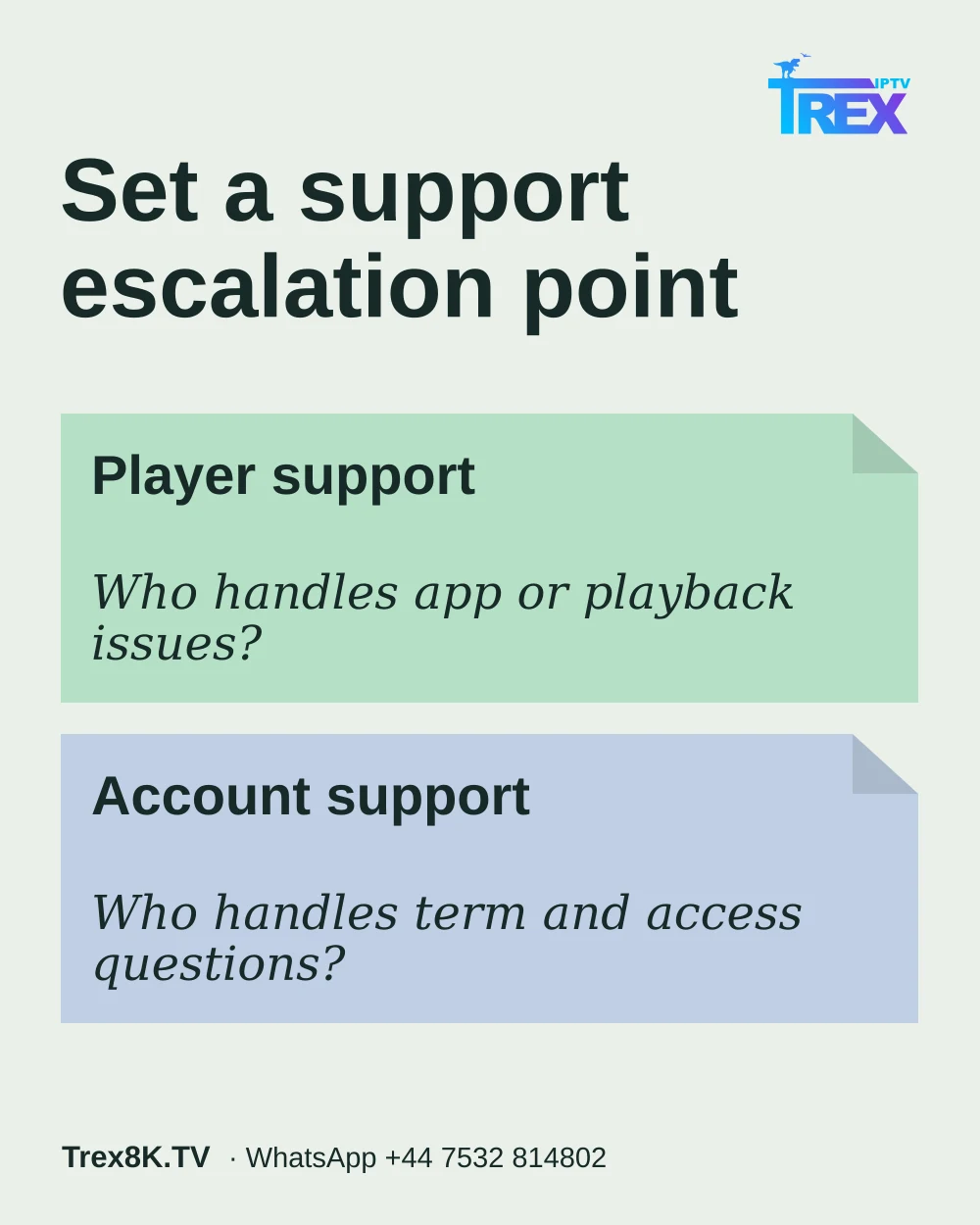
“Set a support escalation point” is filed here under Set a support escalation point. The purpose of this particular card is captured in its caption: Agree who handles player issues, account questions and unresolved playback problems. Read the subject page if you need the account rule or actual steps behind the illustration.
The larger illustration and the phone edition of Set a support escalation point are paired with TREX IPTV reseller plans. That page opens with a practical answer: Twelve credits fund one annual customer. When selecting a plan or asking about an installation, use that HTML guide to carry the full details into your enquiry.
“Register the right device” is filed here under Register the right device. The purpose of this particular card is captured in its caption: Confirm the player's device or portal requirements and use private identifiers only where needed. Read the subject page if you need the account rule or actual steps behind the illustration.
The larger illustration and the phone edition of Register the right device are paired with TREX IPTV reseller plans. That page opens with a practical answer: Twelve credits fund one annual customer. When selecting a plan or asking about an installation, use that HTML guide to carry the full details into your enquiry.
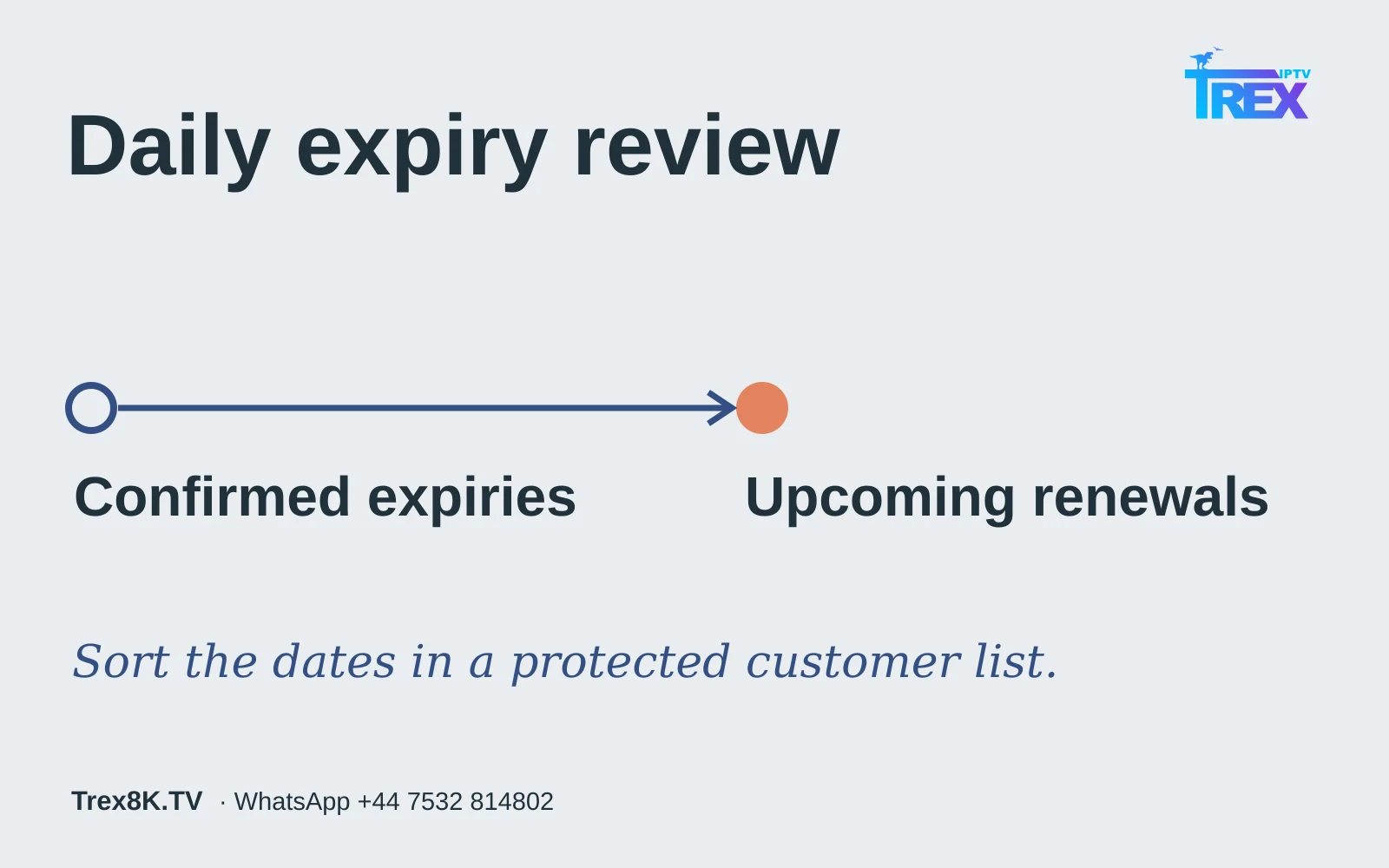
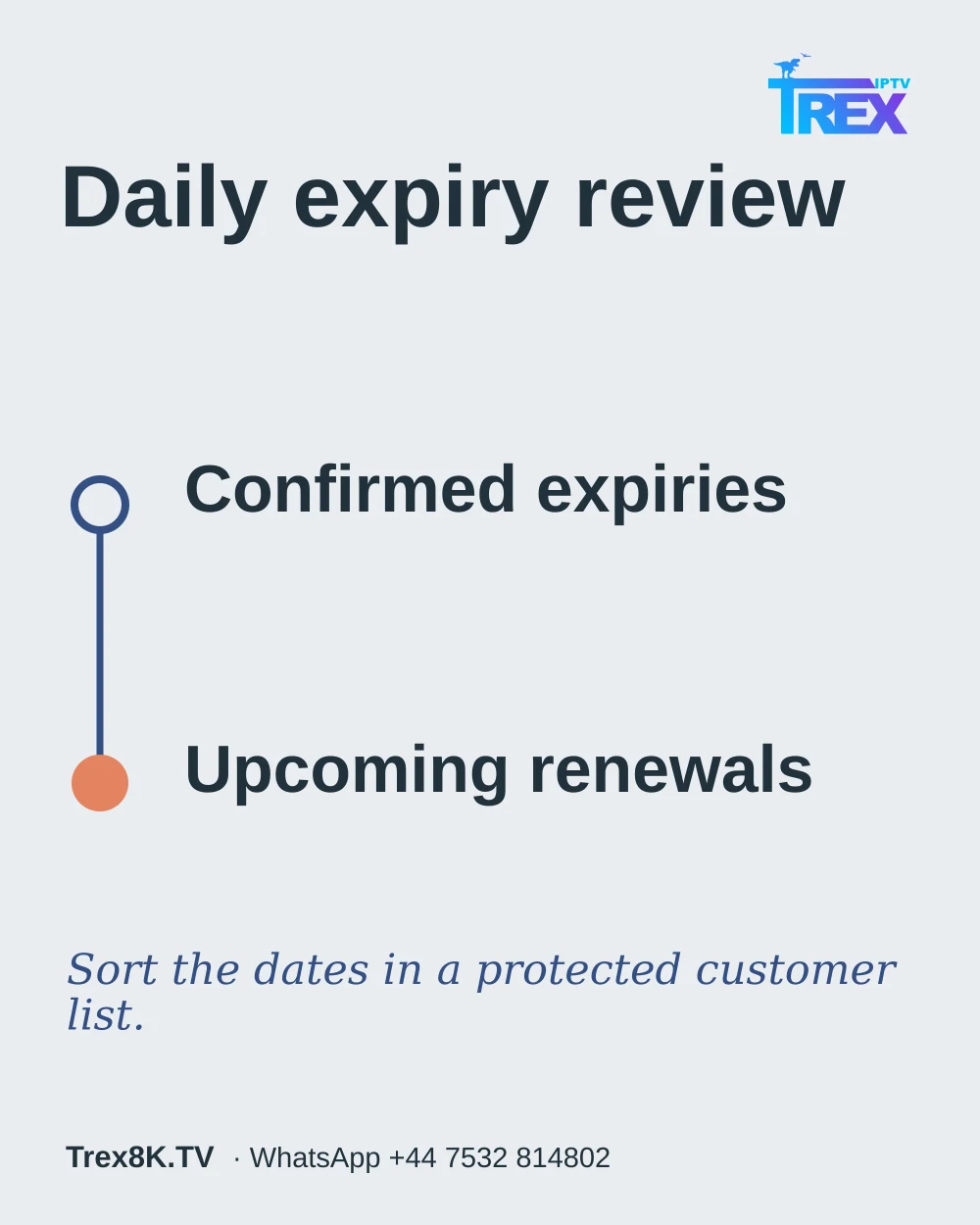
“Daily expiry review” is filed here under Daily expiry review. The purpose of this particular card is captured in its caption: Sort confirmed expiry dates to catch upcoming renewals without exposing the customer list. Read the subject page if you need the account rule or actual steps behind the illustration.
The larger illustration and the phone edition of Daily expiry review are paired with TREX IPTV reseller plans. That page opens with a practical answer: Twelve credits fund one annual customer. When selecting a plan or asking about an installation, use that HTML guide to carry the full details into your enquiry.
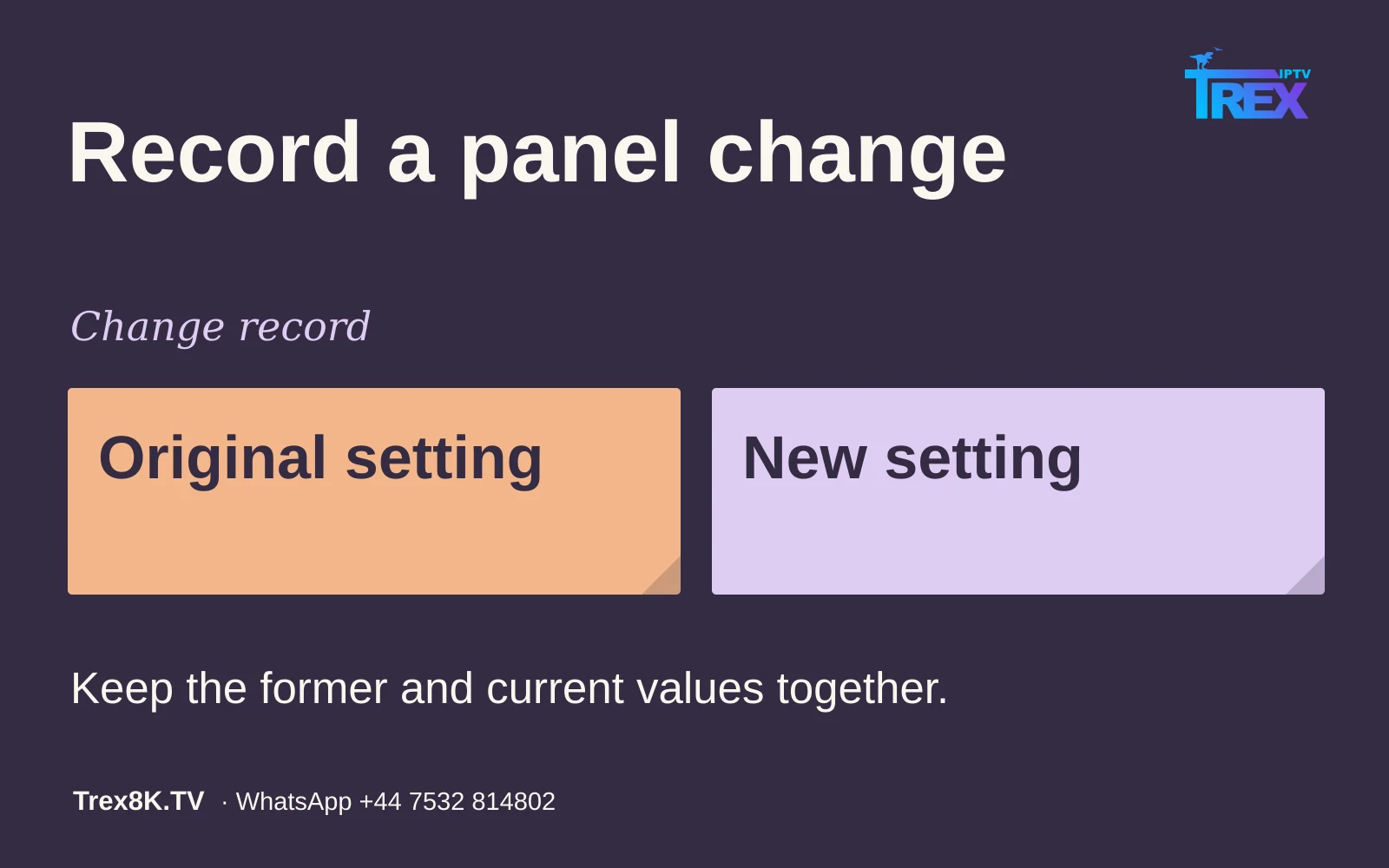
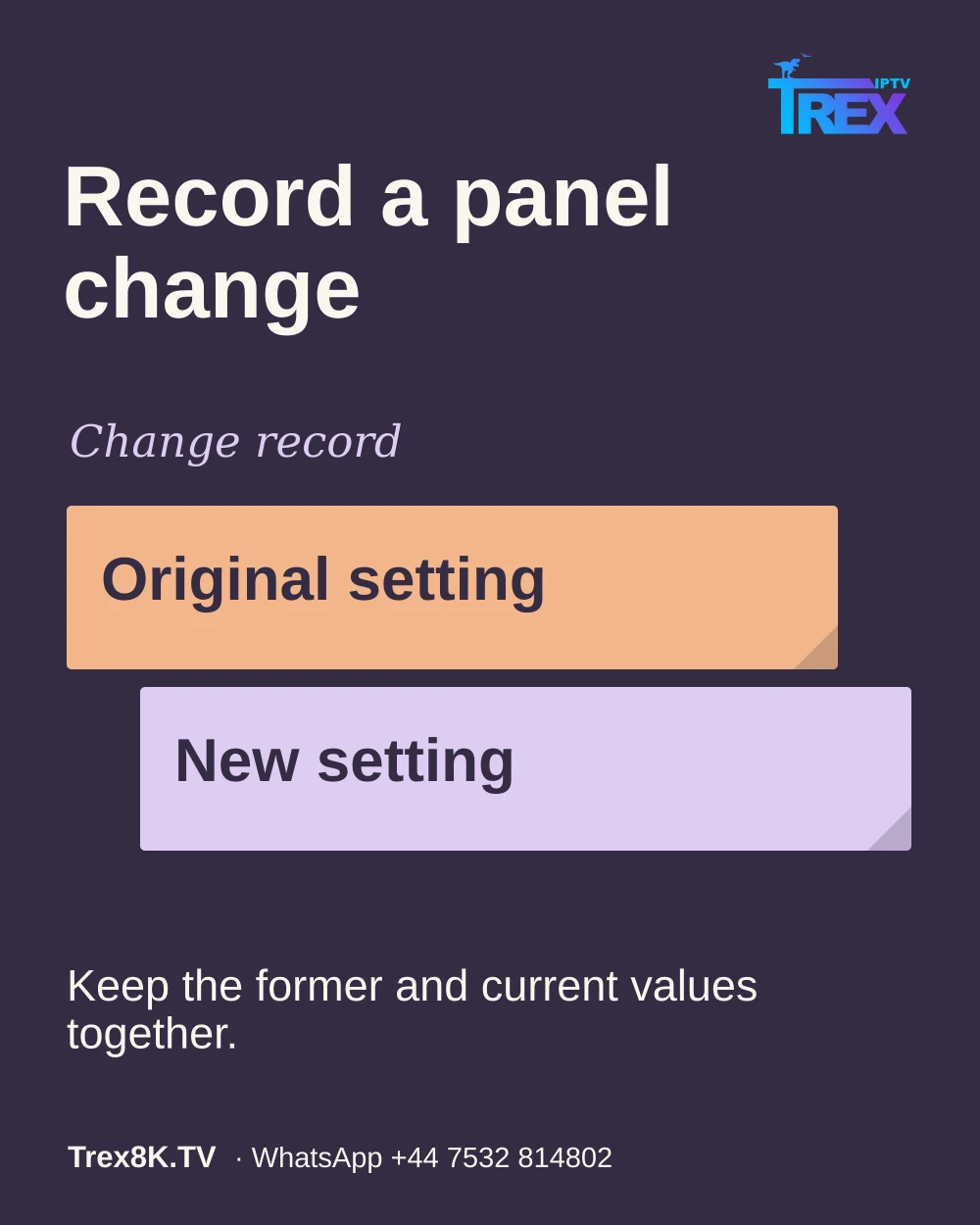
“Record a panel change” is filed here under Record a panel change. The purpose of this particular card is captured in its caption: Write down the old and new values so you can explain changes to the customer later. Read the subject page if you need the account rule or actual steps behind the illustration.
The larger illustration and the phone edition of Record a panel change are paired with Using the TREX reseller panel. That page opens with a practical answer: Check balances and account dates before issuing an activation. When selecting a plan or asking about an installation, use that HTML guide to carry the full details into your enquiry.
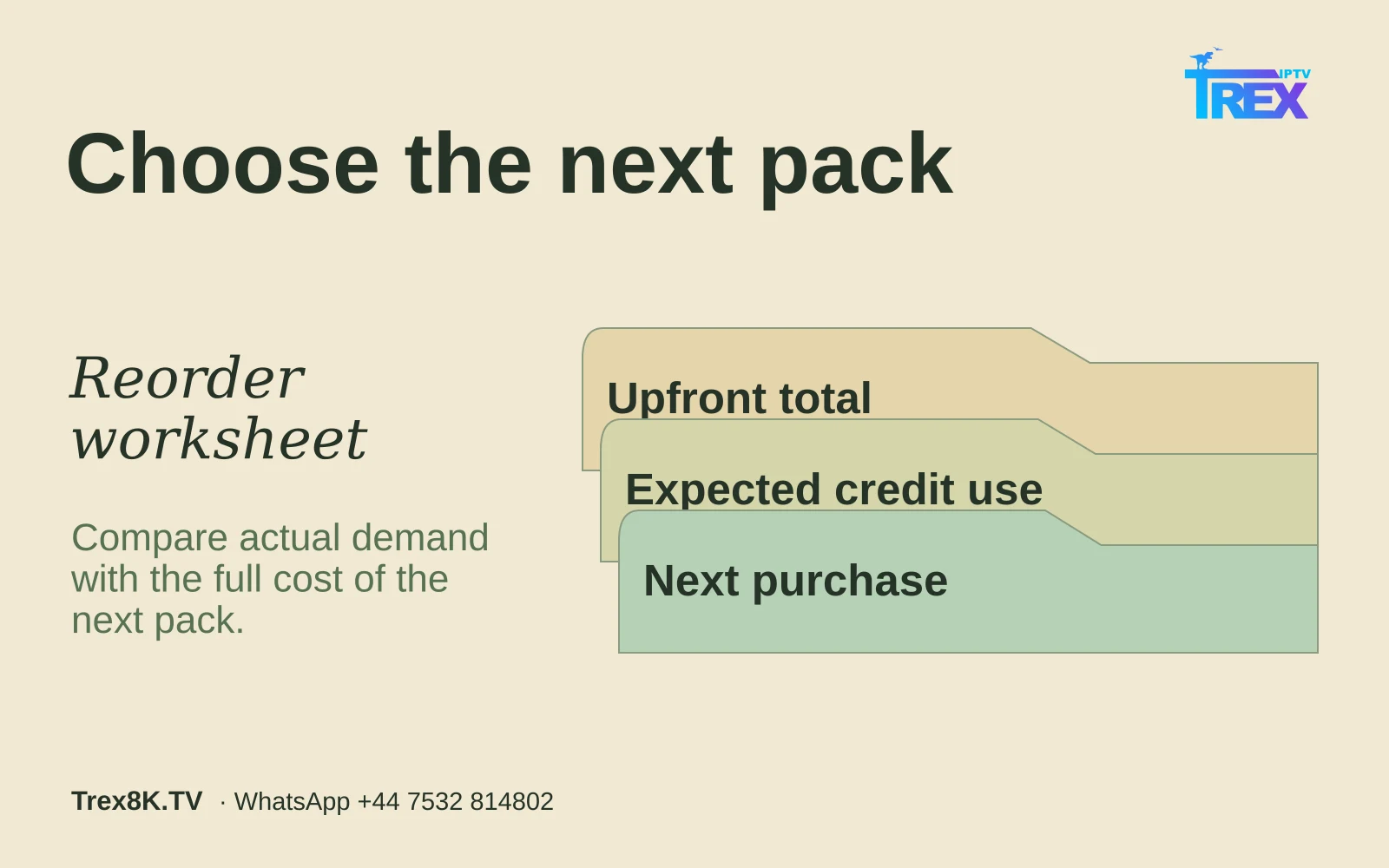
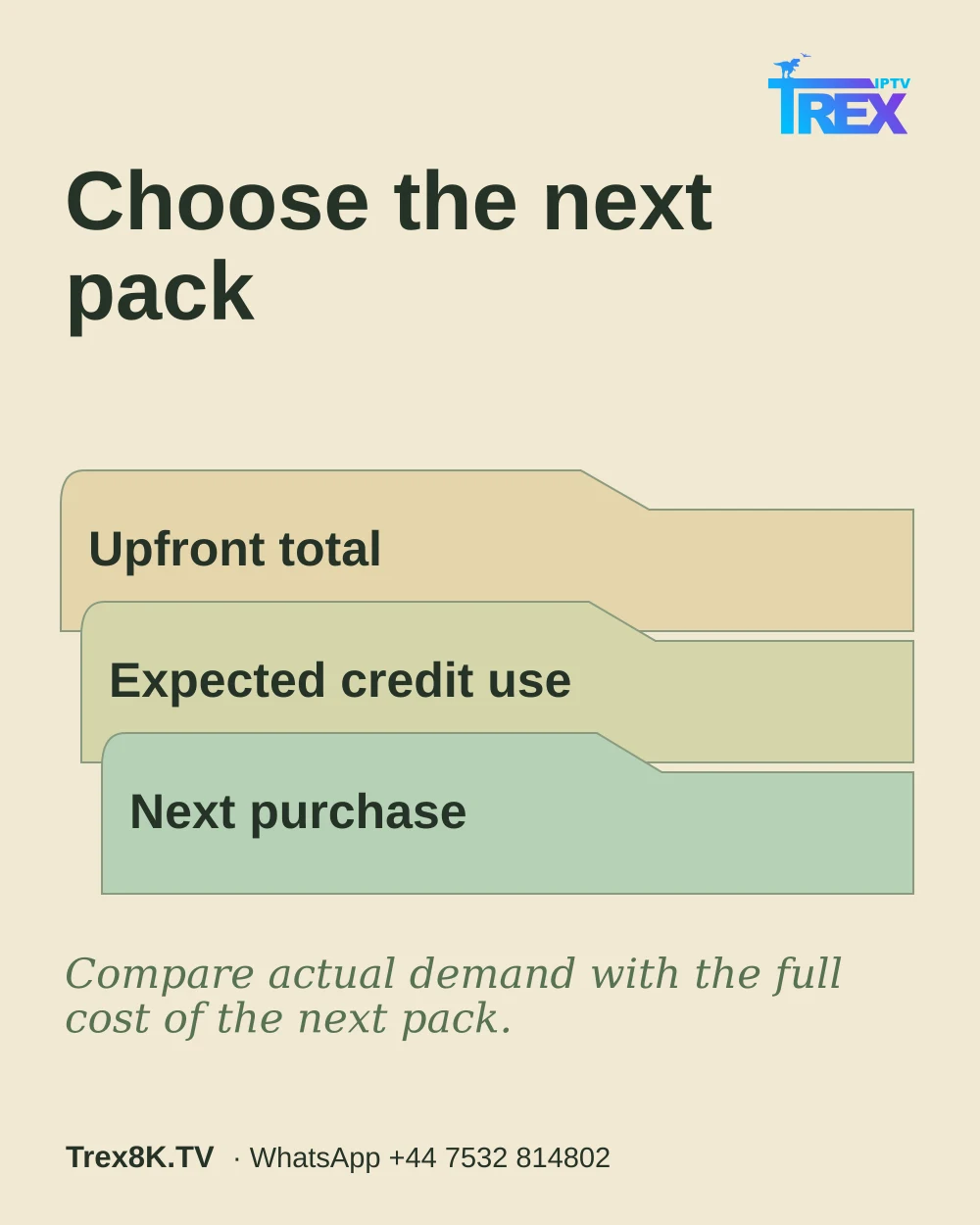
“Choose the next pack” is filed here under Choose the next pack. The purpose of this particular card is captured in its caption: Compare the upfront total and estimated usable credit demand before reordering. Read the subject page if you need the account rule or actual steps behind the illustration.
The larger illustration and the phone edition of Choose the next pack are paired with TREX IPTV reseller plans. That page opens with a practical answer: Twelve credits fund one annual customer. When selecting a plan or asking about an installation, use that HTML guide to carry the full details into your enquiry.
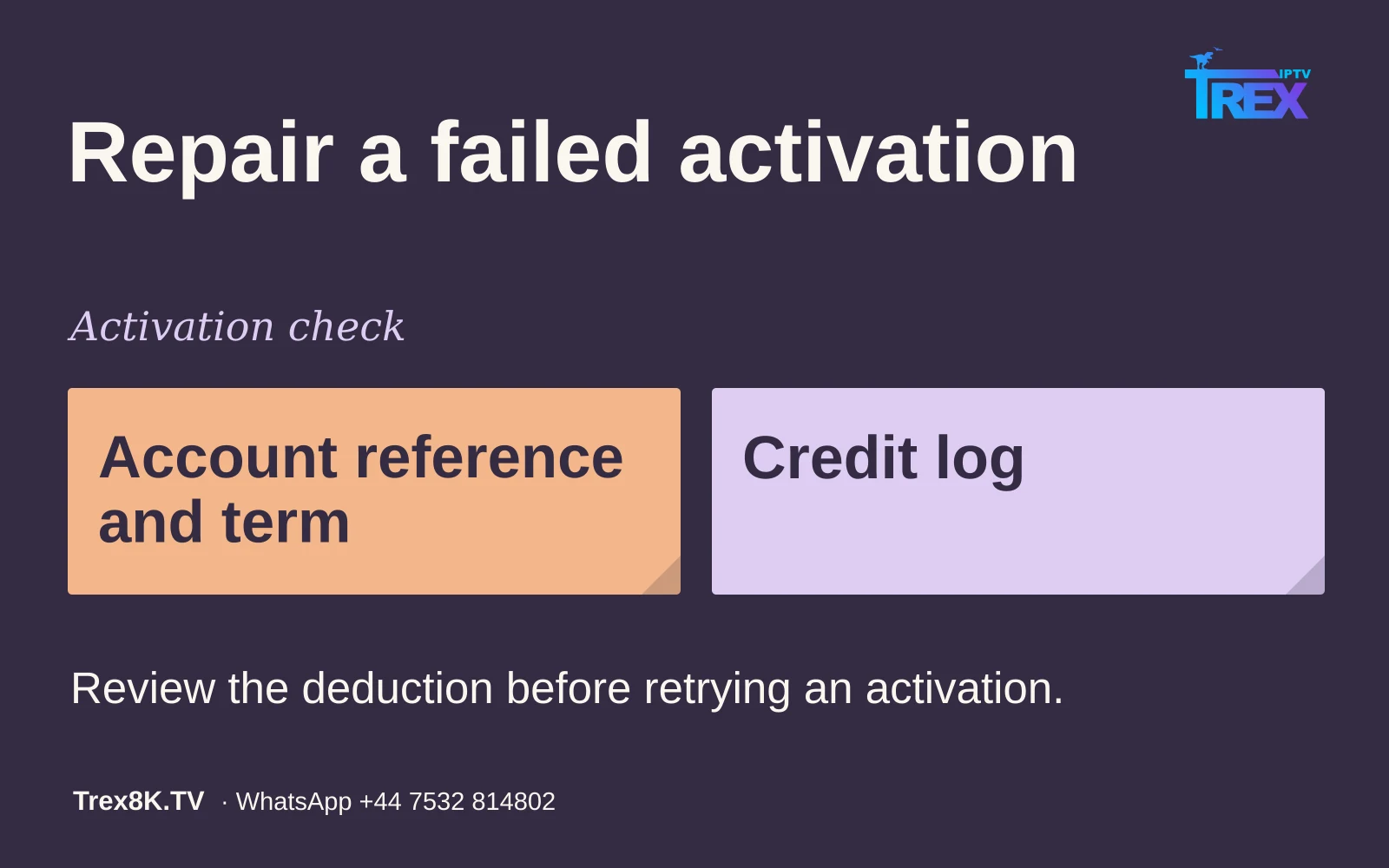
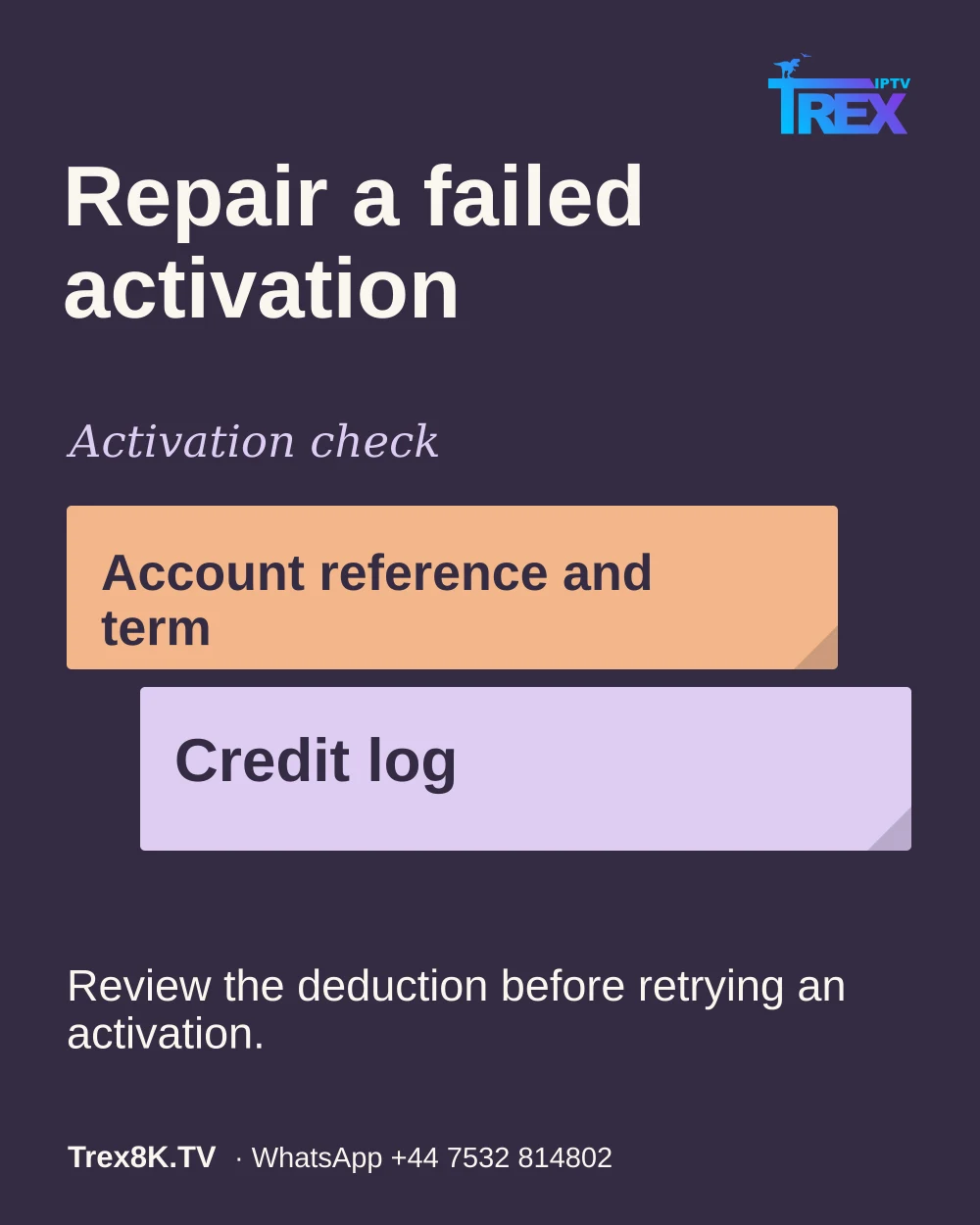
“Repair a failed activation” is filed here under Repair a failed activation. The purpose of this particular card is captured in its caption: Check the account reference, term and credit log before repeating any panel action. Read the subject page if you need the account rule or actual steps behind the illustration.
The larger illustration and the phone edition of Repair a failed activation are paired with TREX IPTV reseller plans. That page opens with a practical answer: Twelve credits fund one annual customer. When selecting a plan or asking about an installation, use that HTML guide to carry the full details into your enquiry.
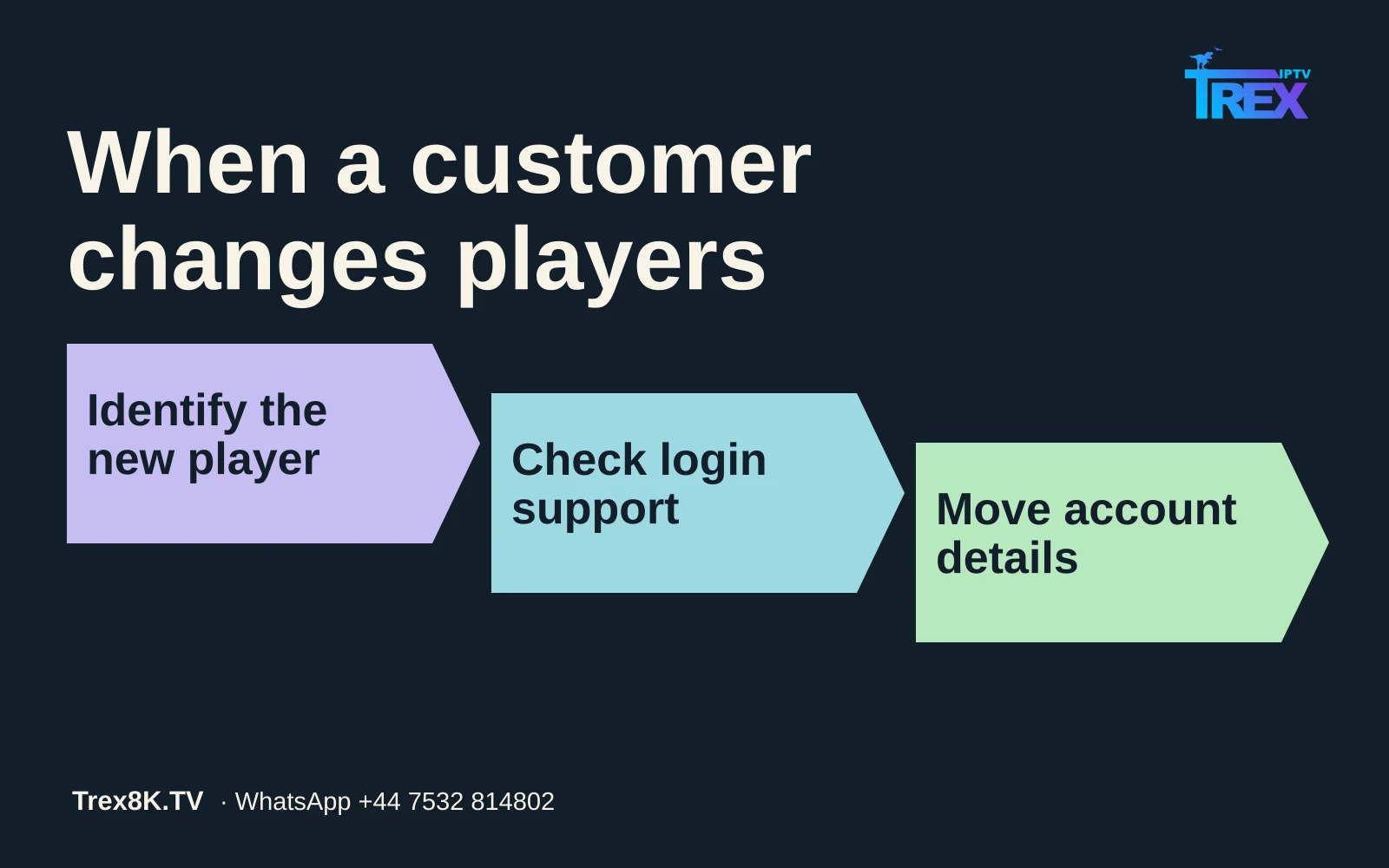
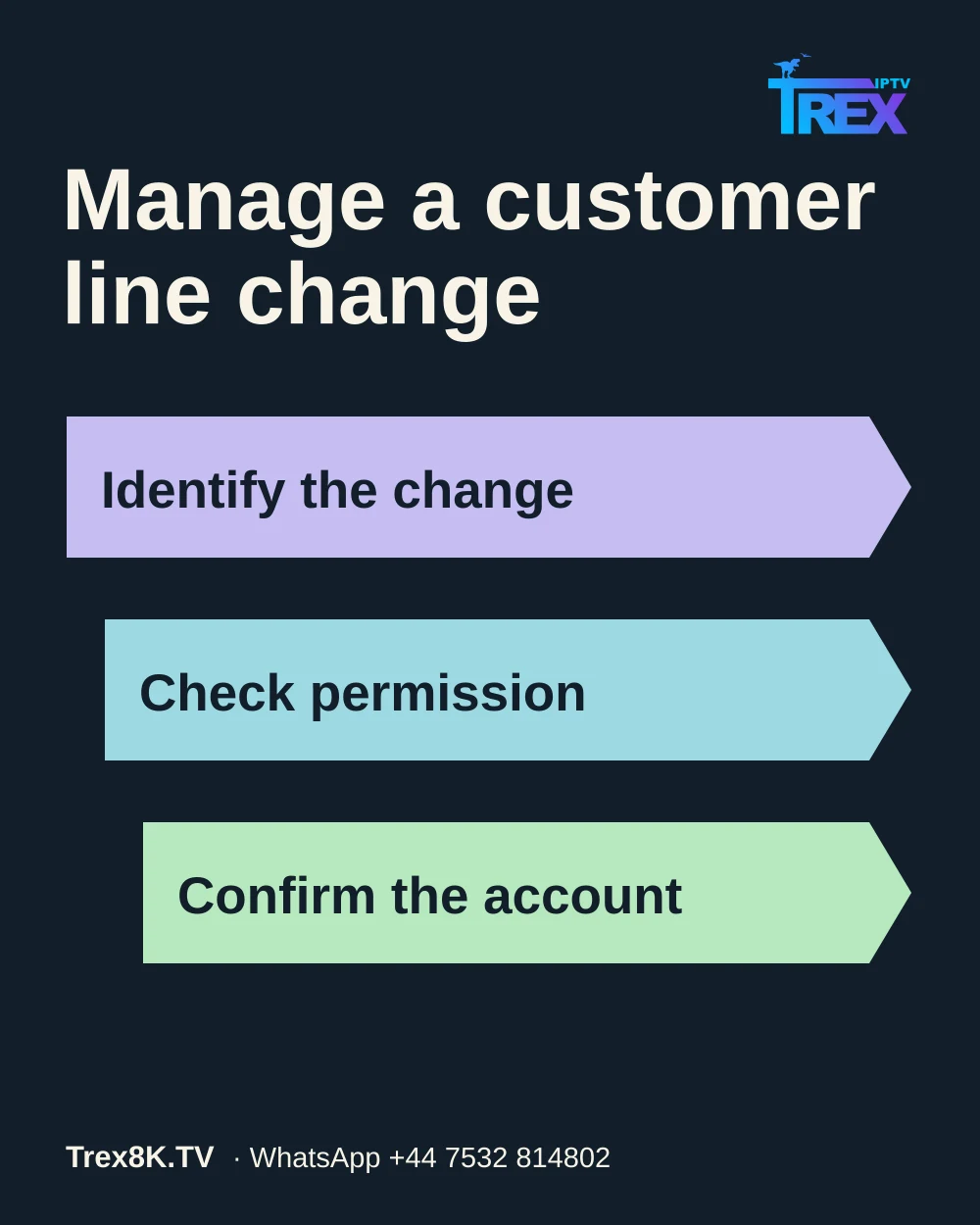
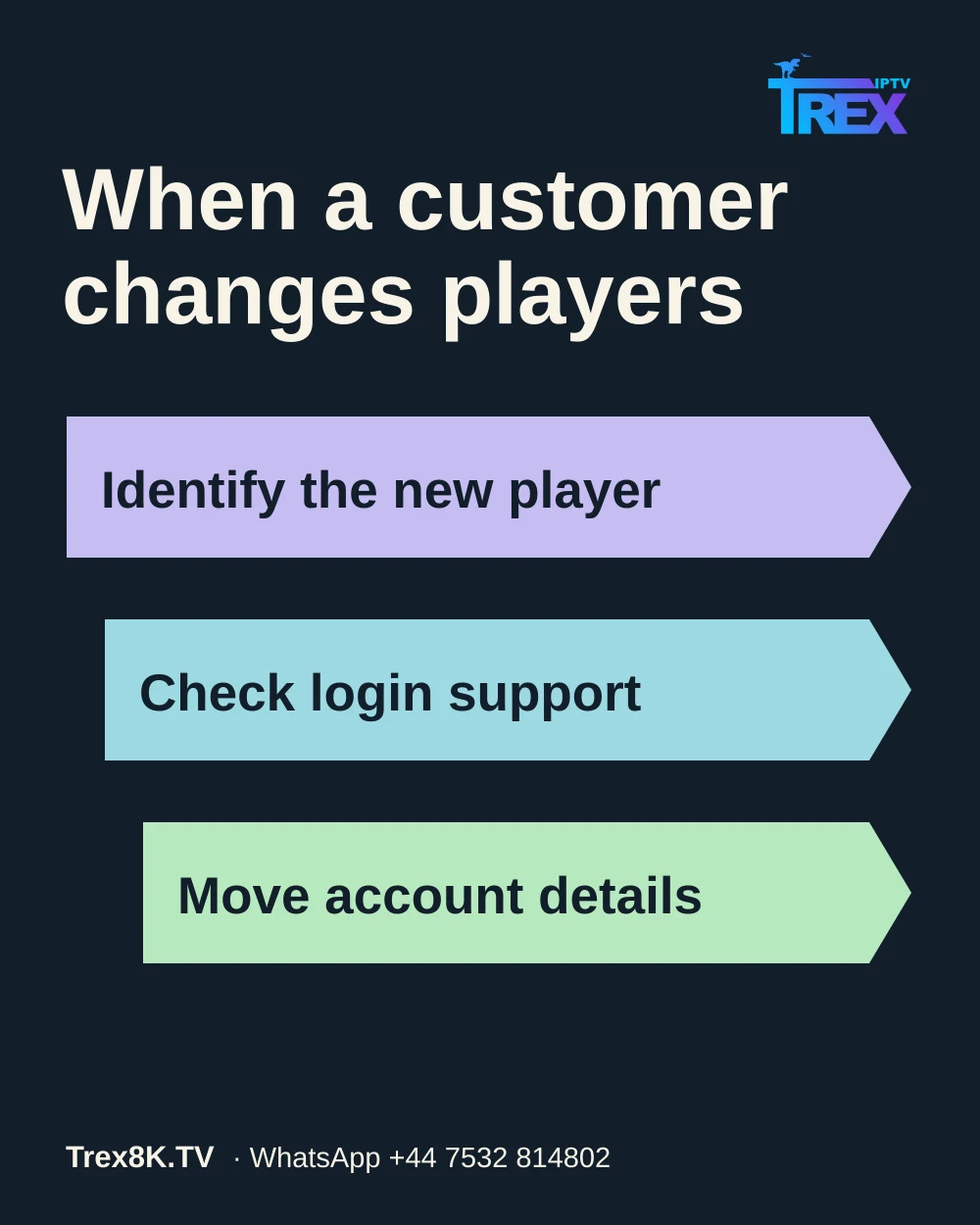
“When a customer changes players” is filed here under When a customer changes players. The purpose of this particular card is captured in its caption: Confirm the new player can use the issued login method before moving account details. Read the subject page if you need the account rule or actual steps behind the illustration.
The larger illustration and the phone edition of When a customer changes players are paired with TREX IPTV reseller plans. That page opens with a practical answer: Twelve credits fund one annual customer. When selecting a plan or asking about an installation, use that HTML guide to carry the full details into your enquiry.
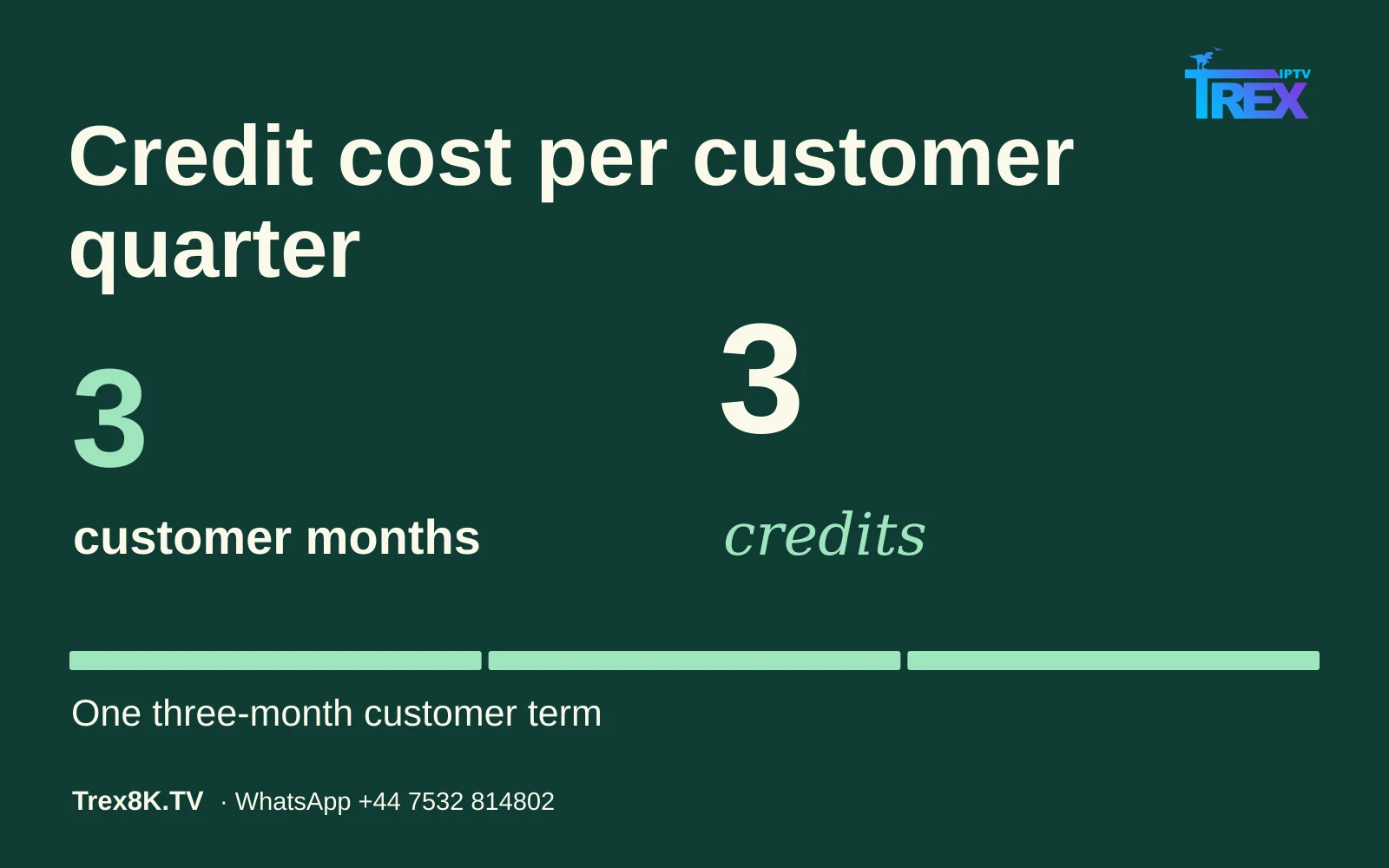
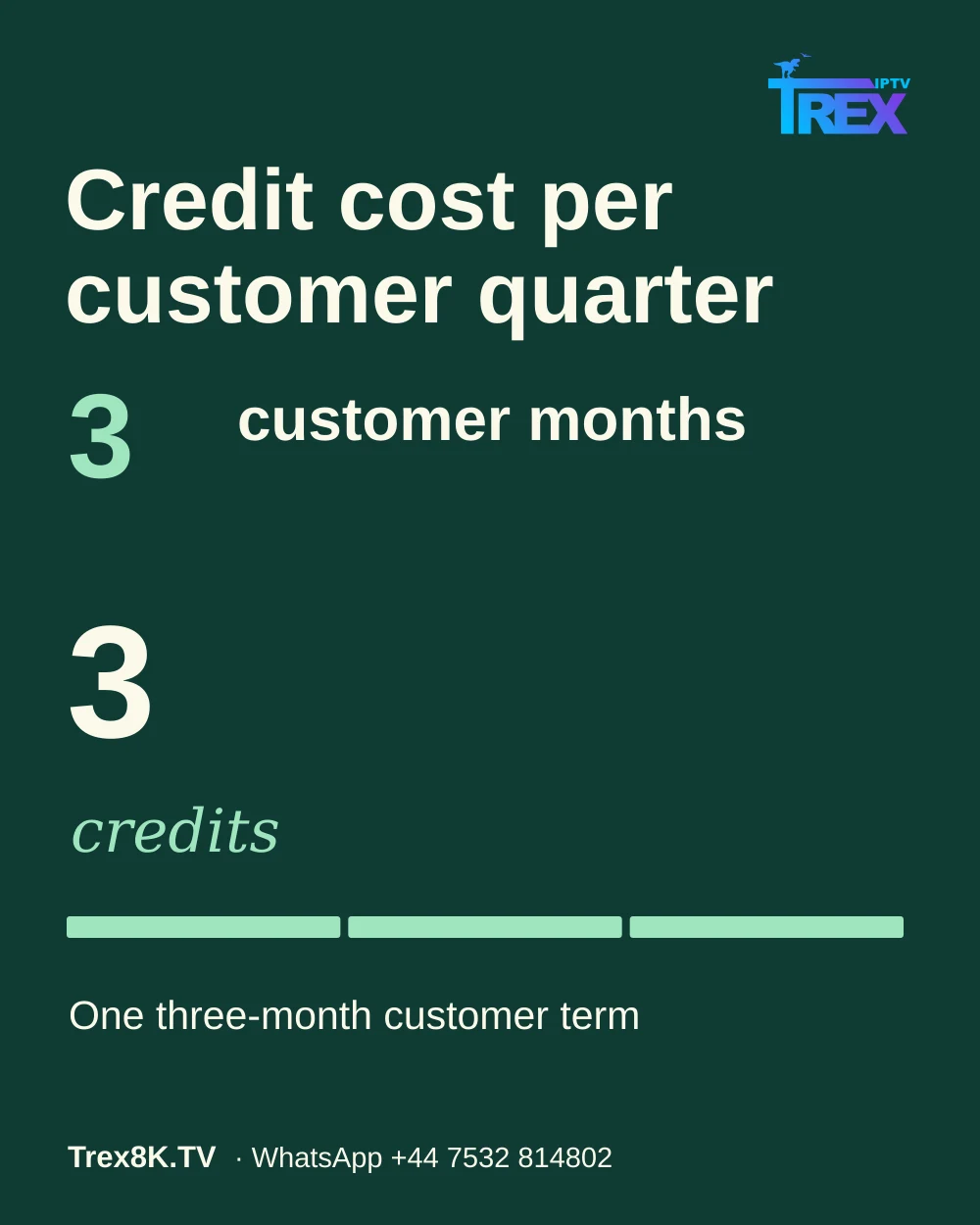
“Credit cost per customer quarter” is filed here under Credit cost per customer quarter. The purpose of this particular card is captured in its caption: A three-month customer term uses three credits under the published rule. Read the subject page if you need the account rule or actual steps behind the illustration.
The larger illustration and the phone edition of Credit cost per customer quarter are paired with TREX IPTV reseller plans. That page opens with a practical answer: Twelve credits fund one annual customer. When selecting a plan or asking about an installation, use that HTML guide to carry the full details into your enquiry.
Use the entries above to move between Set a support escalation point and Credit cost per customer quarter. Each linked guide retains the full record, its source and any conditions that affect how to use it.