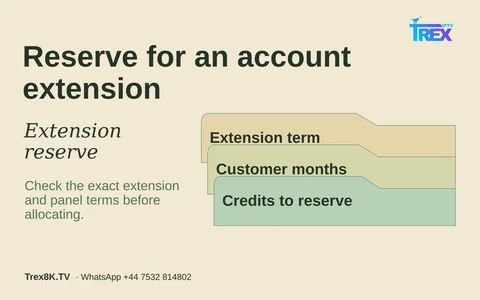
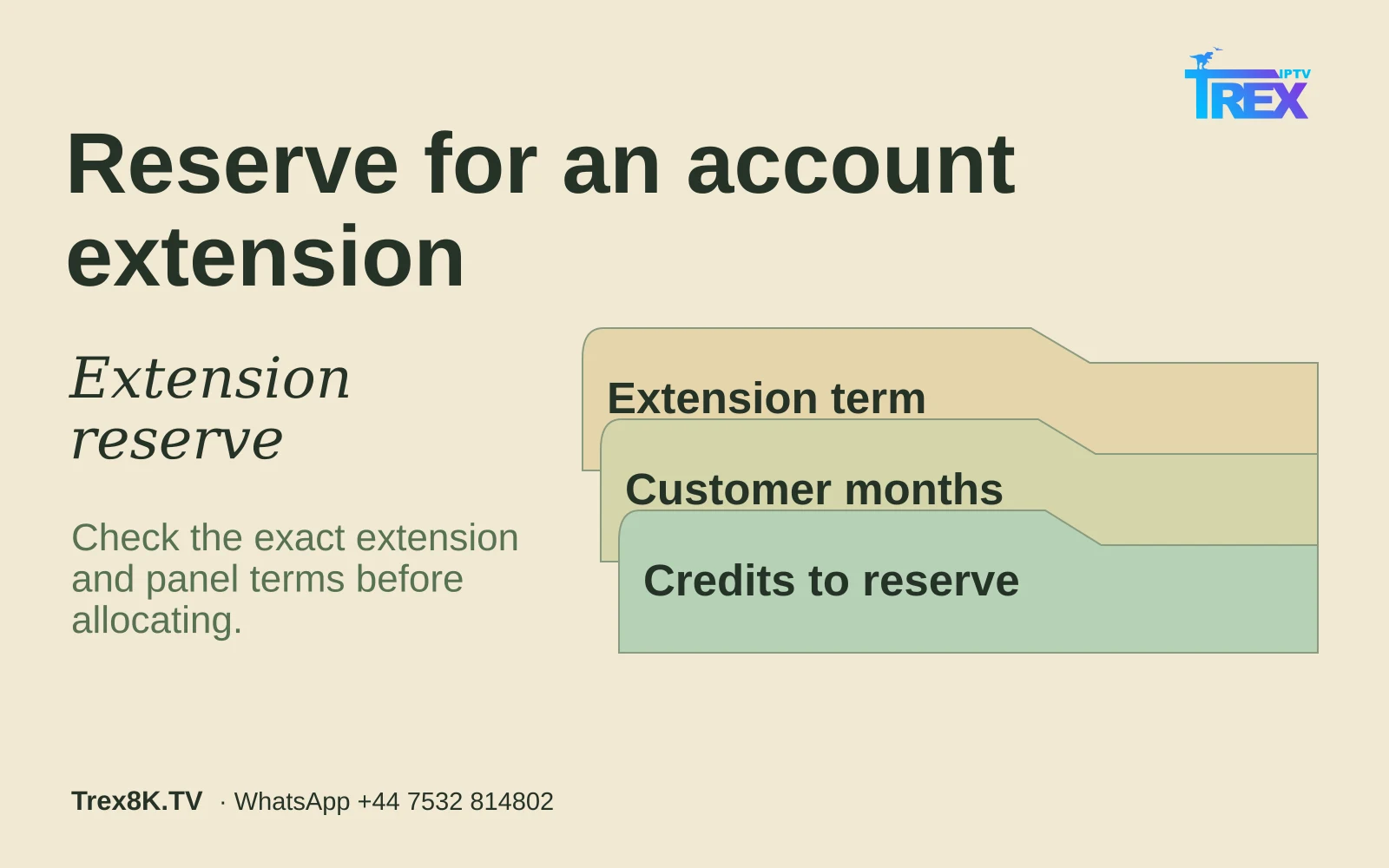
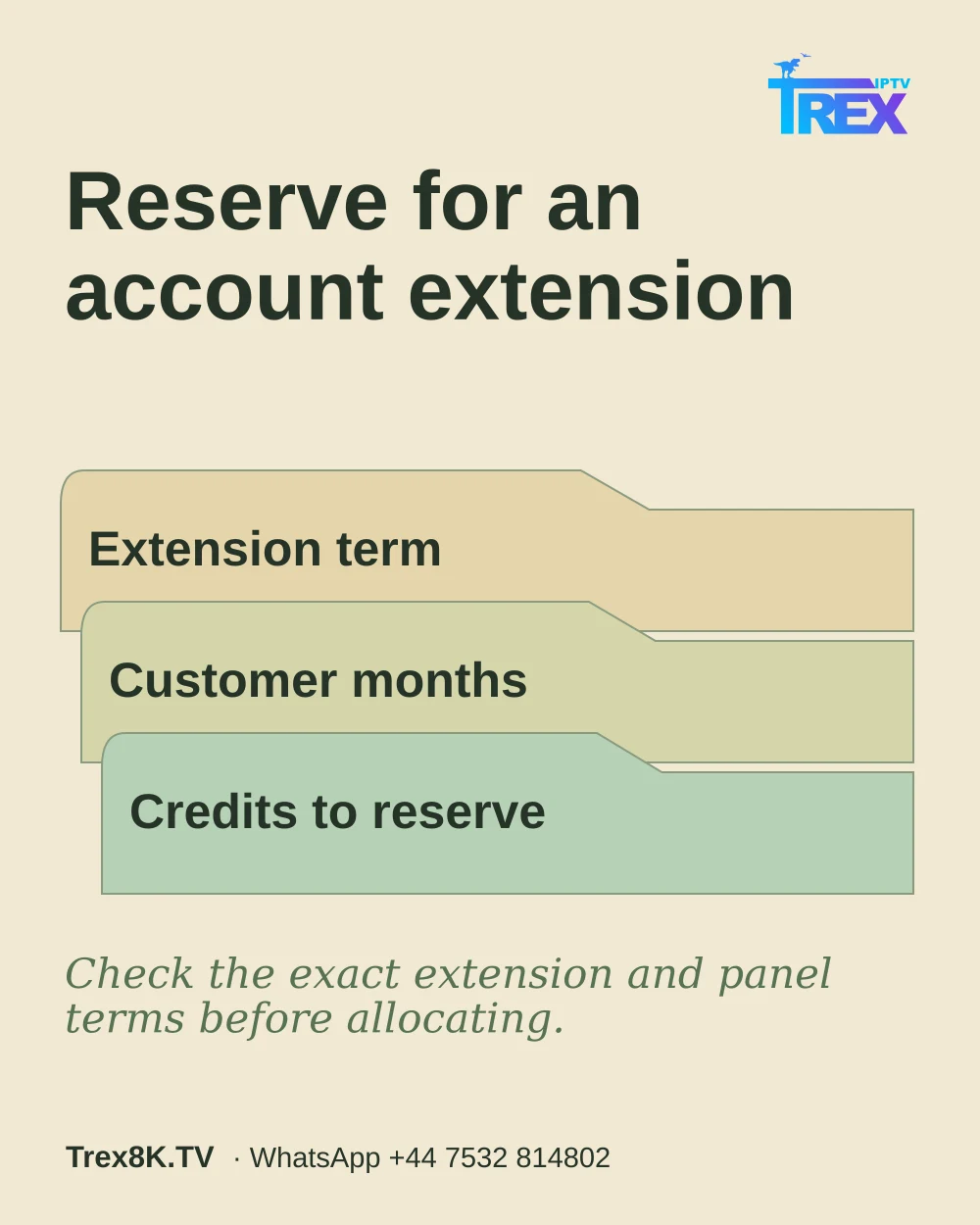
“Reserve for an account extension” is filed here under Reserve for an account extension. The purpose of this particular card is captured in its caption: Count the exact number of customer months before allocating credits; check panel terms. Read the subject page if you need the account rule or actual steps behind the illustration.
The larger illustration and the phone edition of Reserve for an account extension are paired with TREX IPTV reseller plans. That page opens with a practical answer: Twelve credits fund one annual customer. When selecting a plan or asking about an installation, use that HTML guide to carry the full details into your enquiry.
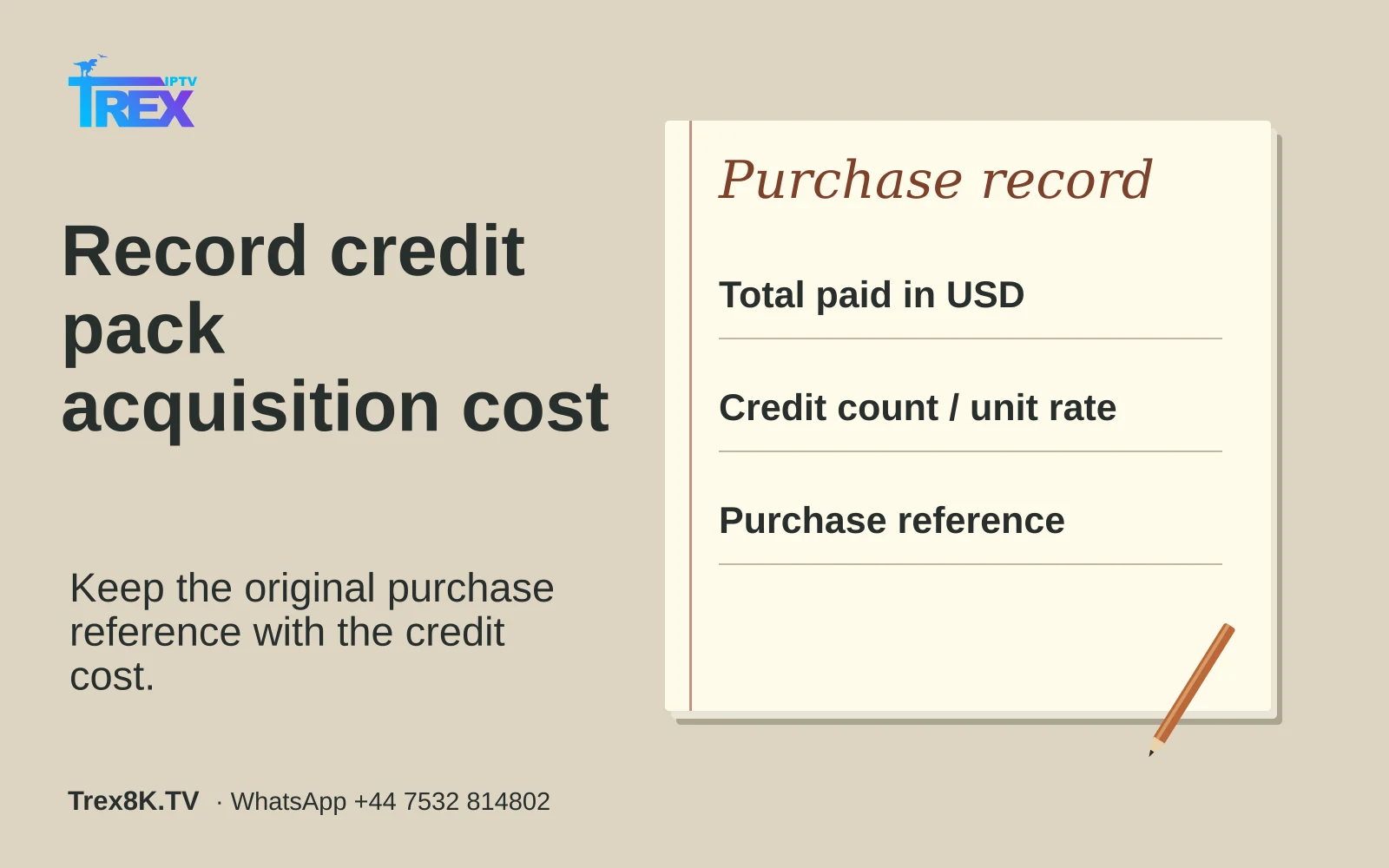
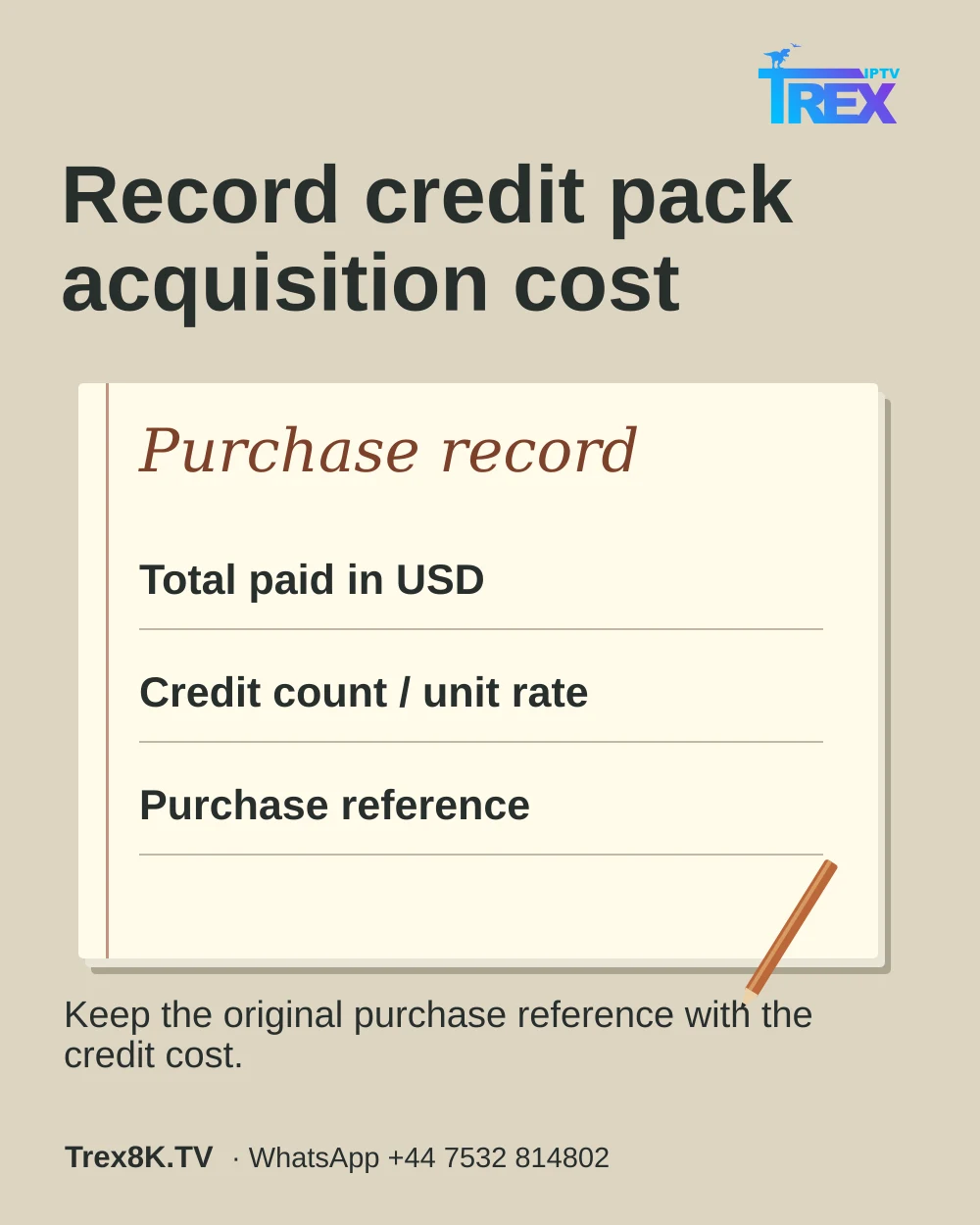
“Record credit pack acquisition cost” is filed here under Record credit pack acquisition cost. The purpose of this particular card is captured in its caption: Record paid USD total, credit count, unit rate and purchase reference together. Read the subject page if you need the account rule or actual steps behind the illustration.
The larger illustration and the phone edition of Record credit pack acquisition cost are paired with TREX IPTV reseller plans. That page opens with a practical answer: Twelve credits fund one annual customer. When selecting a plan or asking about an installation, use that HTML guide to carry the full details into your enquiry.
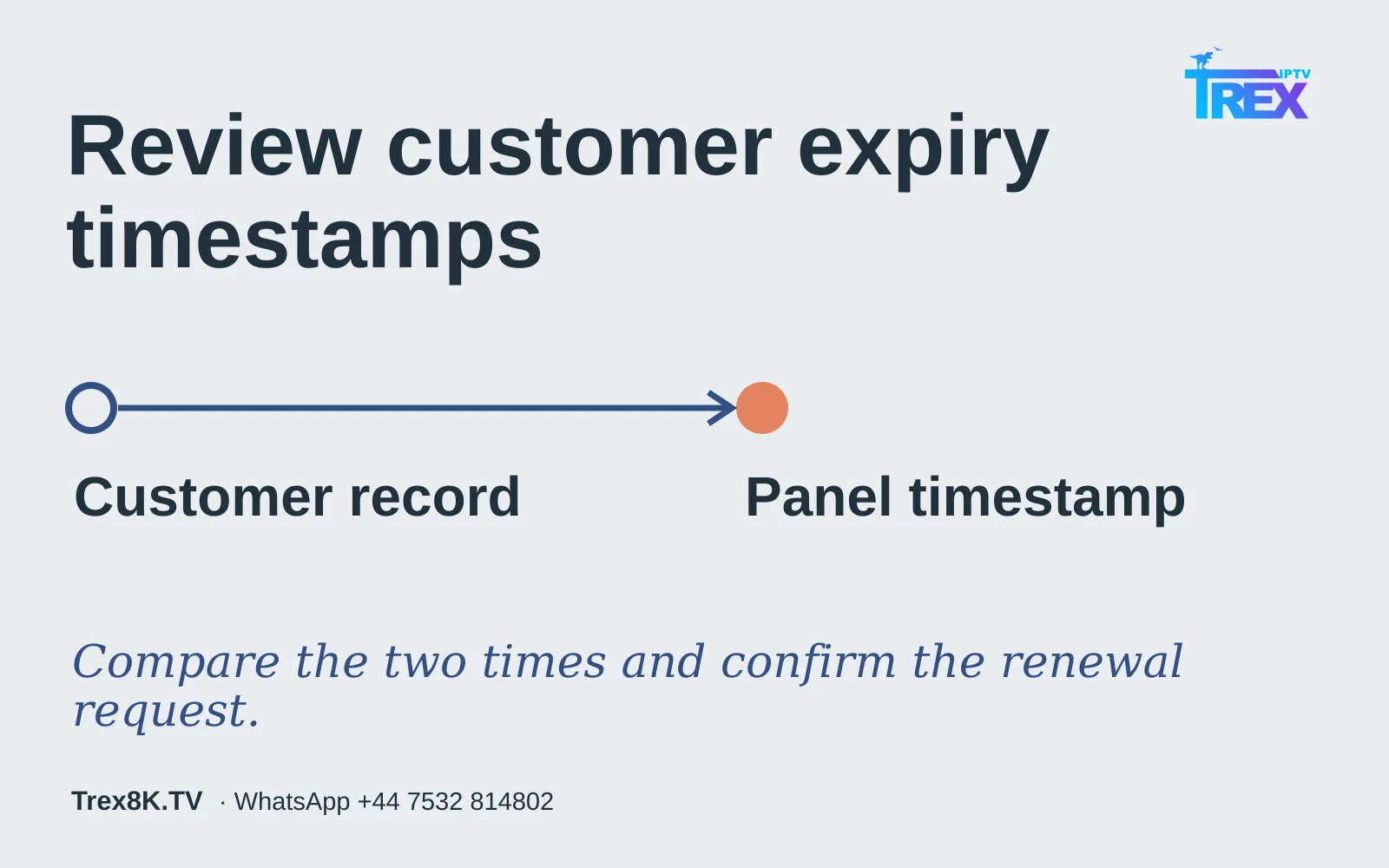
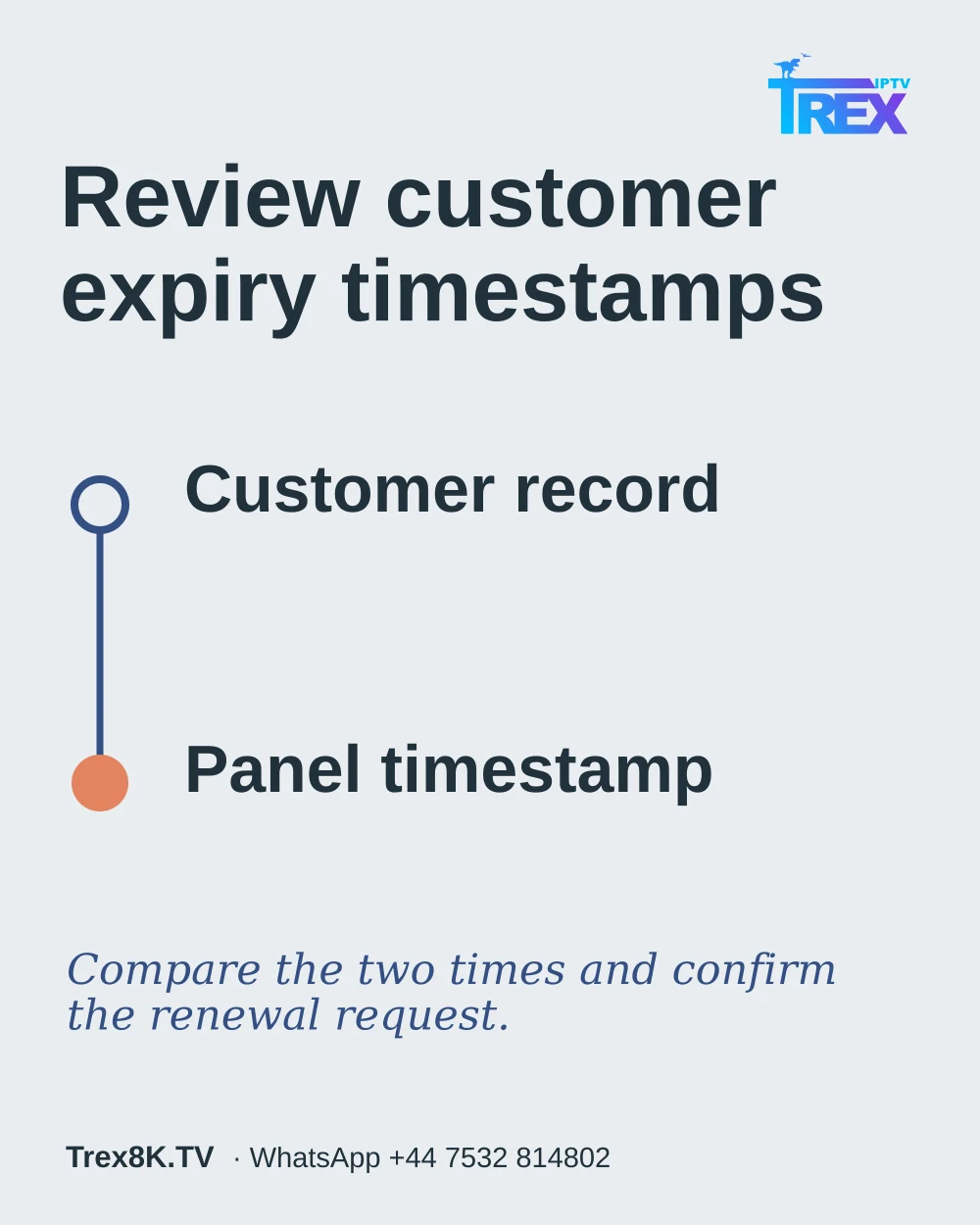
“Review customer expiry timestamps” is filed here under Review customer expiry timestamps. The purpose of this particular card is captured in its caption: Compare customer records with panel expiry times and confirm renewal requests. Read the subject page if you need the account rule or actual steps behind the illustration.
The larger illustration and the phone edition of Review customer expiry timestamps are paired with TREX IPTV reseller plans. That page opens with a practical answer: Twelve credits fund one annual customer. When selecting a plan or asking about an installation, use that HTML guide to carry the full details into your enquiry.
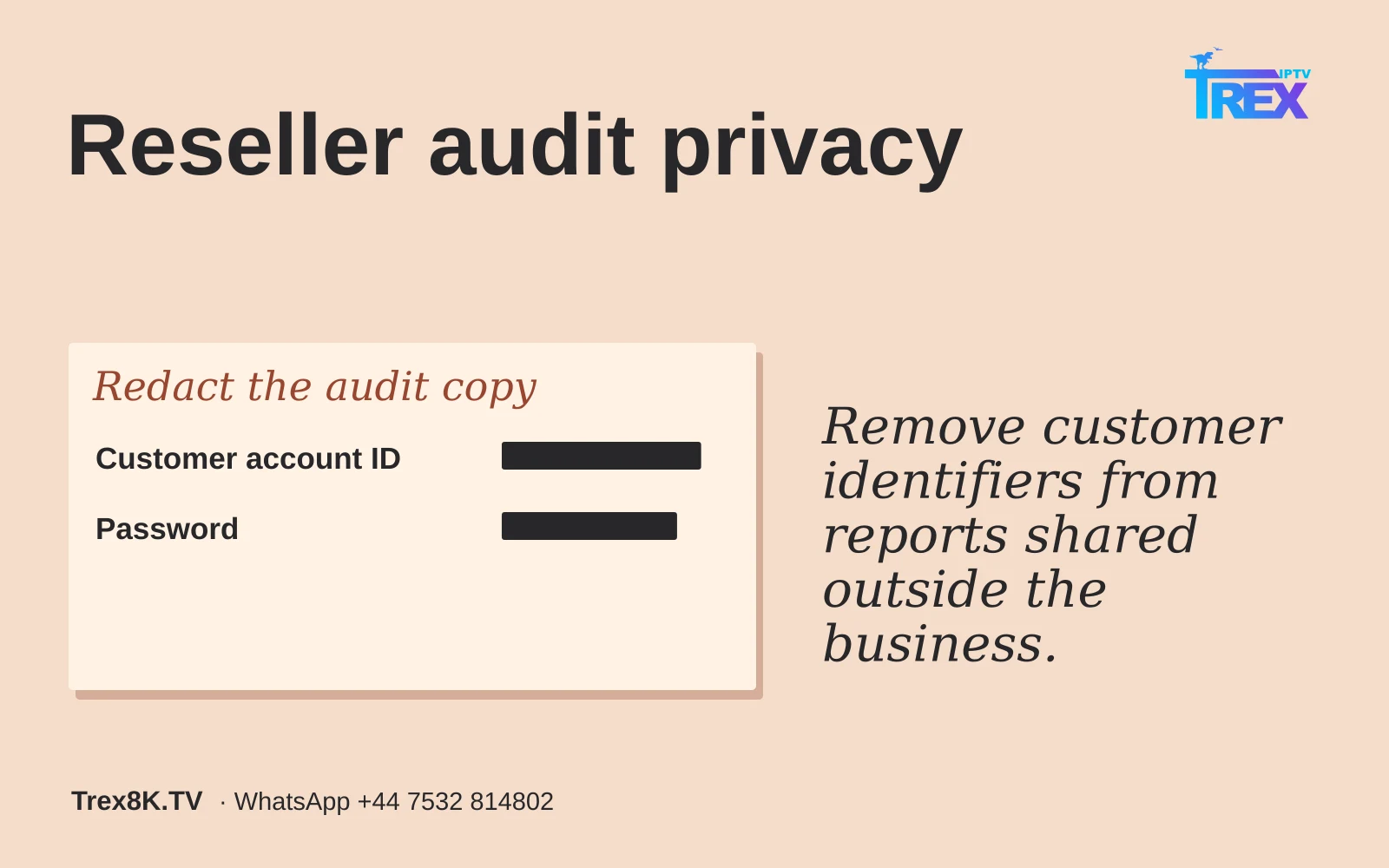
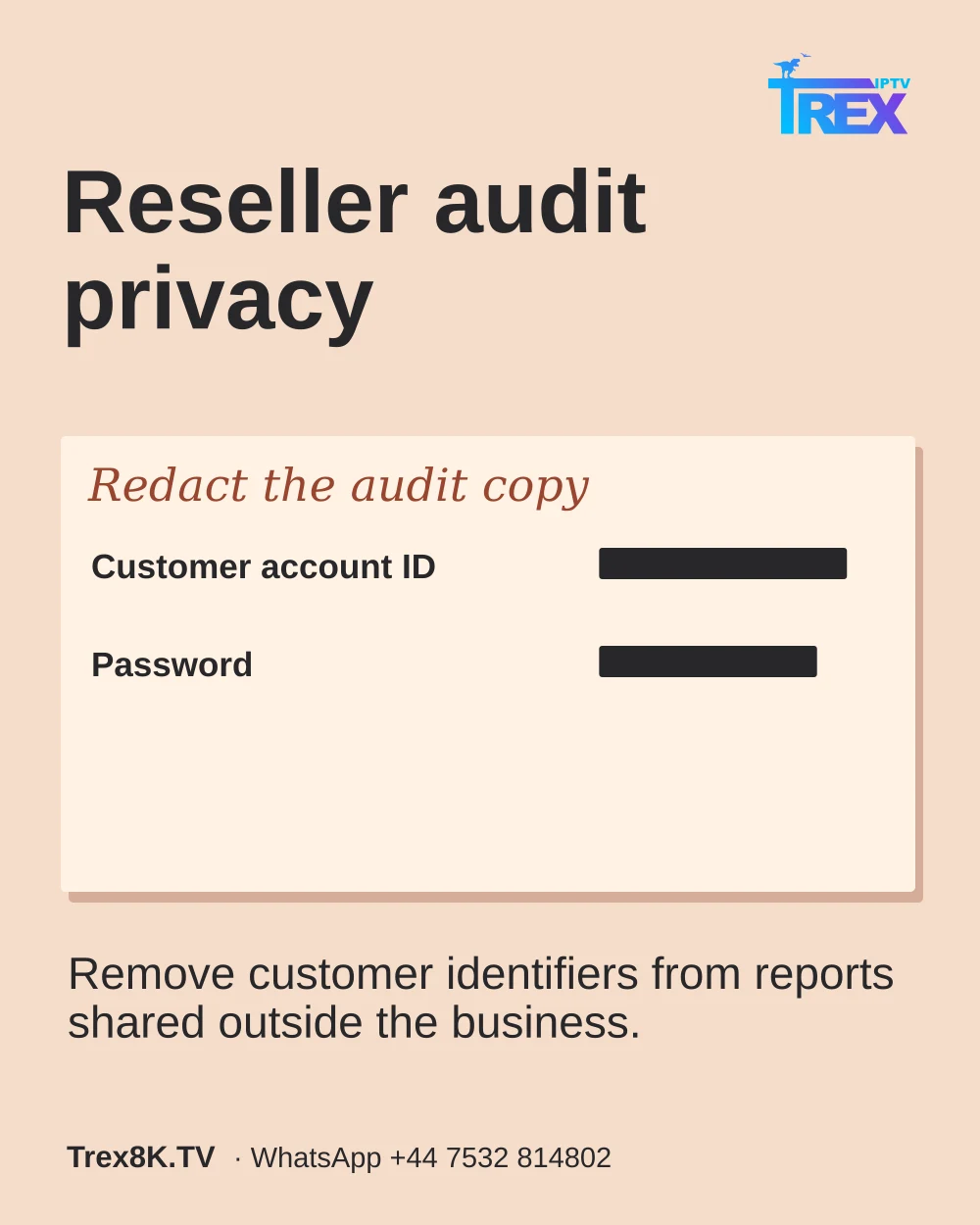
“Reseller audit privacy” is filed here under Reseller audit privacy. The purpose of this particular card is captured in its caption: Redact customer account IDs and passwords from reports shared outside the business. Read the subject page if you need the account rule or actual steps behind the illustration.
The larger illustration and the phone edition of Reseller audit privacy are paired with TREX IPTV reseller plans. That page opens with a practical answer: Twelve credits fund one annual customer. When selecting a plan or asking about an installation, use that HTML guide to carry the full details into your enquiry.
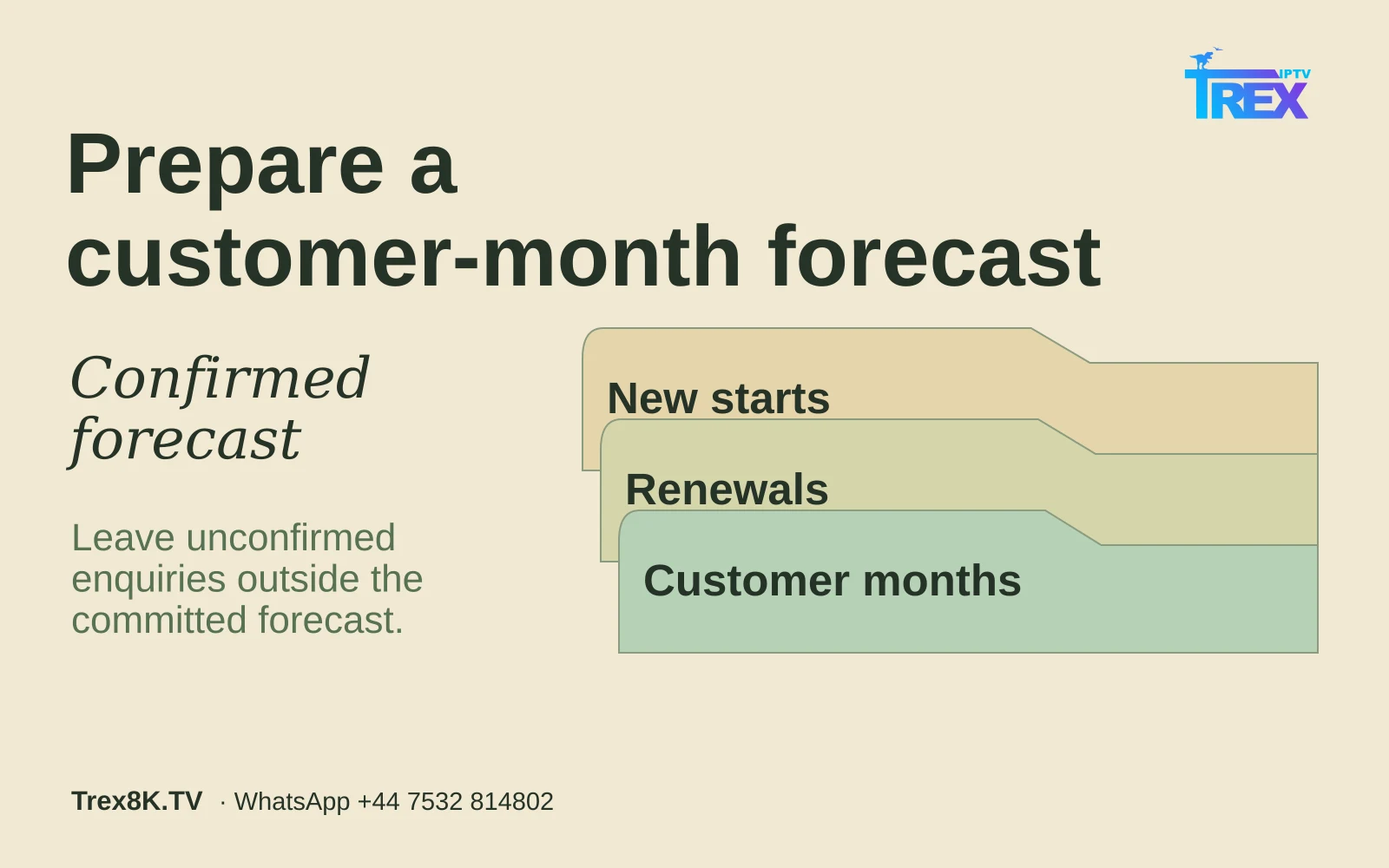
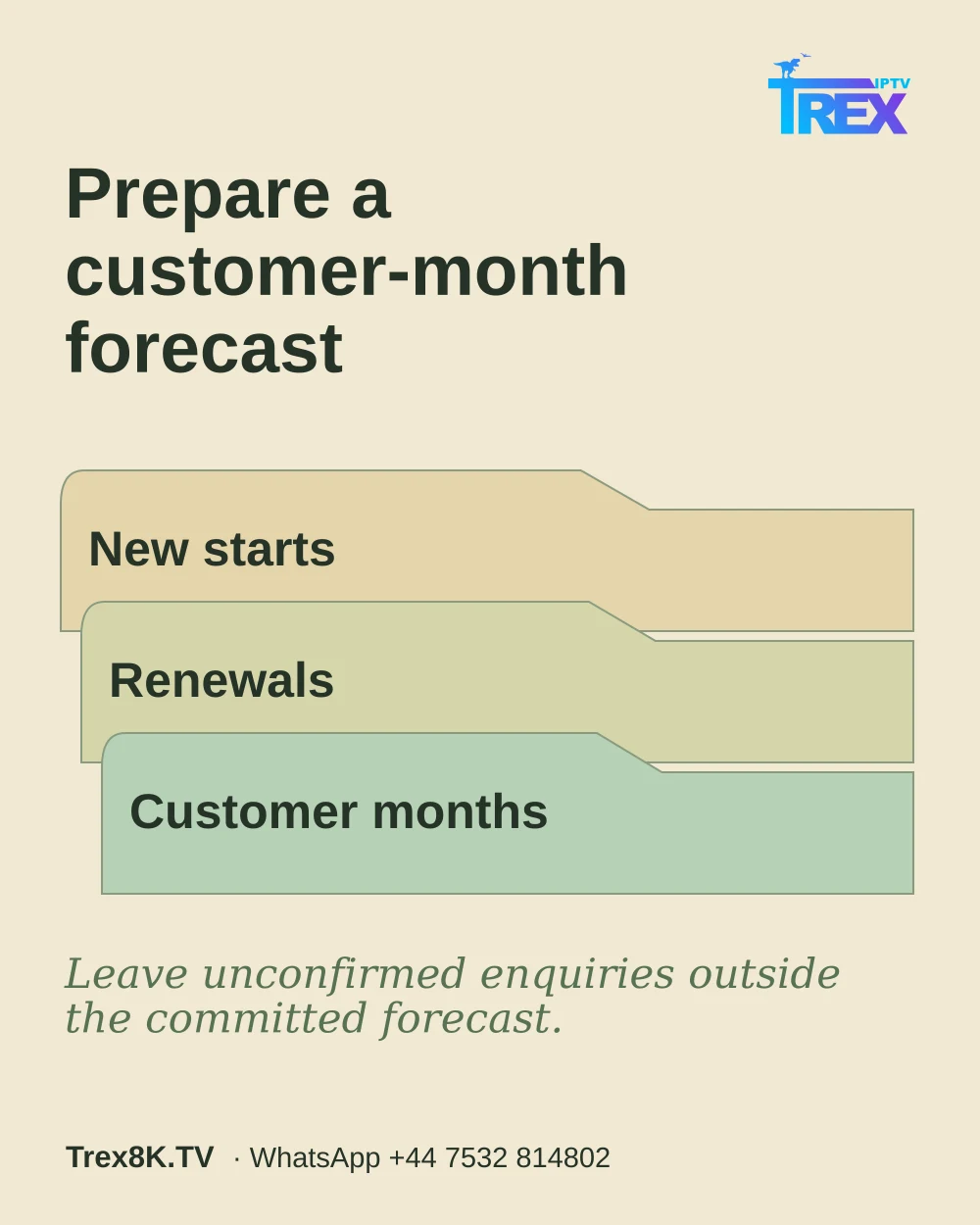
“Prepare a customer-month forecast” is filed here under Prepare a customer-month forecast. The purpose of this particular card is captured in its caption: Group confirmed starts and renewals by term; do not count unconfirmed enquiries as commitments. Read the subject page if you need the account rule or actual steps behind the illustration.
The larger illustration and the phone edition of Prepare a customer-month forecast are paired with TREX IPTV reseller plans. That page opens with a practical answer: Twelve credits fund one annual customer. When selecting a plan or asking about an installation, use that HTML guide to carry the full details into your enquiry.
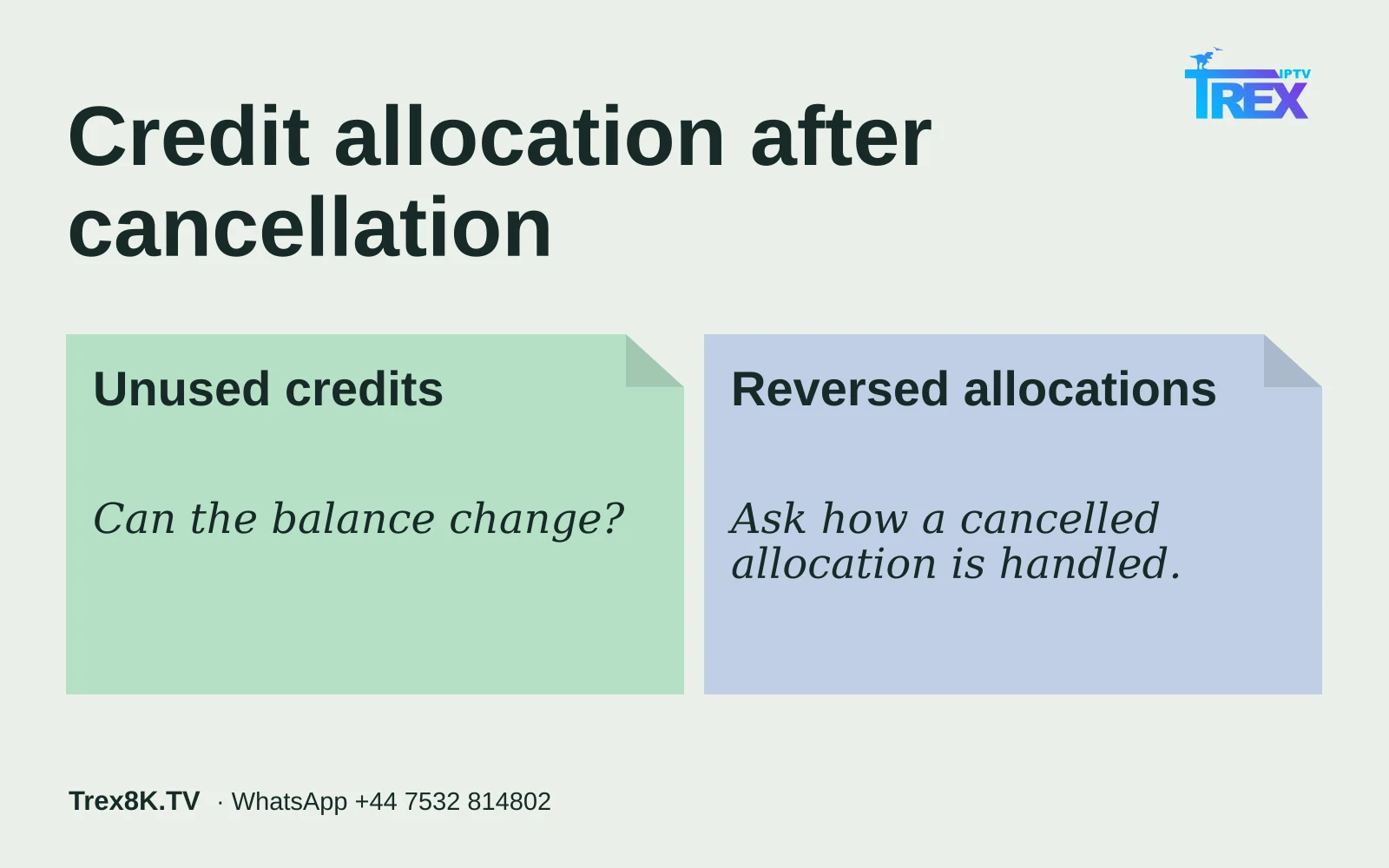
“Credit allocation after cancellation” is filed here under Credit allocation after cancellation. The purpose of this particular card is captured in its caption: Ask support whether unused or reversed allocations return to the balance; do not assume refunds. Read the subject page if you need the account rule or actual steps behind the illustration.
The larger illustration and the phone edition of Credit allocation after cancellation are paired with TREX IPTV reseller plans. That page opens with a practical answer: Twelve credits fund one annual customer. When selecting a plan or asking about an installation, use that HTML guide to carry the full details into your enquiry.