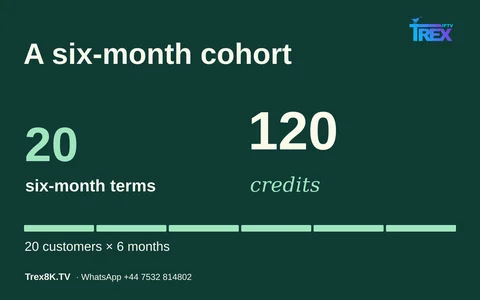
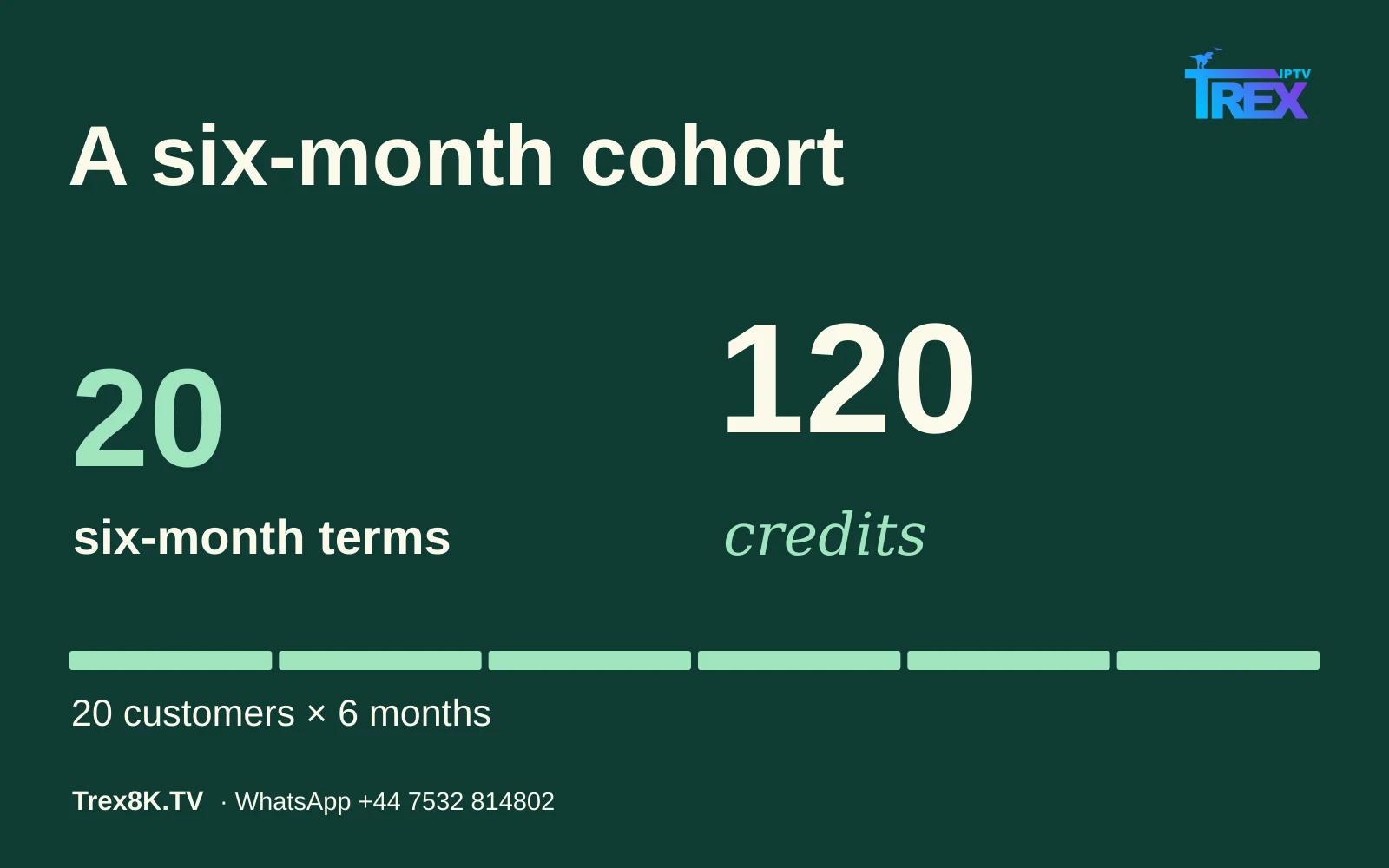
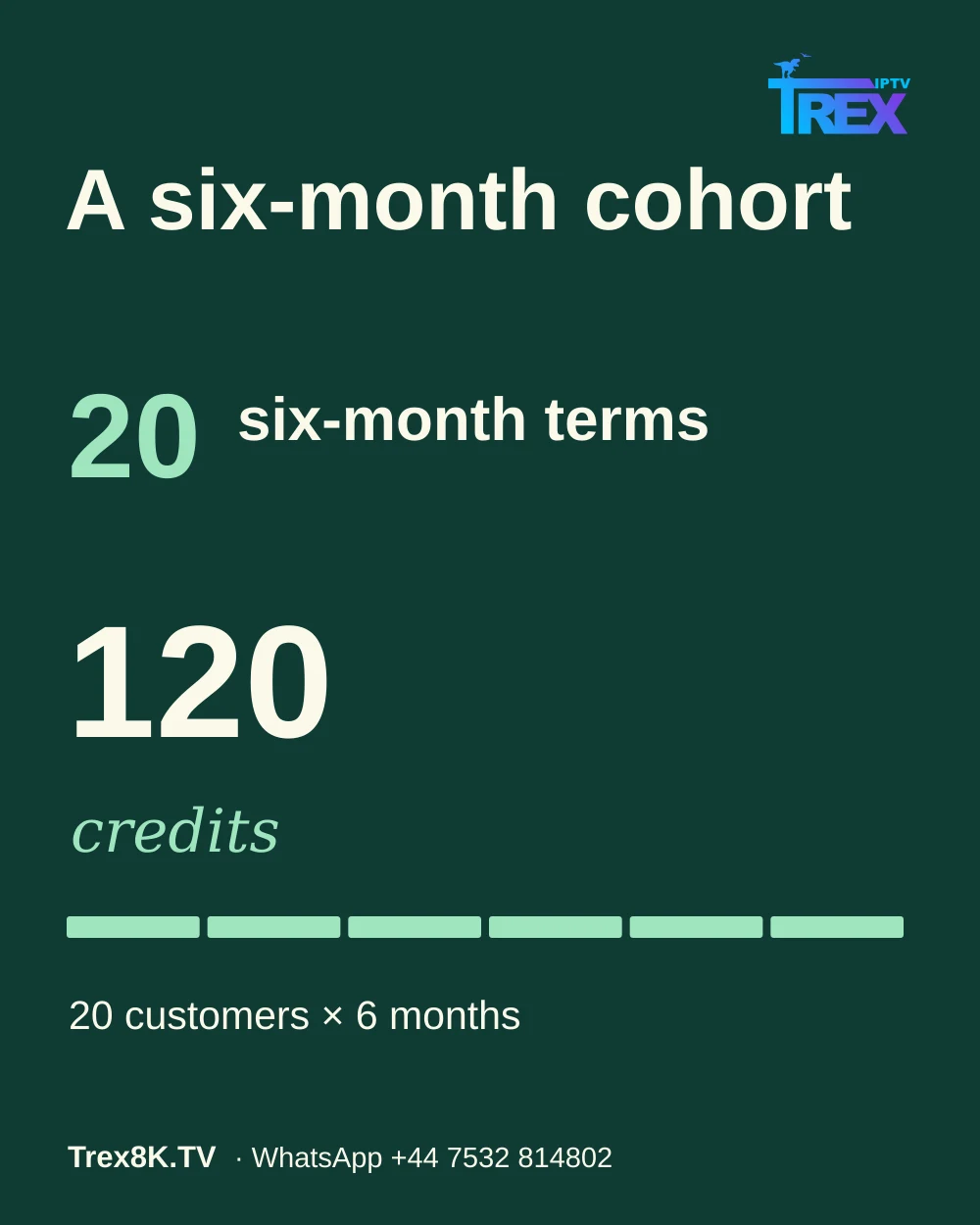
“A six-month cohort” is filed here under A six-month cohort. The purpose of this particular card is captured in its caption: Twenty 6-month customer terms require 120 credits under the published schedule. Read the subject page if you need the account rule or actual steps behind the illustration.
The larger illustration and the phone edition of A six-month cohort are paired with TREX IPTV reseller plans. That page opens with a practical answer: Twelve credits fund one annual customer. When selecting a plan or asking about an installation, use that HTML guide to carry the full details into your enquiry.
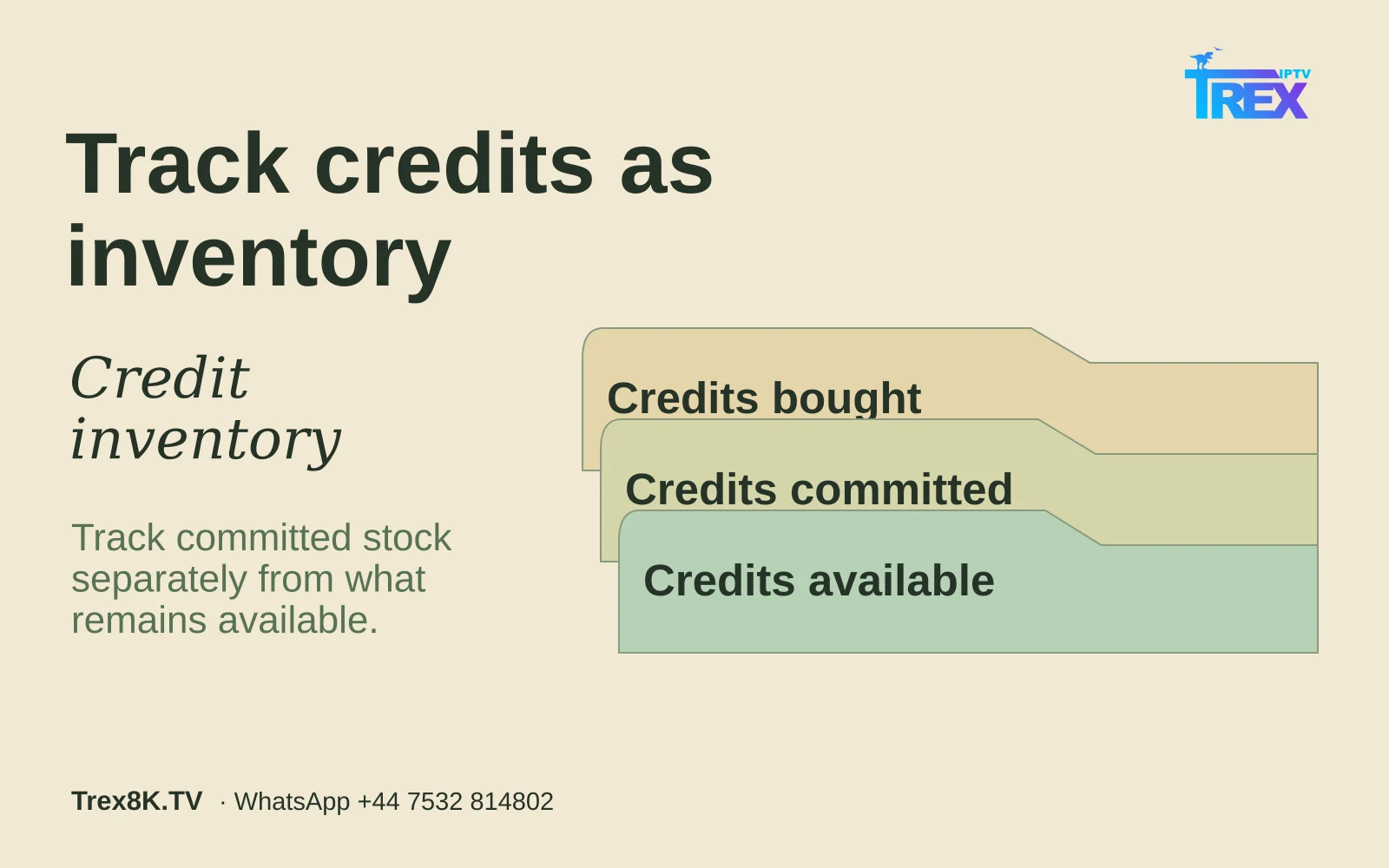
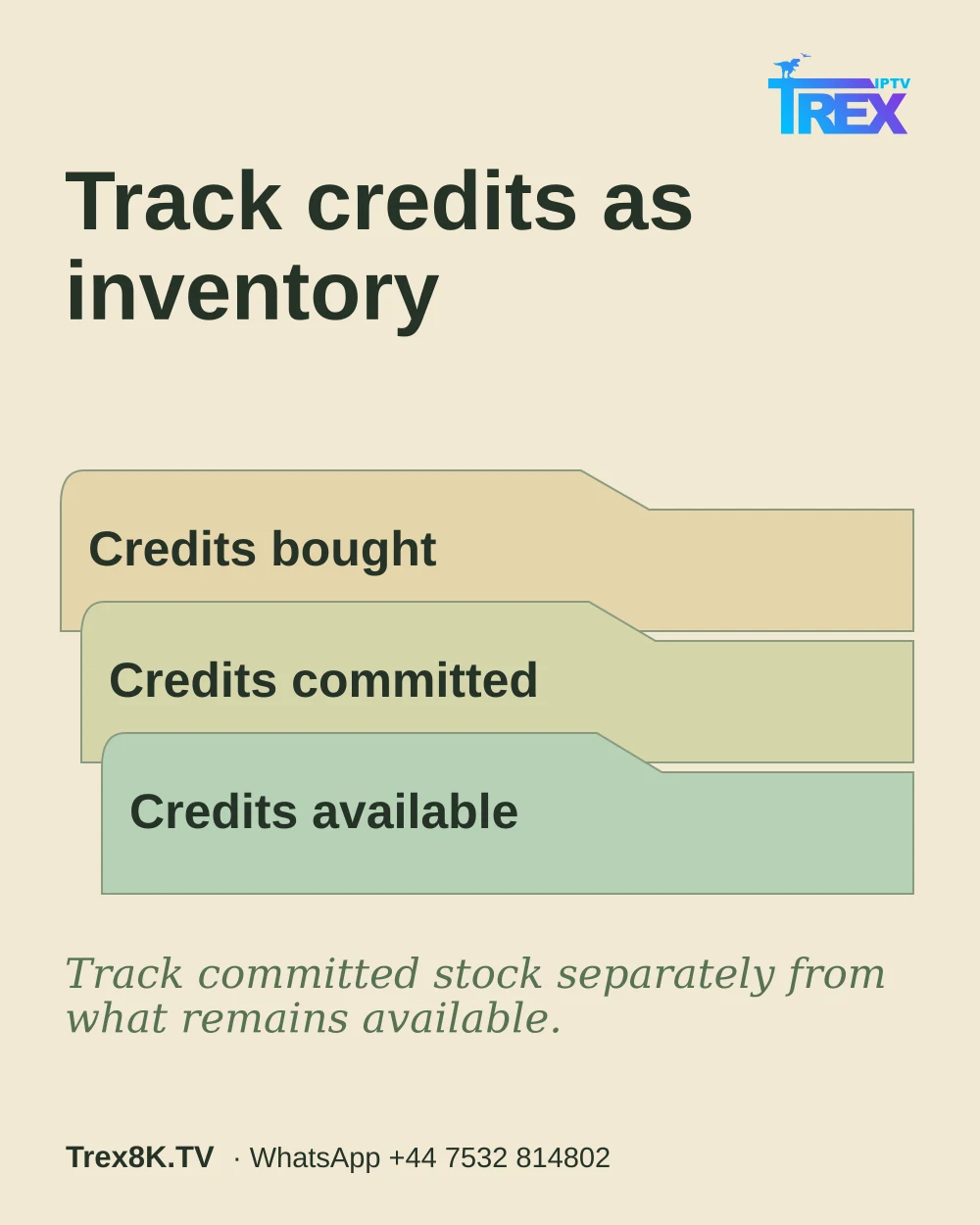
“Track credits as inventory” is filed here under Track credits as inventory. The purpose of this particular card is captured in its caption: Record credits bought, credits committed to scheduled activations and credits available now. Read the subject page if you need the account rule or actual steps behind the illustration.
The larger illustration and the phone edition of Track credits as inventory are paired with TREX IPTV reseller plans. That page opens with a practical answer: Twelve credits fund one annual customer. When selecting a plan or asking about an installation, use that HTML guide to carry the full details into your enquiry.
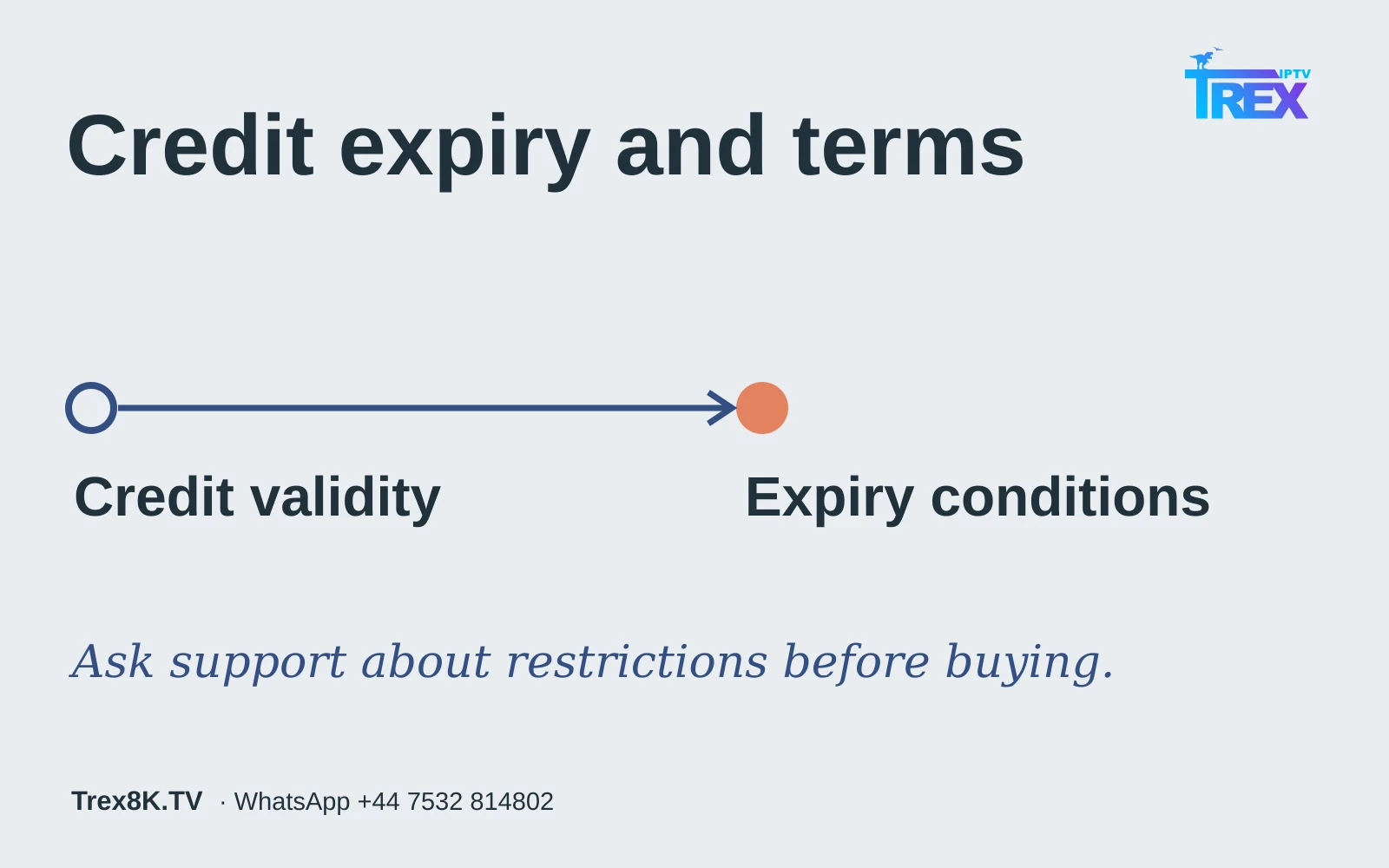
“Credit expiry and terms” is filed here under Credit expiry and terms. The purpose of this particular card is captured in its caption: Ask reseller support about validity, expiry and any restrictions before buying credits. Read the subject page if you need the account rule or actual steps behind the illustration.
The larger illustration and the phone edition of Credit expiry and terms are paired with TREX IPTV reseller plans. That page opens with a practical answer: Twelve credits fund one annual customer. When selecting a plan or asking about an installation, use that HTML guide to carry the full details into your enquiry.
“Ask about credit transfers” is filed here under Ask about credit transfers. The purpose of this particular card is captured in its caption: Confirm transfer rules and account permissions with reseller support before discussing a transfer. Read the subject page if you need the account rule or actual steps behind the illustration.
The larger illustration and the phone edition of Ask about credit transfers are paired with TREX IPTV reseller plans. That page opens with a practical answer: Twelve credits fund one annual customer. When selecting a plan or asking about an installation, use that HTML guide to carry the full details into your enquiry.
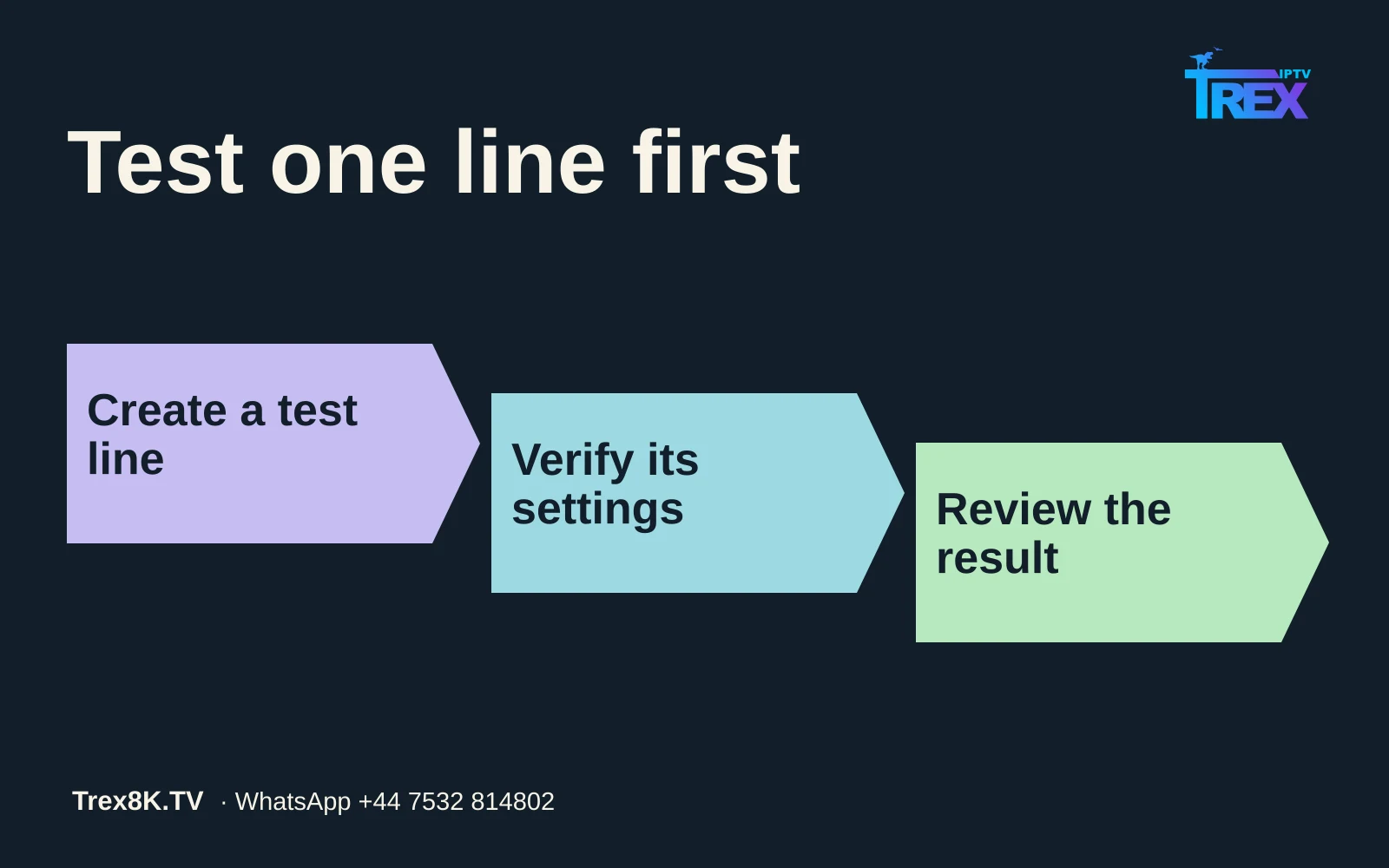
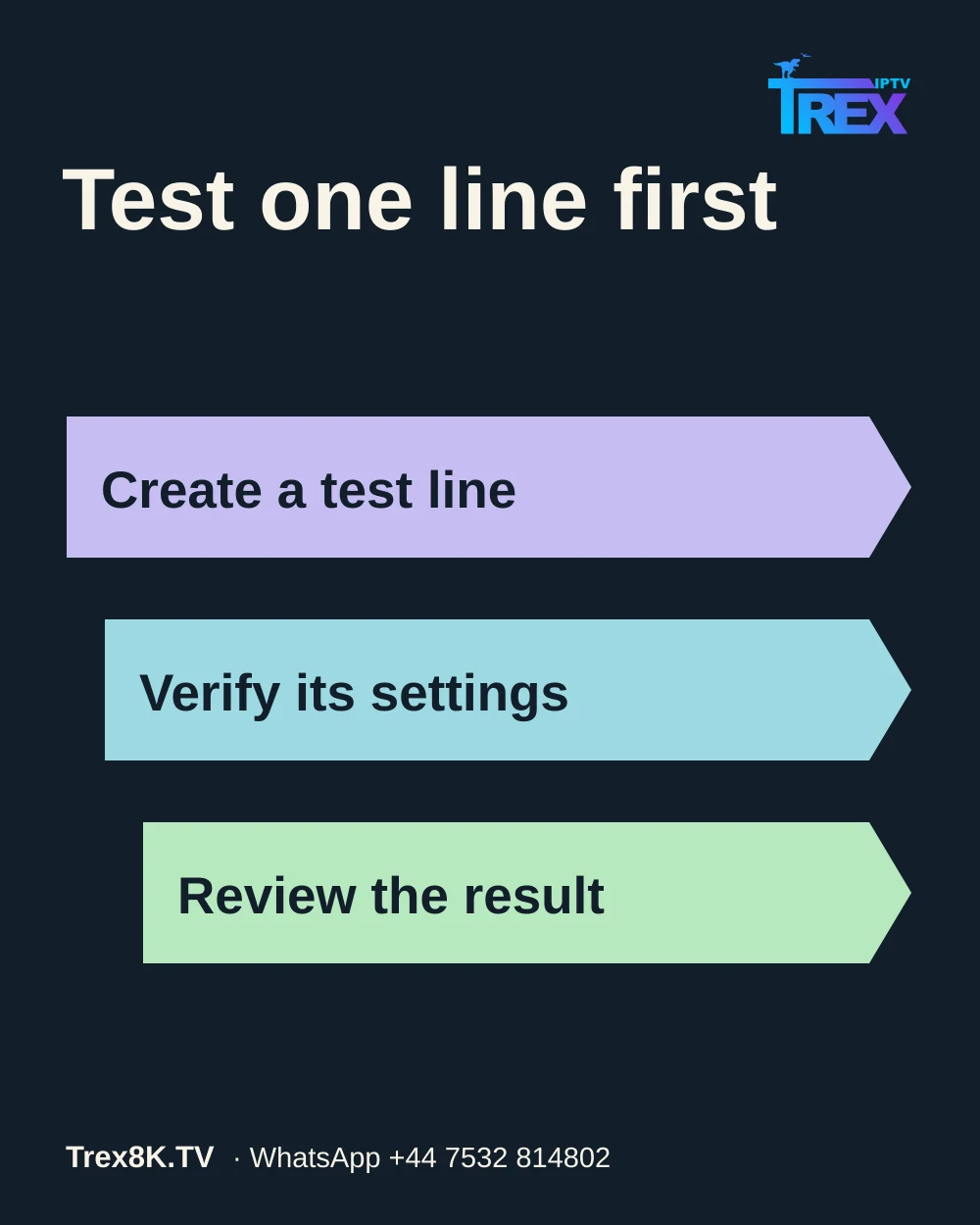
“Test one line first” is filed here under Test one line first. The purpose of this particular card is captured in its caption: Complete a private test line workflow and confirm the settings before a wider customer rollout. Read the subject page if you need the account rule or actual steps behind the illustration.
The larger illustration and the phone edition of Test one line first are paired with TREX IPTV reseller plans. That page opens with a practical answer: Twelve credits fund one annual customer. When selecting a plan or asking about an installation, use that HTML guide to carry the full details into your enquiry.
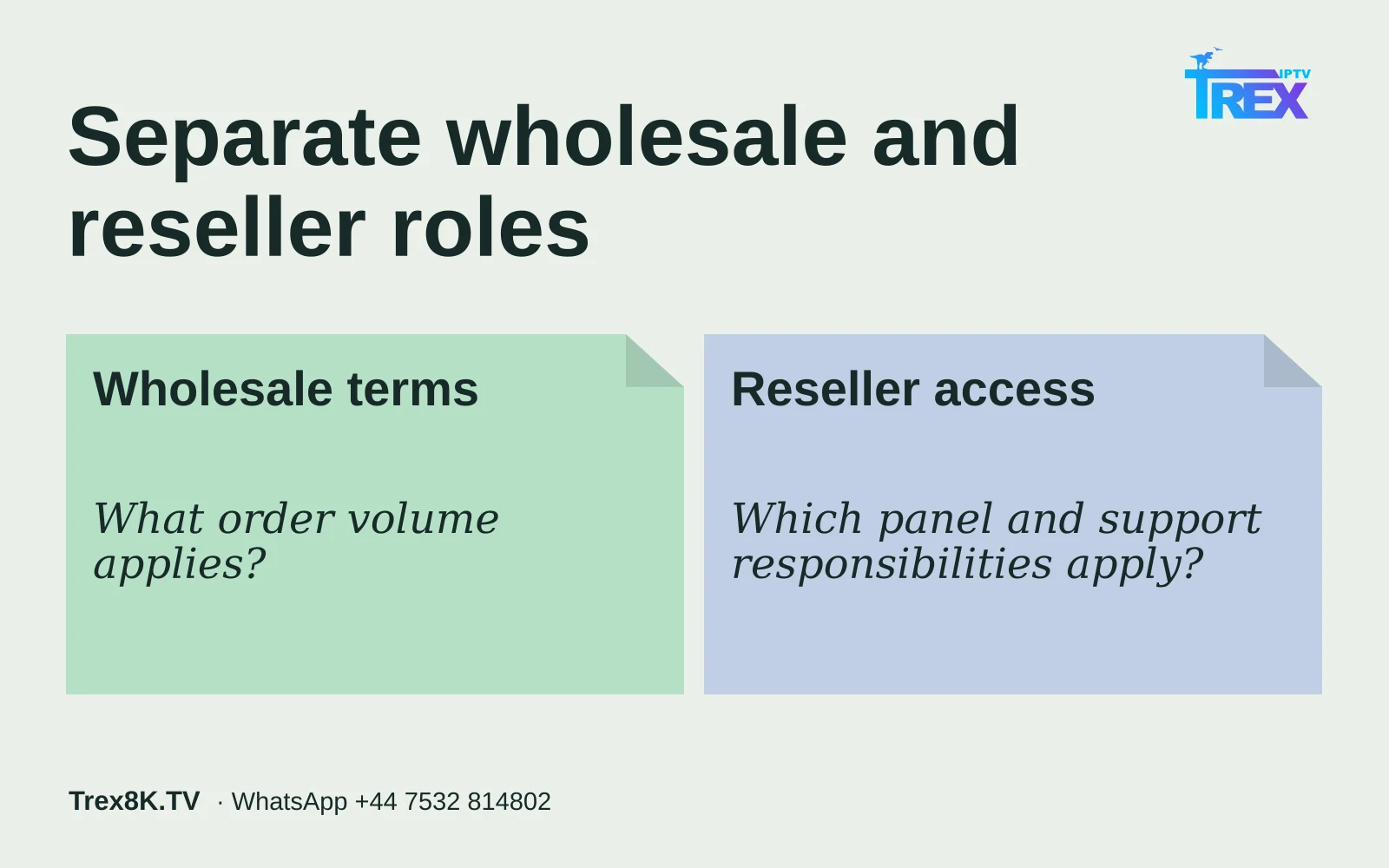
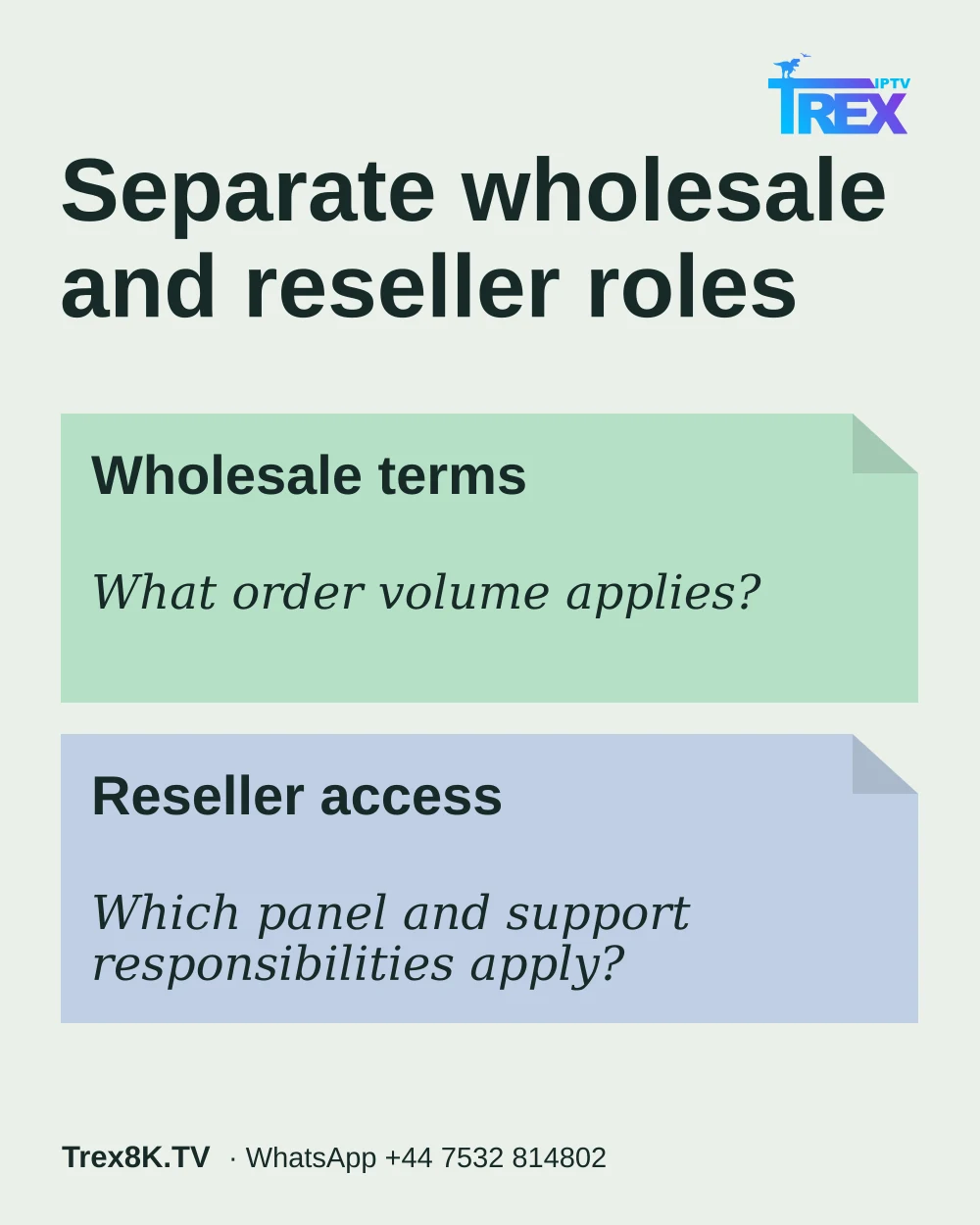
“Separate wholesale and reseller roles” is filed here under Separate wholesale and reseller roles. The purpose of this particular card is captured in its caption: Ask what order volume, panel permissions and ongoing support apply to your enquiry. Read the subject page if you need the account rule or actual steps behind the illustration.
The larger illustration and the phone edition of Separate wholesale and reseller roles are paired with Wholesale credit replenishment. That page opens with a practical answer: Plan stock across renewals and new activations, then request the pack quantity you need. When selecting a plan or asking about an installation, use that HTML guide to carry the full details into your enquiry.
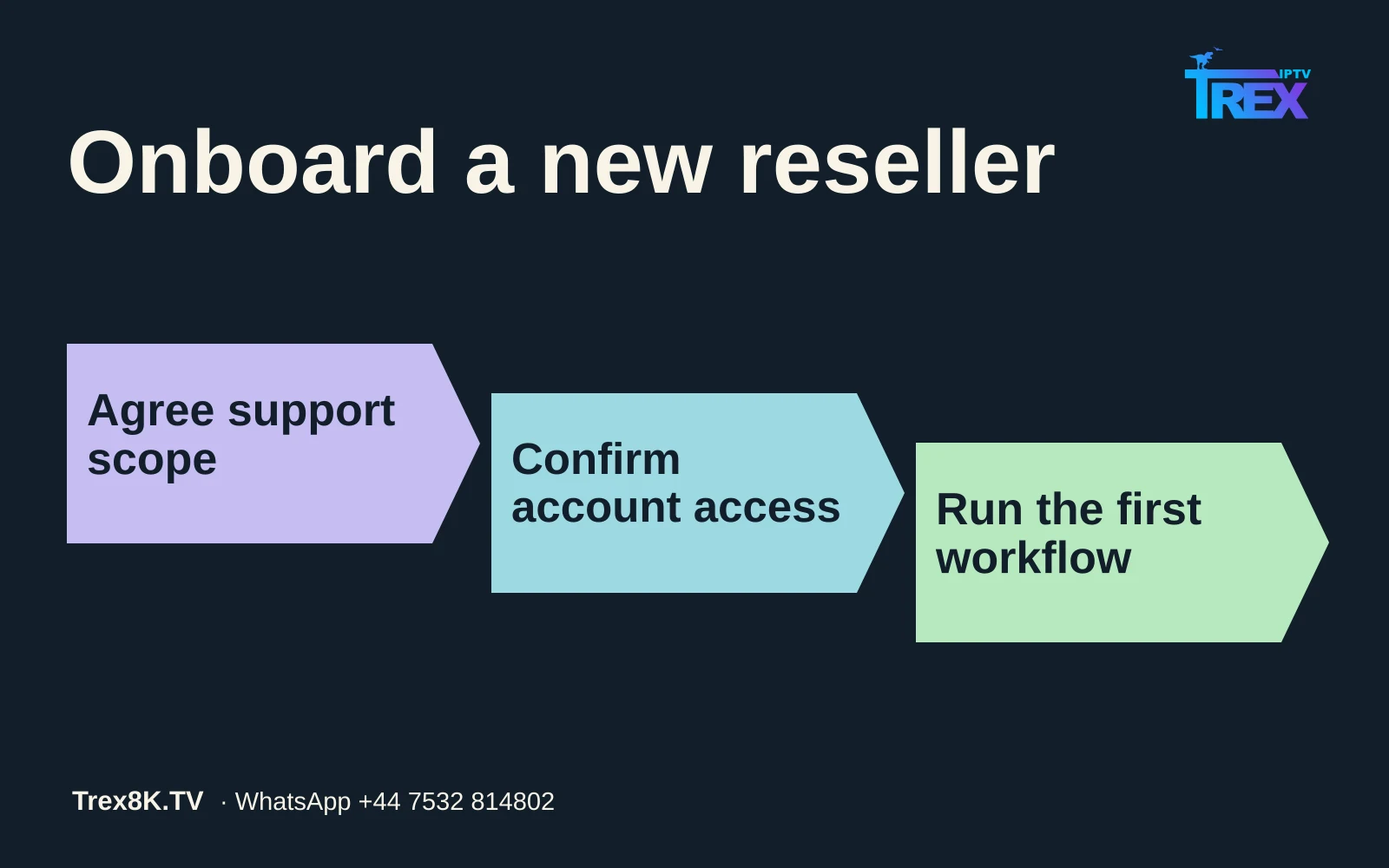
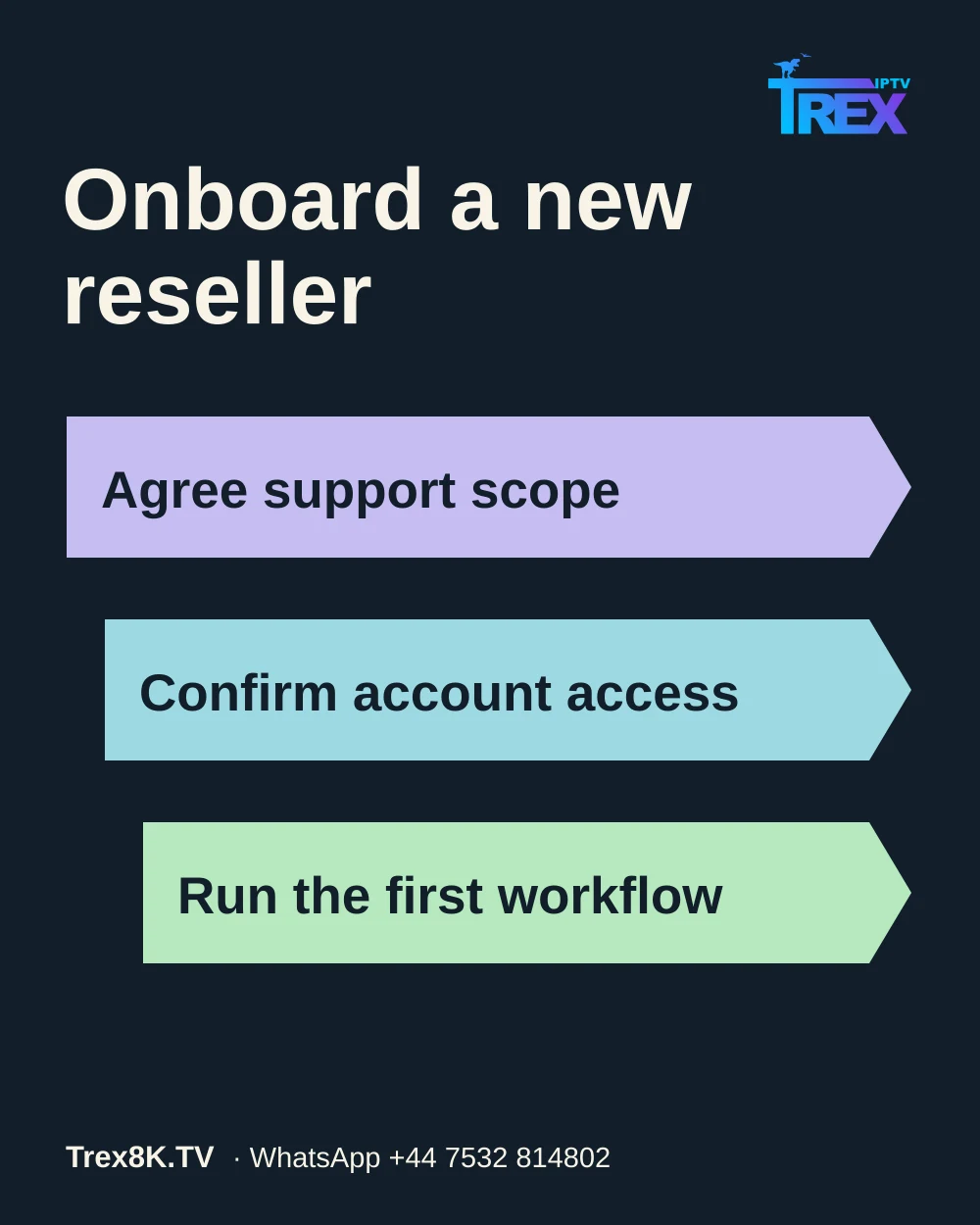
“Onboard a new reseller” is filed here under Onboard a new reseller. The purpose of this particular card is captured in its caption: Confirm the support boundary, account access and agreed first customer workflow in writing. Read the subject page if you need the account rule or actual steps behind the illustration.
The larger illustration and the phone edition of Onboard a new reseller are paired with TREX IPTV reseller plans. That page opens with a practical answer: Twelve credits fund one annual customer. When selecting a plan or asking about an installation, use that HTML guide to carry the full details into your enquiry.
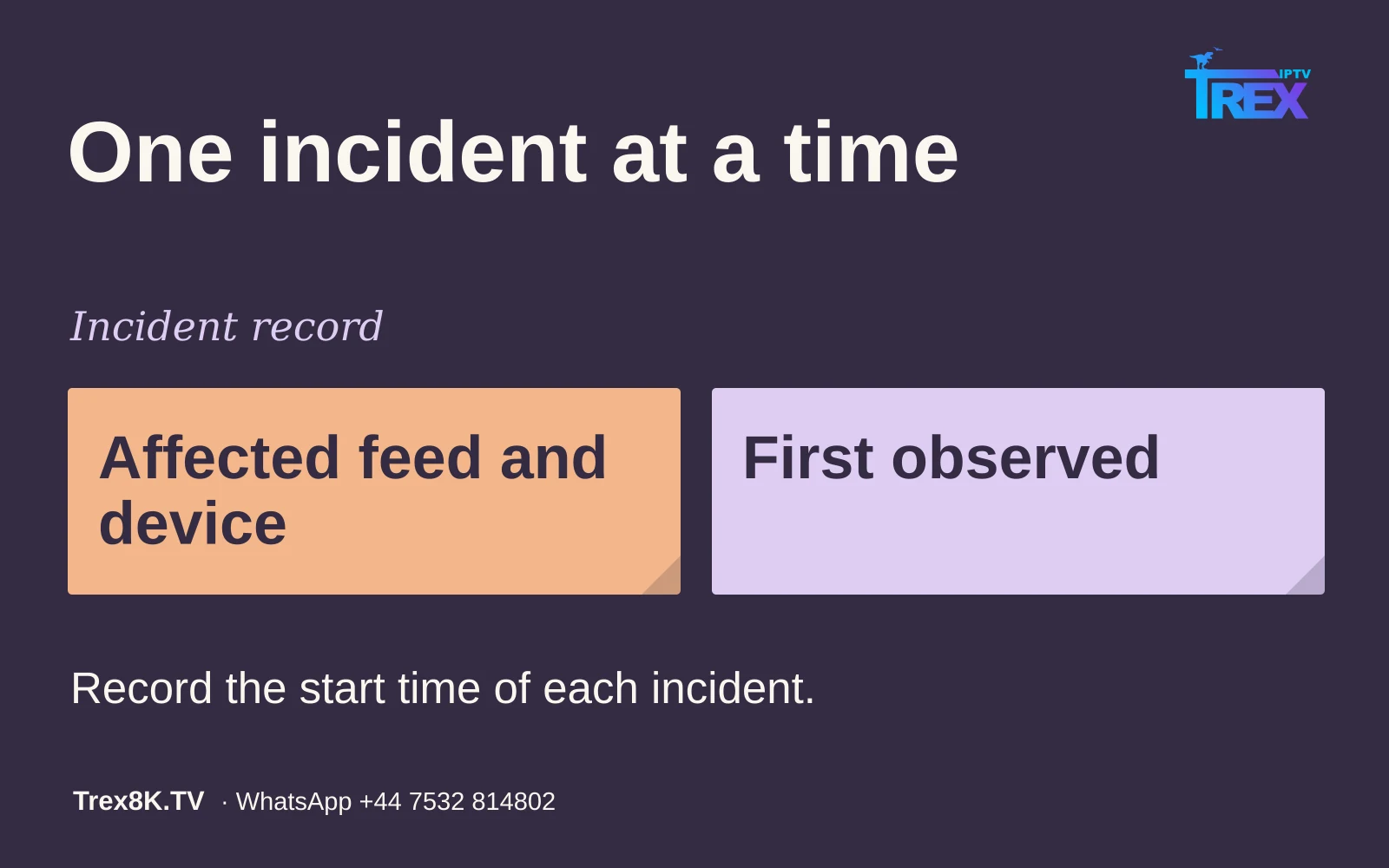
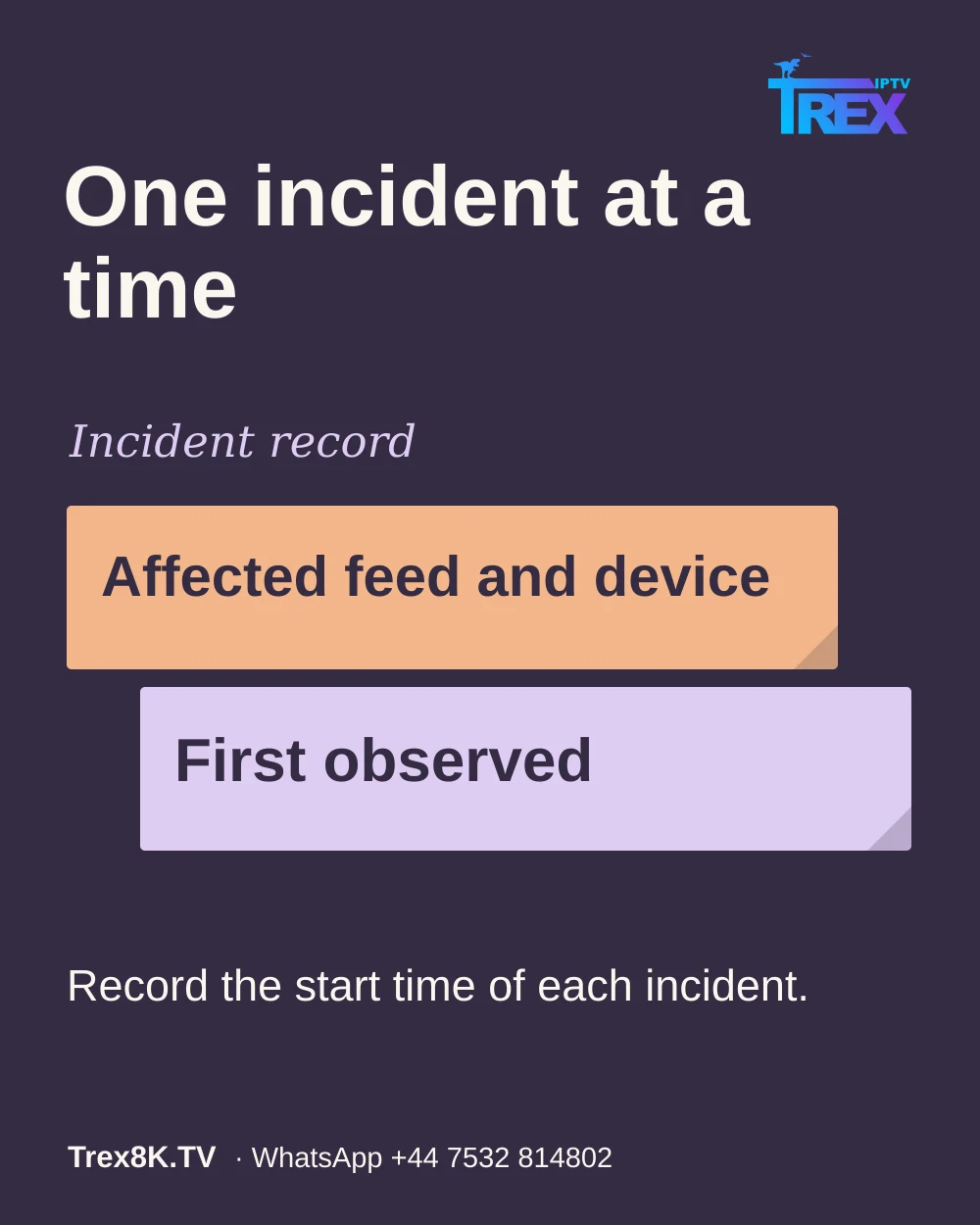
“One incident at a time” is filed here under One incident at a time. The purpose of this particular card is captured in its caption: Record the affected feed, device and start time before deciding whether several reports share a cause. Read the subject page if you need the account rule or actual steps behind the illustration.
The larger illustration and the phone edition of One incident at a time are paired with TREX IPTV reseller plans. That page opens with a practical answer: Twelve credits fund one annual customer. When selecting a plan or asking about an installation, use that HTML guide to carry the full details into your enquiry.
Use the entries above to move between A six-month cohort and One incident at a time. Each linked guide retains the full record, its source and any conditions that affect how to use it.