Using the TREX reseller panel
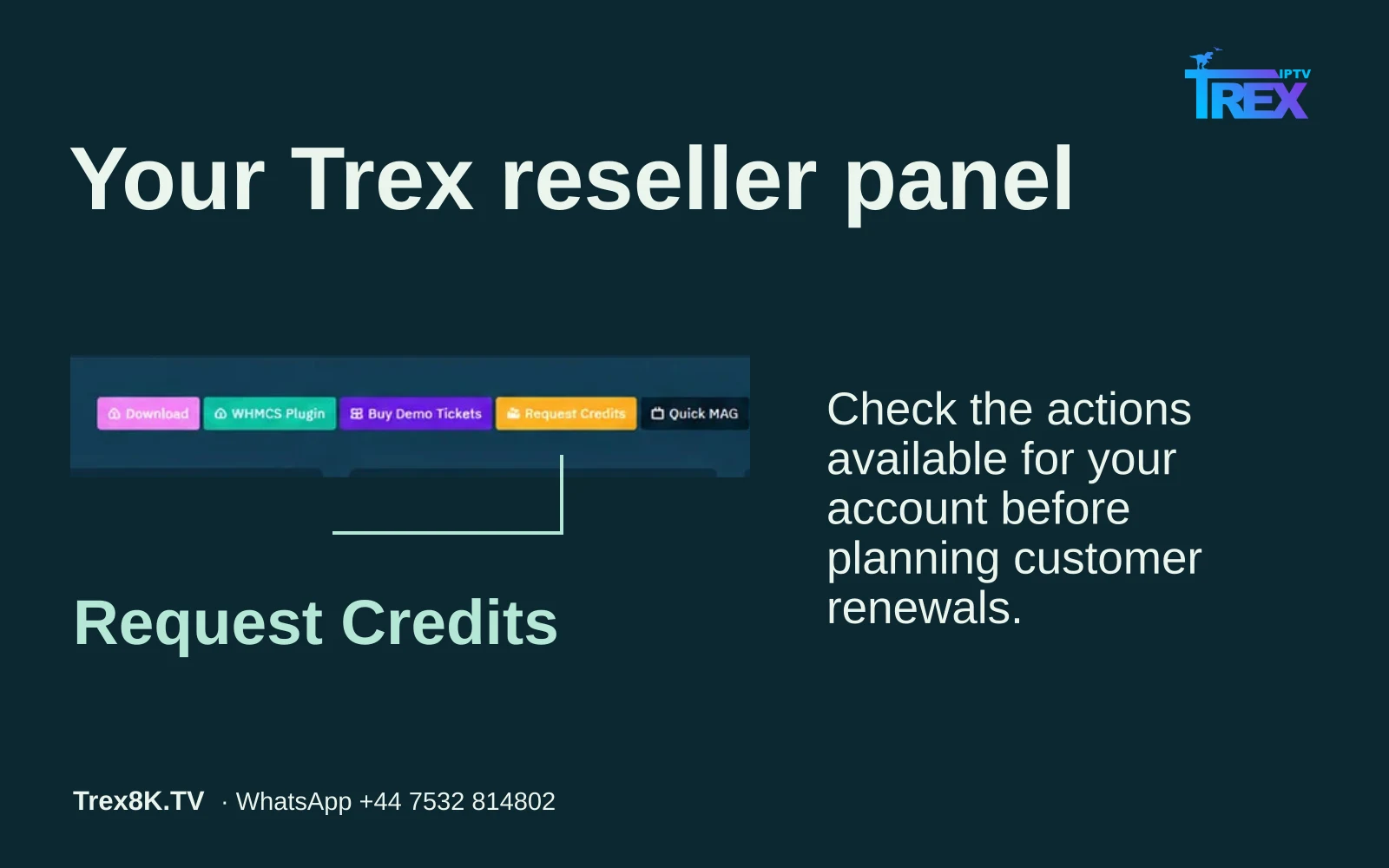
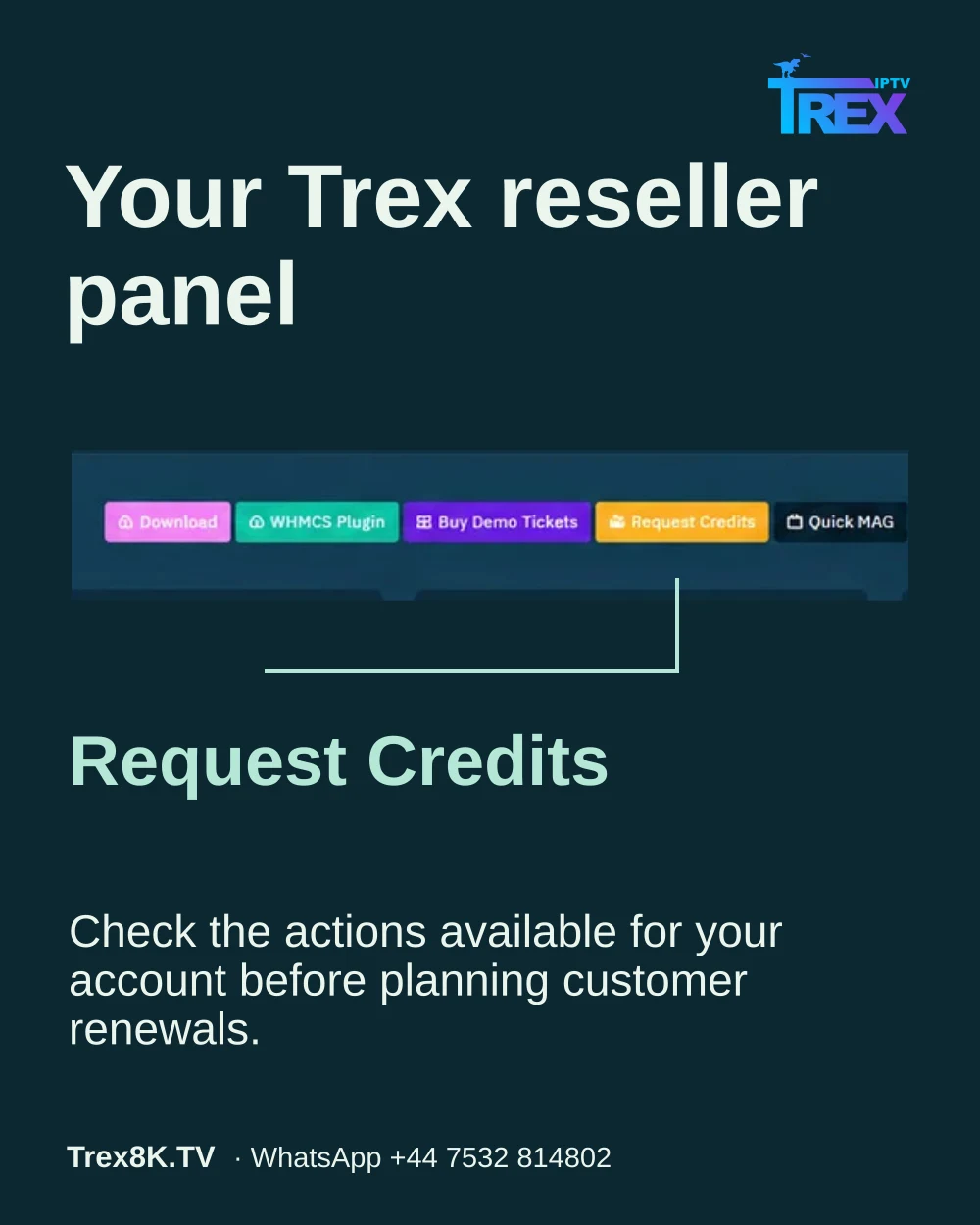
Check balances and account dates before issuing an activation. Open the private panel address given to your reseller account.
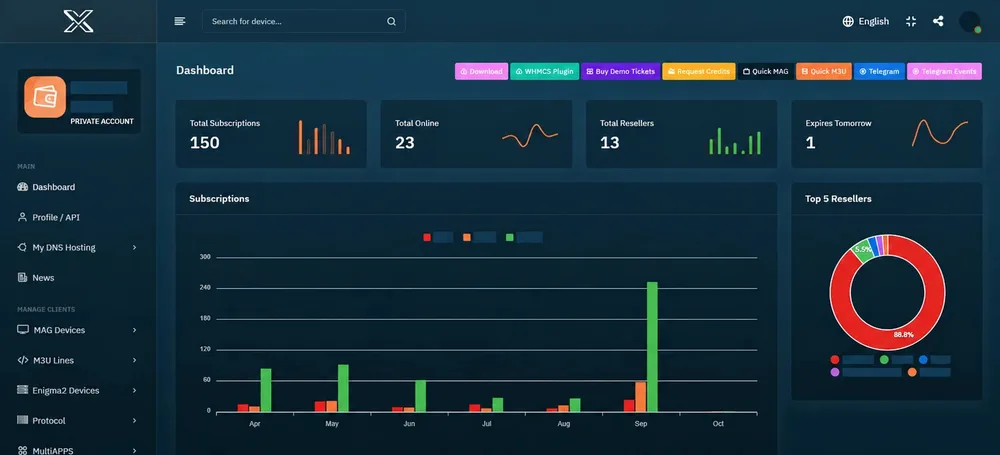
Opening your panel
Use the address supplied privately for your account. If you have lost it, ask support from the contact attached to your order. A similar-looking search result is insufficient to establish a login destination.
Reading the dashboard
The reference dashboard shows subscriptions, online activity and an expiry summary. Use your own account balance and dates when budgeting. The example figures in the screenshot describe that screen only.
Separate the dashboard from a customer player
The reseller panel is the workspace for the person authorized to issue or renew customer terms. A household television runs a player and displays a service profile. If somebody asks for “the TREX login,” ask what they are trying to do before directing them anywhere. A customer who wants to watch a programme has no need for the reseller’s private panel address.
Read the approved account reference before opening the panel supplied to that reseller. An old bookmark can belong to a demonstration or a different business account. If the original address is lost, use the contact associated with the purchase to recover the correct route. Search results that happen to contain a familiar panel name are insufficient to identify the correct sign-in destination.
Use one account movement as a worked check
Suppose the available balance is 36 and a named customer has agreed to one year. Under the published rule the job uses twelve credits. Record the customer reference and agreed start, then check whether the balance reads 24 after the successful activation. Check the customer’s new expiry as a separate observation. A balance movement on its own establishes neither the identity of the customer nor the date applied to that account.
If the two observations disagree, stop before repeating the activation. Record the old balance, observed deduction, relevant account reference and the expected expiry. Remove private access data from any image you share. The person who can inspect the authorized account then has a bounded question to investigate. A second issue or top-up would add another movement before the first discrepancy had been understood.
Close the operator’s shift
Give the incoming operator two figures: stock visible as usable and stock already committed to named work. A customer awaiting installation may still have twelve credits reserved. Another annual customer appearing on both the expiry list and the enquiry list can count once in the forecast. Compare the references before promising more activations.
Keep transactions and customer support cases together through safe internal references. A pack can post correctly while someone still needs help getting a player to open. Mark the funding task complete and leave the viewing issue with a named person and next action. The illustrated dashboard on this page shows the kind of interface an operator may recognize. Use the dates, balances and transactions in the purchasing account for every real decision.
If you are asked for “activation panel” access
Confirm whether the person is an authorized reseller attempting to manage stock or a viewer asking how to activate a player on a television. The reseller should use the private route issued for their business account and the support contact attached to that relationship. A viewer should open the player guide and use the account details intended for their device. A generic panel name in a search result cannot make that distinction for either person. Give the relevant contact the safe purchase or service reference so they can identify which access needs attention.
Illustrated guides