
Smart TVs photograph and symbol index
Compare the 4 identified images in the smart tvs group. Open the manufacturer or cataloguing reference beside each image to check its precise scope.
Distinguish an exact TV model from a product-family picture
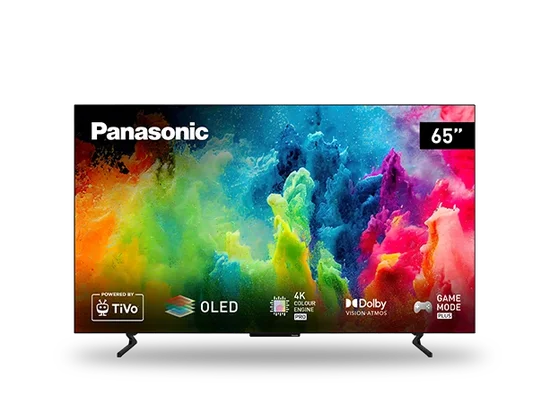
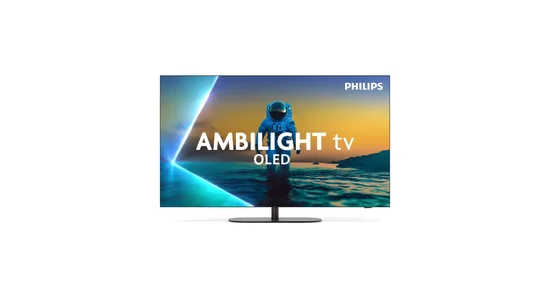
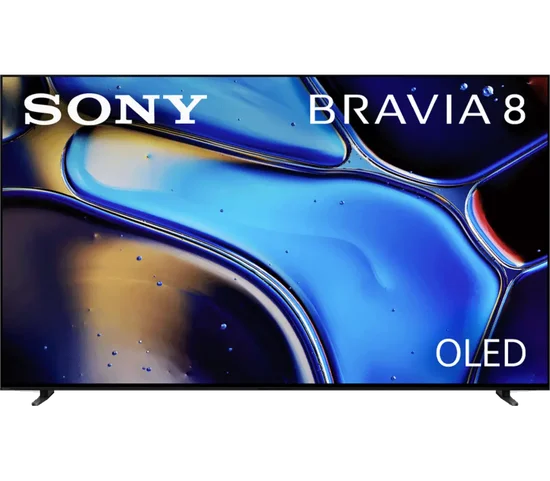
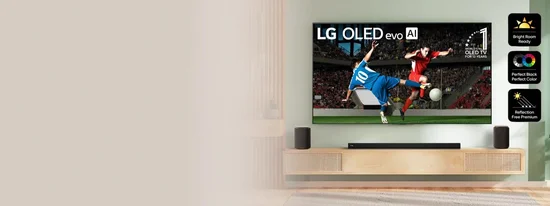
Four television images carry different levels of detail. The Sony reference names the BRAVIA 8 K-65XR80. The Panasonic and Philips images identify promotional OLED television material. The LG image shows an OLED set in a room. A named television model can lead to model-specific documentation. A family photograph still leaves the owner’s actual model unresolved.
If a television was purchased abroad or passed between family members, record the full model code and the country where the owner is searching for the player. LG provides a model-and-country app lookup. An app visible on a relative’s television of the same size and brand may have a different local listing on the set at hand.
Work out which screen appears when you press Home on the manufacturer’s remote and which appears when you press Home on a streaming-box remote. A native store and an HDMI streamer can coexist on the same panel. An issue confined to one launcher should be described under its own platform and device name.
The shortcut vanished after Home was rearranged
On this page the practical question is “Does the listing say Open, Install, or something else on this exact Samsung model?” A television can lose its shortcut while the installed player still remembers its account. That distinction matters in a household where one person provided the login months ago and someone else now holds the remote. Search Apps on the Samsung TV. A listing that offers Open lets you test the existing app without discarding its data. Check whether the guide and saved favourites are still there before re-adding the shortcut to Home.
Read the full setup guideAn imported LG set and its local store
The picture panel and remote can match a neighbouring set even when their store catalogues differ. LG’s own lookup takes both model and country, which is why a search by brand alone can give the wrong answer. A successful public listing for a different country cannot settle availability on the set in front of you. A matching listing followed by a failed installation shifts the focus to the exact on-screen message and system information. An existing LG app with a working setup deserves to stay in place while a new player’s availability is checked.
Read the full setup guideA television that can tune channels but cannot find the store
Press Home on the television remote and look for the invitation to finish Google TV setup. Press Home on a connected streamer separately if there is one. Write down which interface actually contains the apps you use. If the viewer always watches through a separate streamer, changing the built-in TV setup may solve no real problem. If the goal is an app installed directly on the set, completing the appropriate TV setup is relevant. Take that result back to the comparison in distinguish an exact tv model from a product-family picture. A precise observation travels more reliably than a photo of an unfamiliar menu.
Read the full setup guideWhat to record beside the image
For the smart tvs collection, start with the complete caption of the closest image. Record the manufacturer and the actual product label you can read, then note what remains unknown. A person checking the result later should be able to distinguish what the picture shows from what the software screen establishes.
If the image led you to the shortcut vanished after home was rearranged, give support the device model and the result of that check. Describe the screen that opened when you tried it, along with the one action you wanted to perform next. This keeps an artwork match in its proper place while giving the publisher enough information to investigate a real installation.
official product image
Image reference for Panasonic OLED TV promotional image
official product image
Image reference for Philips Ambilight OLED TV promotional image
official product image
Image reference for Sony BRAVIA 8 K-65XR80
official product image
Image reference for LG OLED TV living-room product graphic