“Ready for your next trip” is filed here under Ready for your next trip. The purpose of this particular card is captured in its caption: Confirm local access and device compatibility rather than assuming portability. Read the subject page if you need the account rule or actual steps behind the illustration.
The larger illustration and the phone edition of Ready for your next trip are paired with TREX IPTV plans, apps and a 24-hour trial.. That page opens with a practical answer: Watch live TV, films and series with a compatible TREX player. When selecting a plan or asking about an installation, use that HTML guide to carry the full details into your enquiry.
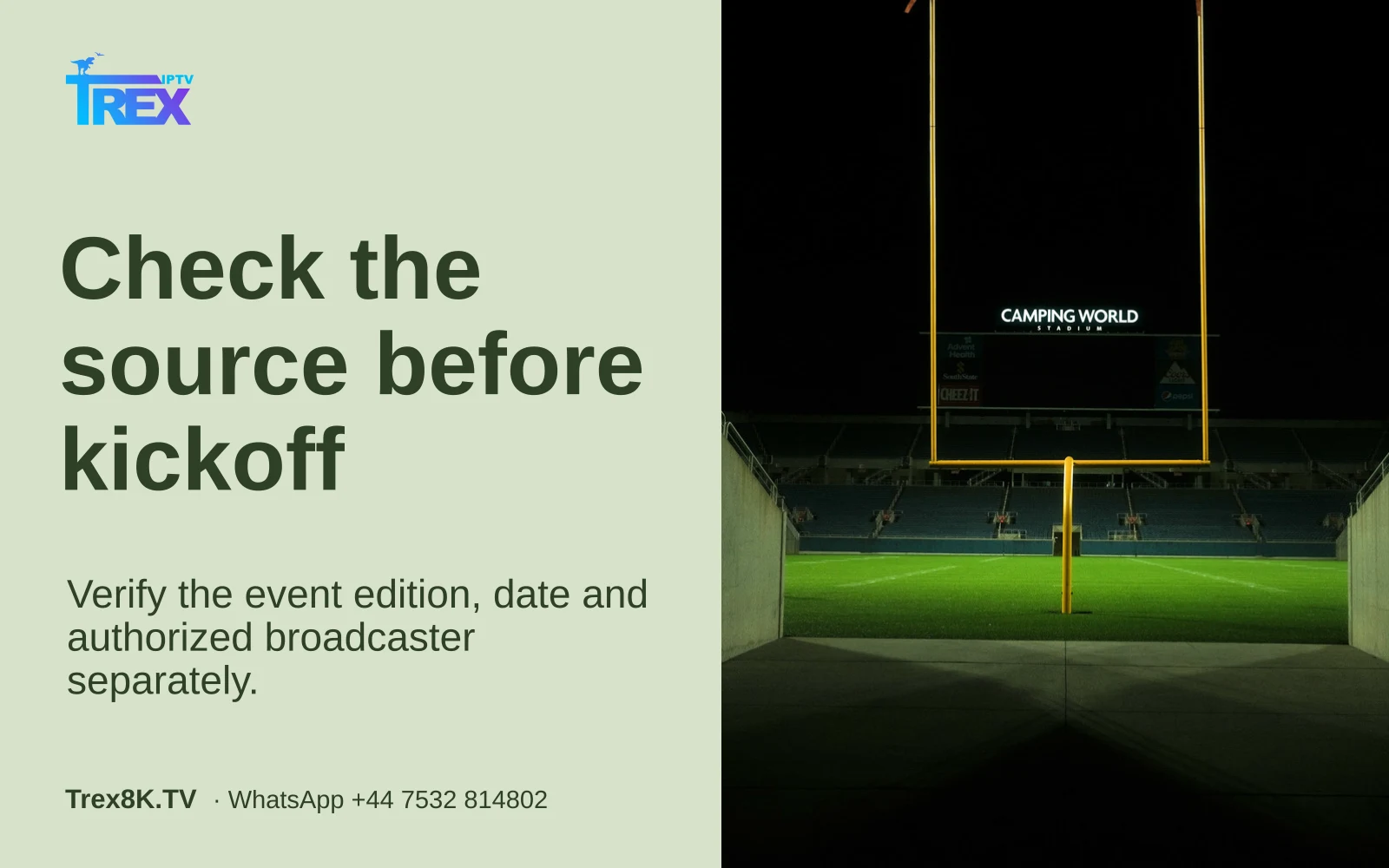
“Check the source before kickoff” is filed here under Check the source before kickoff. The purpose of this particular card is captured in its caption: Verify the event edition, date and authorized broadcaster separately. Read the subject page if you need the account rule or actual steps behind the illustration.
The larger illustration and the phone edition of Check the source before kickoff are paired with TREX IPTV plans, apps and a 24-hour trial.. That page opens with a practical answer: Watch live TV, films and series with a compatible TREX player. When selecting a plan or asking about an installation, use that HTML guide to carry the full details into your enquiry.
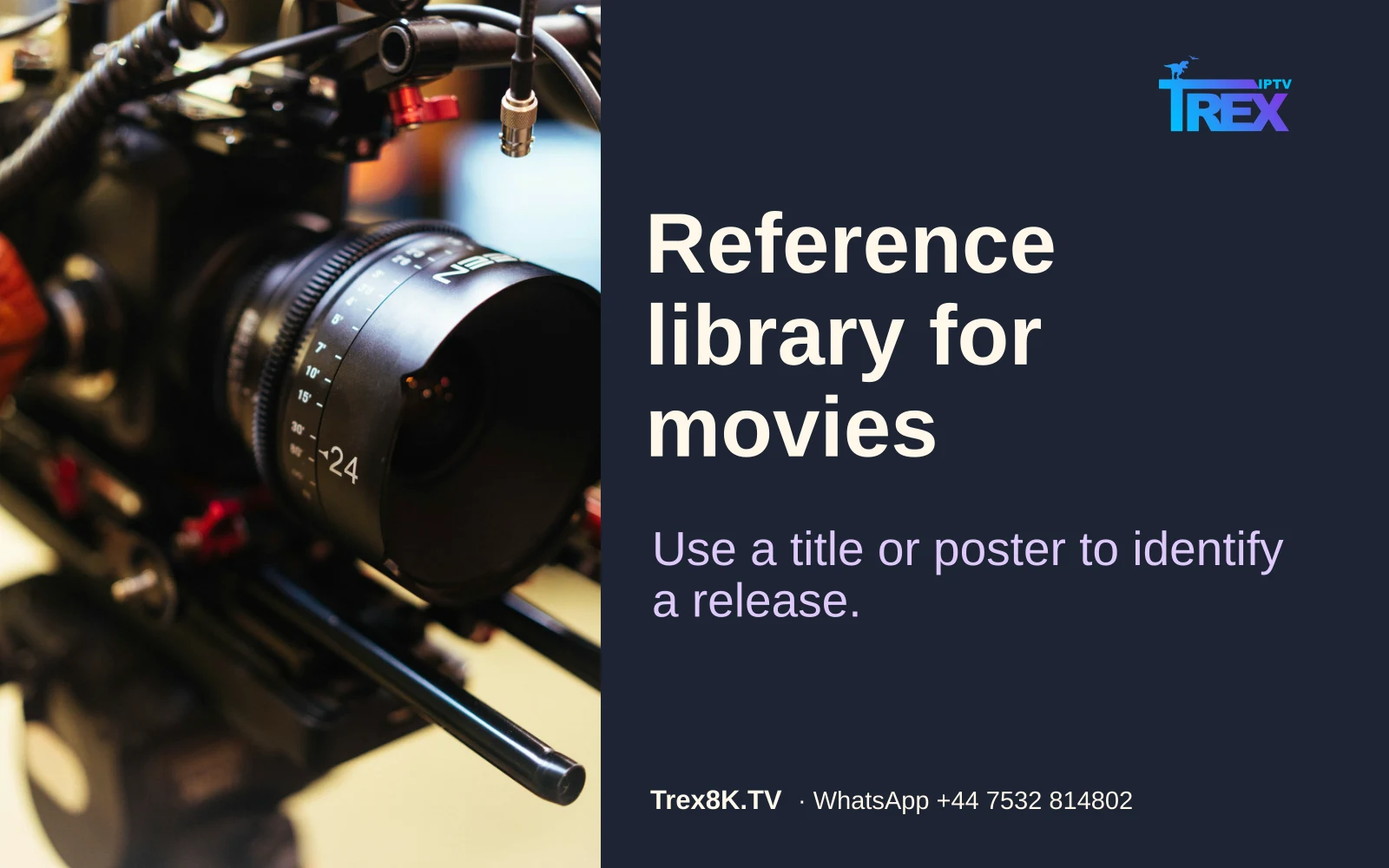
“Reference library for movies” is filed here under Reference library for movies. The purpose of this particular card is captured in its caption: Use original poster artwork to identify titles, not promise catalogue access. Read the subject page if you need the account rule or actual steps behind the illustration.
The larger illustration and the phone edition of Reference library for movies are paired with TREX IPTV plans, apps and a 24-hour trial.. That page opens with a practical answer: Watch live TV, films and series with a compatible TREX player. When selecting a plan or asking about an installation, use that HTML guide to carry the full details into your enquiry.
“Find the right regional edition” is filed here under Find the right regional edition. The purpose of this particular card is captured in its caption: Describe the local feed and preferred audio language in your request. Read the subject page if you need the account rule or actual steps behind the illustration.
The larger illustration and the phone edition of Find the right regional edition are paired with TREX IPTV plans, apps and a 24-hour trial.. That page opens with a practical answer: Watch live TV, films and series with a compatible TREX player. When selecting a plan or asking about an installation, use that HTML guide to carry the full details into your enquiry.
“The premium Trex 8K identity” is filed here under The premium Trex 8K identity. The purpose of this particular card is captured in its caption: Trex 8K retains the established Trex IPTV mark; check actual stream resolution. Read the subject page if you need the account rule or actual steps behind the illustration.
The larger illustration and the phone edition of The premium Trex 8K identity are paired with TREX IPTV plans, apps and a 24-hour trial.. That page opens with a practical answer: Watch live TV, films and series with a compatible TREX player. When selecting a plan or asking about an installation, use that HTML guide to carry the full details into your enquiry.
“Your viewing setup in one place” is filed here under Your viewing setup in one place. The purpose of this particular card is captured in its caption: Keep the device, player and account term recorded together for support. Read the subject page if you need the account rule or actual steps behind the illustration.
The larger illustration and the phone edition of Your viewing setup in one place are paired with TREX IPTV plans, apps and a 24-hour trial.. That page opens with a practical answer: Watch live TV, films and series with a compatible TREX player. When selecting a plan or asking about an installation, use that HTML guide to carry the full details into your enquiry.
Use the entries above to move between Ready for your next trip and Your viewing setup in one place. Each linked guide retains the full record, its source and any conditions that affect how to use it.