“Your next watch starts here” is filed here under Your next watch starts here. The purpose of this particular card is captured in its caption: Explore streaming platforms, live sports and the devices you already own. Read the subject page if you need the account rule or actual steps behind the illustration.
The larger illustration and the phone edition of Your next watch starts here are paired with TREX IPTV plans, apps and a 24-hour trial.. That page opens with a practical answer: Watch live TV, films and series with a compatible TREX player. When selecting a plan or asking about an installation, use that HTML guide to carry the full details into your enquiry.
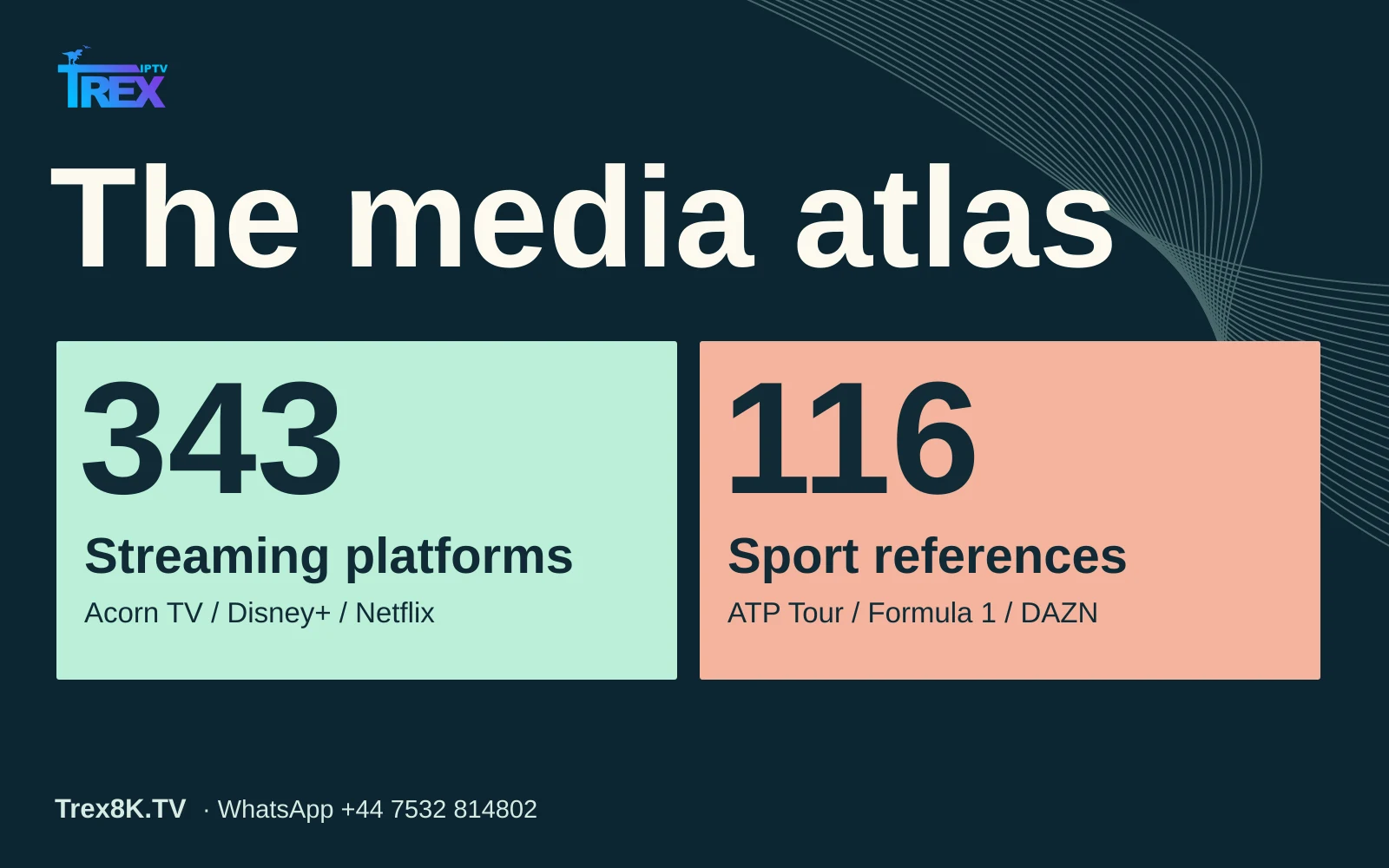
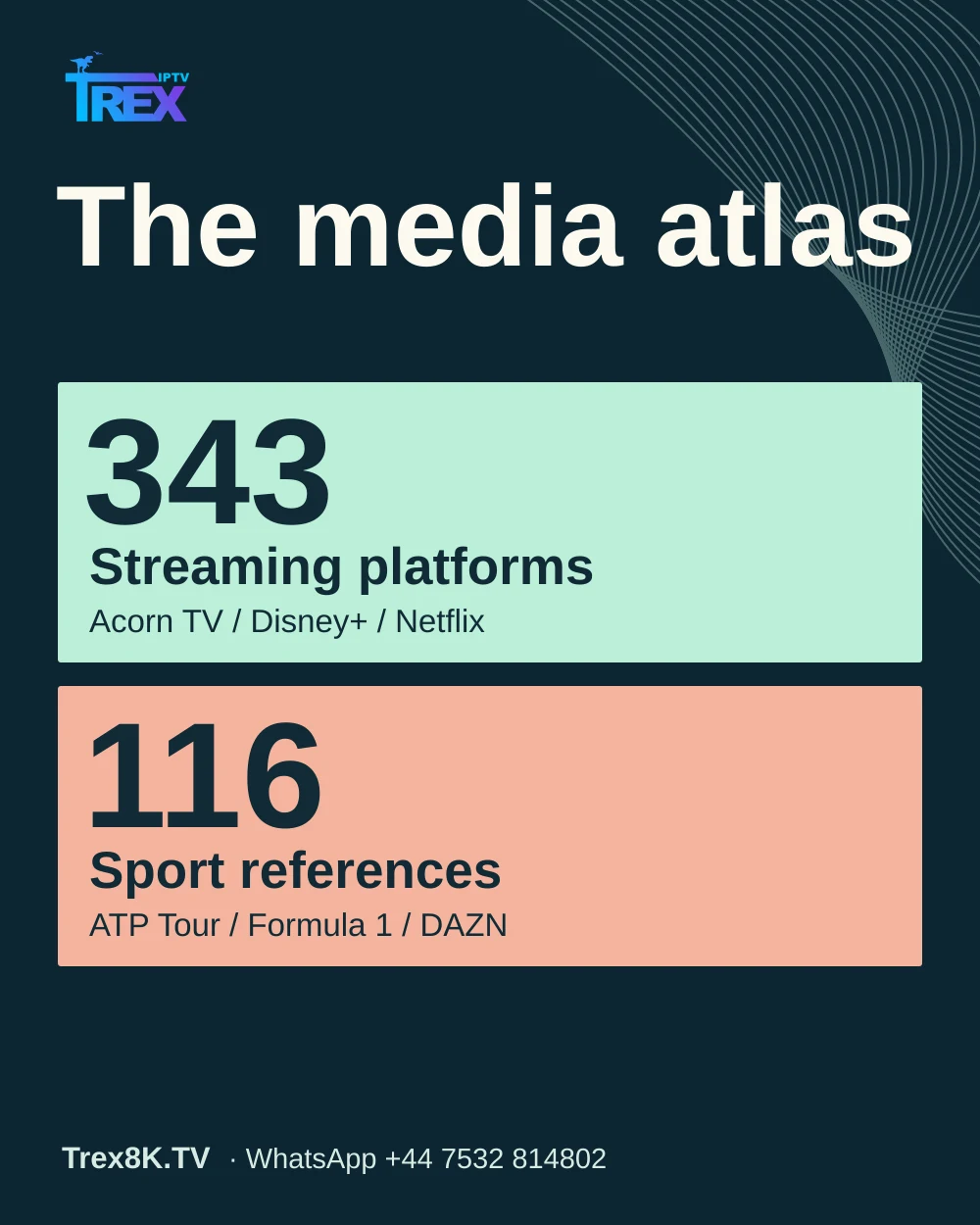
“Streaming platforms” is filed here under Streaming platforms. The purpose of this particular card is captured in its caption: Explore the apps and providers you recognise. Read the subject page if you need the account rule or actual steps behind the illustration.
The larger illustration and the phone edition of Streaming platforms are paired with TREX IPTV plans, apps and a 24-hour trial.. That page opens with a practical answer: Watch live TV, films and series with a compatible TREX player. When selecting a plan or asking about an installation, use that HTML guide to carry the full details into your enquiry.
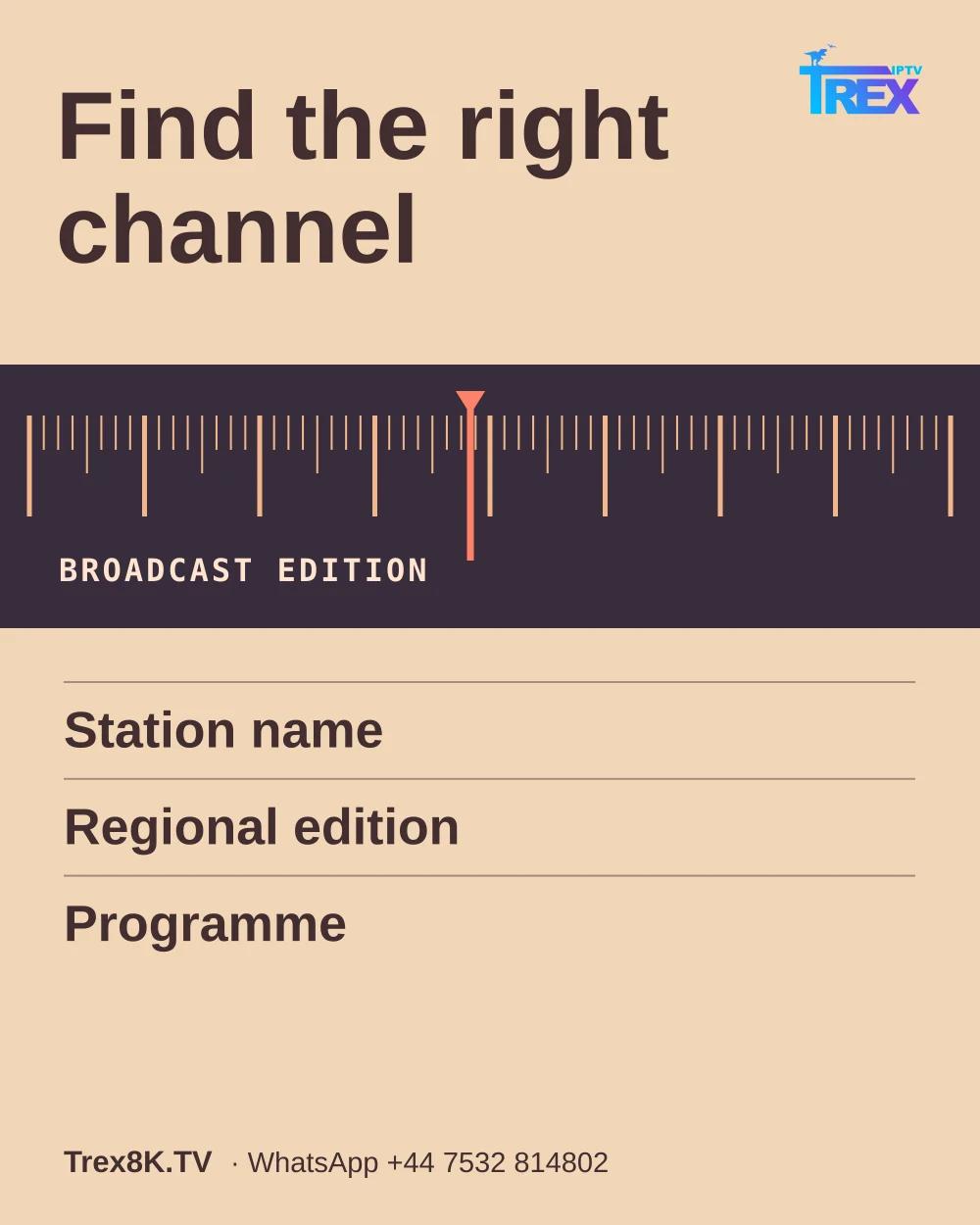
“Films and series to explore” is filed here under Films and series to explore. The purpose of this particular card is captured in its caption: Use the title, edition and language tracks to find the right release. Read the subject page if you need the account rule or actual steps behind the illustration.
The larger illustration and the phone edition of Films and series to explore are paired with TREX IPTV plans, apps and a 24-hour trial.. That page opens with a practical answer: Watch live TV, films and series with a compatible TREX player. When selecting a plan or asking about an installation, use that HTML guide to carry the full details into your enquiry.
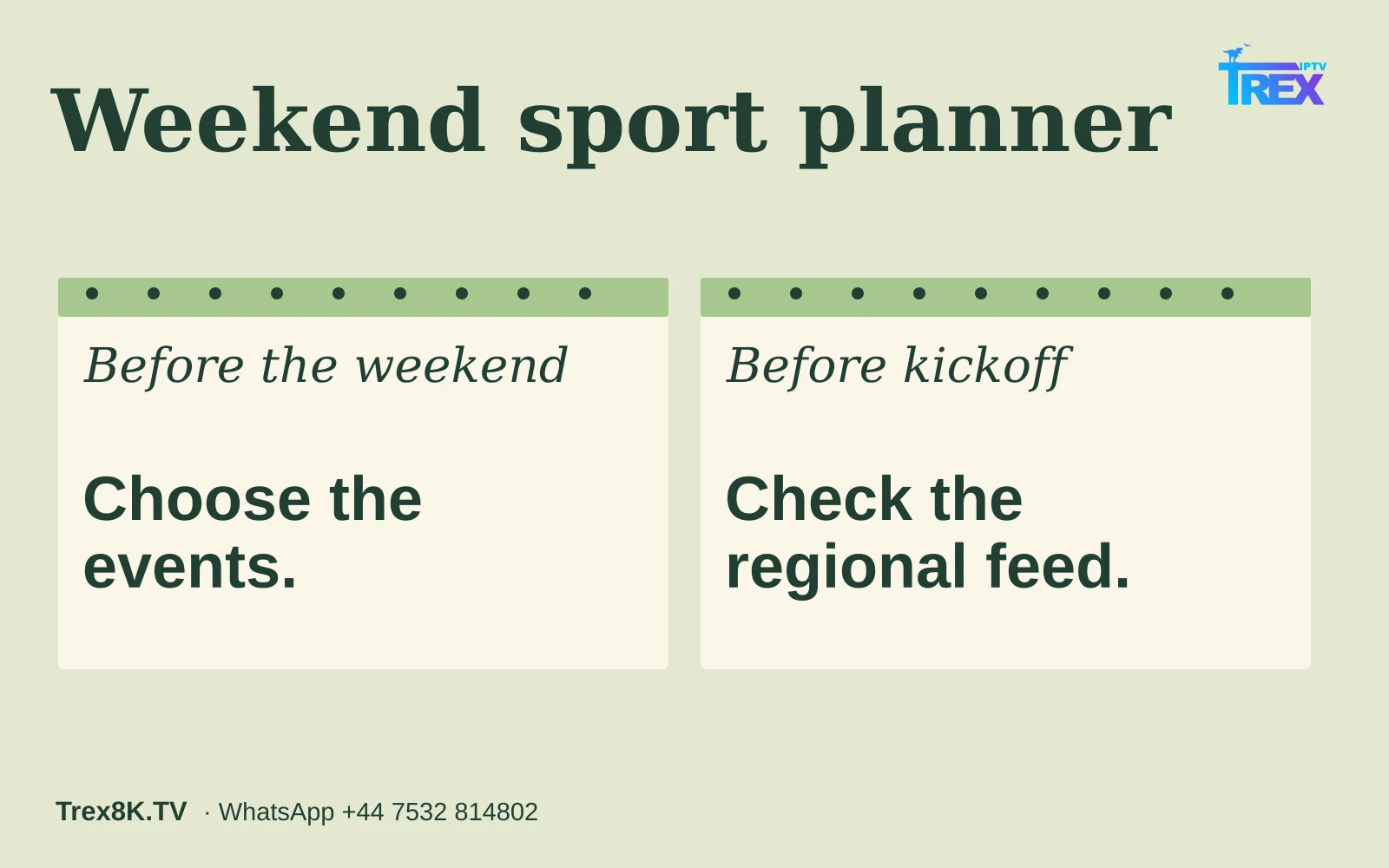
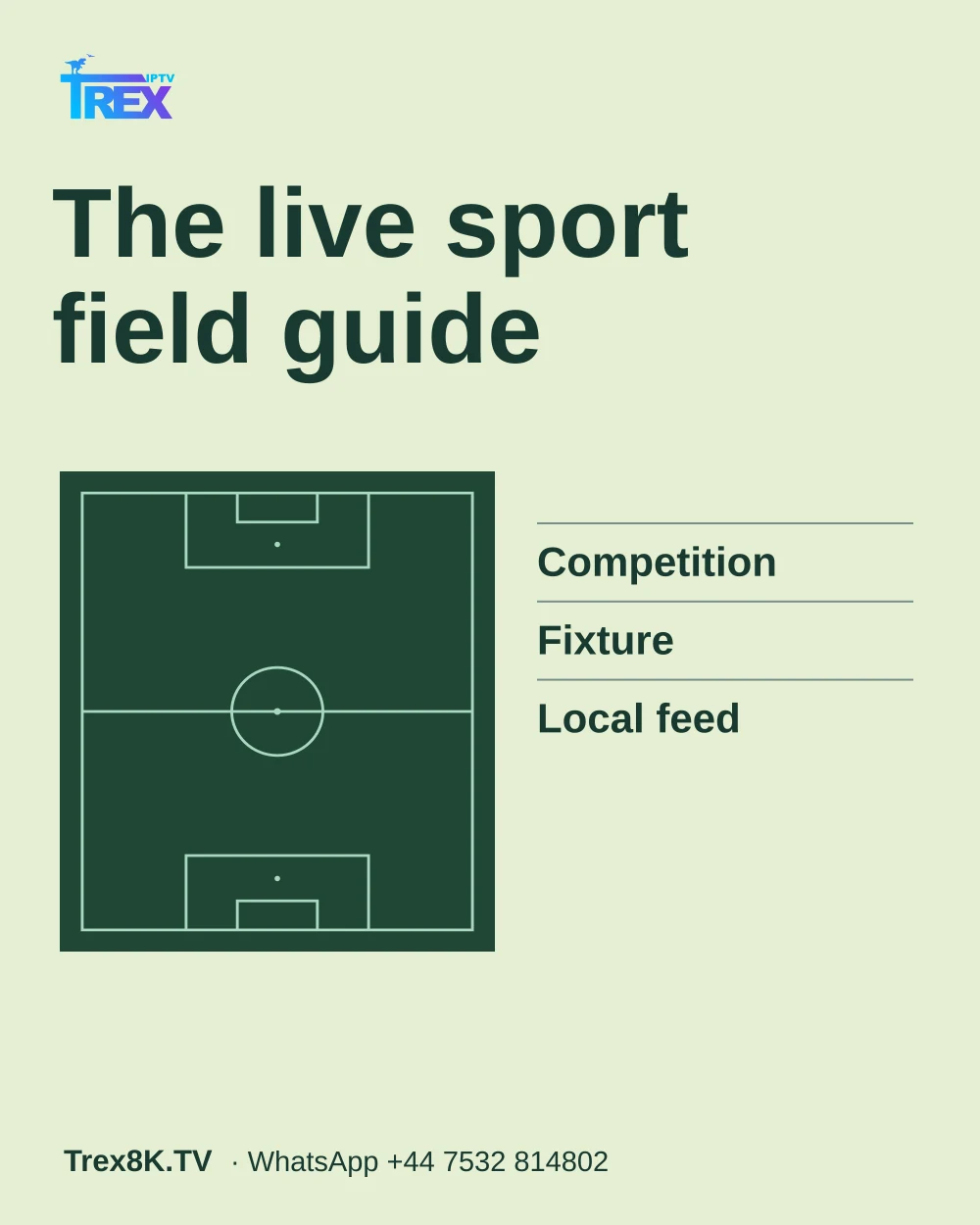
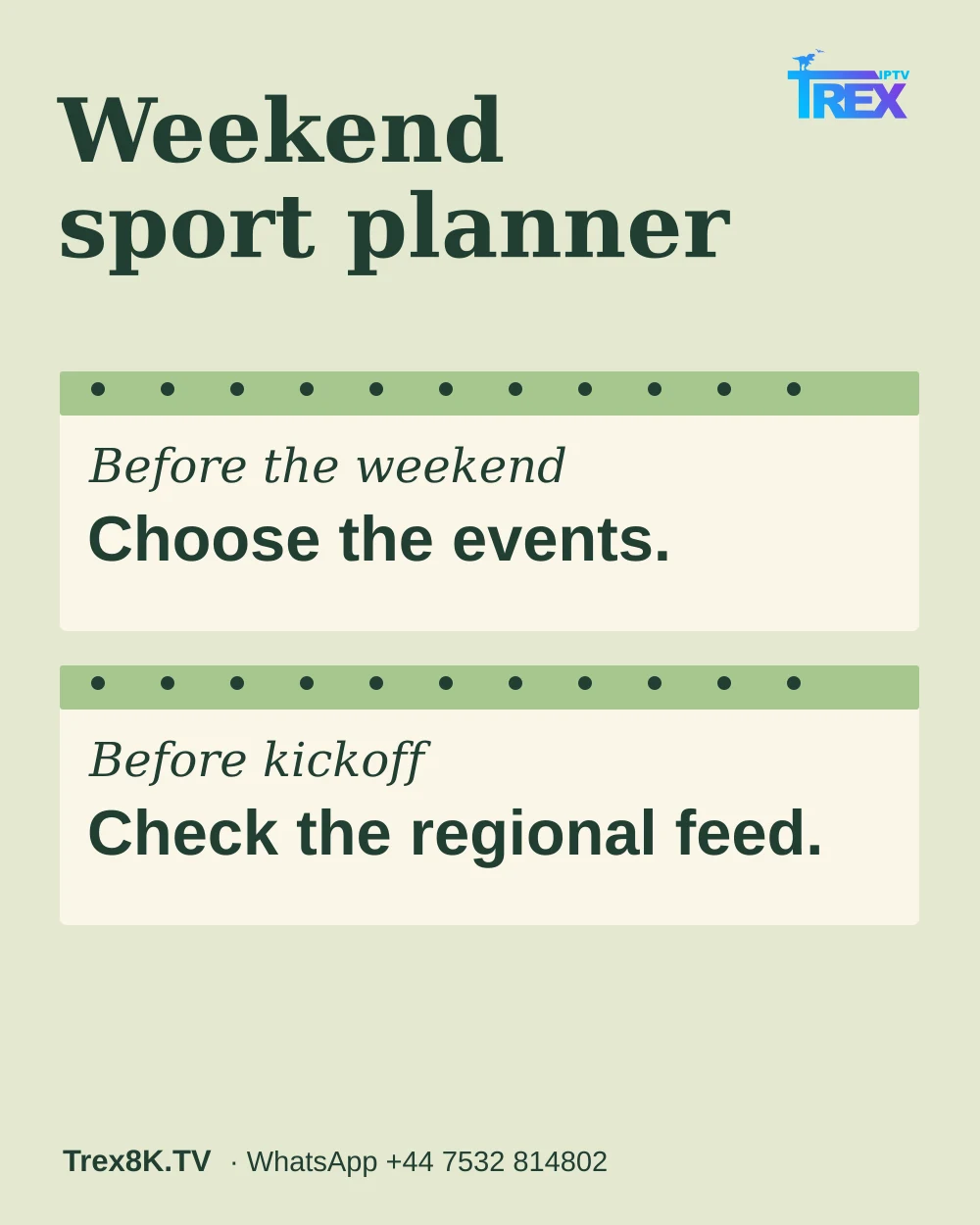
“A weekend of live sport” is filed here under A weekend of live sport. The purpose of this particular card is captured in its caption: Write down the events and regional feeds you want to check before the weekend. Read the subject page if you need the account rule or actual steps behind the illustration.
The larger illustration and the phone edition of A weekend of live sport are paired with TREX IPTV plans, apps and a 24-hour trial.. That page opens with a practical answer: Watch live TV, films and series with a compatible TREX player. When selecting a plan or asking about an installation, use that HTML guide to carry the full details into your enquiry.
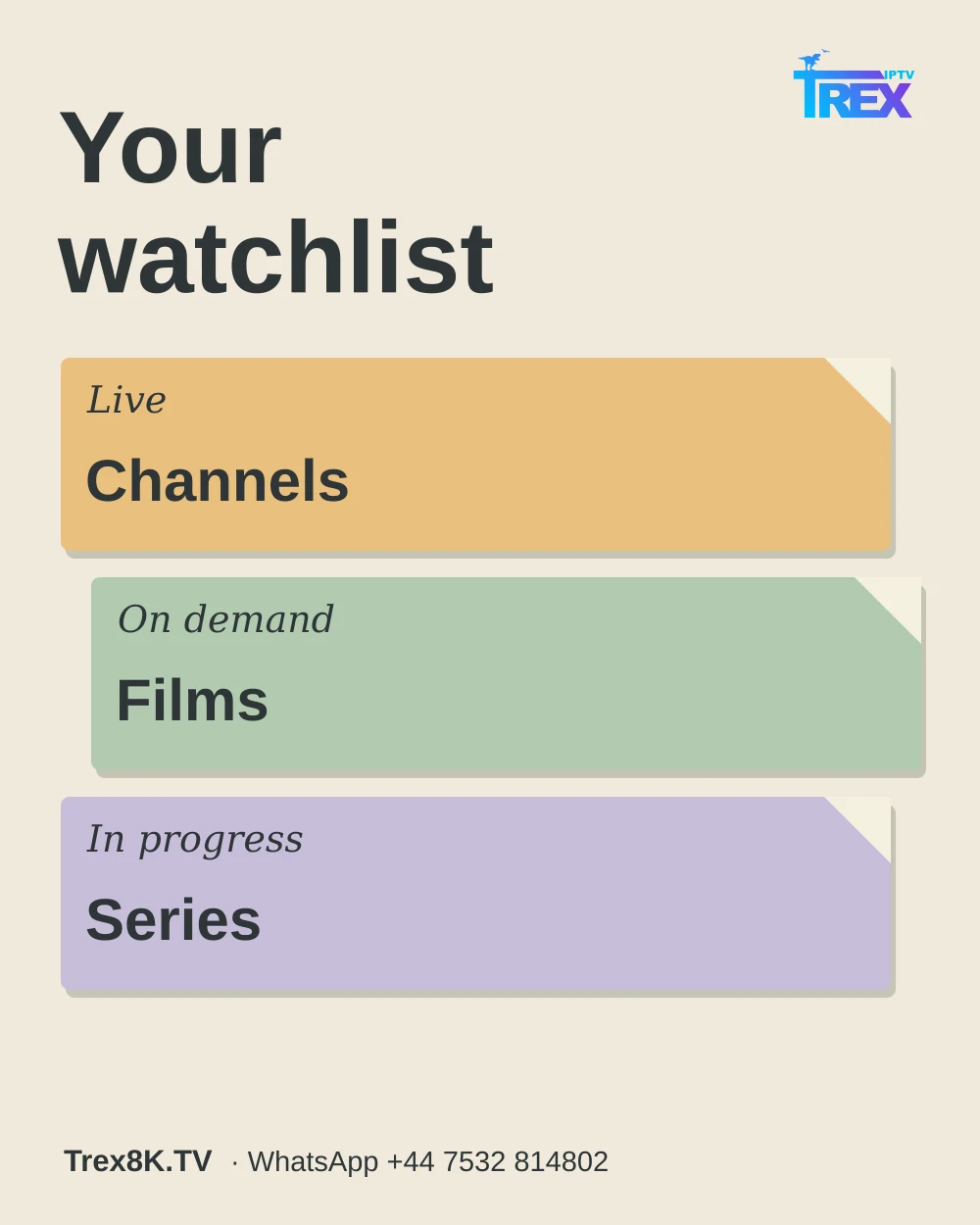
“A better organised watchlist” is filed here under A better organised watchlist. The purpose of this particular card is captured in its caption: Keep separate shortlists for live channels, films and ongoing series. Read the subject page if you need the account rule or actual steps behind the illustration.
The larger illustration and the phone edition of A better organised watchlist are paired with TREX IPTV plans, apps and a 24-hour trial.. That page opens with a practical answer: Watch live TV, films and series with a compatible TREX player. When selecting a plan or asking about an installation, use that HTML guide to carry the full details into your enquiry.
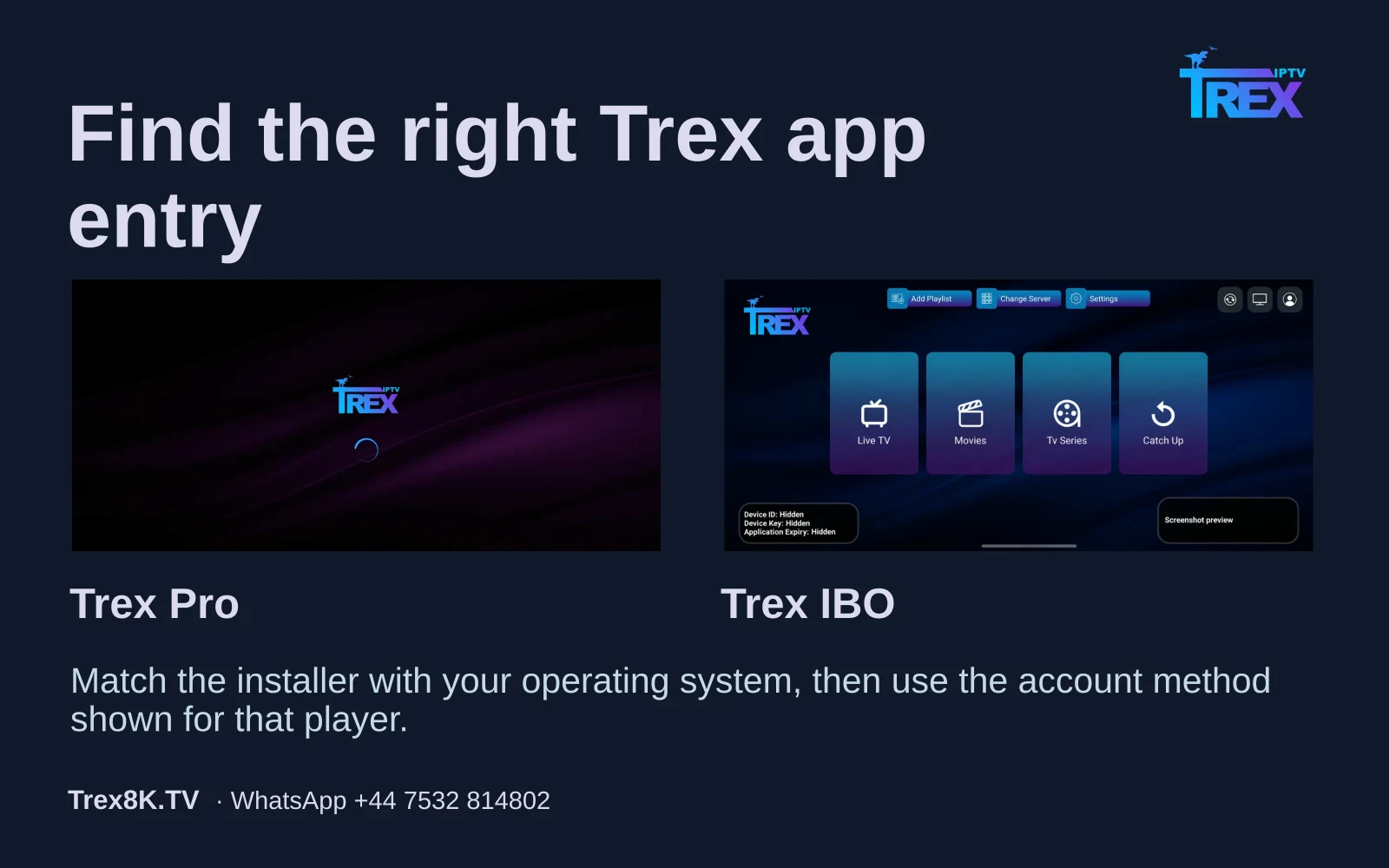
“Where to find the media library” is filed here under Where to find the media library. The purpose of this particular card is captured in its caption: Browse platform, sports, device and poster references together in the Trex media collection. Read the subject page if you need the account rule or actual steps behind the illustration.
The larger illustration and the phone edition of Where to find the media library are paired with TREX IPTV plans, apps and a 24-hour trial.. That page opens with a practical answer: Watch live TV, films and series with a compatible TREX player. When selecting a plan or asking about an installation, use that HTML guide to carry the full details into your enquiry.
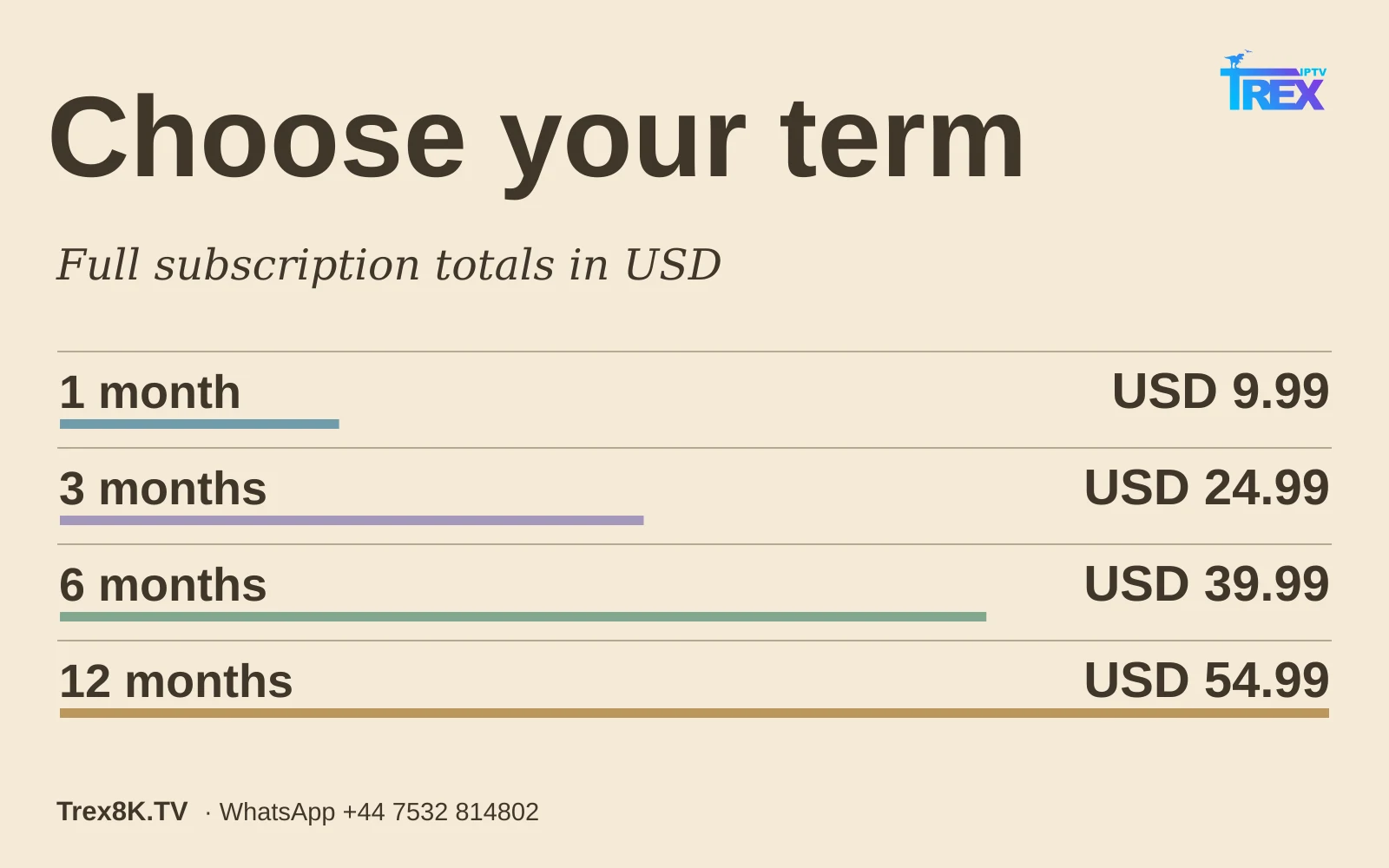
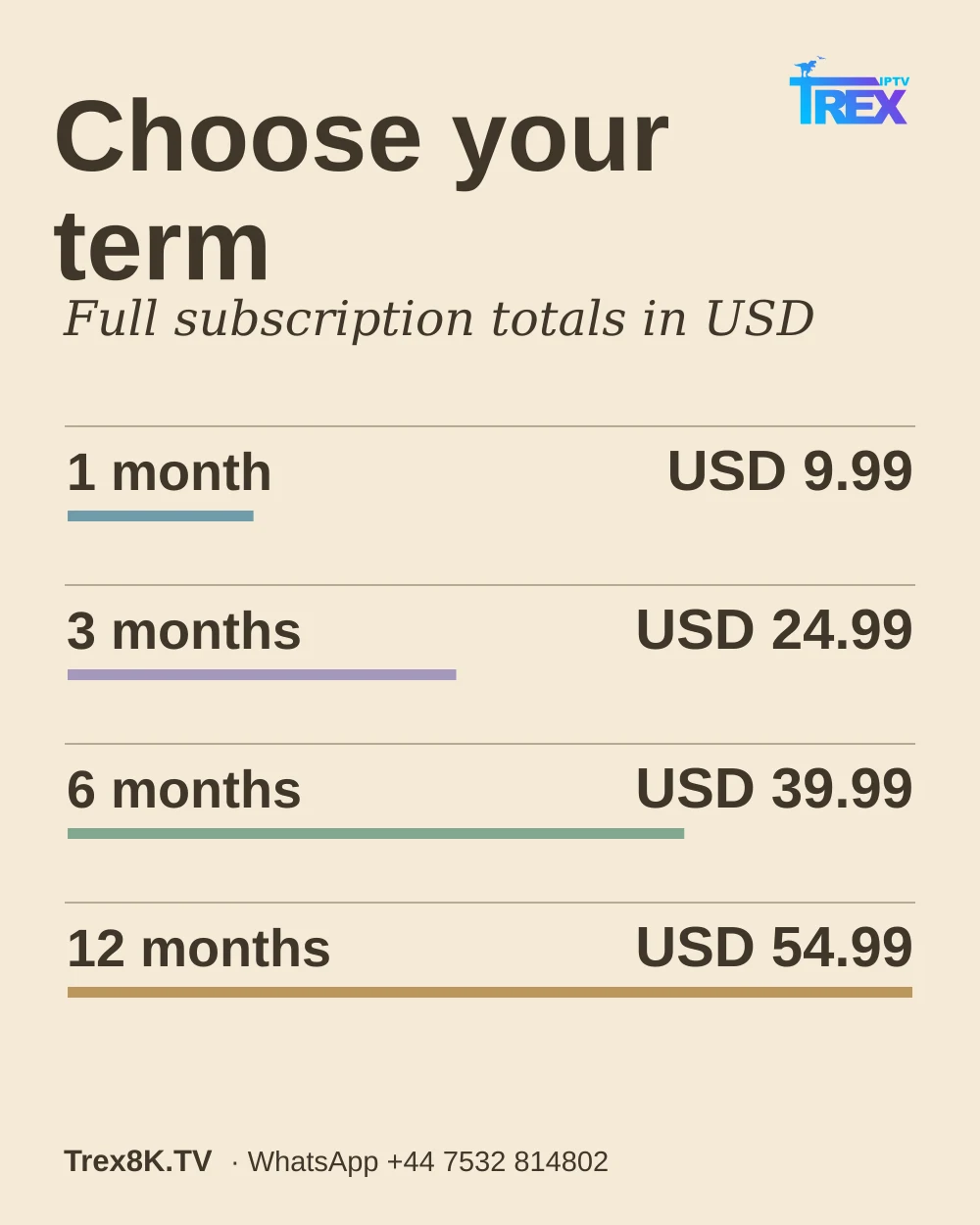
“Choose your viewing term” is filed here under Choose your viewing term. The purpose of this particular card is captured in its caption: Compare the full USD total for the periods you would actually use. Read the subject page if you need the account rule or actual steps behind the illustration.
The larger illustration and the phone edition of Choose your viewing term are paired with TREX IPTV plans, apps and a 24-hour trial.. That page opens with a practical answer: Watch live TV, films and series with a compatible TREX player. When selecting a plan or asking about an installation, use that HTML guide to carry the full details into your enquiry.
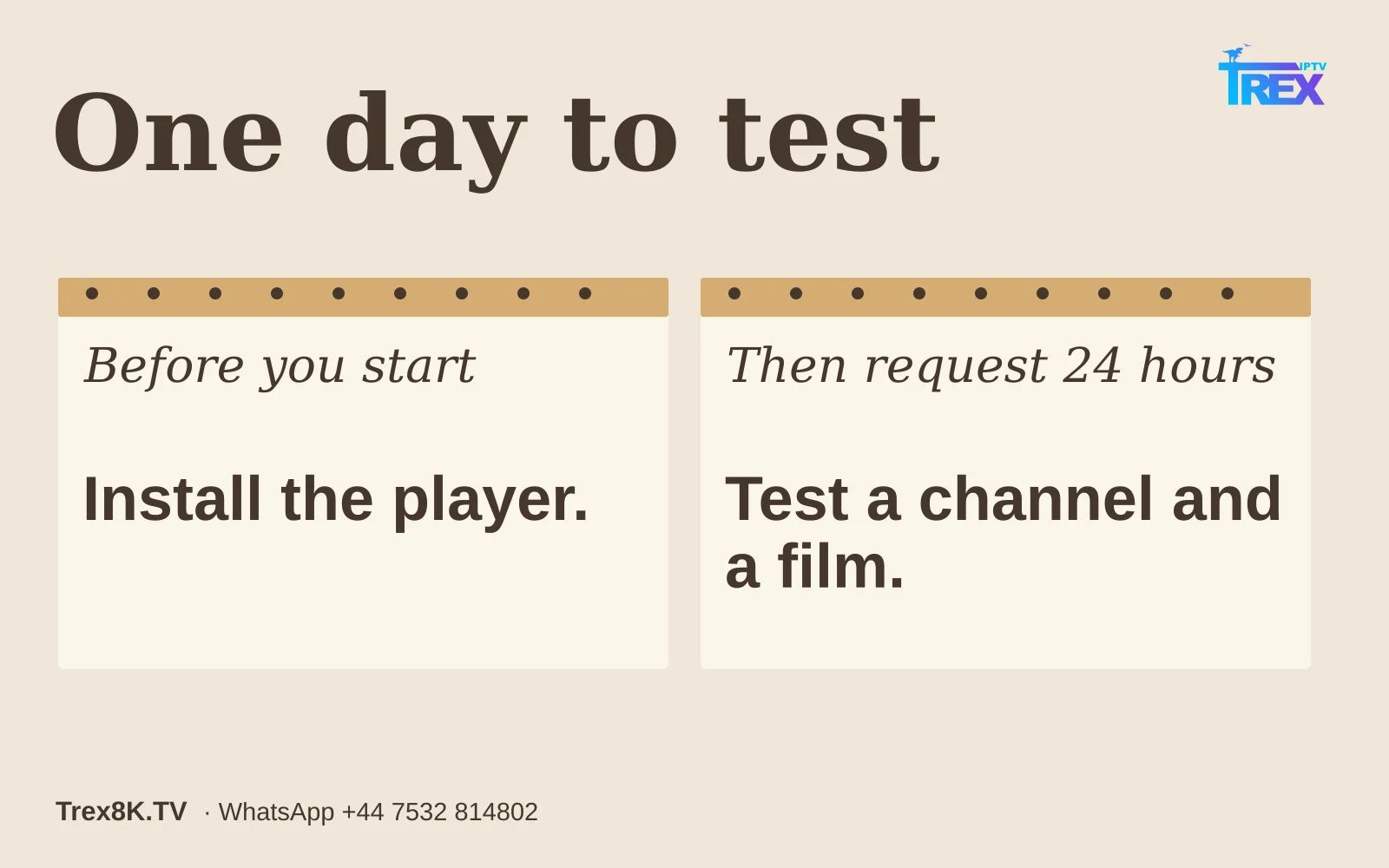
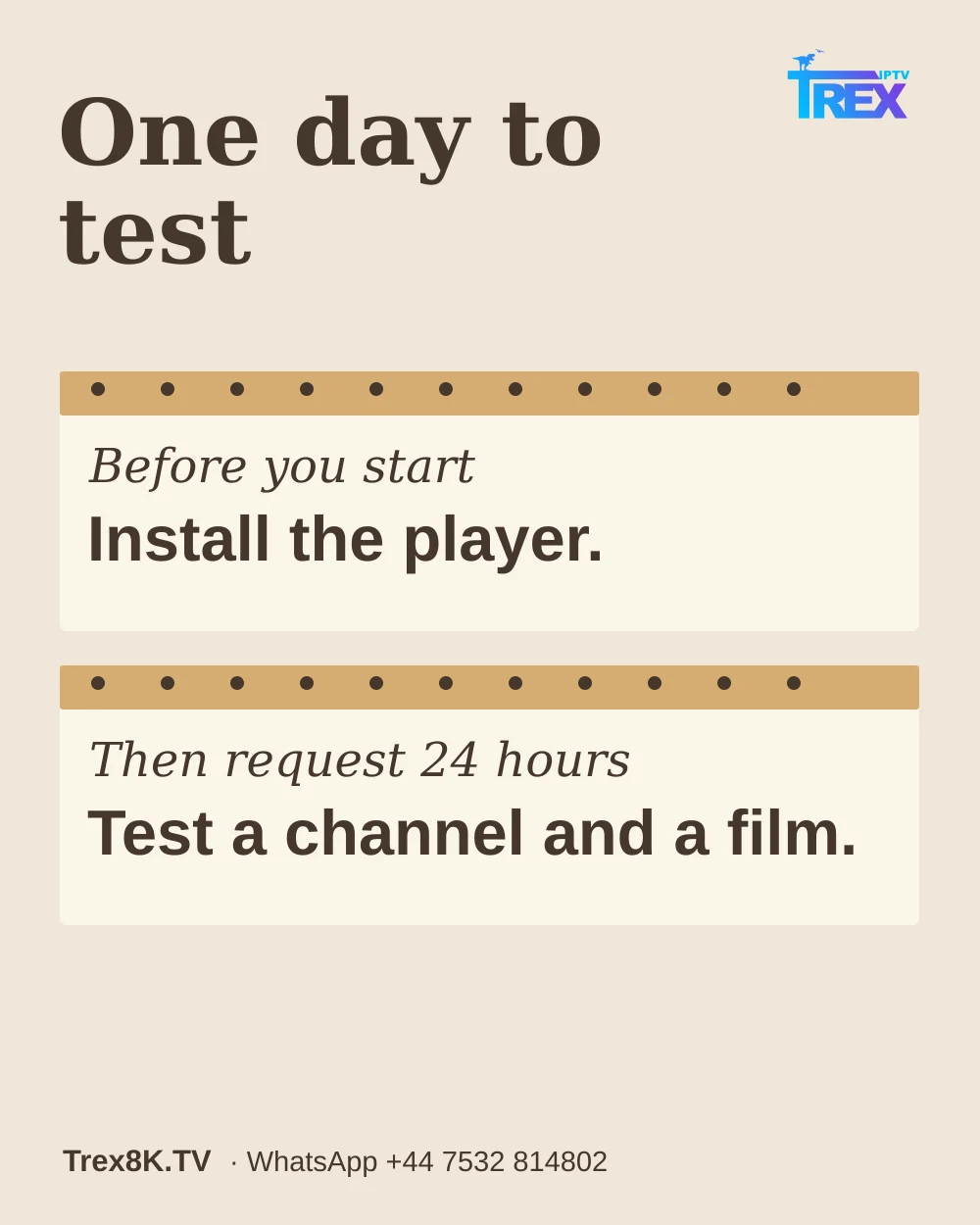
“Plan a one-day test” is filed here under Plan a one-day test. The purpose of this particular card is captured in its caption: Pick a trial window long enough to check your evening channels and one on-demand title. Read the subject page if you need the account rule or actual steps behind the illustration.
The larger illustration and the phone edition of Plan a one-day test are paired with TREX IPTV plans, apps and a 24-hour trial.. That page opens with a practical answer: Watch live TV, films and series with a compatible TREX player. When selecting a plan or asking about an installation, use that HTML guide to carry the full details into your enquiry.
Use the entries above to move between Your next watch starts here and Plan a one-day test. Each linked guide retains the full record, its source and any conditions that affect how to use it.