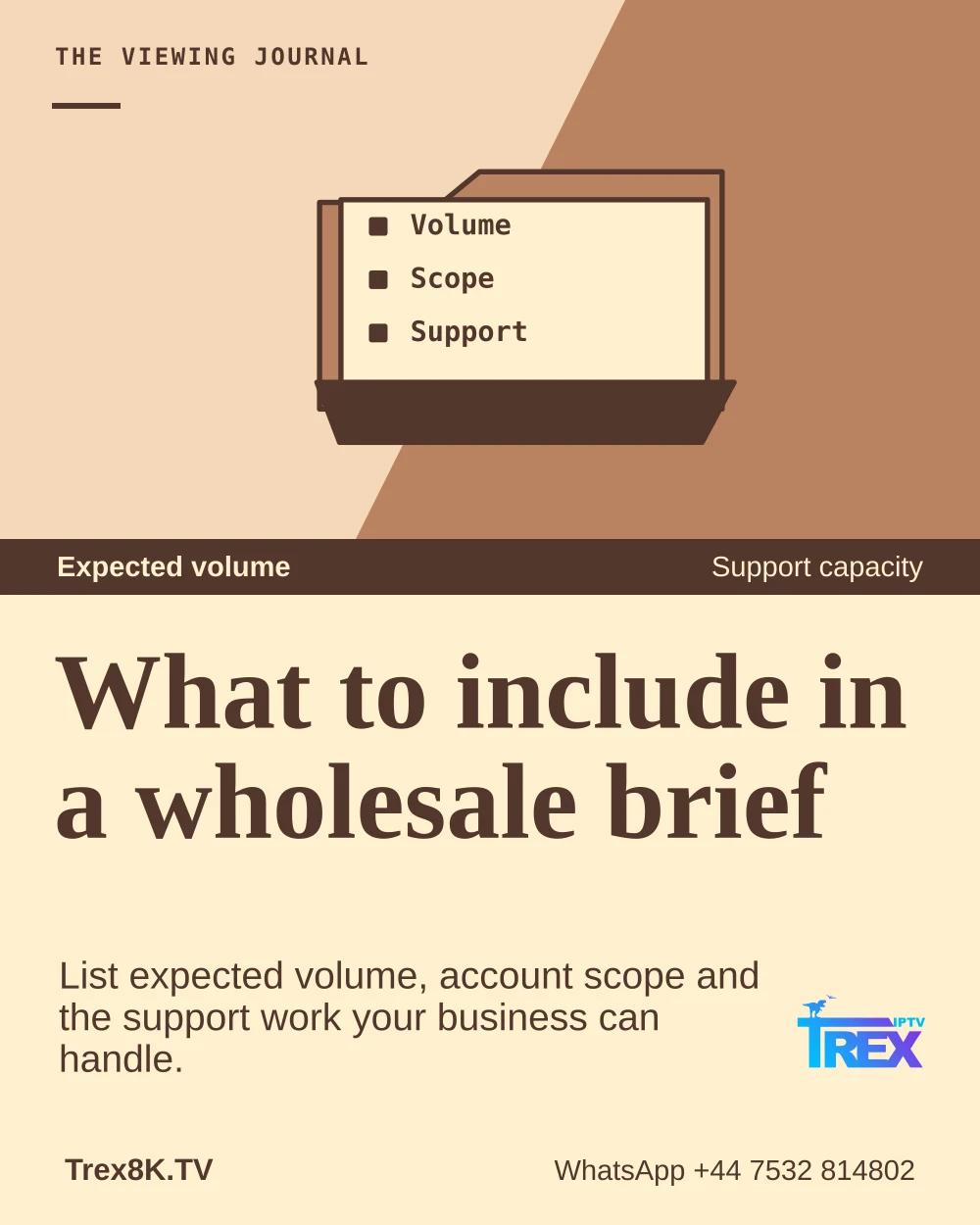
“Pick a title that tests audio” is filed here under Pick a title that tests audio. The purpose of this particular card is captured in its caption: Use a familiar scene so you can tell whether the intended audio track and output are active. Read the subject page if you need the account rule or actual steps behind the illustration.
The larger illustration and the phone edition of Pick a title that tests audio are paired with The viewing journal. That page opens with a practical answer: Practical notes for the screen in front of you, alongside reporting from the broadcast directory. When selecting a plan or asking about an installation, use that HTML guide to carry the full details into your enquiry.
“When a TV changes input by itself” is filed here under When a TV changes input by itself. The purpose of this particular card is captured in its caption: Check the external player's connection and device control settings before reinstalling the app. Read the subject page if you need the account rule or actual steps behind the illustration.
The larger illustration and the phone edition of When a TV changes input by itself are paired with The viewing journal. That page opens with a practical answer: Practical notes for the screen in front of you, alongside reporting from the broadcast directory. When selecting a plan or asking about an installation, use that HTML guide to carry the full details into your enquiry.
“Local news and national news” is filed here under Local news and national news. The purpose of this particular card is captured in its caption: Use the regional edition for a local bulletin and confirm the exact source when you ask about it. Read the subject page if you need the account rule or actual steps behind the illustration.
The larger illustration and the phone edition of Local news and national news are paired with The viewing journal. That page opens with a practical answer: Practical notes for the screen in front of you, alongside reporting from the broadcast directory. When selecting a plan or asking about an installation, use that HTML guide to carry the full details into your enquiry.
“Live sports on a time delay” is filed here under Live sports on a time delay. The purpose of this particular card is captured in its caption: Compare the exact feed and start time when discussing a delay in live playback. Read the subject page if you need the account rule or actual steps behind the illustration.
The larger illustration and the phone edition of Live sports on a time delay are paired with The viewing journal. That page opens with a practical answer: Practical notes for the screen in front of you, alongside reporting from the broadcast directory. When selecting a plan or asking about an installation, use that HTML guide to carry the full details into your enquiry.
“How to identify a replay” is filed here under How to identify a replay. The purpose of this particular card is captured in its caption: Use the previous programme slot and confirm the title actually opens as a replay. Read the subject page if you need the account rule or actual steps behind the illustration.
The larger illustration and the phone edition of How to identify a replay are paired with The viewing journal. That page opens with a practical answer: Practical notes for the screen in front of you, alongside reporting from the broadcast directory. When selecting a plan or asking about an installation, use that HTML guide to carry the full details into your enquiry.
“An installer link redirects” is filed here under An installer link redirects. The purpose of this particular card is captured in its caption: Check the documented destination for the exact app before accepting a download. Read the subject page if you need the account rule or actual steps behind the illustration.
The larger illustration and the phone edition of An installer link redirects are paired with The viewing journal. That page opens with a practical answer: Practical notes for the screen in front of you, alongside reporting from the broadcast directory. When selecting a plan or asking about an installation, use that HTML guide to carry the full details into your enquiry.
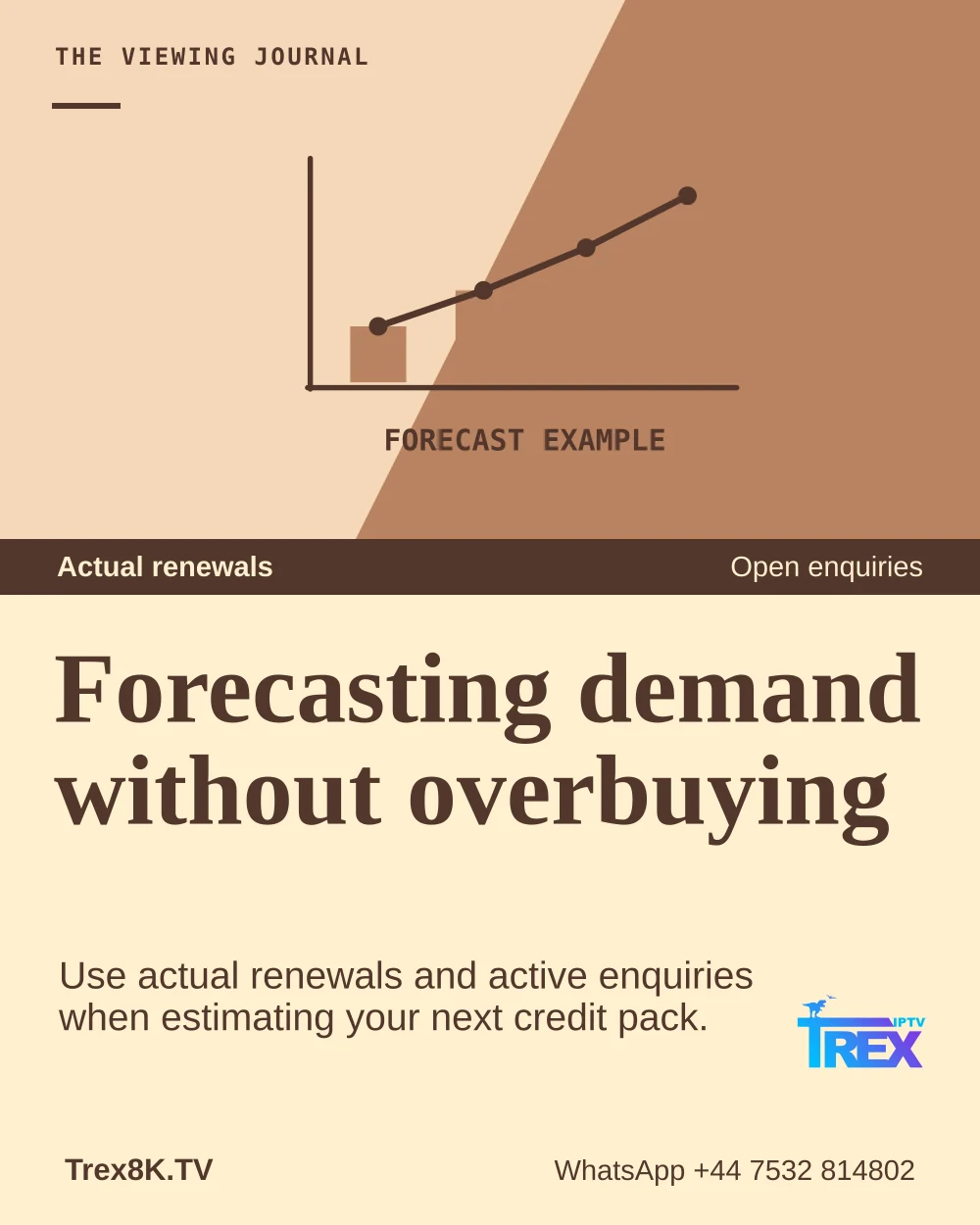
“Forecasting demand without overbuying” is filed here under Forecasting demand without overbuying. The purpose of this particular card is captured in its caption: Use actual renewals and active enquiries when estimating your next credit pack. Read the subject page if you need the account rule or actual steps behind the illustration.
The larger illustration and the phone edition of Forecasting demand without overbuying are paired with The viewing journal. That page opens with a practical answer: Practical notes for the screen in front of you, alongside reporting from the broadcast directory. When selecting a plan or asking about an installation, use that HTML guide to carry the full details into your enquiry.
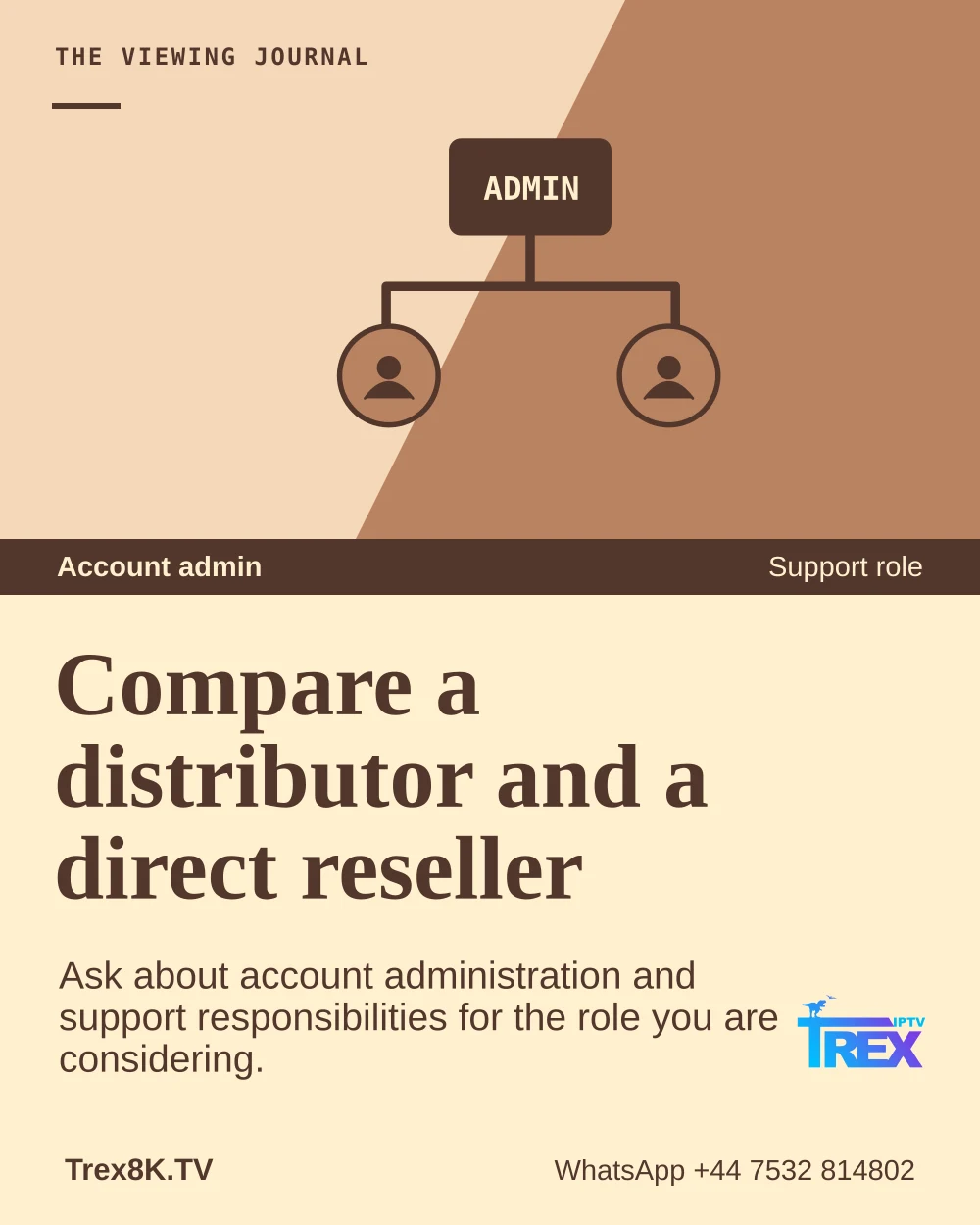
“Compare a distributor and a direct reseller” is filed here under Compare a distributor and a direct reseller. The purpose of this particular card is captured in its caption: Ask about account administration and support responsibilities for the role you are considering. Read the subject page if you need the account rule or actual steps behind the illustration.
The larger illustration and the phone edition of Compare a distributor and a direct reseller are paired with The viewing journal. That page opens with a practical answer: Practical notes for the screen in front of you, alongside reporting from the broadcast directory. When selecting a plan or asking about an installation, use that HTML guide to carry the full details into your enquiry.
Use the entries above to move between Pick a title that tests audio and Compare a distributor and a direct reseller. Each linked guide retains the full record, its source and any conditions that affect how to use it.