“Avoid sharing full playlists” is filed here under Avoid sharing full playlists. The purpose of this particular card is captured in its caption: Keep full playlist URLs, passwords and device IDs out of public error messages. Read the subject page if you need the account rule or actual steps behind the illustration.
The larger illustration and the phone edition of Avoid sharing full playlists are paired with TREX IPTV support. That page opens with a practical answer: Choose the symptom that matches your screen, or send the device model, player name and exact message to support. When selecting a plan or asking about an installation, use that HTML guide to carry the full details into your enquiry.
“How to ask about a refund” is filed here under How to ask about a refund. The purpose of this particular card is captured in its caption: Read the applicable terms and send the purchase reference, activation date and reason privately. Read the subject page if you need the account rule or actual steps behind the illustration.
The larger illustration and the phone edition of How to ask about a refund are paired with TREX IPTV support. That page opens with a practical answer: Choose the symptom that matches your screen, or send the device model, player name and exact message to support. When selecting a plan or asking about an installation, use that HTML guide to carry the full details into your enquiry.
“Spot a device limit issue” is filed here under Spot a device limit issue. The purpose of this particular card is captured in its caption: Note the screens in use when the issue appears and check the actual account allowance. Read the subject page if you need the account rule or actual steps behind the illustration.
The larger illustration and the phone edition of Spot a device limit issue are paired with TREX IPTV support. That page opens with a practical answer: Choose the symptom that matches your screen, or send the device model, player name and exact message to support. When selecting a plan or asking about an installation, use that HTML guide to carry the full details into your enquiry.
“A wired test for Wi-Fi problems” is filed here under A wired test for Wi-Fi problems. The purpose of this particular card is captured in its caption: Compare the same stream over wired Ethernet if the device supports it. Read the subject page if you need the account rule or actual steps behind the illustration.
The larger illustration and the phone edition of A wired test for Wi-Fi problems are paired with TREX IPTV support. That page opens with a practical answer: Choose the symptom that matches your screen, or send the device model, player name and exact message to support. When selecting a plan or asking about an installation, use that HTML guide to carry the full details into your enquiry.
“Check service status context” is filed here under Check service status context. The purpose of this particular card is captured in its caption: Compare the time and affected feature with the published status page or ask support. Read the subject page if you need the account rule or actual steps behind the illustration.
The larger illustration and the phone edition of Check service status context are paired with TREX IPTV support. That page opens with a practical answer: Choose the symptom that matches your screen, or send the device model, player name and exact message to support. When selecting a plan or asking about an installation, use that HTML guide to carry the full details into your enquiry.
“A missing channel after refresh” is filed here under A missing channel after refresh. The purpose of this particular card is captured in its caption: Check the exact feed name and whether another channel still plays in the same list. Read the subject page if you need the account rule or actual steps behind the illustration.
The larger illustration and the phone edition of A missing channel after refresh are paired with TREX IPTV support. That page opens with a practical answer: Choose the symptom that matches your screen, or send the device model, player name and exact message to support. When selecting a plan or asking about an installation, use that HTML guide to carry the full details into your enquiry.
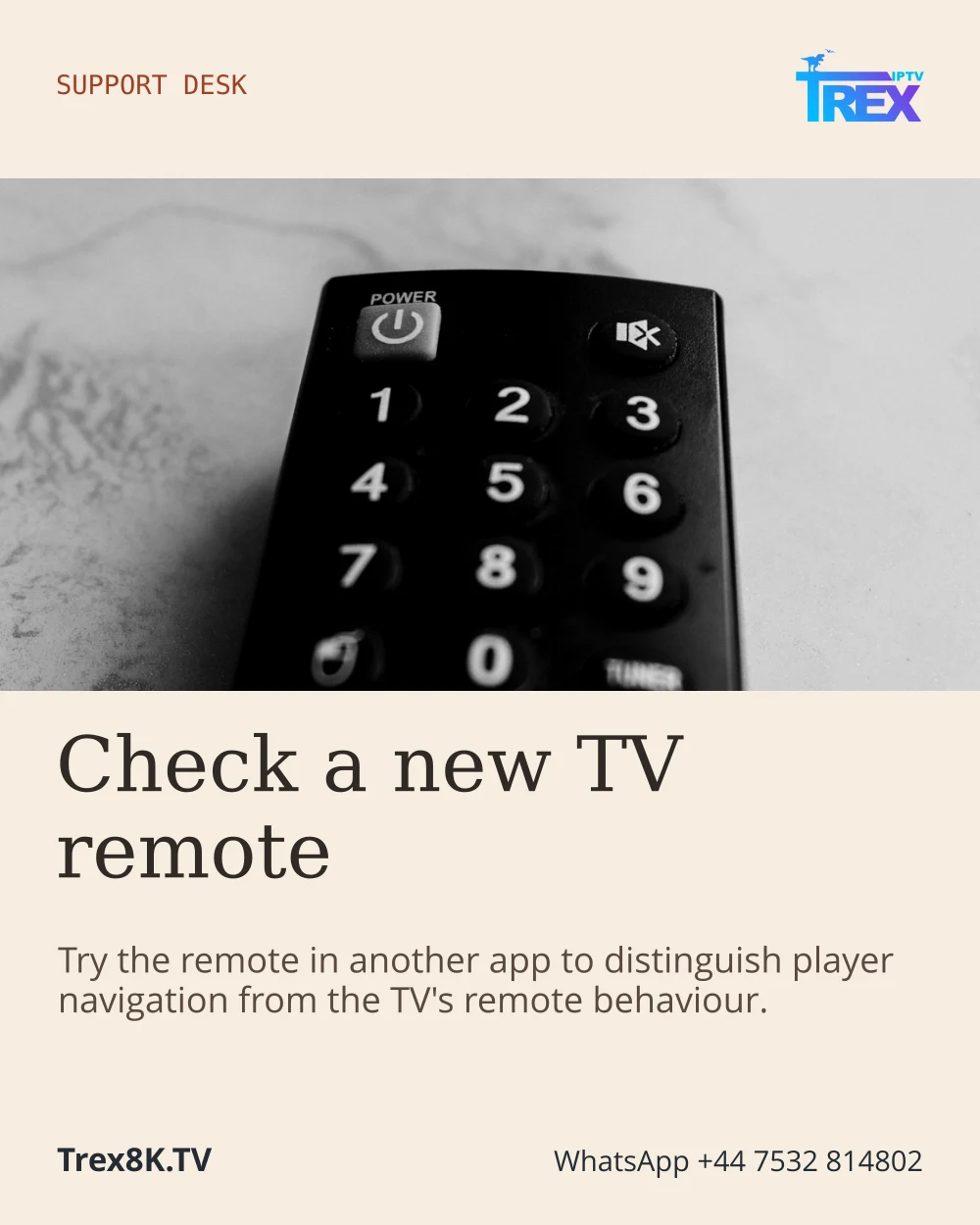
“Check a new TV remote” is filed here under Check a new TV remote. The purpose of this particular card is captured in its caption: Try the remote in another app to distinguish player navigation from the TV's remote behaviour. Read the subject page if you need the account rule or actual steps behind the illustration.
The larger illustration and the phone edition of Check a new TV remote are paired with TREX IPTV support. That page opens with a practical answer: Choose the symptom that matches your screen, or send the device model, player name and exact message to support. When selecting a plan or asking about an installation, use that HTML guide to carry the full details into your enquiry.
“Report an order mismatch” is filed here under Report an order mismatch. The purpose of this particular card is captured in its caption: Tell Trex which term and amount you requested and which amount or date you received. Read the subject page if you need the account rule or actual steps behind the illustration.
The larger illustration and the phone edition of Report an order mismatch are paired with TREX IPTV support. That page opens with a practical answer: Choose the symptom that matches your screen, or send the device model, player name and exact message to support. When selecting a plan or asking about an installation, use that HTML guide to carry the full details into your enquiry.
Use the entries above to move between Avoid sharing full playlists and Report an order mismatch. Each linked guide retains the full record, its source and any conditions that affect how to use it.