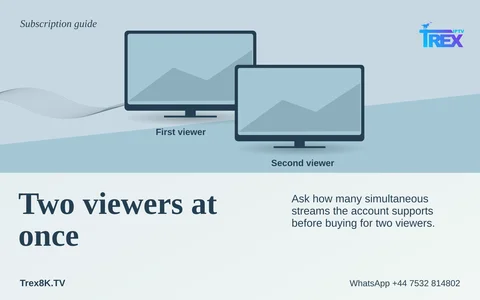
“Two viewers at once” is filed here under Two viewers at once. The purpose of this particular card is captured in its caption: Ask how many simultaneous streams the account supports before buying for two viewers. Read the subject page if you need the account rule or actual steps behind the illustration.
The larger illustration and the phone edition of Two viewers at once are paired with Subscription and reseller prices. That page opens with a practical answer: Compare the full cost before you order. When selecting a plan or asking about an installation, use that HTML guide to carry the full details into your enquiry.
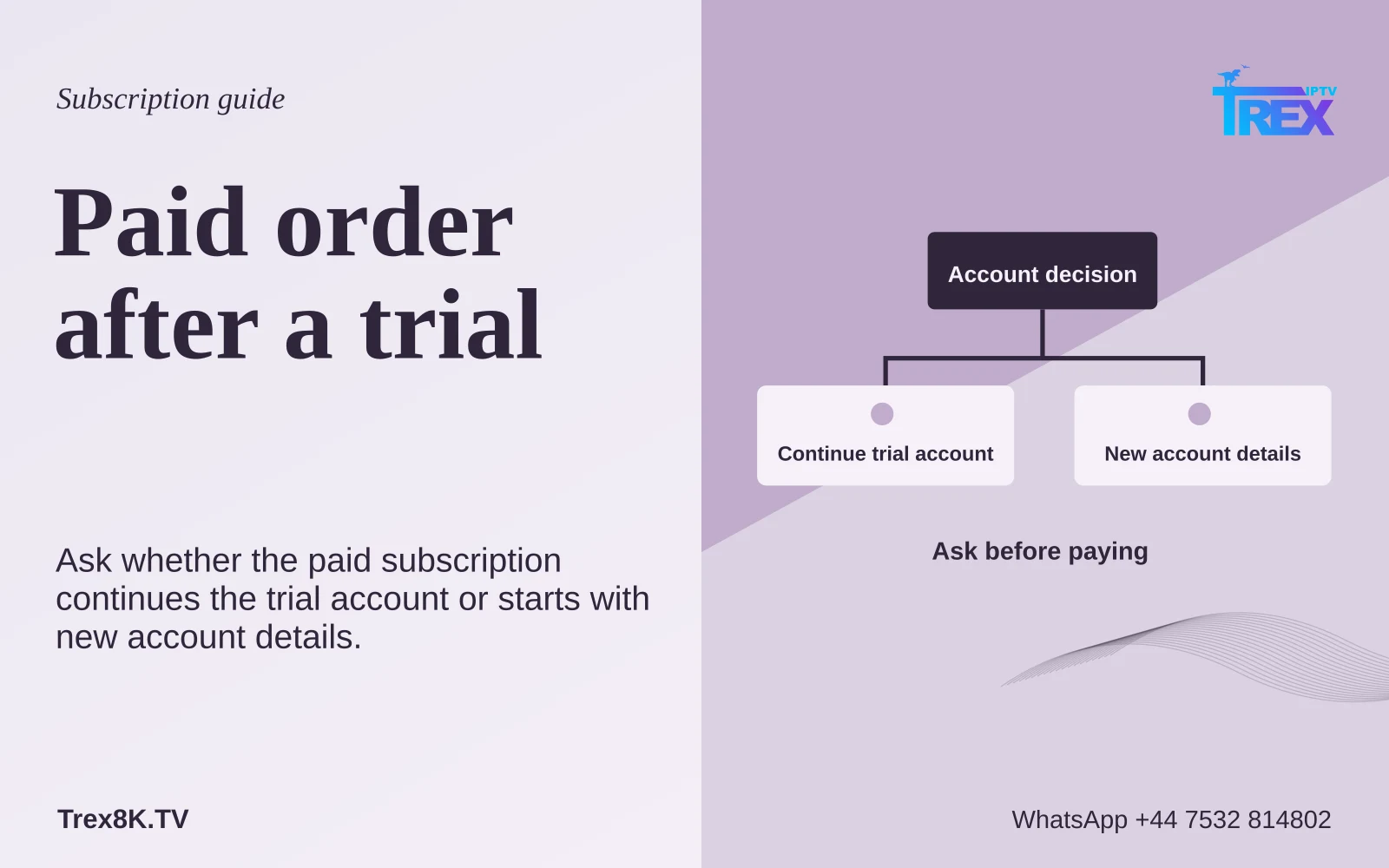
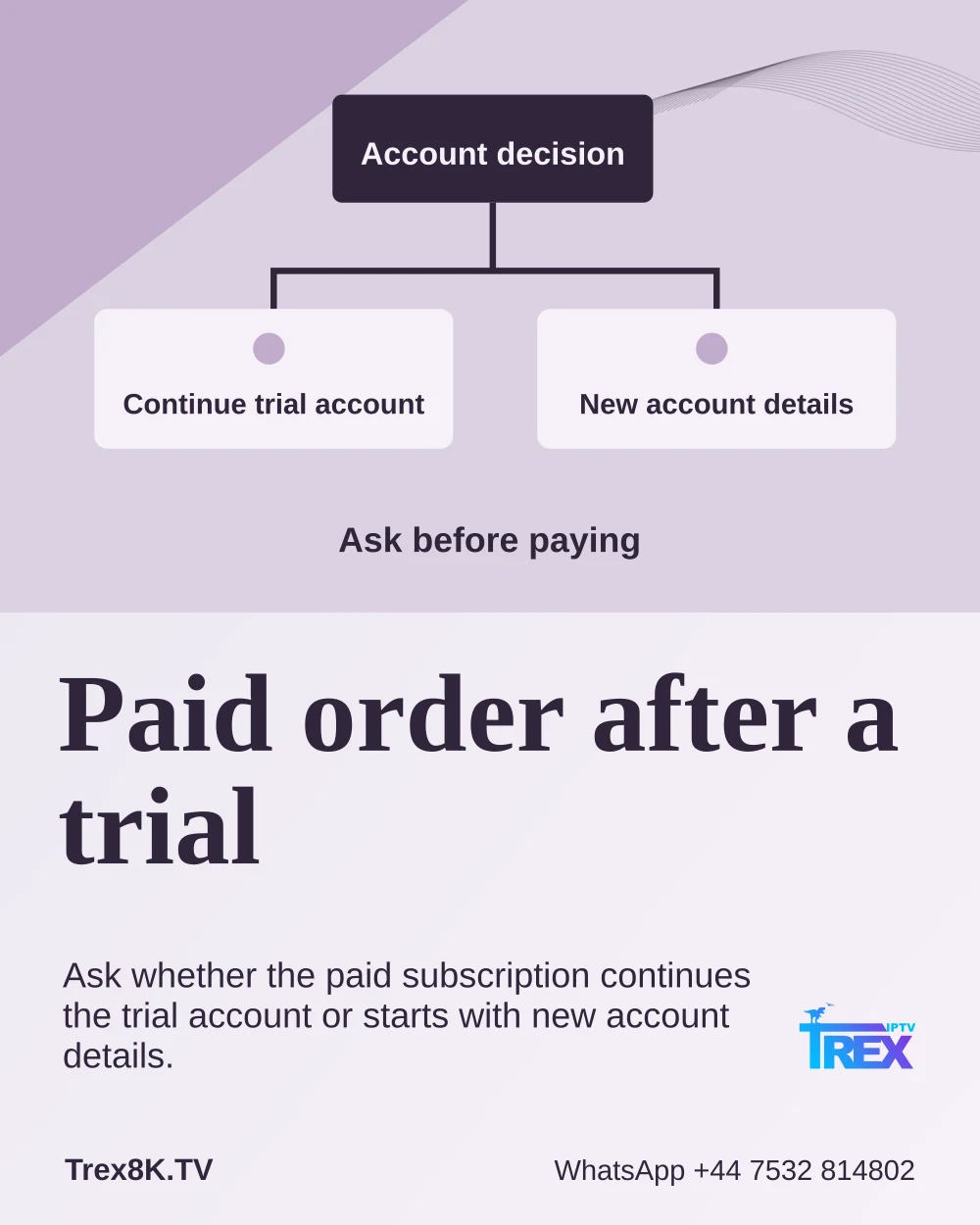
“Paid order after a trial” is filed here under Paid order after a trial. The purpose of this particular card is captured in its caption: Ask whether the paid subscription continues the trial account or starts with new account details. Read the subject page if you need the account rule or actual steps behind the illustration.
The larger illustration and the phone edition of Paid order after a trial are paired with Subscription and reseller prices. That page opens with a practical answer: Compare the full cost before you order. When selecting a plan or asking about an installation, use that HTML guide to carry the full details into your enquiry.
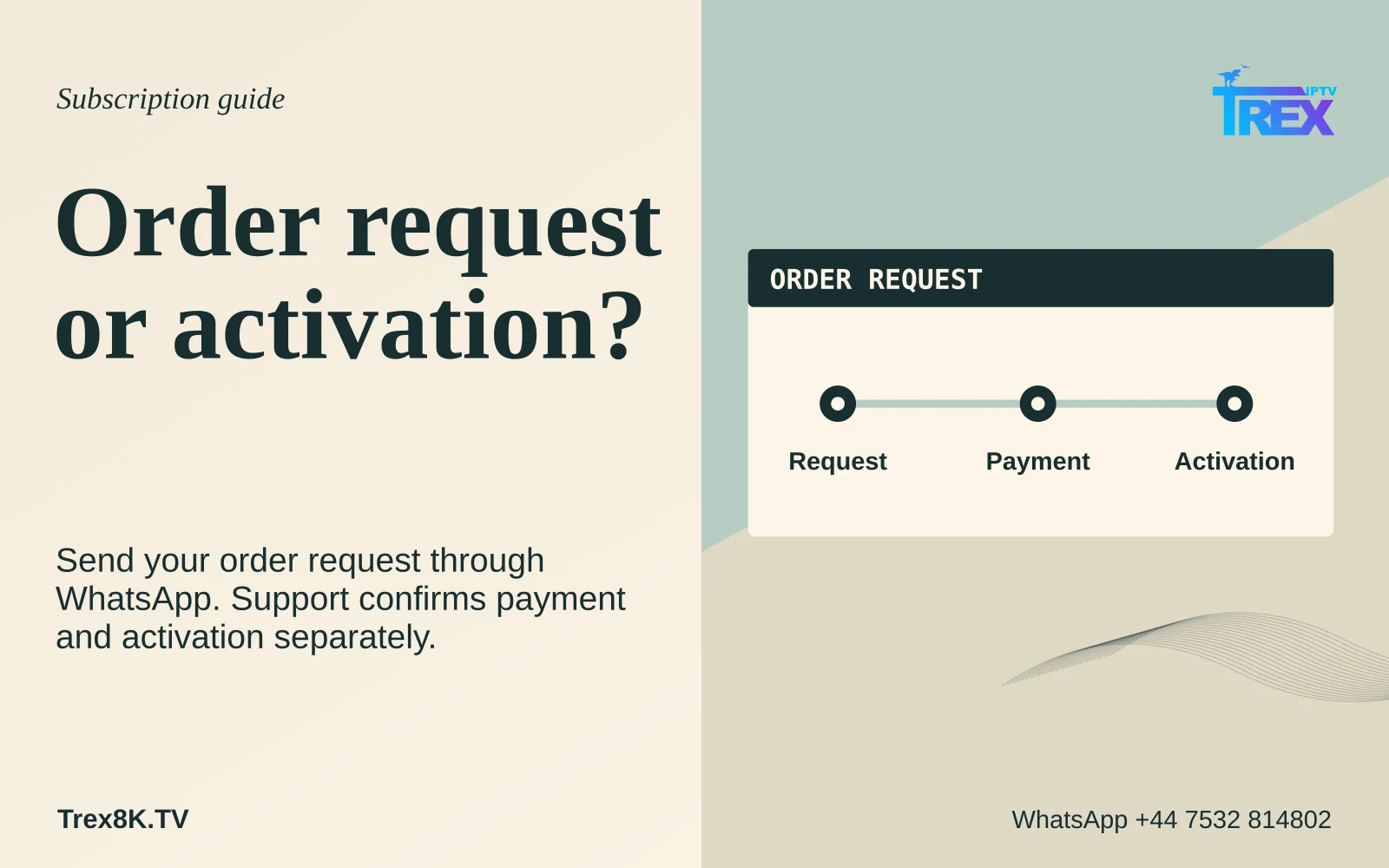
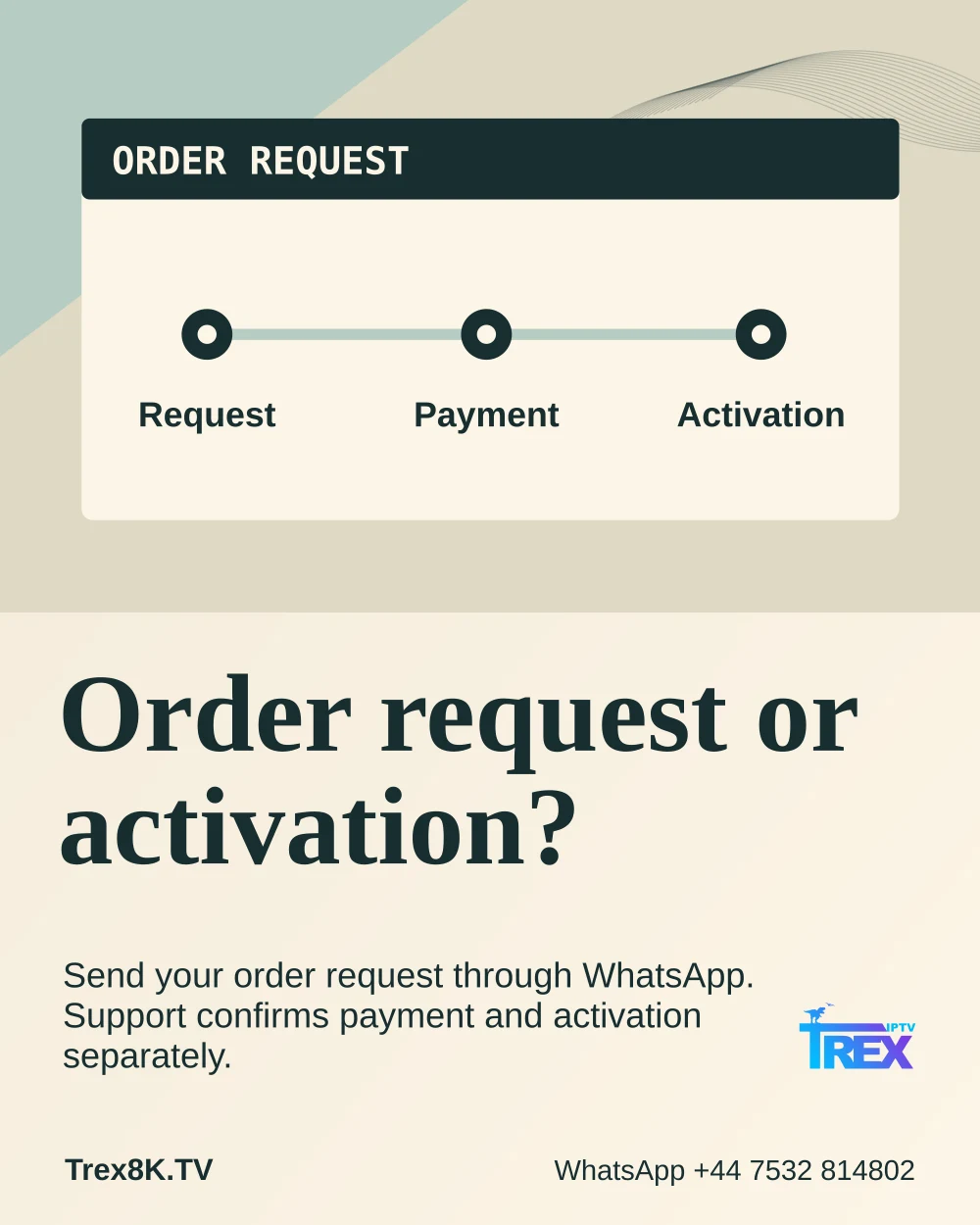
“Order request or activation?” is filed here under Order request or activation?. The purpose of this particular card is captured in its caption: The Trex order form sends a request. Read the subject page if you need the account rule or actual steps behind the illustration.
The larger illustration and the phone edition of Order request or activation? are paired with Subscription and reseller prices. That page opens with a practical answer: Compare the full cost before you order. When selecting a plan or asking about an installation, use that HTML guide to carry the full details into your enquiry.
“Confirm your payment route” is filed here under Confirm your payment route. The purpose of this particular card is captured in its caption: Use the published Trex contact to confirm payment instructions for your selected order. Read the subject page if you need the account rule or actual steps behind the illustration.
The larger illustration and the phone edition of Confirm your payment route are paired with Subscription and reseller prices. That page opens with a practical answer: Compare the full cost before you order. When selecting a plan or asking about an installation, use that HTML guide to carry the full details into your enquiry.
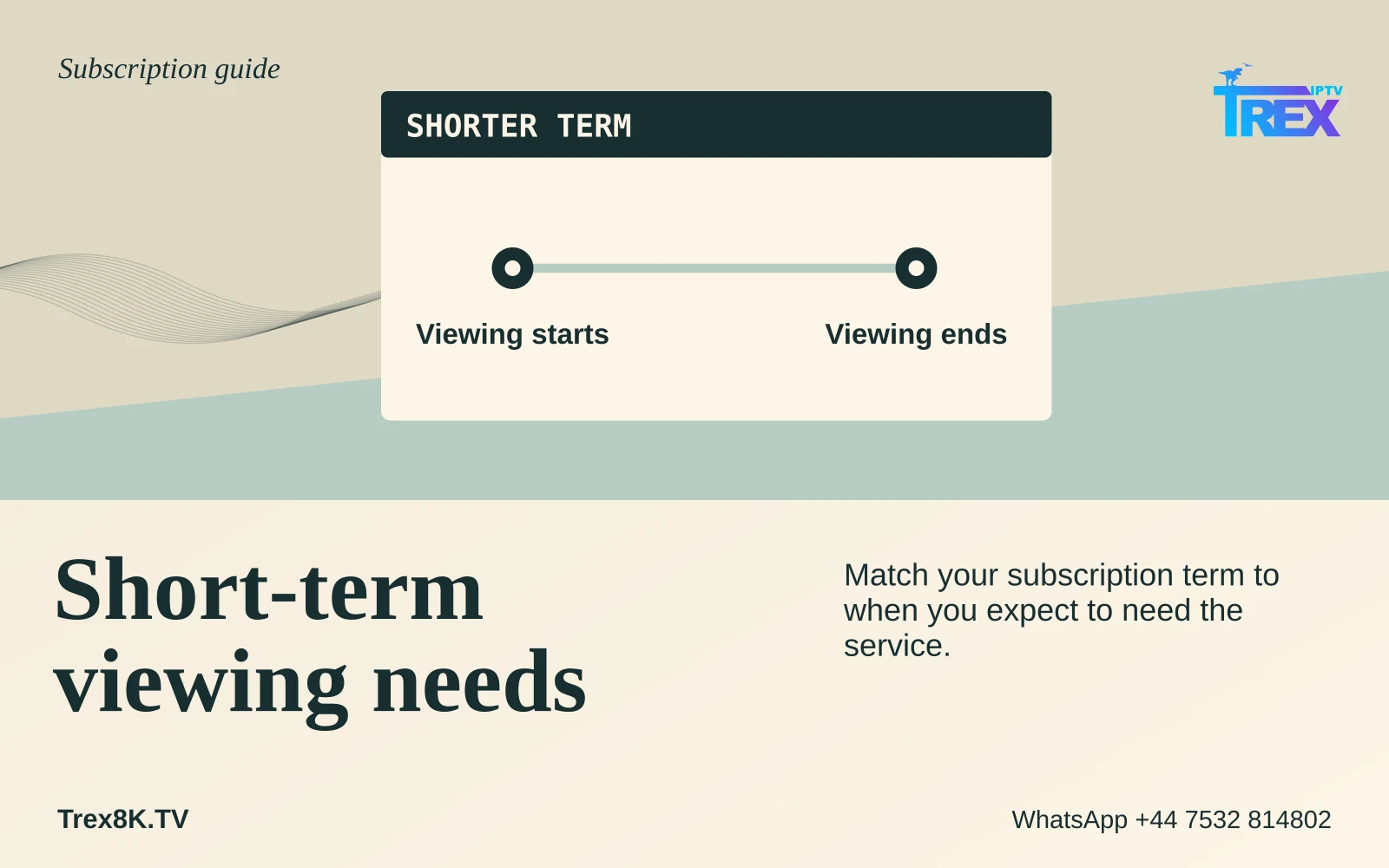
“Short-term viewing needs” is filed here under Short-term viewing needs. The purpose of this particular card is captured in its caption: Match your subscription term to when you expect to need the service. Read the subject page if you need the account rule or actual steps behind the illustration.
The larger illustration and the phone edition of Short-term viewing needs are paired with Subscription and reseller prices. That page opens with a practical answer: Compare the full cost before you order. When selecting a plan or asking about an installation, use that HTML guide to carry the full details into your enquiry.
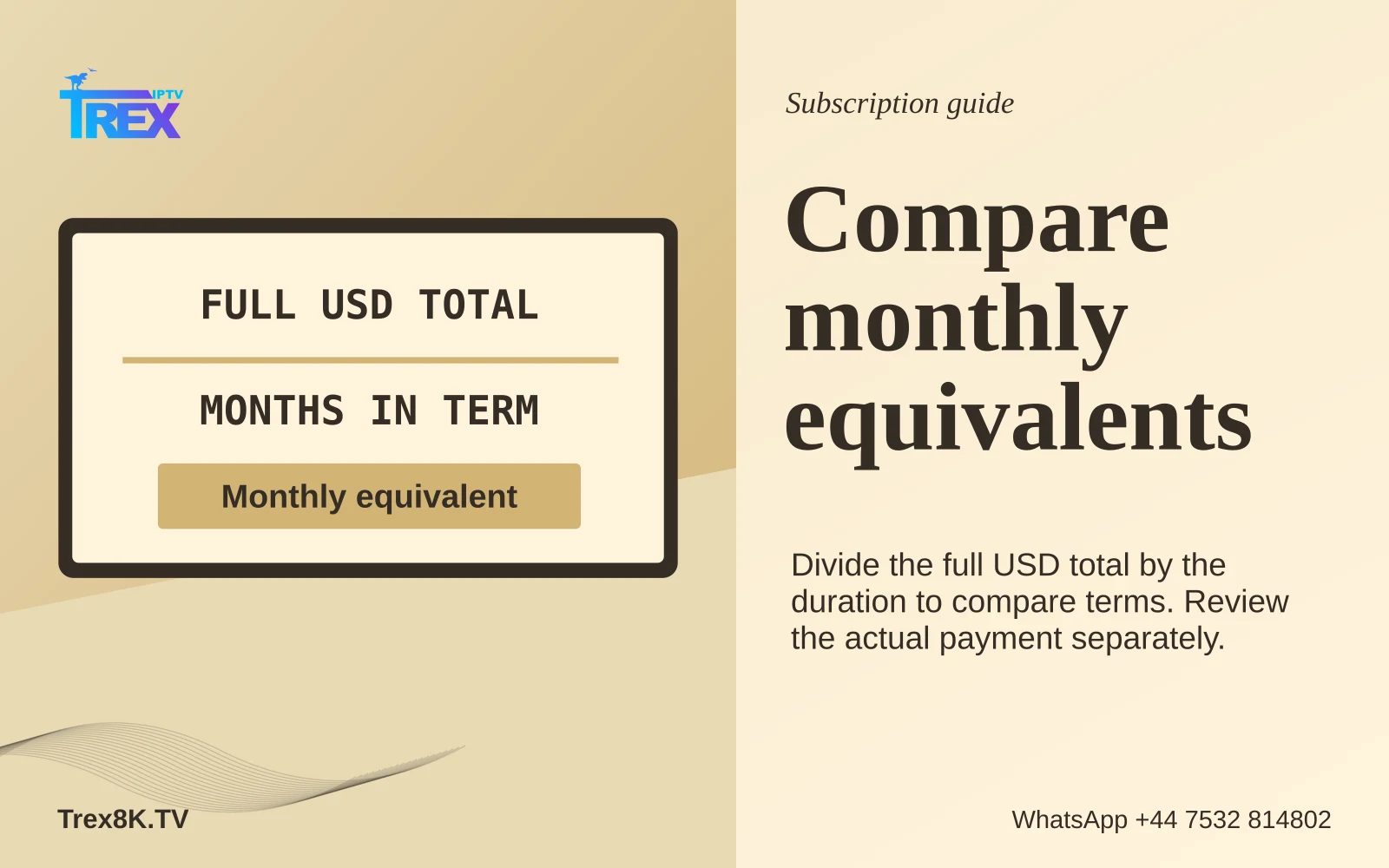
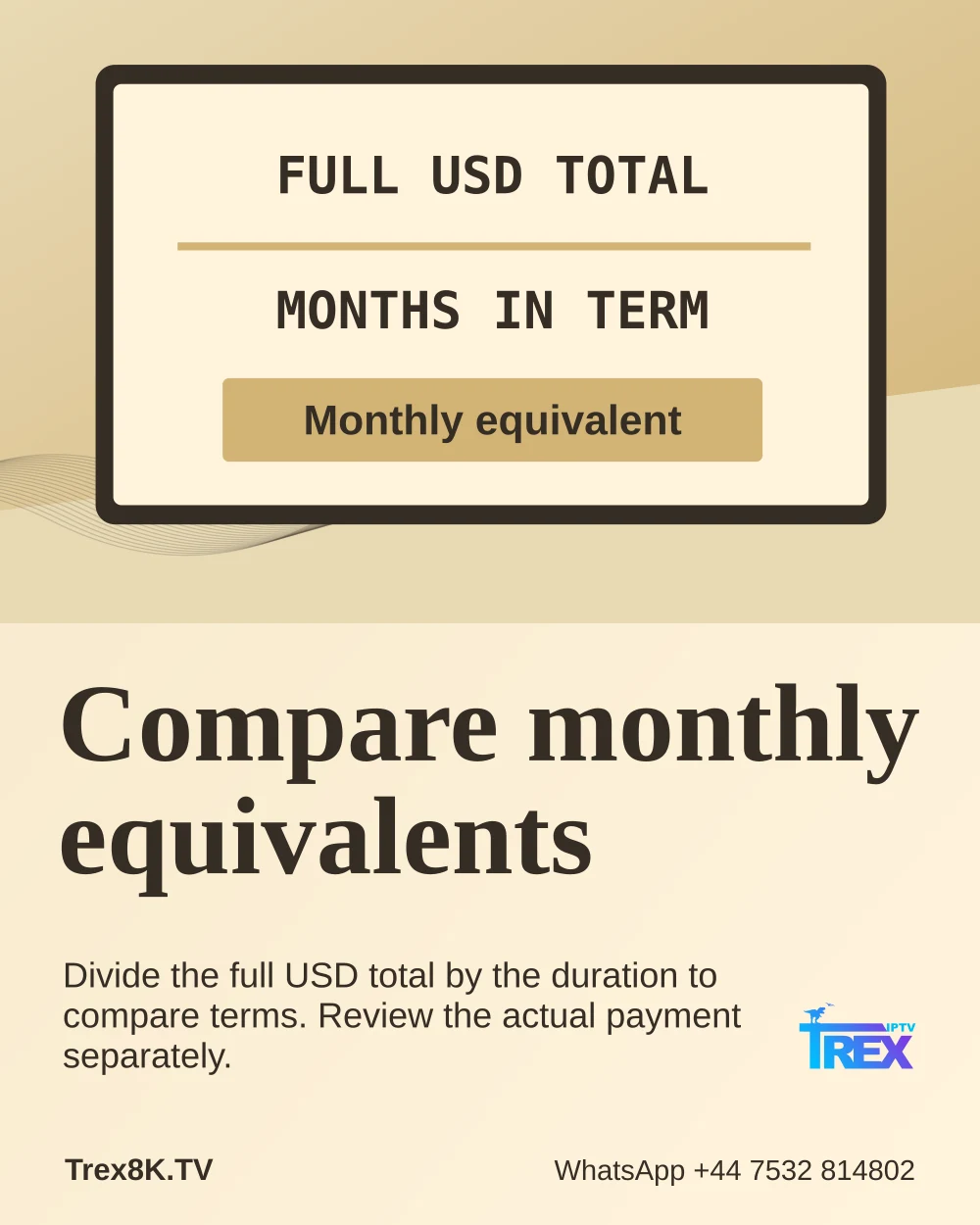
“Compare monthly equivalents” is filed here under Compare monthly equivalents. The purpose of this particular card is captured in its caption: Divide the full USD total by the duration to compare terms. Read the subject page if you need the account rule or actual steps behind the illustration.
The larger illustration and the phone edition of Compare monthly equivalents are paired with Subscription and reseller prices. That page opens with a practical answer: Compare the full cost before you order. When selecting a plan or asking about an installation, use that HTML guide to carry the full details into your enquiry.
“Before gifting a plan” is filed here under Before gifting a plan. The purpose of this particular card is captured in its caption: Ask Trex how order confirmation and setup details can reach the intended viewer privately. Read the subject page if you need the account rule or actual steps behind the illustration.
The larger illustration and the phone edition of Before gifting a plan are paired with Subscription and reseller prices. That page opens with a practical answer: Compare the full cost before you order. When selecting a plan or asking about an installation, use that HTML guide to carry the full details into your enquiry.
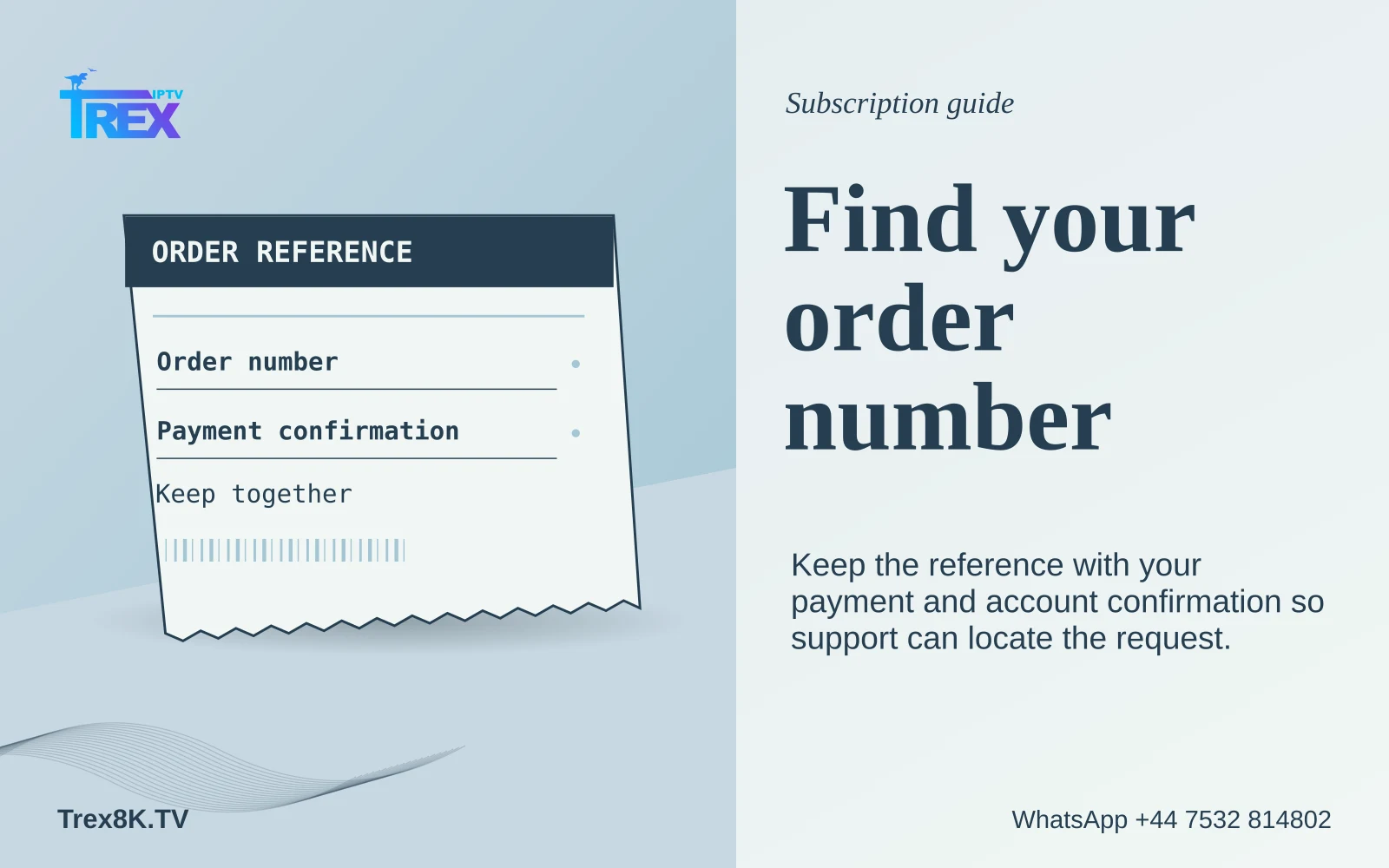
“Find your order number” is filed here under Find your order number. The purpose of this particular card is captured in its caption: Keep the reference with your payment and account confirmation so support can locate the request. Read the subject page if you need the account rule or actual steps behind the illustration.
The larger illustration and the phone edition of Find your order number are paired with Subscription and reseller prices. That page opens with a practical answer: Compare the full cost before you order. When selecting a plan or asking about an installation, use that HTML guide to carry the full details into your enquiry.
Use the entries above to move between Two viewers at once and Find your order number. Each linked guide retains the full record, its source and any conditions that affect how to use it.